

2026 Holi Festival PowerPoint Presentation Templates - AiPPT
Create Unique PPTs from a Single Prompt with AiPPT
Generate a professional PPT based on a single sentence
Holi, the vibrant Festival of Colors, symbolizes the victory of good over evil and the arrival of spring. Whether you are creating a presentation on Holi festival for school or a cultural event, our Holi slides capture the joy and energy of this global celebration.
Our 2026 Holi PowerPoint templates and Google Slides are designed for impact. Featuring stunning Holi slide backgrounds and fully editable graphics, you can easily customize your Holi festival powerpoint in minutes. From history to rituals, these Holi presentation slides cover everything you need.
AiPPT has curated a variety of 2026 Holi Festival templates to make your design process effortless. Start your first creative design with AI today!
Convert to PPT Instantly with One-Click AI

PDF to PPT
Quickly convert PDF files into presentation slides.

Word to PPT
AI transforms Word documents into slides quickly.

PPT to PDF
Export PowerPoint slides as PDF documents easily.

JPG to PPT
Turn JPG images into ready-to-use PPT slides.

Text to PPT
Generate full presentation slides from plain text.

PPT to JPG
Save each slide as a high-quality JPG image fast.

PNG to PPT
Convert PNG files into presentation slides fast.

PDF to PPT
AI efficiently converts PDFs into slides for you.

PPT to PNG
Convert slides into PNG images quickly and easily.
Frequently Asked Questions
Can I use AiPPT to generate presentations for free?
Yes! Upon registering and logging in, you can experience our AI Generation features for free with a limited number of credits. To unlock unlimited exports, premium templates, and advanced AI tools, we invite you to explore our Subscription Plans.
Is the date of the Holi Festival fixed every year?
No, the date of Holi is not fixed. It follows the Hindu Lunar Calendar, specifically falling on the day after the full moon (Purnima) in the month of Phalguna. Consequently, on the Gregorian calendar, Holi typically oscillates between late February and mid-March. For instance, Tomorrow, March 4th, 2026, marks the main Holi celebration.
What color palette should be used for a Holi-themed PPT?
To capture the essence of the “Festival of Colors,” your PPT should feature a high-contrast, vibrant palette. We recommend using Saffron Yellow (symbolizing spring and knowledge), Vibrant Red (representing life and love), Royal Blue (signifying strength and wisdom), and Bright Pink (celebrating friendship and joy). For a professional finish, balance these bold hues with a neutral white or light grey background to ensure content readability.
What design elements and assets are recommended for a Holi-themed PPT?
To create a visually stunning Holi presentation, focus on these three core assets:
- Vibrant Powder Explosions (Gulal): As the quintessential symbol of Holi, high-resolution images of “Color Splashes” capture the festival’s raw energy—perfect for high-impact Title Slides.
- Artistic Watercolor Textures: For a more sophisticated look, use Watercolor Overlays. These are ideal for content slide borders or text underlays, providing an artistic flair without compromising readability.
- Cultural Decorative Elements: Incorporate traditional icons such as Mandala patterns (geometric spirituality), Marigold floral borders (auspiciousness), and Pichkari (water cannons). These vector elements add cultural depth and playful charm to your layout.
What are the most exciting activities and traditions during the Holi Festival?
The celebration of Holi is a multi-day extravaganza filled with symbolic rituals and unbridled joy:
- The Ritual of Holika Dahan (Bonfire Night): On the eve of Holi (March 3 in 2026), communities gather to light massive bonfires. People sing, dance, and toss old belongings or symbolic items into the flames, representing the “Triumph of Good over Evil” and a spiritual cleansing of the soul.
- The Iconic “Main Holi” (Color Battle): The following day erupts into a vibrant “Color War.” Participants smear each other with brilliant Gulal (colored powder), turning the streets into a living canvas.
- Social Inclusivity & The “Big Messy Face”: Holi is the ultimate social equalizer. Whether they are strangers, bosses, or elders, everyone is a target for a colorful makeover. The universal excuse for this playful mischief is the famous slogan: “Bura na mano, Holi hai!” (Don’t be offended, it’s Holi!).
What are the best AI-powered prompts for generating Holi-themed PPT?
To achieve professional-grade visuals using AI design tools (like AiPPT), use these curated prompt categories for maximum impact:
- Immersive Visual Style (For Hero Slides): > “Holi festival, vibrant powder explosion, 3D splash effect, high-definition particles, vivid colors (Saffron, Emerald, Magenta), cinematic lighting, celebratory atmosphere, 8k resolution, ultra-realistic texture.”
- Cultural & Artistic Fusion (For Content Dividers): > “Intricate Indian Mandala patterns, watercolor pigment overlays, traditional Holi motifs, soft festive glow, hand-drawn illustration style, elegant cultural aesthetics, pastel Holi hues.”
- Modern Corporate & Minimalist (For Data Reporting): > “Minimalist white background, subtle color powder accents in corners, clean geometric layout, Memphis design elements, professional Holi-themed vector icons, high-contrast typography, airy and modern feel.”
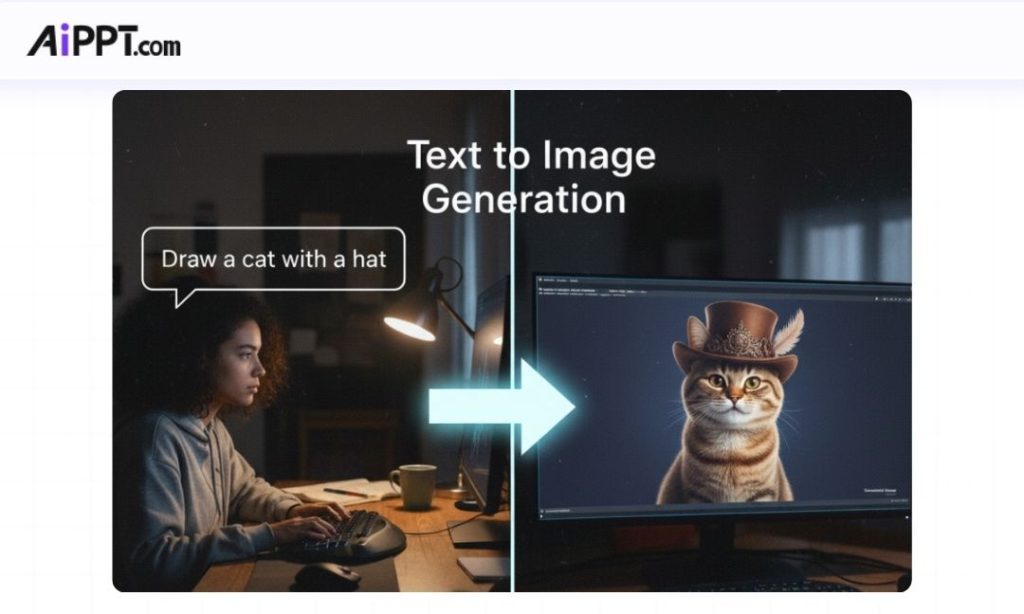
Can AiPPT generate custom images for my slides?
Yes, AiPPT is integrated with the powerful Nano Banana model. This allows for high-fidelity text-to-image generation, inpainting, and multi-image fusion. You can create realistic visuals and custom illustrations directly within the PPT editor to perfectly match your content.
Does AiPPT store my uploaded files?
Your privacy is our priority. No, we do not store your uploaded files for purposes other than the conversion process. Once the session is complete, your data is processed securely and not kept on our servers.Learn more about our data commitment in our [Privacy Policy].
More Google Slides Tutorials


How to Make an Image Transparent in Google Slides

How to Select Multiple Slides in Google Slides

How to Convert Google Slides to PowerPoint (2 Methods)