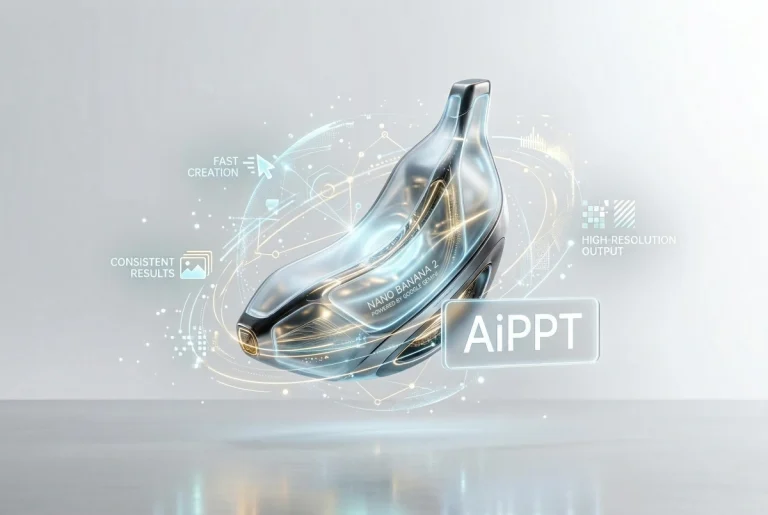
.Nano Banana 2 brings advanced Google Gemini image generation into AiPPT.com. It offers faster creation, accurate prompt understanding, readable text in images, consistent results, and high-resolution output for professional visual work.
See how Nano Banana 2 sets a new standard with faster results, sharper visuals, and more reliable image generation.
What Nano Banana 2 Brings to AiPPT.com
Faster Image Creation with Gemini 3.1 Flash
Nano Banana 2 uses Gemini 3.1 Flash, designed for rapid image creation without lowering quality. Inside AiPPT.com, this speed supports live editing and quick revisions. Google Gemini image generation allows users to test ideas in seconds while keeping high visual standards and stable results.
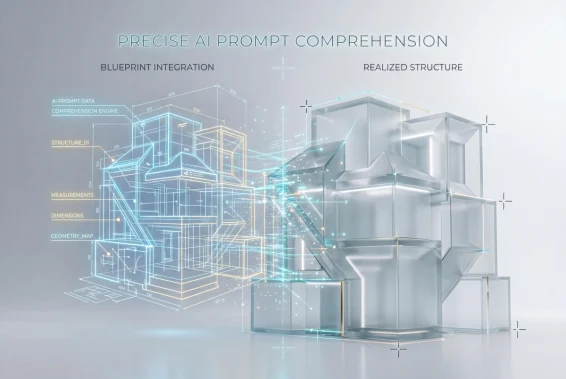
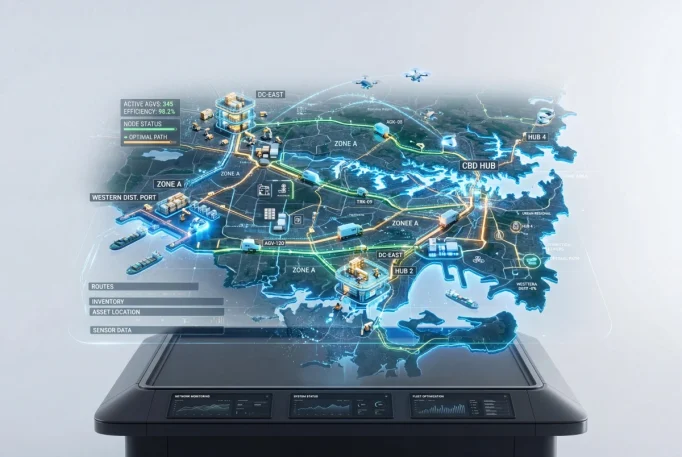
This version of the Gemini AI image generator interprets detailed instructions with stronger semantic depth. Educational diagrams, layered maps, and structured scenes appear closer to the original request. In AiPPT.com, that accuracy reduces repeated edits and makes Google Nano Banana more dependable for real work.
Earlier models often produced unclear labels. Nano Banana 2 improves text clarity within graphics, charts, and other elements. Google Gemini image generation now supports cleaner multilingual rendering. In AiPPT.com, this ensures diagrams and infographics remain readable and suitable for professional use.
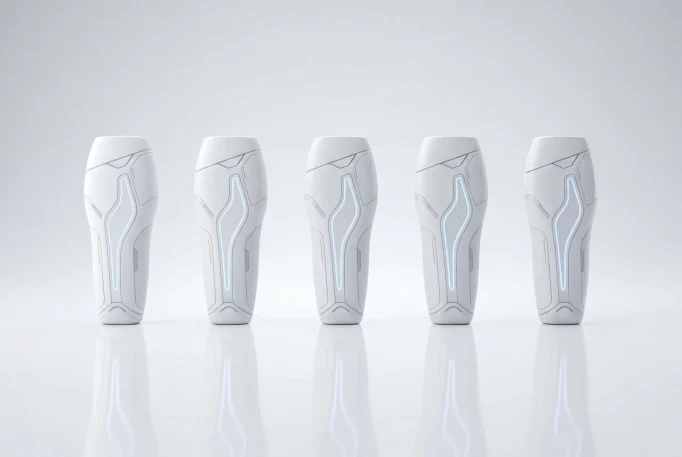
Nano Banana 2 maintains stronger visual consistency when generating scenes with multiple people or objects. Repeated prompts stay aligned in structure and style. This stability makes Google Nano Banana more reliable inside AiPPT.com for ongoing projects that require coherent image sets.
Nano Banana 2 is built on the Gemini 3.1 Flash Image from Google. It represents the latest stage of Google Gemini image generation technology. The model improves speed, semantic understanding, text clarity, and scene consistency. Compared with earlier versions, it produces more reliable results for complex prompts and supports high-resolution output suitable for professional use.
How to use Nano Banana 2 for free?
AiPPT.com offers free credits for new users to try Nano Banana 2 at no cost. You can explore the Gemini AI image generator and test its features before choosing a paid plan.
Follow these simple steps:
Create a free account and sign in to AiPPT.com.
Open the AI Image tool and select Nano Banana 2.
Enter your prompt and click Generate.
Review the result, make adjustments if needed, and download your image.
Is there any other AI model for image generation in AiPPT.com?
Yes. AiPPT.com supports multiple image generation models. In addition to Nano Banana 2, users can access models such as Flux, Imagen, and Seedream. Each model offers different strengths in style, realism, or speed. This flexibility allows users to choose the most suitable engine for specific creative needs.
What Resolution Does Nano Banana 2 Support?
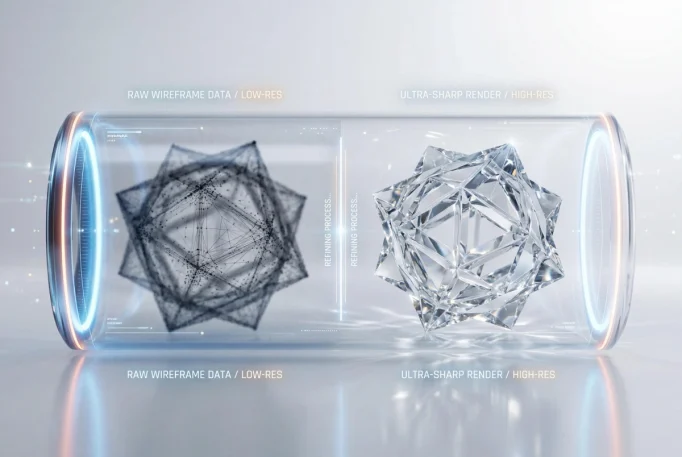
Nano Banana 2 supports native 2K image generation with one click 4K upscaling. This enables print quality output and professional-level clarity. Users can create detailed visuals at high resolution and export them for digital or physical use without loss of quality.
Start Creating with Nano Banana 2 Today
Try Nano Banana 2, powered by Google Gemini image generation, and create high-resolution visuals with fast, reliable results.