Instant Presentation Slides Powered by AiPPT Visual

AiPPT Visual mode converts prompts or uploaded documents into structured slide decks using presentation-focused layout logic, ensuring text clarity, layout consistency, and professional output quality.

See What AiPPT Visual Creates?

Each example is a fully generated presentation, defined by a distinct visual style and a cohesive, slide-to-slide narrative.

Realistic
Mucha
Ukiyo-e
Fresco
Wabi-sabi

How AiPPT Visual Improves Slide Creation

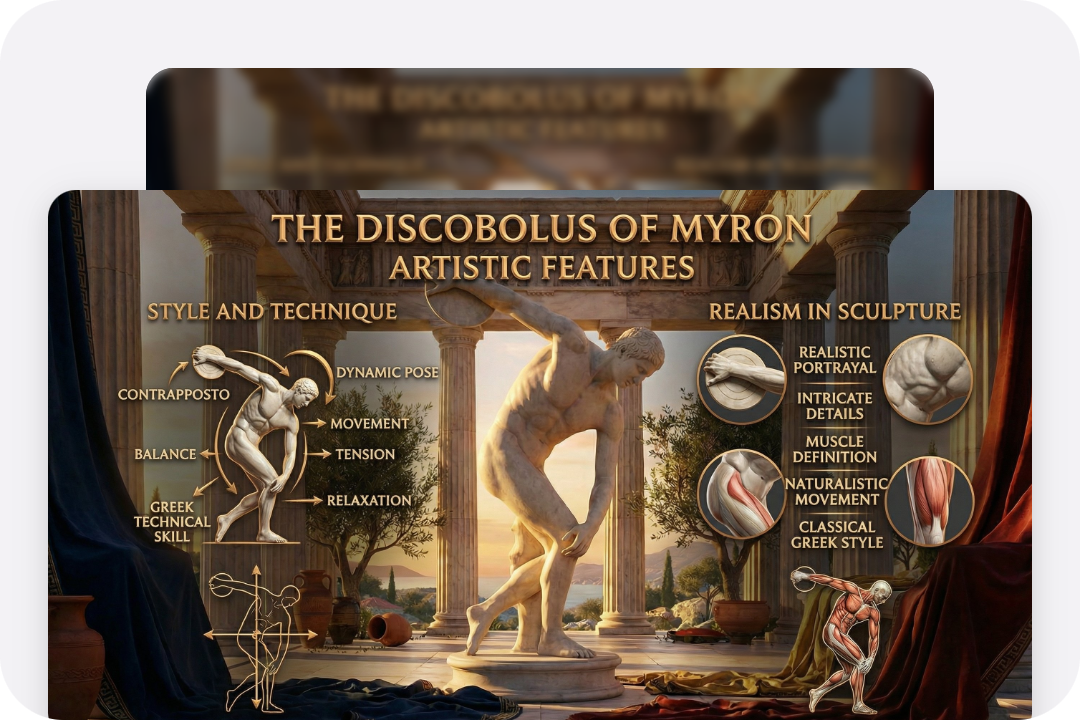
Accurate Text Rendering Within Slides

Accurate Text Rendering Within Slides

AiPPT Visual slide generation ensures readable text across headings, labels, and body content. Text spacing and spelling are optimized for real presentation viewing, avoiding common slides issues like distorted characters or unreadable labels.
Reliable Infographics and Diagrams

Reliable Infographics and Diagrams

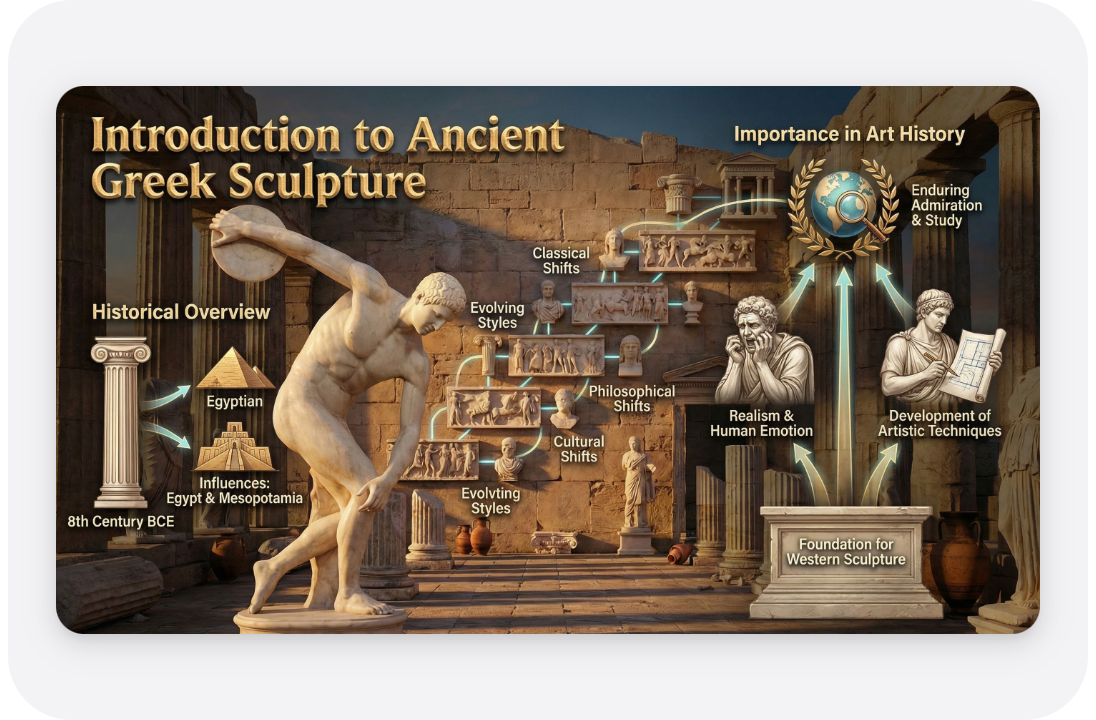
Built for structured explanation, these slides support diagrams, flows, and comparisons with a clear hierarchy and logical organization. The result is presentation content suited for business, education, and reporting scenarios.

Consistent Design Across Multi-Slide Decks

Consistent Design Across Multi-Slide Decks

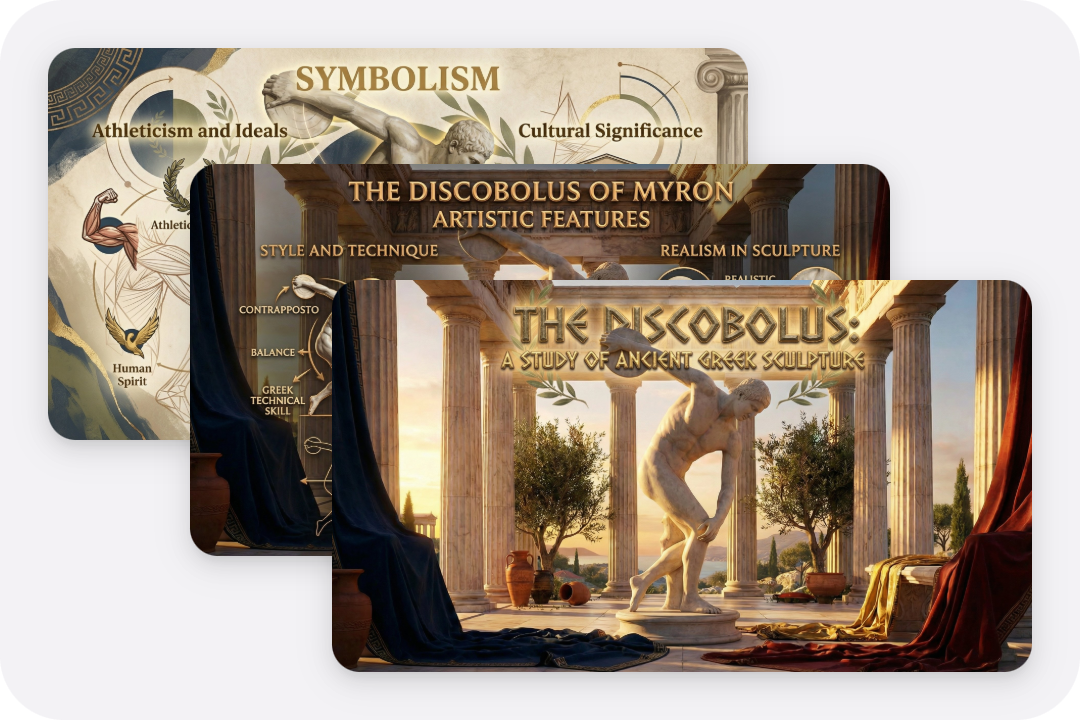
A unified look is preserved across every slide, supporting smoother storytelling throughout the deck. Consistent layout logic and styling help long or structured presentations feel more professional and easier to follow.

Why AiPPT Visual Is the Better Choice

Different slides creation methods deliver very different results. Comparing them helps you understand how the AiPPT Visual meets the actual presentation requirements.

AspectAiPPT VisualManual MakingOlder AI Modes
Creation SpeedFastSlowMedium
Text AccuracyHighHighInconsistent
Layout QualityPresentation-optimizedSkill-dependentGeneric
Multi-Slide ConsistencyBuilt-inManual effortLimited
Editing EffortLowHighMedium
ScalabilityStrongPoorModerate

How to Use AiPPT Visual to Create Slides

Just follow the steps below to see how easy it is to create engaging image slides with AiPPT Visual.

Add Content

Add Content

Enter a text prompt or upload a document to start the generation process.

Generate Slides

Generate Slides

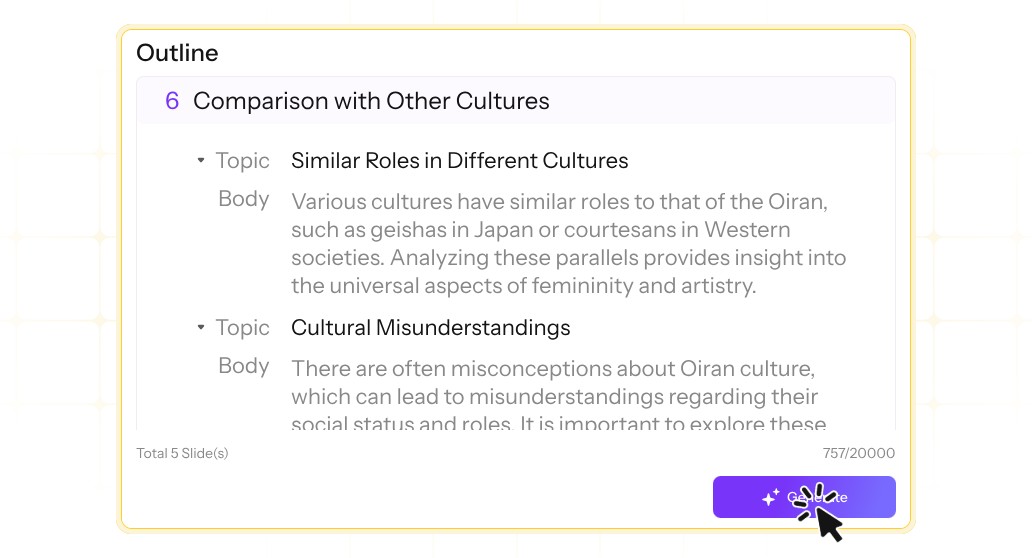
AiPPT Visual automatically creates an outline and matching your needs.

Export Slides

Export Slides

Download the generated slides in in PPT, PDF, or PNG formats.

Frequently Asked Questions

Build Presentation Slides Faster with AiPPT Visual

Build Presentation Slides Faster with AiPPT Visual