How to Create Adaptive Presentations with AI
A few simple steps are all it takes to build a presentation that grows with your ideas.


Step 2: Customize the Visual Style

Step 3: Add Content Components

Build flexible presentations faster from prompts, documents, webpages, and templates with AI, adaptive layouts, smart diagrams, and visual components.


A few simple steps are all it takes to build a presentation that grows with your ideas.


Explore the tools that help you create, customize, organize, and share presentations more efficiently.
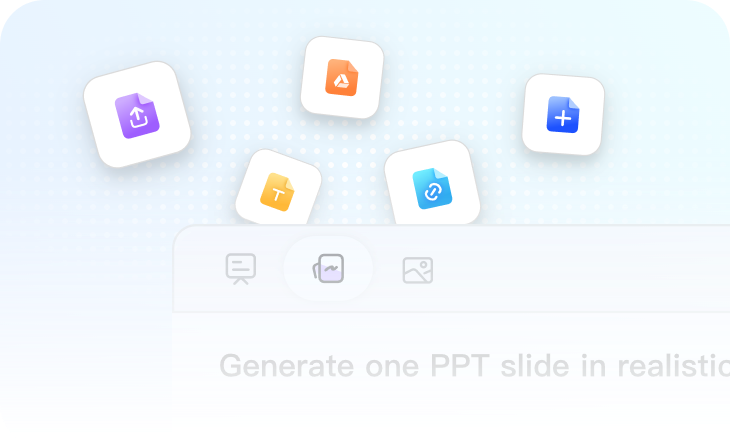
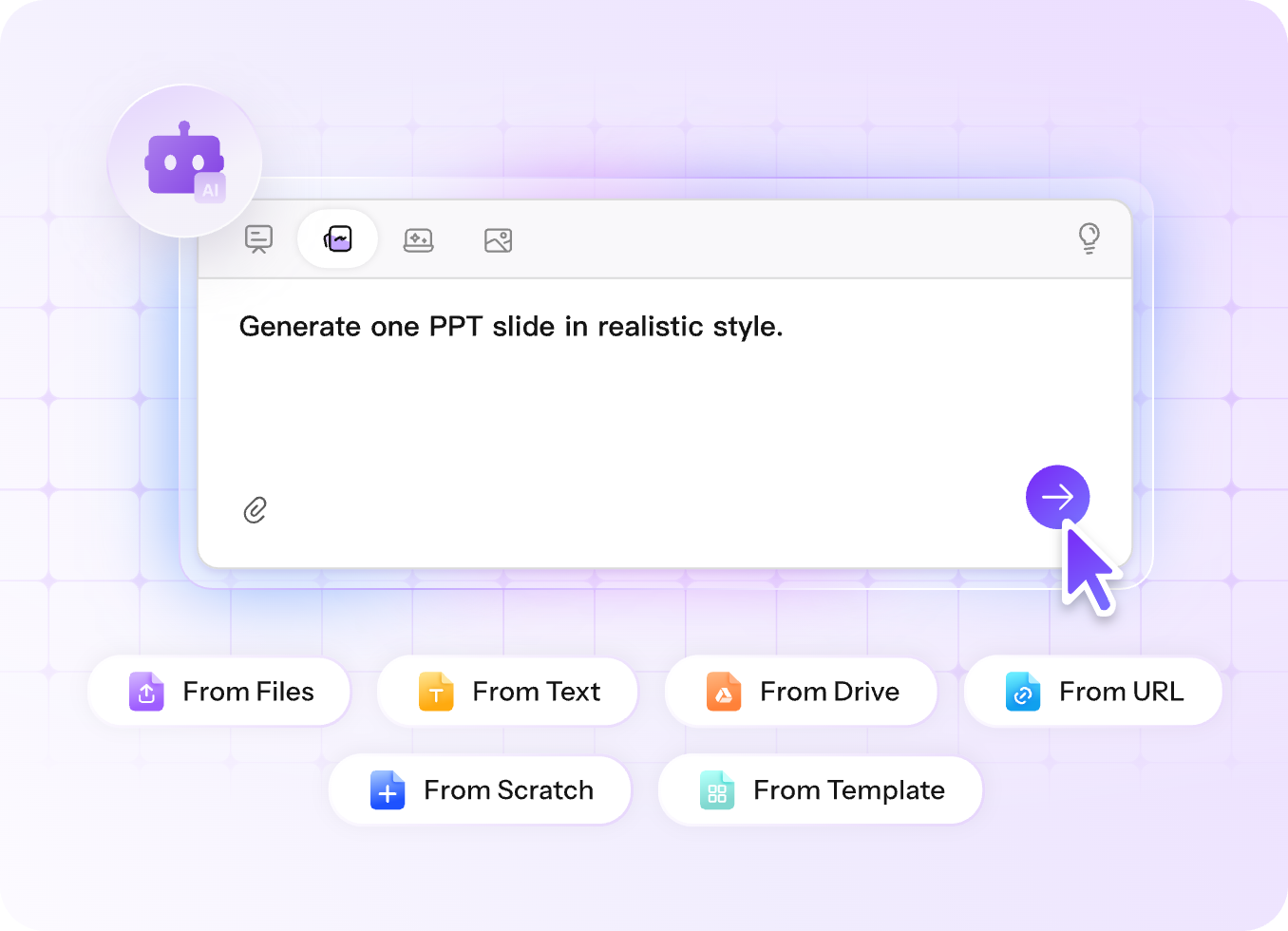
Documents, webpages, Google Drive files, prompts, templates, and existing presentations can all become the starting point for a new project. AiPPT Flow understands the source material and generates presentation titles, content, visuals, and structure automatically, dramatically reducing manual work.
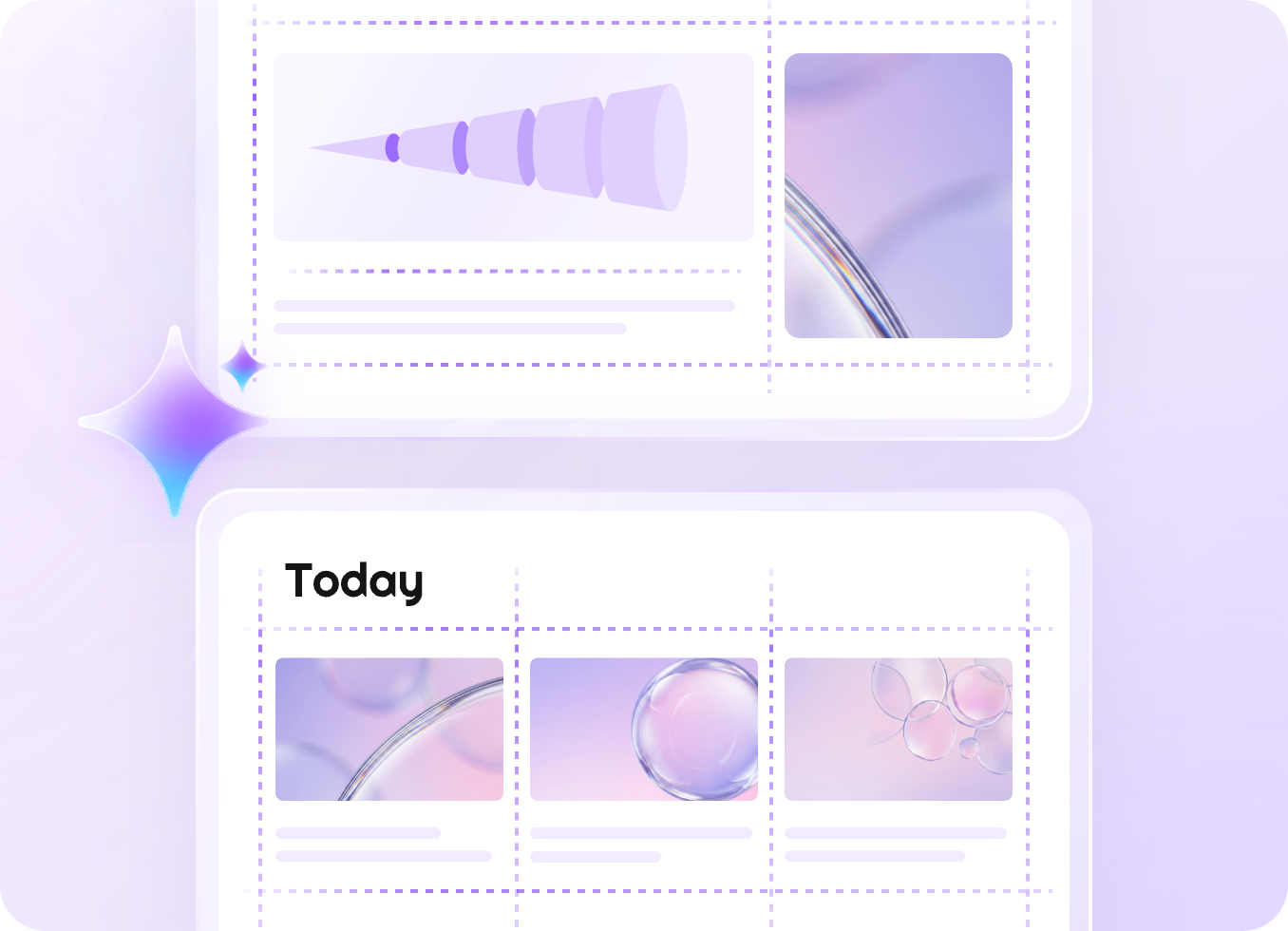
As text, visuals, diagrams, and component blocks are added, AiPPT Flow automatically adjusts spacing, positioning, and structure to keep presentations organized. You can also switch between 16:9, 4:3, and Fluid formats to accommodate different content volumes and presentation scenarios.
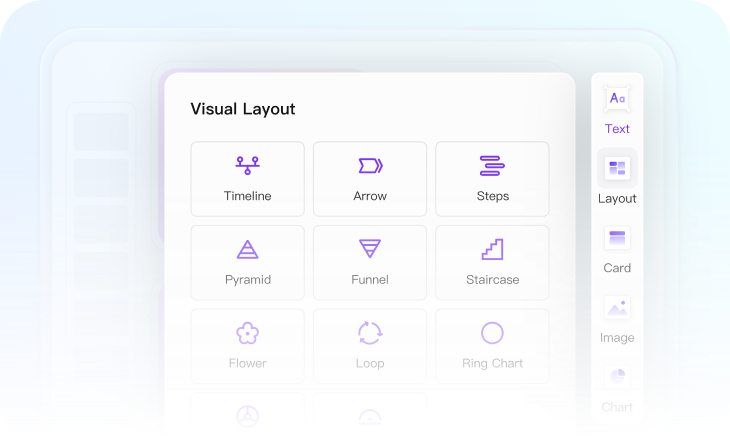
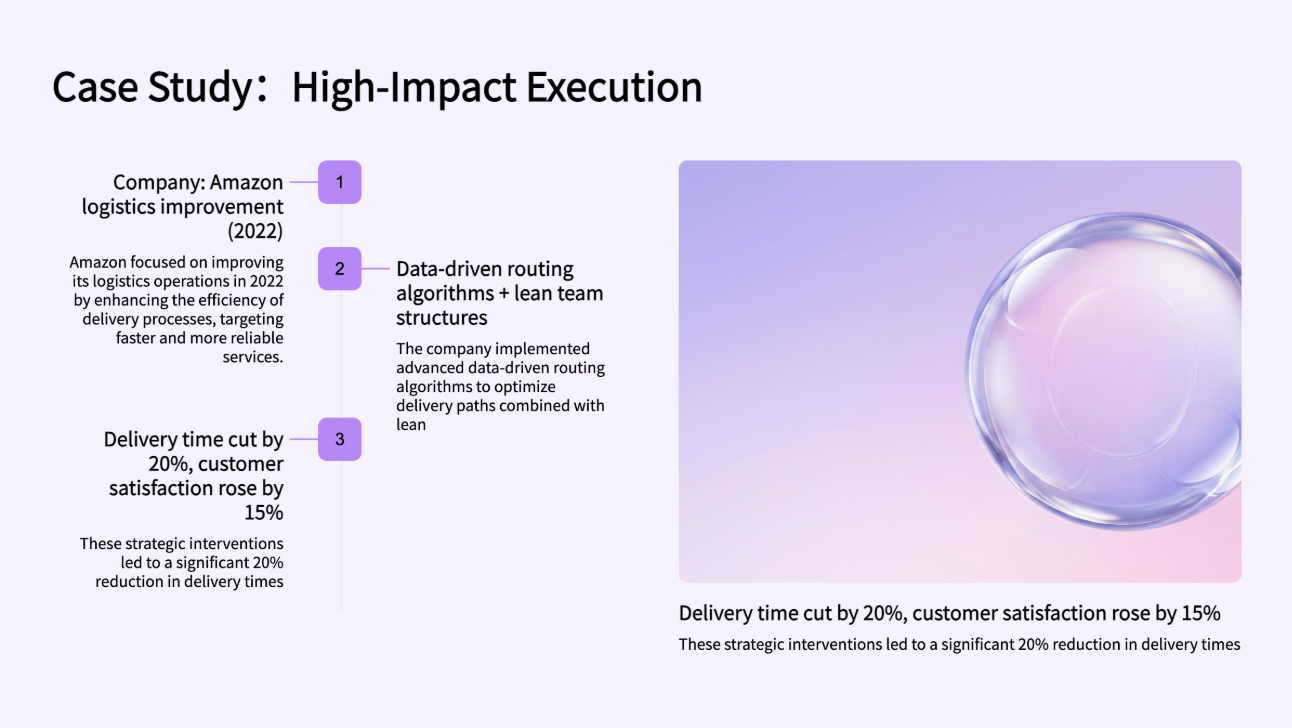
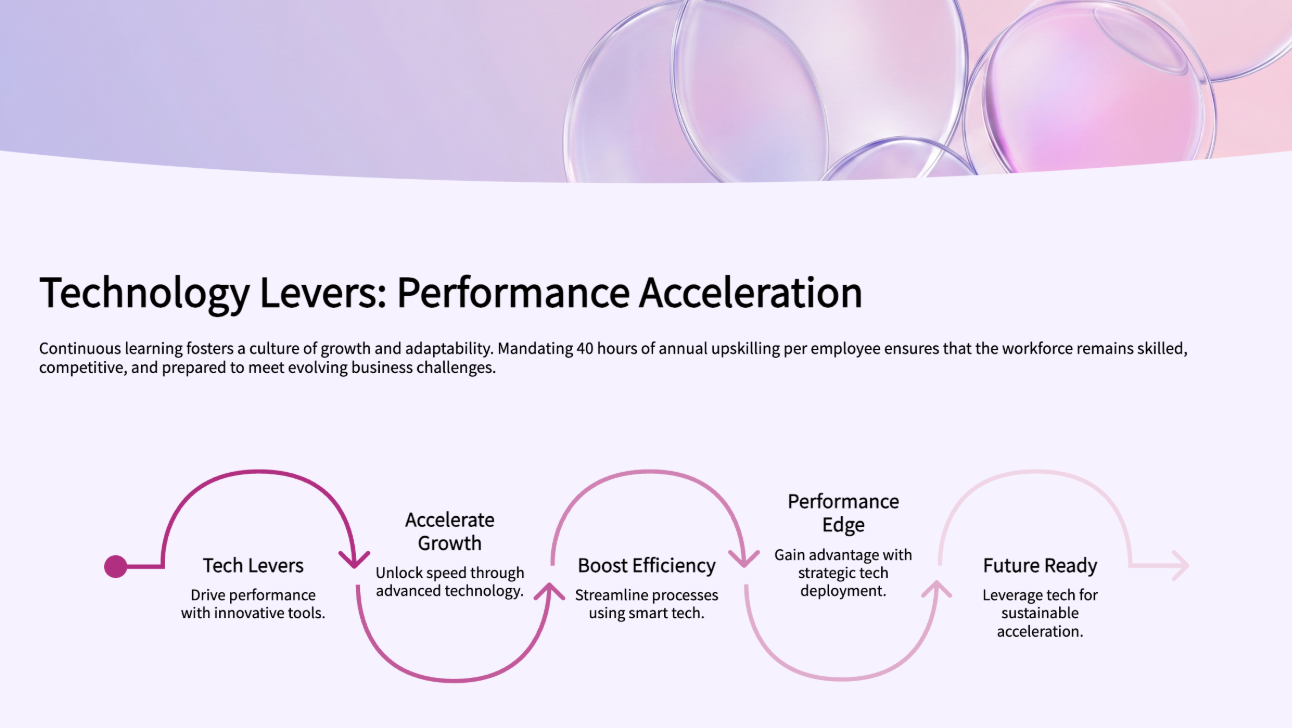
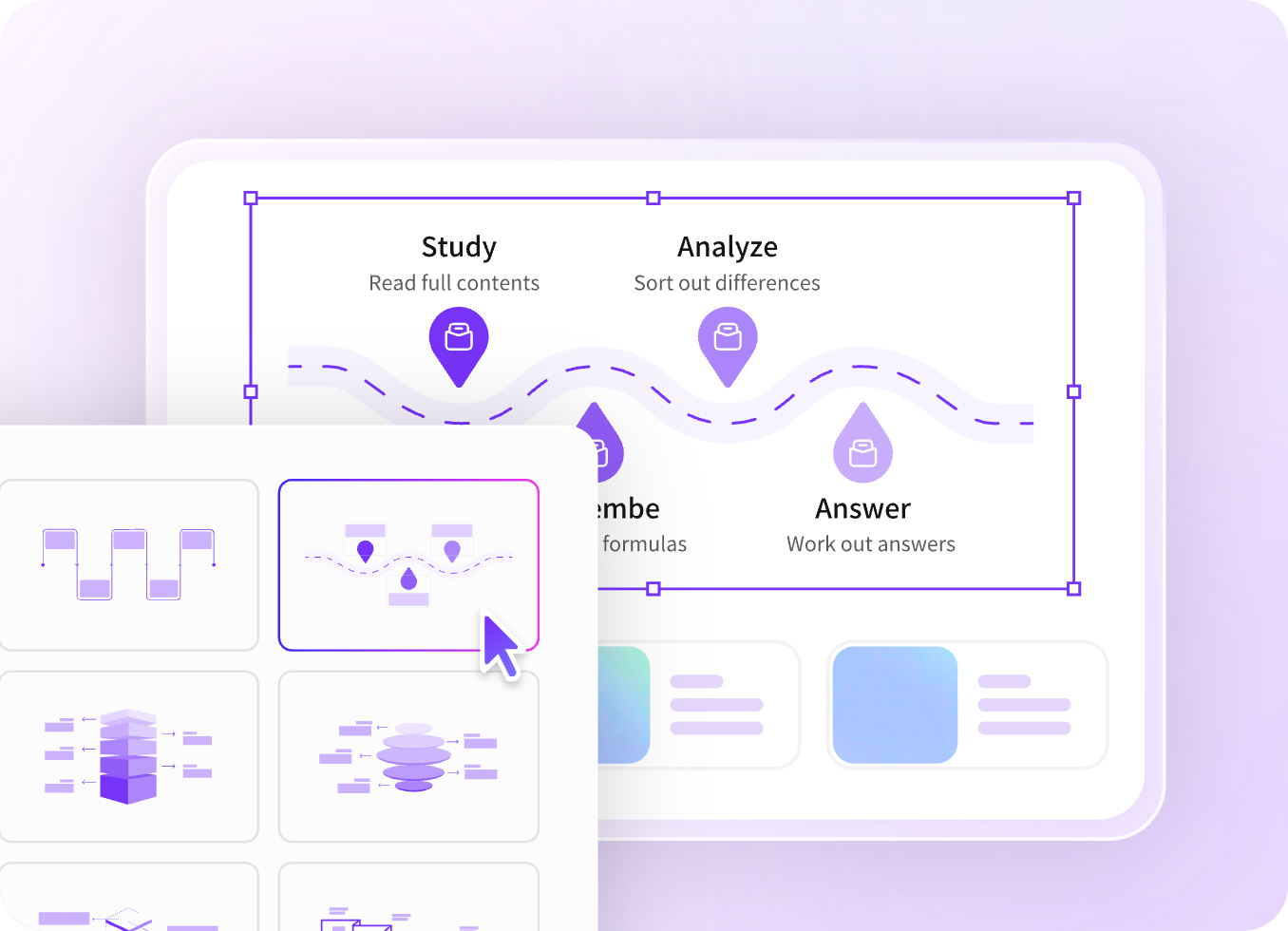
Turn complex information into engaging visual stories with 30+ diagram types, including roadmaps, timelines, process flows, and Venn diagrams. Drag-and-drop components such as charts, videos, tables, forms, and embedded webpages make presentations more interactive and easier to understand.
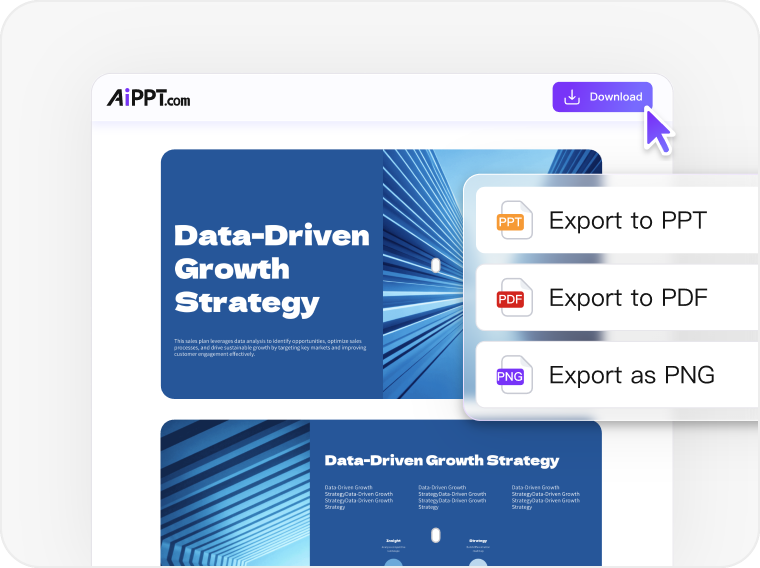
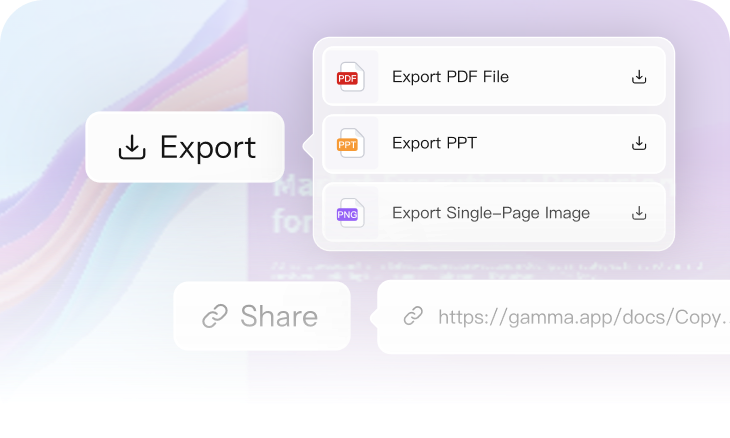
AiPPT Flow makes it easy to distribute presentations in the format your audience prefers, whether PPT, PDF, PNG, or a shareable link. Viewer analytics and access controls help you manage sharing while understanding how your content performs.
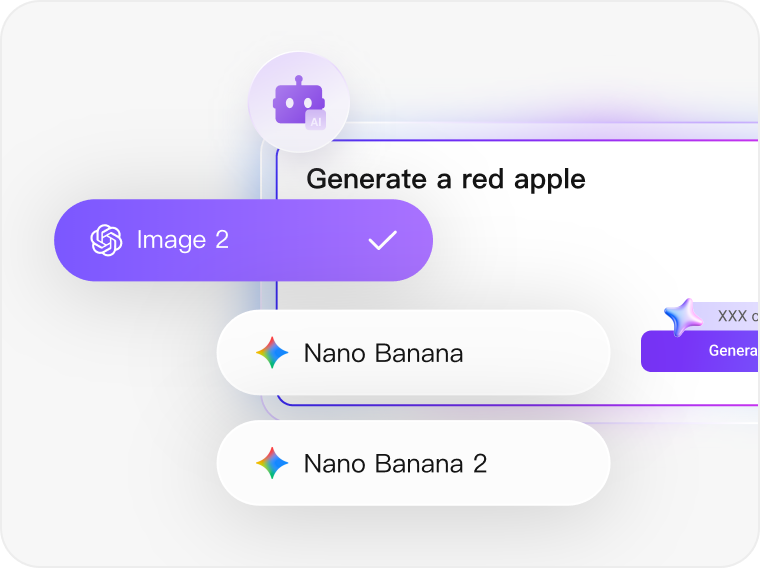
Create presentation-ready visuals using leading AI image models such as GPT Image 2, Nano Banana 2, FLUX, Imagen. Generate illustrations, concept graphics, cover visuals, and custom imagery that align with your message, without relying on generic stock photos or external design tools.
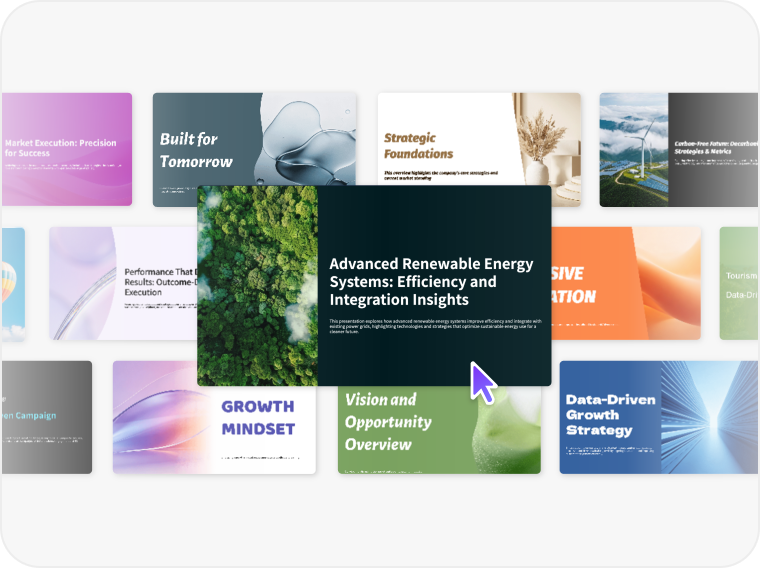
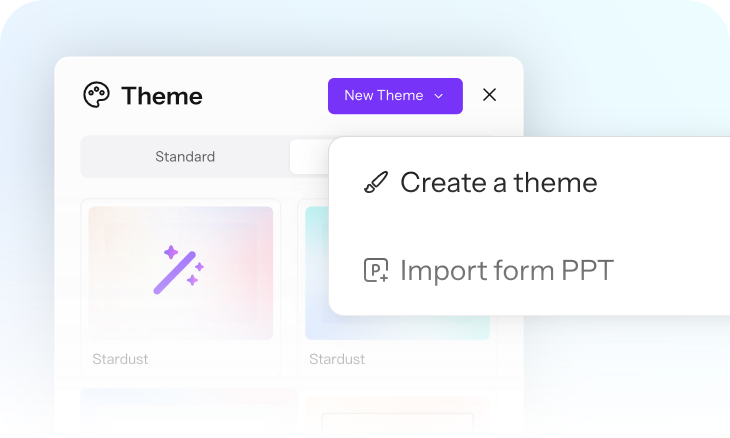
Accelerate presentation creation with 200+ professionally designed templates tailored to business, education, marketing, and reporting needs. To keep every project on brand, upload an existing PowerPoint file and instantly transform its color scheme into a reusable theme.
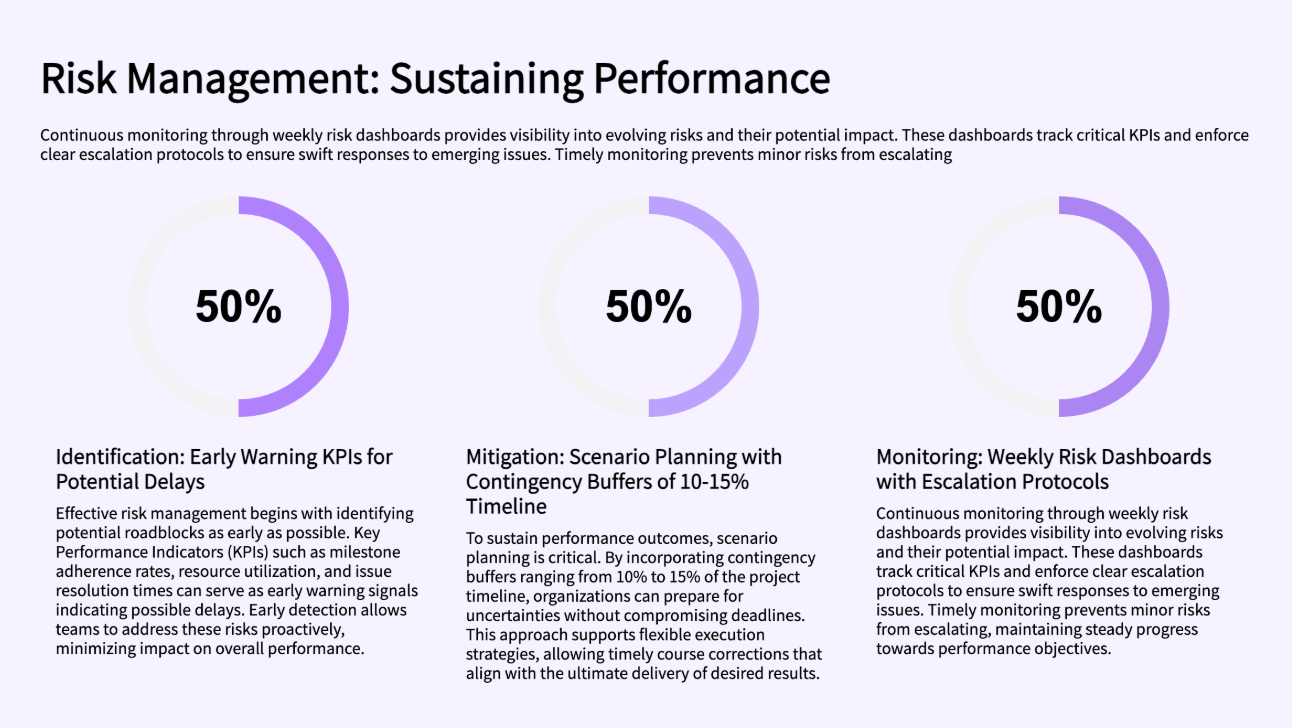
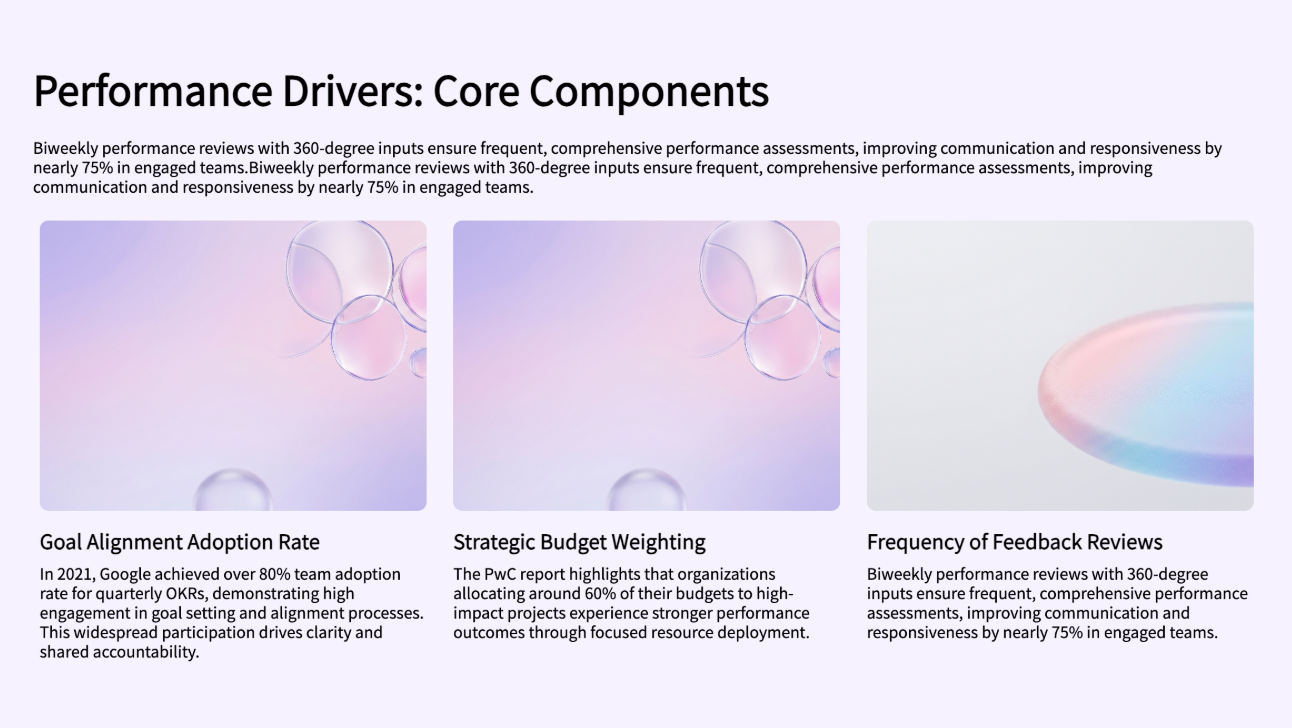
Present financial data, KPIs, charts, screenshots, and analysis in one organized workspace that adapts as reporting requirements expand.
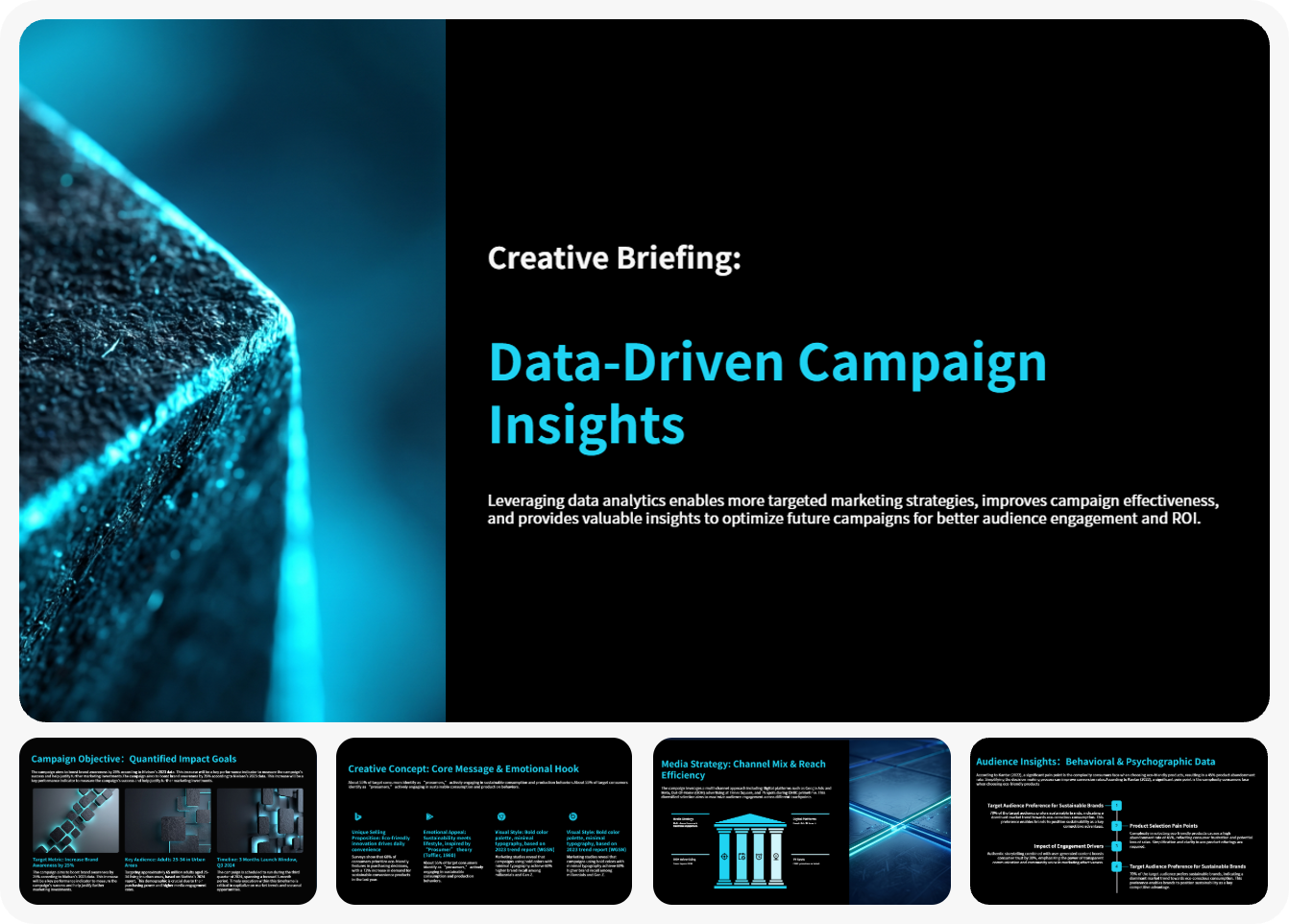
Build roadmaps, marketing plans, business strategies, and project frameworks without rebuilding slides whenever new information appears.
Combine lessons, diagrams, videos, quizzes, and explanations into learning content that remains structured as instructional materials grow.
Document features, workflows, milestones, risks, and progress updates while keeping information connected within a clear visual structure.

In traditional presentation software, fitting content to a single slide often requires resizing elements, adjusting layouts, or reducing content. AiPPT Flow takes a different approach. Instead of forcing information into a fixed slide area, presentation cards automatically expand as content grows. This allows you to keep related information together while maintaining a clean layout, making it easier to present detailed content without overcrowding the page.
Changing slide dimensions in PowerPoint can often cause images, charts, and text boxes to shift out of place. AiPPT Flow eliminates this issue through its adaptive layout system. As content changes or grows, the platform automatically adjusts spacing, positioning, and alignment. Rather than manually fixing layouts after every adjustment, you can focus on building your presentation while the system maintains visual consistency automatically.
AiPPT Flow supports a wide range of content components. You can add text boxes, layout blocks, smart diagrams, charts, images, galleries, videos, media elements, embedded webpages, third party applications, forms, and buttons. As components are added, the platform automatically arranges and aligns them within the presentation. This flexibility makes it easy to create presentations that combine content, visuals, data, and interactive elements in a single workspace.
AiPPT Flow helps you transform lengthy documents into structured presentations without starting from scratch. Simply upload your report in Word, PDF, PPTX, TXT, Markdown, or XMind format, and the platform generates an outline automatically. You can then refine the structure, choose a theme, and enhance the presentation with diagrams, charts, images, and other components. This workflow significantly reduces the time required to convert complex reports into presentation-ready content.
AiPPT Flow is ideal for creating a business report presentation because it can transform existing reports into structured presentations while helping you visualize data, findings, trends, and recommendations with smart diagrams, charts, and adaptive layouts. Instead of spending hours organizing slides and formatting content, you can focus on communicating insights clearly.