









OpenClaw Integration: Autonomous Strategic Presentations - AiPPT
Bridge the gap between raw data and executive communication.
Connect OpenClaw to your local silos and let the AI Agent autonomously analyze metrics to automatically trigger the AiPPT system.
Transform complex intelligence into structured, designer-level presentations instantly—delivering strategic insights whenever you need them.
Create Unique PPTs from a Single Prompt with AiPPT
The Autonomous Presentation Workflow with AiPPT
1: Intelligent Monitoring & Data Sourcing
OpenClaw seamlessly monitors your local databases and business metrics—from weekly sales KPIs to complex audit logs—in real-time. It acts as the “eyes” of your enterprise, ensuring no critical data trend is overlooked.
2: Autonomous Analysis & Logical Structuring
The AI Agent deep-dives into raw metrics to extract high-value insights. It intelligently structures a narrative-driven report outline, organizing key findings into a logical sequence tailored for executive decision-making.
3: Auto-Trigger AiPPT for Instant Rendering
This logic automatically triggers the AiPPT system to instantly render the outline into a polished, high-impact PPTX or Google Slides deck. By utilizing AiPPT’s designer-level layouts, your raw intelligence is transformed into a professional presentation in seconds, eliminating manual formatting entirely.
Focus on the strategy, let AiPPT handle the pixels.
Convert to PPT Instantly with One-Click AI

PDF to PPT
Quickly convert PDF files into presentation slides.

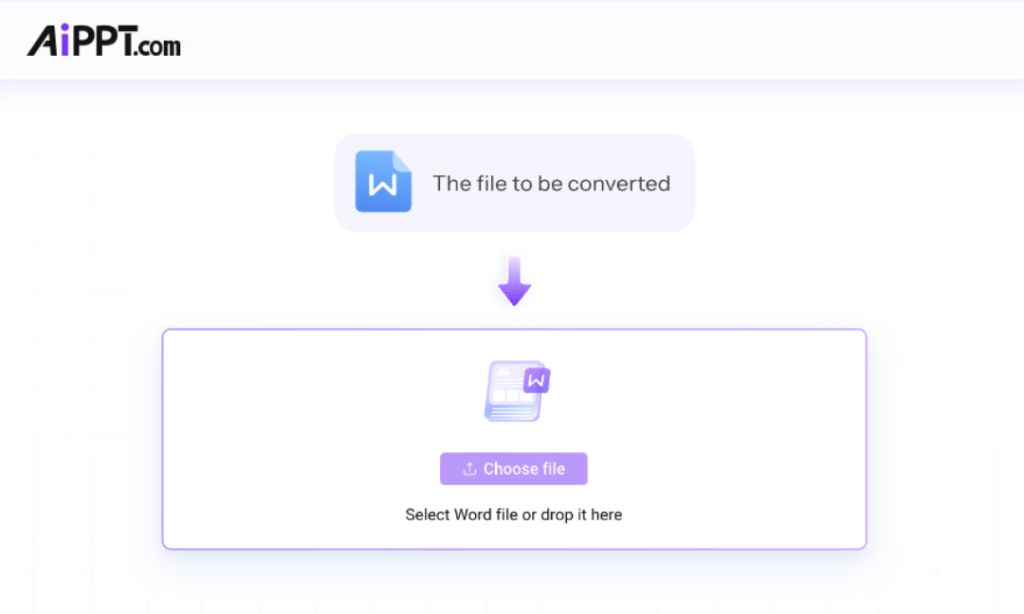
Word to PPT
AI transforms Word documents into slides quickly.

PPT to PDF
Export PowerPoint slides as PDF documents easily.

JPG to PPT
Turn JPG images into ready-to-use PPT slides.

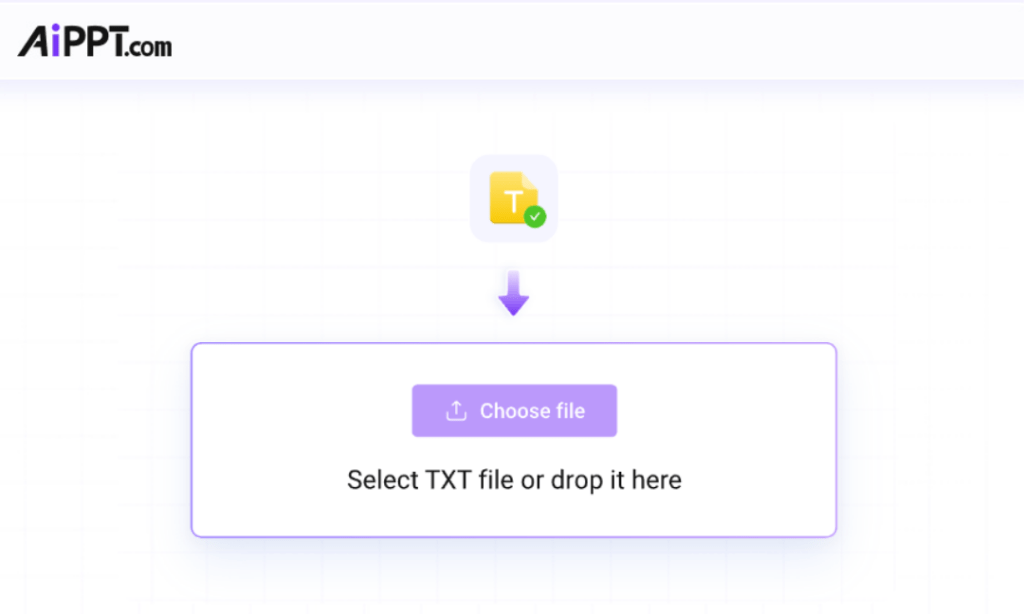
Text to PPT
Generate full presentation slides from plain text.

PPT to JPG
Save each slide as a high-quality JPG image fast.

PNG to PPT
Convert PNG files into presentation slides fast.

PDF to PPT
AI efficiently converts PDFs into slides for you.

PPT to PNG
Convert slides into PNG images quickly and easily.
Frequently Asked Questions
Can I use AiPPT to generate presentations for free?
Yes! Upon registering and logging in, you can experience our AI Generation features for free with a limited number of credits. To unlock unlimited exports, premium templates, and advanced AI tools, we invite you to explore our Subscription Plans.
How can AiPPT be integrated into an OpenClaw autonomous workflow?
AiPPT is designed with an API-first approach, making it easy to incorporate into OpenClaw’s modular architecture. By utilizing AiPPT as the “presentation engine” within your workflow, your AI Agent can seamlessly bridge the gap between local data analysis and professional visual output, creating a hands-free bridge from raw metrics to executive-ready decks.
Can OpenClaw automatically trigger the AiPPT system to generate reports?
Yes. AiPPT is designed to function as a responsive output engine within the OpenClaw environment. You can easily set up your workflow so that it automatically triggers the AiPPT system whenever a specific business event occurs—such as hitting a KPI milestone or completing a technical audit. This enables a 24/7 autonomous reporting cycle where AiPPT seamlessly handles the final professional design and logical rendering.
Is it difficult to connect the AiPPT system to an existing OpenClaw setup?
Not at all. AiPPT is designed for seamless integration within the OpenClaw environment. Because AiPPT is built for intuitive AI orchestration, you can simply incorporate it as a professional “Presentation Skill” within your Agent’s workflow. With minimal setup, you can automatically trigger the AiPPT system to scale your reporting capabilities, transforming complex data into designer-level decks instantly.
Who owns the copyright of AI-generated designs?
Currently, global regulations regarding AI-generated content copyright are still evolving. However, AiPPT ensures that your creations are yours to use within the scope of our terms. We prioritize your data security and employ industry-leading encryption to protect the integrity of every presentation you build.
Can AiPPT generate custom images for my slides?
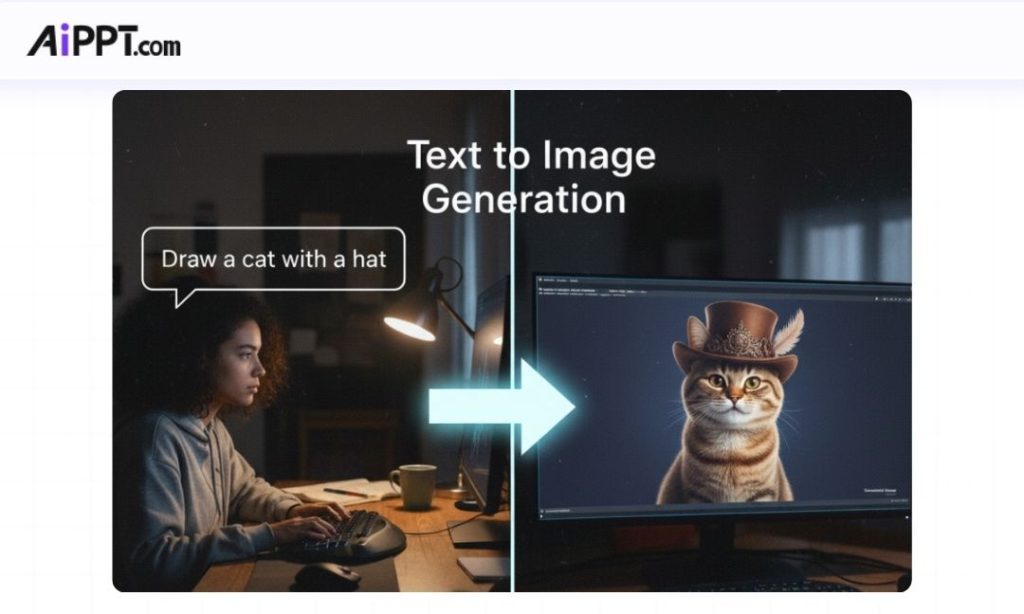
Yes, AiPPT is integrated with the powerful NanoBanana model. This allows for high-fidelity text-to-image generation, inpainting, and multi-image fusion. You can create realistic visuals and custom illustrations directly within the PPT editor to perfectly match your content.
Does AiPPT store my uploaded files?
Your privacy is our priority. No, we do not store your uploaded files for purposes other than the conversion process. Once the session is complete, your data is processed securely and not kept on our servers.Learn more about our data commitment in our [Privacy Policy].
More Google Slides Tutorials


How to Make an Image Transparent in Google Slides

How to Select Multiple Slides in Google Slides

How to Convert Google Slides to PowerPoint (2 Methods)