It is almost impossible to talk about AI-powered presentation creation without giving some props to Gamma, which has helped turn prompts into polished decks within minutes.
However, many users consider Gamma alternatives after realizing that speed alone might not be enough. You may need other features such as advanced editing in PowerPoint, stronger design control, better collaboration, or specific integrations for your workflow.
This guide explores these alternatives and how they perform in real presentation workflows, as opposed to what you may find on marketing pages.
Here’s a quick comparison of the top 10 Gamma AI alternatives.
| Tool | Best For | PowerPoint Export | AI Slide Generation | Collaboration |
|---|---|---|---|---|
| 1. Beautiful.ai | Creating editable PowerPoint presentations | Yes | Yes | Limited |
| 2. Presentations.ai | AI-generated business presentations | Yes | Yes | Limited |
| 3. Canva | Design-focused presentations and visual storytelling | Yes | Limited | Yes |
| 4. AiPPT.com | Automated slide design and brand consistency | Yes | Yes | Yes |
| 5. Pitch | Team collaboration and startup presentations | Yes | Limited | Yes |
| 6. Tome | Narrative-style AI presentations | No | Yes | Limited |
| 7. Plus AI | Google Slides and PowerPoint users | Yes | Yes | Yes |
| 8. Slides AI | Google Slides AI generation | Limited | Yes | Limited |
| 9. Prezi | Non-linear and interactive presentations | Limited | No | Yes |
| 10. Visme | Data-rich presentations and visual content | Yes | Limited | Yes |
10 Gamma Alternatives That Go Beyond AI Slide Generation
These Gamma AI alternatives have been carefully reviewed for their ease of creating presentations, output quality, collaboration, best use cases, and other features. All you need to do is find the ones that tick all your boxes.
1. Beautiful.ai
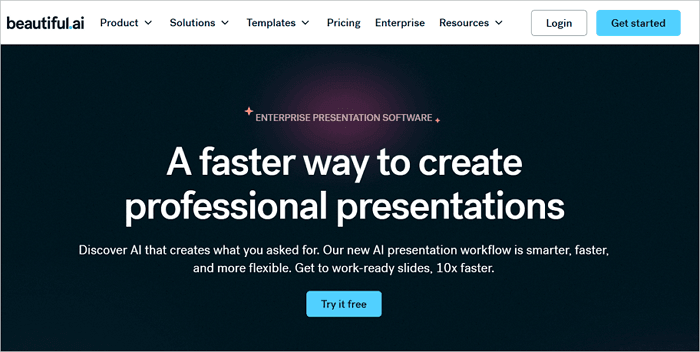
This tool takes a different approach from other AI slide makers. Rather than generating free-form layouts, Beautiful.ai uses smart slide templates that automatically adjust their structure as you add content.
Its results are perfect, even if you don’t have a design background. It is the ideal tool if you want minimal adjustment on the slides you generate.
Best For: Creating editable PowerPoint presentations from prompts, documents, and outlines
⭐ Key Features
- AI slide generation from text prompts and outlines
- Smart templates that auto-resize and reflow content
- Native PowerPoint (.pptx) export
- Team sharing with view/edit permissions
- Brand kit for consistent color, font, and logo usage
✅ Pros
- Professional output with minimal design effort
- Time-saving layouts
- Doesn’t require an extensive design background
⛔ Cons
- Collaboration features are quite basic
- Smart templates may limit creativity
2. Presentations.ai
Presentations.ai is another Gamma alternative focused on business use cases such as pitch decks, sales decks, executive summaries, and more. You can quickly generate a slide deck on Presentations.ai by typing a brief company description and choosing your preferred template.
The design quality is decent enough, but it relies on a set of predefined business themes, which can start to feel repetitive if you are building multiple decks.
Best For: AI-generated business presentations

⭐ Key Features
- AI generation from a text brief or a topic input
- Business-focused slide structures and themes
- PowerPoint and PDF export
- Brand customization options
✅ Pros
- Logical default content structure
- Business focus perfect for professional teams
⛔ Cons
- Less flexible for creative or visual-heavy decks
- Not ideal for educational or non-business use cases
3. Canva
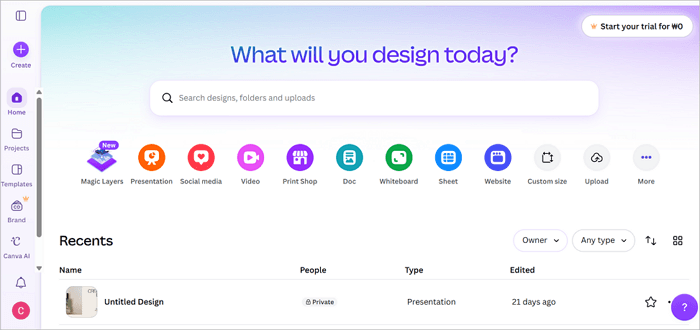
The Canva design tool is at the top when it comes to versatility and popularity. Canva has also been expanding its AI capabilities, with tools for background removal, text generation, and Magic Design that can generate a presentation layout based on a topic or prompt.
The AI-generated slides on Canva, however, are a step below dedicated tools like Gamma or Beautiful.ai in terms of content intelligence, but Canva makes up for it with design flexibility.
Best For: Design-focused presentations and visual storytelling
⭐ Key Features
- Thousands of professionally designed presentation templates
- Magic Design AI for layout generation from prompts
- Real-time team collaboration with comment and edit access
- Export to PowerPoint, PDF, and video
- Brand kits for consistent assets across projects
✅ Pros
- Unmatched design flexibility and template variety
- Strong collaboration features for teams
⛔ Cons
- PowerPoint exports may occasionally lose some formatting integrity
- Can feel overwhelming if you want a quick AI-driven output
4. AiPPT.com
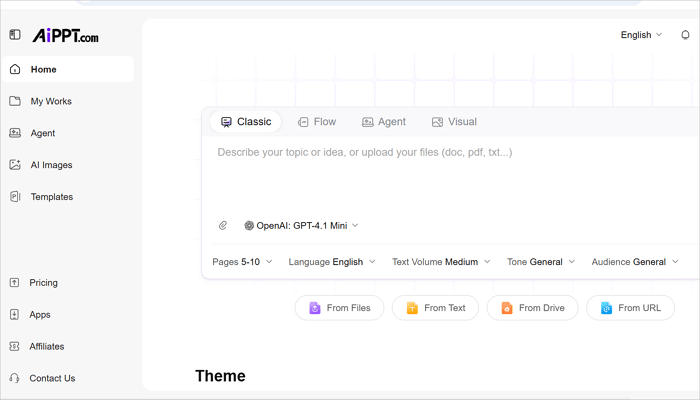
AiPPT.com is one of the most streamlined sites like Gamma AI for generating complete slide decks without spending time on design. Aside from generating the slide deck, AiPPT.com will also create a cover slide, an agenda slide, content sections, and a closing slide.
In addition, AiPPT.com supports input from various options such as PDFs, Word documents, and plain text, which makes it ideal for repurposing any existing content you may have.
Best For: Automated slide design and brand consistency
⭐ Key Features
- Generate from PDF, Word, URL, text input, or topic prompt
- PowerPoint and PDF export
- Brand-consistent automated design
- Large template library across business, education, and marketing categories
✅ Pros
- Fast end-to-end generation with strong design consistency
- Clean PowerPoint export
- Collaboration features support teams creating presentations at scale
⛔ Cons
- The free plan offers limited customization features.
5. Pitch
If you’ve been looking for a tool that offers the best features for building presentations in a collaborative environment, Pitch might be your best option. It has a real-time editing experience, a commenting system, and a version history that make it feel like more than a traditional slide tool.
For startup teams building investor decks or presenting together, Pitch is one of the strongest platforms for integrating your workflows. Pitch will suggest slide layouts and help with copy, but it may not be as aggressive about automating the full deck creation as AiPPT.com or Gamma.
Best For: Team collaboration and startup presentations
⭐ Key Features
- Real-time multi-user editing and commenting
- Version history and change tracking
- AI layout and content suggestions
- Analytics to track how viewers engage with shared decks
✅ Pros
- Best-in-class collaboration for presentation teams
- Clean, modern interface with high-quality templates
- Presentation analytics for shared links
⛔ Cons
- AI generation is less powerful than dedicated AI-first tools
- Less suitable for solo creators who do not need team features
6. Tome
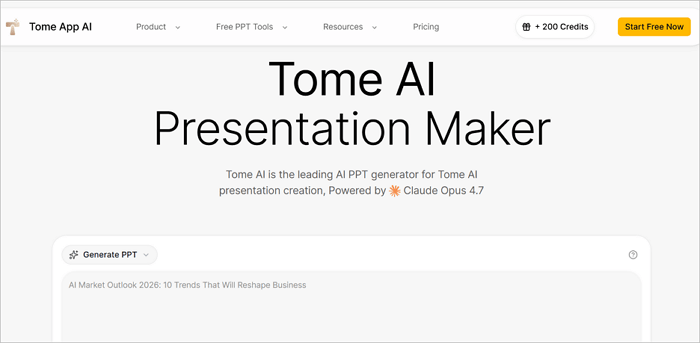
When it comes to style, Tome is an AI similar to Gamma. It generates web-first, story-driven presentations with a strong visual emphasis. Tome AI writes content and selects images with a coherent narrative arc in mind, which makes it genuinely useful for thought leadership pieces, brand storytelling, and sales narratives.
The overall experience of building in Tome feels fluid and intuitive. However, Tome does not offer native PowerPoint export, which is a significant limitation for anyone operating in corporate or enterprise contexts. If your audience expects a .pptx file, Tome may not be the right tool.
Best For: Narrative-style AI presentations
⭐ Key Features
- Narrative AI that generates slide content with a story structure
- Web-based sharing with a clean viewer experience
- Image and AI media integration
- Embed support for live data and external content
✅ Pros
- Strong narrative output for brand and storytelling use cases
- Fast content generation with coherent structure
- Polished web presentation format
⛔ Cons
- No native PowerPoint export
- Collaboration features are limited
7. Plus AI
Plus AI takes a plugin-first approach. Rather than asking you to migrate to a new platform, it lives inside Google Slides and PowerPoint as an add-on, making it perfect for teams that are already on Google Workspace or Microsoft 365 and don’t want to change tools.
In Google Slides, Plus AI generates full decks from prompts, suggests layout improvements, and can rewrite or summarize slide content on command. The output quality is great, and because the slides are created in Google Slides or PowerPoint, there are usually no issues with formatting integrity.
Best For: Google Slides and PowerPoint users

⭐ Key Features
- AI generation inside Google Slides and PowerPoint
- Slide rewriting, summarizing, and layout suggestions
- Team access through existing Google or Microsoft accounts
✅ Pros
- Integrates directly into the tools teams already use
- Reduces friction for existing Google Slides or PowerPoint users
- There are no export issues
⛔ Cons
- Less powerful standalone AI generation than dedicated tools
- Requires a subscription on top of existing Google/Microsoft costs
8. SlidesAI
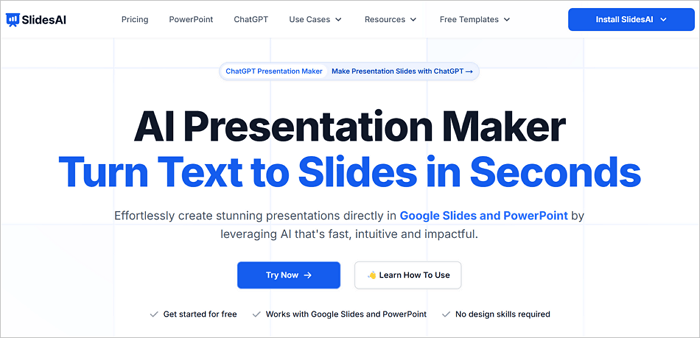
Like Plus AI, SlidesAI is also an add-on in Google Workspace for generating presentation slides directly from text input. It is one of the most accessible Gamma similar websites for educators, students, and small business owners who want AI assistance without switching between platforms.
SlidesAI handles text-heavy inputs well, making it useful for quickly converting long documents or articles into rough slide drafts that you can refine manually.
Best For: Google Slides AI generation
⭐ Key Features
- AI slide generation from pasted text inside Google Slides
- Customizable theme and color options
✅ Pros
- Easy setup with no platform migration
- Good for converting text documents into slides quickly
⛔ Cons
- Design output is often generic
- Not suitable as a standalone design tool
9. Prezi
Prezi has been around for over a decade and still occupies a unique position in the presentation tool landscape. Instead of linear slides, it uses a zoomable canvas where you move through content spatially. This format is genuinely more engaging for certain presentation types, such as training sessions, product walkthroughs, and educational content, where the relationship between ideas matters.
AI features in Prezi, however, are relatively limited compared to the newer tools on this list. It has templates and some design assistance, but it is not a primary AI generation tool. But for interactive, memorable presentations, it’s still a great option.
Best For: Non-linear and interactive presentations

⭐ Key Features
- Non-linear zoomable canvas presentation format
- Prezi Video for presenter-on-screen content integration
- Team collaboration and sharing features
- Analytics on viewer engagement
✅ Pros
- Unique presentation format that stands out visually
- Excellent for storytelling and training content
- Built-in video presentation tool
⛔ Cons
- You may experience a learning curve as a first-time user
- Limited AI slide generation compared to other tools
10. Visme
Do you prioritize your visuals when delivering a presentation? Visme was built for you. This tool offers chart builders, infographic tools, data widgets, and a presentation mode all in one workspace. It is a strong choice among marketers, analysts, and educators who frequently use statistics, charts, or complex visuals in their slides.
The AI features in Visme are a welcome addition. You can use it to generate slide content from a prompt or topic. However, the core value is the data visualization toolkit.
Best For: Data-rich presentations and visual content

⭐ Key Features
- Advanced chart and data visualization tools
- AI content generation from prompts
- Infographic and interactive widget builder
- PowerPoint and PDF export
✅ Pros
- Best data visualization toolkit in this category
- Versatile content types beyond slides, including infographics and reports
- Strong brand management for teams
⛔ Cons
- AI generation may be less advanced than AiPPT.com
- It can feel complex if you only need basic slides
Conclusion
Not every tool on this list will suit every workflow, and that is the point. The Gamma alternatives reviewed here each solve a different problem, whether that is a cleaner PowerPoint export, stronger team collaboration, or smarter data visualization.
Gamma is a strong presentation tool, but it is not the right fit for every presentation context.
What you should do now is pick one tool that addresses the specific gap Gamma leaves in your workflow, test it on a real project, and see how it performs.
Learn More About Sites like Gamma AI
If you’re still exploring your options, these questions can help narrow your search and clarify which Gamma alternative best aligns with your workflow.
1. Which is better than Gamma?
It depends mostly on what feature you prioritize. For example:
- AiPPT.com and Beautiful.ai offer PowerPoint-compatible output and strong brand control.
- Pitch and Canva are best for team collaboration.
- Visme is the best option for creating data-heavy presentations.
Gamma is great, but when you need .pptx reliability or design control, these alternatives come in handy.
2. Are there websites like Gamma AI?
Yes. There are several sites like Gamma AI that you can use today. Beautiful.ai, Presentations.ai, AiPPT.com, Plus AI, and Tome all provide AI-assisted presentation creation with different strengths.
However, these websites may vary in design control, export capabilities, and collaboration features.
3. Are there free Gamma AI alternatives?
Yes. There are tools on this list that offer free plans or trial versions so you can test their features before committing. The best free Gamma AI alternatives include:
- Canva
- AiPPT.com
- SlidesAI