When it comes to business presentations, the format you choose can shape how well your message comes across.
A sales pitch, company overview, and annual report, for example, each require a different approach. The challenge, however, is knowing which format fits your purpose and how to structure it effectively.
In this article, we’ll explore 10 business presentation examples for different scenarios, when to use each one, and what makes them effective.
Business Presentation Design Tips from Successful Companies
Taking a look at strong presentations, you’ll find that they succeed mostly because of clear communication, not complicated design.
Here are some simple design choices you can also use to make your slides more professional:
1. Keep One Message Per Slide
If a slide contains three distinct ideas, consider splitting it into three slides to make your presentation easier to follow.
2. Replace Paragraphs with Visuals
An audience may struggle to understand your presentation if it’s packed with long blocks of text. Instead, replace the text with relevant icons, diagrams, screenshots, timelines, or simple illustrations.
3. Use Charts to Tell Stories
Charts come in handy when your audience needs to compare numbers, identify trends, or understand changes over time.
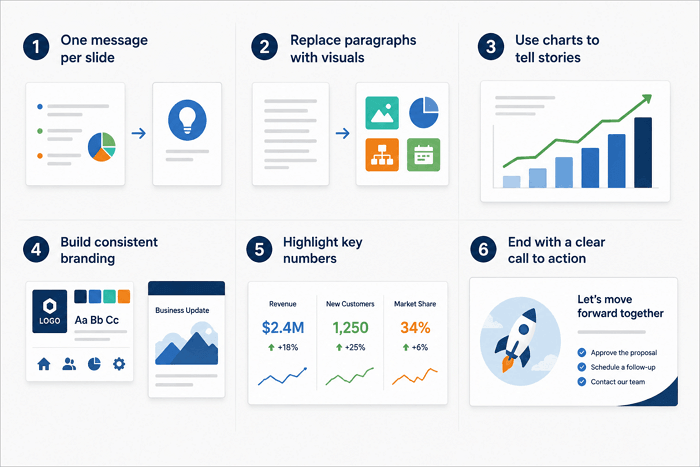
4. Build Consistent Branding
A consistent color palette, font pairing, icon style, and layout can make a deck feel like a single, cohesive presentation. It also helps reinforce your company identity.
5. Highlight Key Numbers
Sometimes, you have to emphasize important metrics so your audience can find them easily on the slide.
6. End with a Clear Call to Action
At the end of any presentation, let your audience know what should happen next. Your call to action could ask stakeholders to approve a proposal, choose an option, schedule a follow-up, or contact your team.
10 Business Presentation Examples for Every Scenario
Different business goals require different presentation structures. The presentation examples for business below cover when to use each one, the essential slides to include, design tips, and one AiPPT.com template to help you start faster.
1. Company Profile Presentation
Best for: Businesses introducing themselves to new clients or partners
When creating a company profile, don’t list every fact about your business. Start with who you are, what you offer, and use genuine achievements or customer results to establish credibility. Keep the focus on information your audience actually needs.
Key slides
- Company overview
- Mission and values
- Products and services
- Achievements
- Team
- Contact details
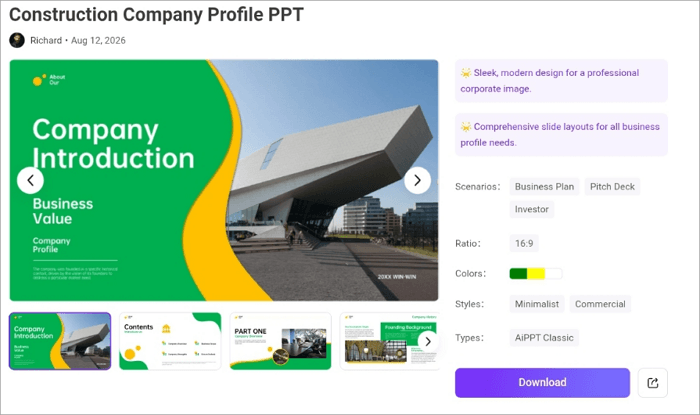
Try the Construction Company Profile PPT Template: Includes layouts for company history, services, achievements, team members, and data.
2. Sales Presentation
Best for: Teams pitching a product or service directly to a buyer
For a sales pitch presentation, move beyond explaining what you sell. Identify the customer’s pain point, introduce your solution, demonstrate the value, provide proof, and finish with a CTA. Customer stories and relevant data can make the argument more convincing.
Key slides
- Problem
- Solution
- Benefits
- Proof or case study
- Pricing
- CTA
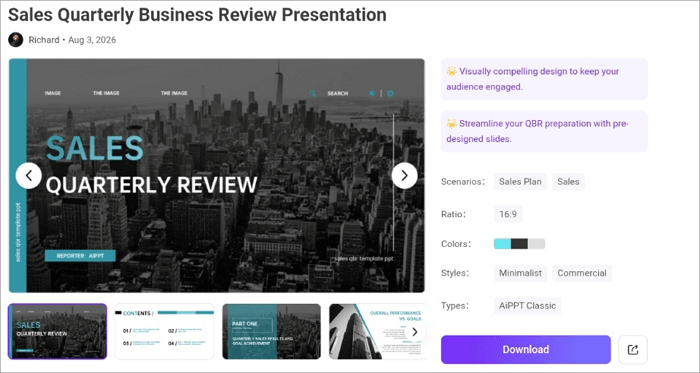
Try the Sales Quarterly Business Review Presentation Template: A useful option for presenting sales performance, key metrics, and future strategies.
3. Marketing Strategy Presentation
Best for: Teams pitching a campaign or marketing plan
For a marketing presentation, start with your market and target audience, then explain your objectives and the channels you will use. Connect each tactic to a measurable goal so stakeholders can see how the strategy will perform.
Key slides
- Market research
- Audience
- Goals
- Channels
- Budget
- Campaign plan
- KPIs
Try the Integrated Sales and Marketing Plan PowerPoint Template: Provides layouts for audiences, marketing tactics, sales funnels, budgets, and KPIs.

4. Investor Presentation
Best for: Startups raising a funding round
Want to show potential investors why your business is worth investing in? This is a suitable company presentation example for you. Explain the problem, solution, market opportunity, and support the story with credible numbers.
Key slides
- Problem
- Solution
- Market
- Business model
- Traction
- Competition
- Financials
- Team
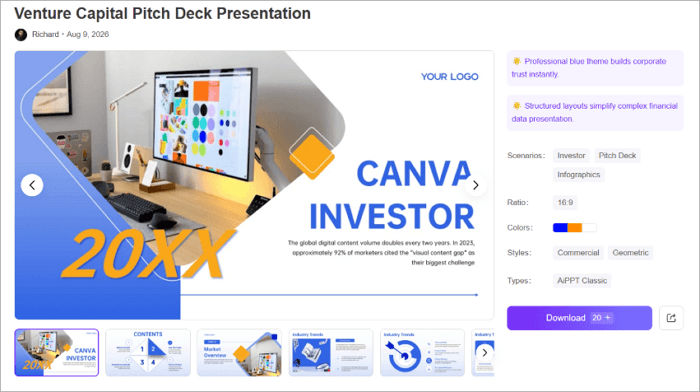
Try the Venture Capital Pitch Deck Presentation Template: Structured layouts for an investor-focused deck editable in PowerPoint and Google Slides.
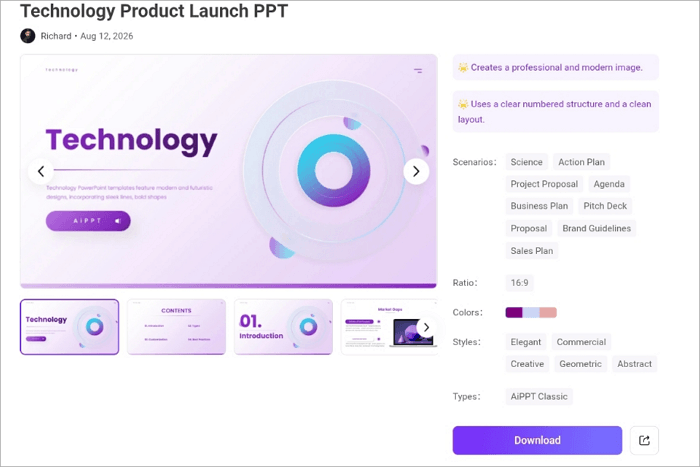
5. Product Launch Presentation
Best for: Teams introducing a new product to customers or internal stakeholders
In a product launch presentation, the story should move naturally from the problem to the solution and then to the launch plan. It can be made more convincing with product screenshots, mockups, and short demonstrations.
Key slides
- Problem
- Solution
- Product
- Benefits
- Features
- Pricing
- Launch plan
- CTA
Try the Product Launch Presentation Template: A launch-focused framework covering product value, market potential, competitive advantages, and commercial viability.
6. Annual Business Report Presentation
Best for: Leadership teams reporting to a board or company-wide audience
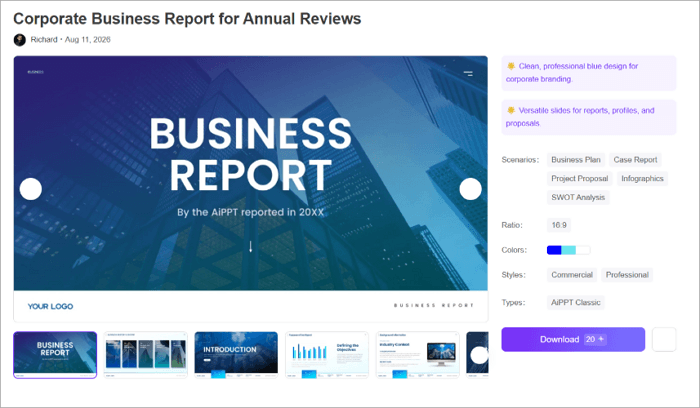
This kind of presentation turns a year’s worth of performance data into a story stakeholders can understand. When creating one, explain the changes behind the numbers and what they mean for the company.
Key slides
- Executive summary
- Performance
- Financial results
- Milestones
- Challenges
- Next-year plans
Try the Corporate Business Report for Annual Reviews Template: Designed for annual reports and includes layouts for data, charts, and key metrics.
7. Project Status Presentation
Best for: Project leads giving recurring updates to stakeholders
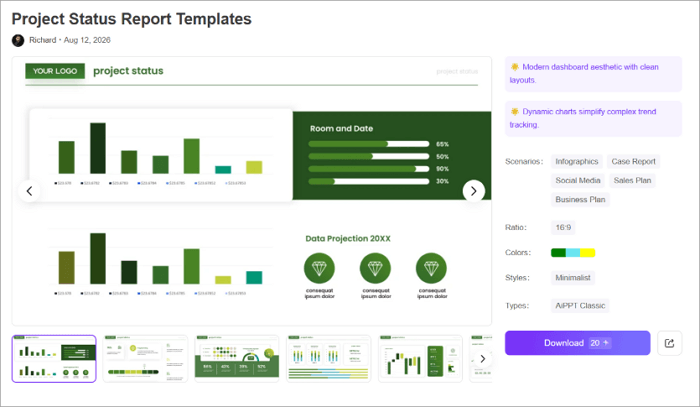
You can use a project status deck to communicate what has been completed, what is coming next, and where you may need support. However, keep the structure straightforward so stakeholders can identify problems and pending decisions quickly.
Key slides
- Project summary
- Progress
- Milestones
- Risks
- Blockers
- Next steps
Try the Project Status Report Template: Clean layouts and visual elements for showing project progress, timelines, and key metrics.
8. Team Meeting Presentation
Best for: Weekly or monthly internal syncs
Team meeting slides are also business PowerPoint presentation examples and don’t need to be too elaborate. They just need to keep everybody aligned on what matters and help make decisions faster. The most productive ones keep slides short, highlight decisions clearly, and assign responsibilities before the meeting ends.
Key slides
- Agenda
- Updates
- Priorities
- Deadlines
- Decisions
- Action items
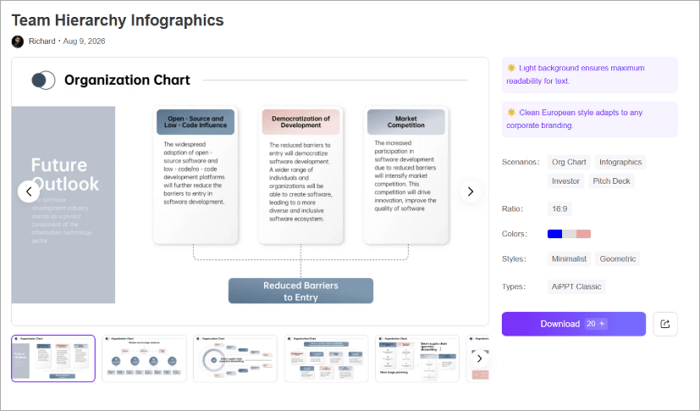
Try the Team Hierarchy Infographics Template: Helps visualize team responsibilities and reporting structures when team roles are part of the discussion.
9. HR & Recruitment Presentation
Best for: Recruiting teams presenting to candidates or new hires
HR presentations can introduce company culture, employee benefits, the hiring process, career opportunities, or employer-brand initiatives. For decks like this, use real workplace images, clear information about career paths, and specific examples of your culture.
Key slides
- Company culture
- Employee benefits
- Roles
- Hiring process
- Career growth
- Contact details
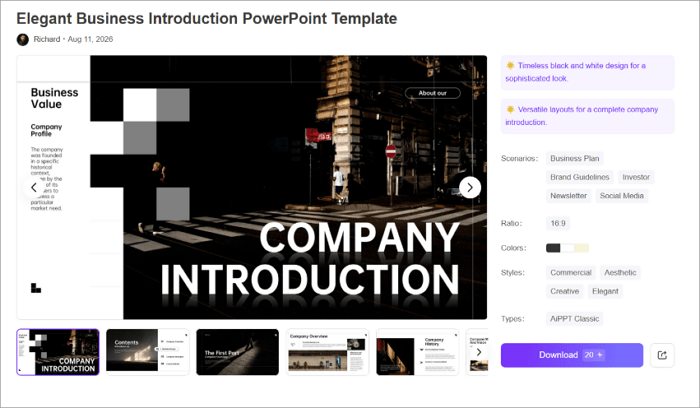
Try the Elegant Business Introduction PowerPoint Template: Fits recruitment presentations with layouts for company overviews, services, team introductions, and data visualization.
10. Financial Presentation
Best for: Finance teams reporting results internally or to investors
In financial presentations, slides should make the information you’re presenting easier to understand. Use charts to show trends and comparisons, then add concise commentary explaining what changed and why. Focus attention on the metrics that influence the decision at hand.
Key slides
- Financial overview
- Revenue
- Expenses
- Forecasts
- Budget
- Trends
- Recommendations
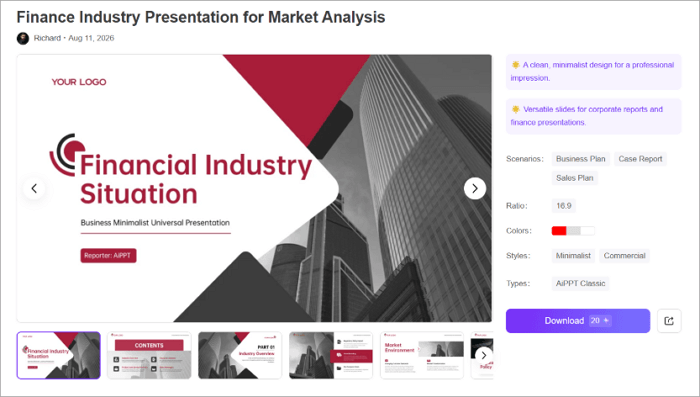
Try the Finance Industry Presentation for Market Analysis Template: Clean, minimalist design suited to corporate reports and finance presentations.
Conclusion
Knowing various business presentation examples improves business communication by helping you choose the best structure for your presentation.
But before creating any business presentation, write down the decision you want your audience to make at the end. That single step can influence your slide order, visuals, and CTA.
Once your goal is clear, you can build from scratch or search for ready-made templates on AiPPT.com that align with it.
Learn More About Presentation Examples
There’s more to business presentations than you may be aware of yet. These tips will come in handy when you’re creating decks to communicate with company stakeholders.
1. What are good business slideshow examples for students?
Good business slideshow examples for students include:
- Startup pitches
- Company profile
- Marketing plans
- Business proposals
- Financial presentation
These formats teach structure—problem, solution, data, conclusion—without requiring real company financials or confidential data.
2. How to make good company presentation PowerPoint slides?
To create a strong company presentation PowerPoint, start by defining your audience and purpose. Then:
- Introduce the company and its main message
- Explain your products or services
- Add achievements or customer proof
- Introduce the team where relevant
- Use charts and visuals to support key information
- End with a clear CTA
3. Can you provide several examples of business presentations?
Yes. Some useful business PPT examples are:
- Company profiles
- Sales presentations
- Marketing strategies
- Investor decks
- Product launches
- Annual reports
- Project updates
- Team meetings
- HR presentations
- Financial reports