Artificial intelligence was once mostly associated with large enterprises that could afford the budgets and resources required to run it.
However, small businesses are starting to adopt AI as it can now automate many everyday business processes, such as customer follow-ups, administrative work, and financial tracking.
In this guide, we explore AI software for small businesses to help you save time, improve productivity, and streamline operations across multiple departments.
Here’s a quick comparison of the top 10 AI tools for small business:
| Tool | Category | Best For | Key Features |
|---|---|---|---|
| 1. ChatGPT | Productivity AI | Research & business assistance | AI writing, brainstorming, and customer messaging |
| 2. HubSpot AI | CRM & Marketing AI | Sales and marketing automation | Breeze AI, lead scoring, email automation, analytics |
| 3. Canva Magic Studio | Design AI | Marketing content creation | AI-generated visuals, templates, and social media content |
| 4. AiPPT.com | Presentation AI | Business presentations | Slide generation, theme suggestions, 200,000+ templates |
| 5. Dialpad AI | Communication AI | Customer calls and support | AI transcription, sentiment analysis, call insights, call coaching |
| 6. QuickBooks AI | Accounting AI | Finance management | Automated bookkeeping, invoicing, and expense tracking |
| 7. Fireflies.ai | Meeting AI | Meeting notes and summaries | Transcription, action items |
| 8. Zapier AI | Workflow AI | Process automation | Cross-app workflows, triggers, task automation |
| 9. Rippling AI | HR AI | Employee management | Onboarding, payroll automation, HR analytics, compliance alerts |
| 10. Tableau Pulse | Analytics AI | Business intelligence | Data visualization, reporting, predictive insights |
Top 10 AI for Small Business Owners in 2026
In the list below, you’ll find the best AI tools to use in accounting, customer service, marketing, security, and recruitment as a small business owner. To use them, you don’t need a technical background or a large budget.
1. ChatGPT
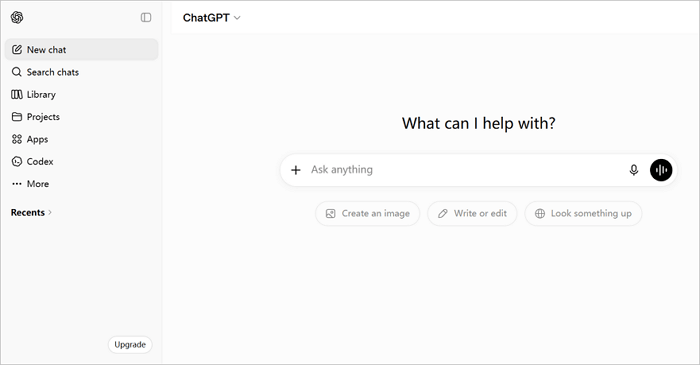
Think of ChatGPT as a highly capable generalist. It can be part researcher, part copywriter, part analyst, and this versatility makes it useful to every business owner.
In day-to-day use, you can use ChatGPT to quickly draft client emails, generate social media captions, write product descriptions, summarize documents, and brainstorm responses to tricky customer complaints.
Best For: Research, customer communication, business writing, and brainstorming
⭐ Key Features:
- GPT-4 model, which handles text, images, and voice in one interface.
- Custom GPT assistant trained on your own business context.
- Advanced data analysis allows you to upload spreadsheets and ask business questions.
- Memory of preferences across sessions, so you don’t have to repeat instructions.
✅ Pros:
- Speeds up content creation
- Reduces writer’s block
- Integrates with popular business tools like Zapier
📣 Cons:
- Responses may require fact-checking
- The free plan has usage limits
2. HubSpot AI
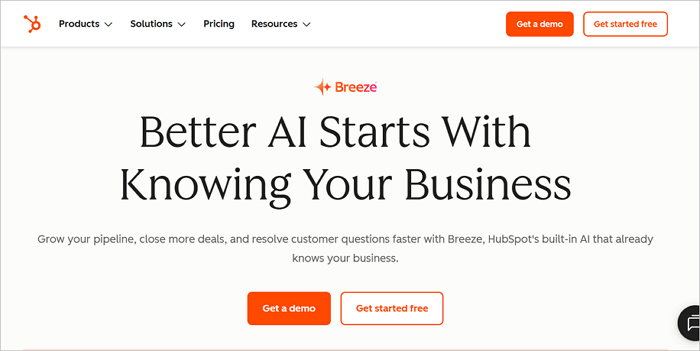
For a while now, HubSpot has integrated AI solutions for business (Breeze AI) throughout its Customer Relationship Management platform. This is particularly helpful when you own a small business without a dedicated team managing sales and marketing.
Also, HubSpot’s standout feature is predictive lead scoring, which uses behavioral signals from contacts to rank them by their likelihood of converting. In practice, you’d stop wasting time on cold leads and focus your energy where it will most likely pay off.
Best For: CRM management, lead nurturing, and marketing automation.
⭐ Key Features:
- Breeze AI, which powers lead scoring, deal summaries, and sales coaching.
- An AI email builder for generating full campaign drafts from brief instructions.
- Content assistant to help draft blog posts, landing pages, and social posts directly within HubSpot.
✅ Pros:
- Centralizes sales and marketing data
- Reduces the need for separate email marketing and CRM tools
- Improves lead conversion
- Easy to use for beginners
📣 Cons:
- Premium plans can be costly
- Advanced features have a learning curve
- Limited historical data can reduce the effectiveness of the scoring for new users
3. Canva Magic Studio
At some point, you must have come across or used Canva to create designs for your business. Canva Magic Studio is the version of Canva you probably did not know you needed as a business owner.
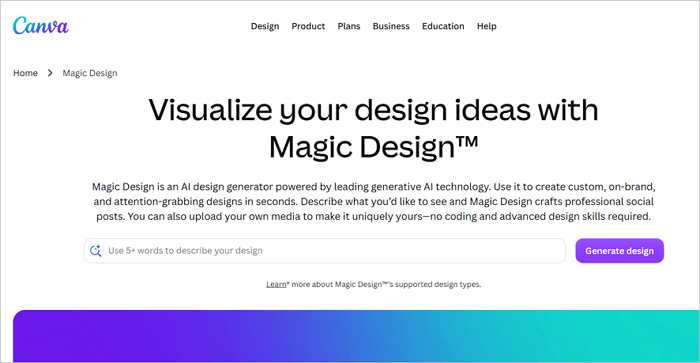
Its AI suite features an expanded brand kit system, which transforms it from a template library into a content production engine. The most impressive feature of this tool is the brand consistency. Once you upload your logo and choose your color palette, every template you generate automatically snaps to that identity.
Best For: Marketing visuals, social media content, and promotional materials
⭐ Key Features:
- Magic Write for generating AI copies inside design canvases.
- Fully branded template creation from a single image or prompt with Magic Design.
- Generates original visuals from text.
✅ Pros:
- No graphic design experience needed
- Exports directly to social platforms
- Supports branding consistency
📣 Cons:
- Limited AI customization in the free plan
- Some designs may look generic
4. AiPPT
Creating and delivering presentations are crucial for every business, both big and small. They are useful for communicating with team members, clients, investors, or partners. However, building them from scratch can be slow, and the design quality might be inconsistent. This is where AiPPT comes in.
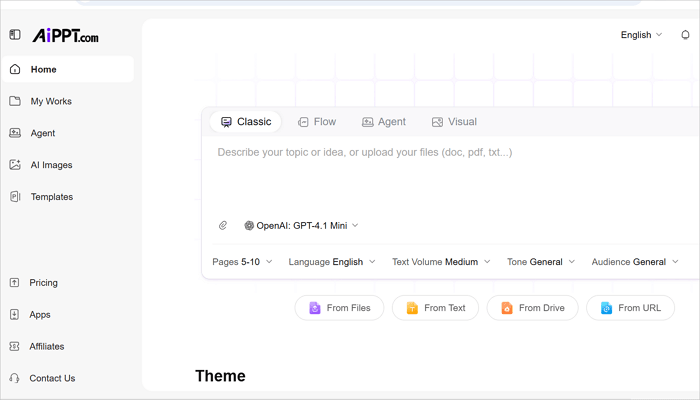
With AiPPT.com, you can generate a complete, polished deck from a single text prompt, document, or URL in under two minutes.
Best For: Creating business presentations with AI
⭐ Key Features:
- Full slide deck generation from a single prompt.
- 200,000+ professional templates across business, marketing, sales, proposals, and more.
- Upload Word, PDF, URLs, or mind maps and convert to slides instantly.
- Export as PPTX, PDF, or JPG images.
✅ Pros:
- Reduces time spent on professional slide design
- No prior design or presentation experience needed
- Intuitive user interface
📣 Cons:
- Limited advanced animation options
- Requires customization to match your specific brand voice
5. Dialpad AI
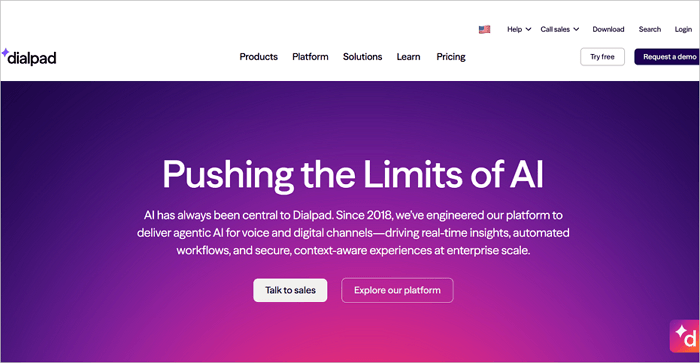
This is a business phone and messaging platform built around AI-native communication, and it works particularly well for small businesses that handle high volumes of customer calls.
For every call received, Dialpad AI automatically transcribes, summarizes, and tags items for action. Basically, you no longer need to take notes during a call or rely on memory for what was agreed.
Best For: AI-powered business communications and customer interactions
⭐ Key Features:
- Real-time transcription during every call.
- AI call summaries are delivered after each conversation.
- Sentiment detection to monitor customer emotions before situations escalate.
- AI coaching to flag improvement opportunities.
✅ Pros:
- Improves call productivity
- CRM integrations push call data directly into HubSpot and Salesforce
- AI suggestions improve customer service
📣 Cons:
- Accuracy may vary with accents
- Pricing may be high for small teams
6. QuickBooks AI
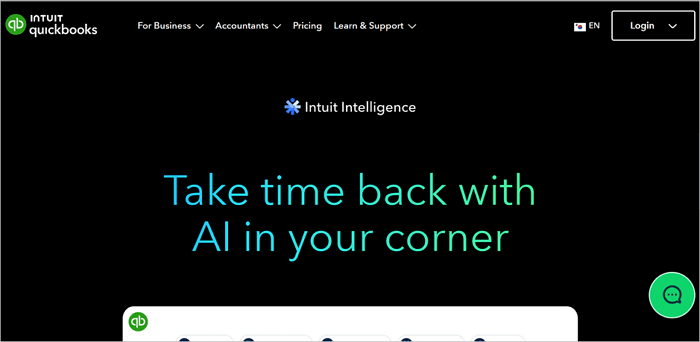
As a small business owner, a tool you should always have at your disposal for accounting tasks is QuickBooks, which has even become more useful with its AI layer.
Now, QuickBooks AI gives you access to a cash-flow forecasting dashboard, helping you predict income and expenses based on recurring transactions and flag periods where cash may run short before they occur.
Best For: Accounting, bookkeeping, and financial management
⭐ Key Features:
- Conversational AI for financial questions and task automation.
- Cash-flow forecasting to predict upcoming income and expenses.
- Categorize transactions automatically with accuracy improving over time.
- Tax prep assistance to flag deductible expenses and organize documents automatically.
✅ Pros:
- Reduces manual bookkeeping
- Time-saving financial insights
- No prior accounting knowledge or experience required
📣 Cons:
- Limited customization for complex businesses
- Subscription tiers are more expensive than some alternatives
7. Fireflies.ai
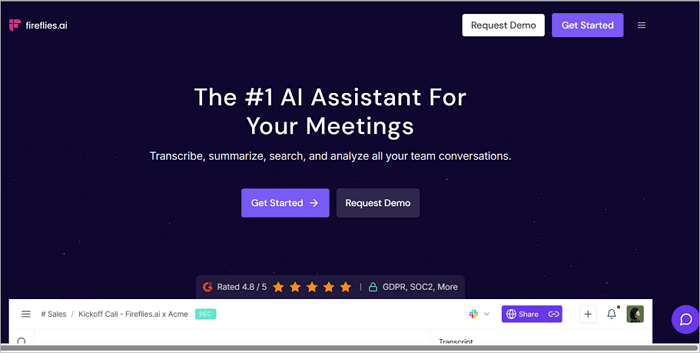
Fireflies.ai is one of the AI applications for small business you should adopt as soon as you can. It joins meetings as a silent participant, records everything, and delivers a searchable transcript and AI summary within minutes of the call ending.
This AI tool can help save significant time, particularly for small teams running back-to-back Zoom, Google Meet, or Microsoft Teams calls. No one needs to take notes, and there is little to no risk of missing follow-ups anymore.
Best For: Meeting transcription, summaries, and action-item tracking
⭐ Key Features:
- AI summaries of key discussions and decisions.
- Flagging of commitments and action items from meeting transcripts.
- Smart search to find specific words across all recorded meetings.
✅ Pros:
- Integrates with Slack and HubSpot to push meeting notes automatically
- Valuable for client-facing roles where follow-ups are crucial
- Useful for hybrid teams
📣 Cons:
- Transcription accuracy depends on audio quality
- Some meeting participants may not be comfortable with AI bots
8. Zapier AI
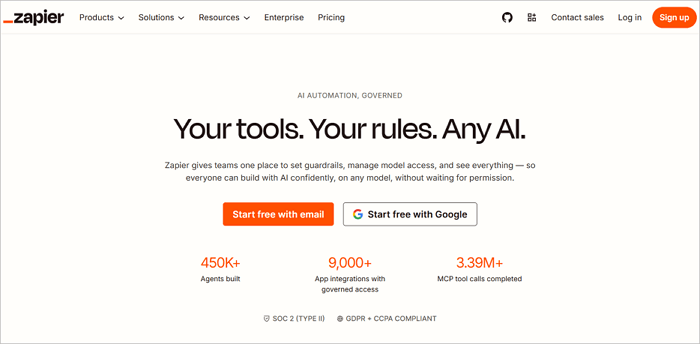
You can’t talk about automation in business processes today without mentioning Zapier AI. Over the years, Zapier itself automated the handoff between tools that usually required manual data entry. Now, its AI layer removes the last barrier for non-technical users.
To use Zapier AI, you simply have to describe the automation you want, and the tool builds it. For example, you can say: “When a new lead fills out my Typeform, add them to HubSpot and send a welcome email via Gmail.”
Best For: Workflow automation across business applications
⭐ Key Features:
- Natural Language Zap to describe what you want in plain English.
- 7,000+ integrations across virtually every SaaS tool used by small businesses.
- Chain actions across several apps in one automation.
- Lightweight database and front-end tools for custom workflows.
✅ Pros:
- Removes the need for developer help on most integration tasks
- Automation can run in the background
- Reduces repetitive tasks
📣 Cons:
- Complex workflows can be tricky to manage
- The free plan has limited tasks
9. Rippling AI
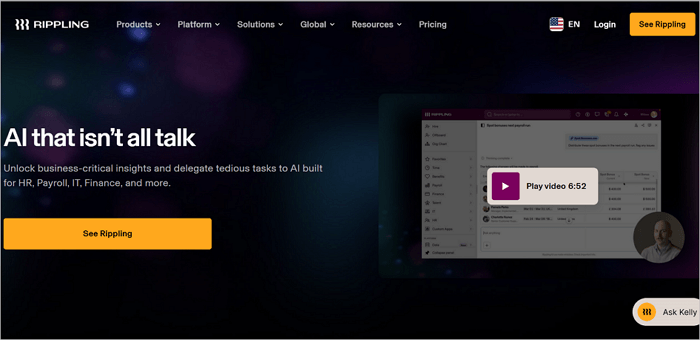
Rippling unifies HR, payroll, IT, and spend management on a single platform, and its AI layer makes it one of the best Artificial Intelligence for small business owners who manage their own HR.
When a new hire is added to Rippling, the system automatically sets up payroll, assigns the right apps, orders equipment, schedules compliance training, and sends the relevant paperwork. Usually, a process like this requires at least two hours, but it can now be completed in under 30 minutes with Rippling.
Best For: HR operations, employee onboarding, and workforce management
⭐ Key Features:
- Automated staff onboarding, including payroll, equipment, and training in one workflow.
- AI compliance monitoring to flag labor law violations proactively.
- Workforce analytics featuring headcount, attrition, and cost-per-hire dashboards.
✅ Pros:
- Streamlines HR processes to improve employee experience
- Reduces manual errors
- Perfect for hiring across different geographies
📣 Cons:
- It can be expensive for very small teams
- Advanced customization requires training
10. Tableau Pulse
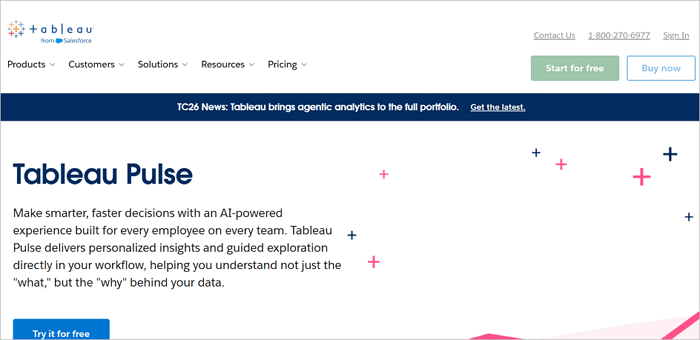
Tableau Pulse is the AI-powered evolution of traditional business intelligence, and it is designed to make data accessible to people who are not data analysts.
For a small business owner like you, trying to understand whether revenue is on track, which products are underperforming, or where customer acquisition costs are creeping up, Pulse can help you answer those questions more proactively, without building reports manually.
Best For: Business reporting, analytics, and decision-making
⭐ Key Features:
- AI summaries of business metric changes.
- Answers questions about data without writing SQL.
- Automatic alerts when metrics deviate from expected patterns.
- Metrics layer to ensure everyone measures the same thing.
✅ Pros:
- Makes business intelligence accessible to non-technical owners and managers
- Reduced risk of missing critical trends in busy periods
- Integrates with Salesforce, Google Analytics, and most CRMs
📣 Cons:
- It can be overwhelming for beginners
- Advanced analytics require paid plans
Conclusion
Adopting AI software for small businesses is not about using more tools but about removing bottlenecks and freeing time for high-value work.
While running a small business, you’ll often face challenges with staffing, tight schedules, and budgets.
What you can do now is to identify the most time-consuming task in your workflow and choose a single AI tool to tackle it. Gradually, AI will improve operations, boost productivity, and allow your team to focus on growth and strategy.
Learn More AI Software for Small Businesses
The questions below address the most common concerns small business owners have when exploring AI adoption in their operations for the first time.
1. How can AI be used in a small business?
Small businesses are using AI to simplify everything from marketing and customer support to financial tracking and internal workflows.
This helps small businesses save time, reduce errors, and gain insights for data-driven decisions. Essentially, the effective use of AI increases efficiency across departments without hiring additional staff.
2. What are the top 5 most popular AI tools?
Based on practical utility and current adoption rates, the five most widely used small business AI tools are:
- ChatGPT (General-purpose AI)
- HubSpot AI (CRM, lead scoring, and marketing automation)
- AiPPT (AI presentation maker for businesses)
- Zapier AI (Workflow automation connecting your entire app stack)
- QuickBooks AI (Accounting and financial management)
3. What AI tools can I use to start a business?
For a business in its early stages, your priority should be to keep costs to the barest minimum while moving quickly. The AI tools you need are:
- ChatGPT to handle research, business writing, and customer communication.
- AiPPT to produce investor pitch decks and client proposals.
- Canva Magic Studio to cover branding and marketing visuals.
- HubSpot AI free tier to manage customer relationships.
- Zapier for automating the connections between your app stack.