Dalam presentasi bisnis, format yang Anda pilih dapat menentukan seberapa jelas pesan diterima oleh audiens.
Presentasi penjualan, profil perusahaan, dan laporan tahunan, misalnya, membutuhkan pendekatan yang berbeda. Tantangannya adalah mengetahui format yang paling sesuai dengan tujuan Anda serta cara menyusunnya secara efektif.
Dalam artikel ini, kami akan membahas 10 contoh presentasi bisnis untuk berbagai situasi, kapan masing-masing format sebaiknya digunakan, dan apa yang membuatnya efektif. Artikel ini juga dapat menjadi contoh presentation guide bagi Anda yang membutuhkan referensi sebelum mulai membuat deck.
Tips Desain Presentasi Bisnis dari Perusahaan yang Sukses
Jika Anda melihat presentasi yang kuat, keberhasilannya biasanya berasal dari komunikasi yang jelas, bukan dari desain yang rumit.
Berikut beberapa pilihan desain sederhana yang dapat Anda gunakan agar slide terlihat lebih profesional.
1. Gunakan Satu Pesan dalam Setiap Slide
Jika sebuah slide memuat tiga ide yang berbeda, pertimbangkan untuk membaginya menjadi tiga slide agar presentasi lebih mudah diikuti.
2. Ganti Paragraf dengan Visual
Audiens dapat kesulitan memahami presentasi jika slide dipenuhi blok teks panjang. Sebagai gantinya, gunakan ikon, diagram, tangkapan layar, linimasa, atau ilustrasi sederhana yang relevan.
3. Gunakan Grafik untuk Menyampaikan Cerita
Grafik sangat berguna ketika audiens perlu membandingkan angka, melihat tren, atau memahami perubahan dari waktu ke waktu.
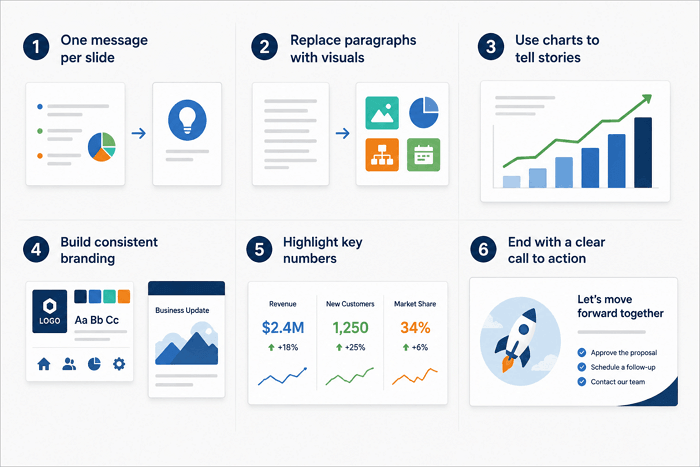
4. Bangun Branding yang Konsisten
Palet warna, kombinasi font, gaya ikon, dan tata letak yang konsisten dapat membuat seluruh deck terasa menyatu. Konsistensi ini juga membantu memperkuat identitas perusahaan.
5. Tonjolkan Angka Penting
Dalam beberapa situasi, Anda perlu menekankan metrik penting agar audiens dapat menemukannya dengan mudah di dalam slide.
6. Akhiri dengan Ajakan Bertindak yang Jelas
Di akhir presentasi, beri tahu audiens apa yang perlu dilakukan selanjutnya. Ajakan bertindak dapat meminta pemangku kepentingan untuk menyetujui proposal, memilih opsi, menjadwalkan tindak lanjut, atau menghubungi tim Anda.
10 Contoh Presentasi Bisnis untuk Berbagai Situasi
Tujuan bisnis yang berbeda membutuhkan struktur presentasi yang berbeda. Contoh presentasi di bawah ini menjelaskan kapan setiap format sebaiknya digunakan, slide penting yang perlu dimasukkan, tips desain, serta satu template AiPPT.com agar Anda dapat memulai lebih cepat.
1. Presentasi Profil Perusahaan
Terbaik untuk: Bisnis yang memperkenalkan diri kepada klien atau mitra baru
Saat membuat profil perusahaan, jangan mencantumkan semua fakta tentang bisnis Anda. Mulailah dengan menjelaskan siapa Anda, apa yang ditawarkan, lalu gunakan pencapaian nyata atau hasil pelanggan untuk membangun kredibilitas. Fokuskan isi pada informasi yang benar-benar dibutuhkan audiens.
Slide utama
- Gambaran umum perusahaan
- Misi dan nilai
- Produk dan layanan
- Pencapaian
- Tim
- Detail kontak
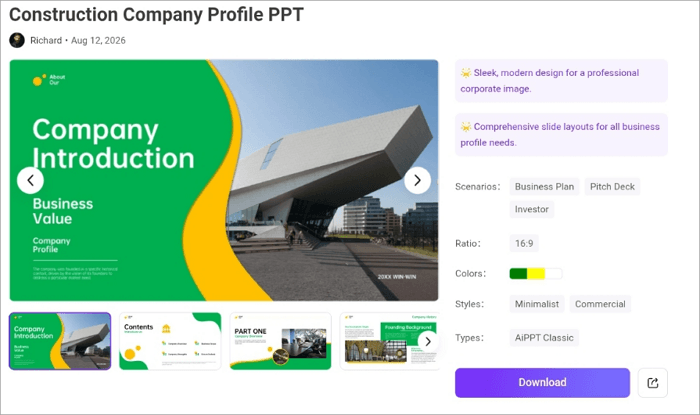
Coba Template PPT Profil Perusahaan Konstruksi: Menyediakan tata letak untuk sejarah perusahaan, layanan, pencapaian, anggota tim, dan data.
2. Presentasi Penjualan
Terbaik untuk: Tim yang menawarkan produk atau layanan secara langsung kepada pembeli
Dalam presentasi penjualan, jangan hanya menjelaskan apa yang Anda jual. Kenali masalah pelanggan, perkenalkan solusi Anda, tunjukkan nilainya, berikan bukti, lalu akhiri dengan CTA. Kisah pelanggan dan data yang relevan dapat membuat argumen lebih meyakinkan.
Slide utama
- Masalah
- Solusi
- Manfaat
- Bukti atau studi kasus
- Harga
- CTA
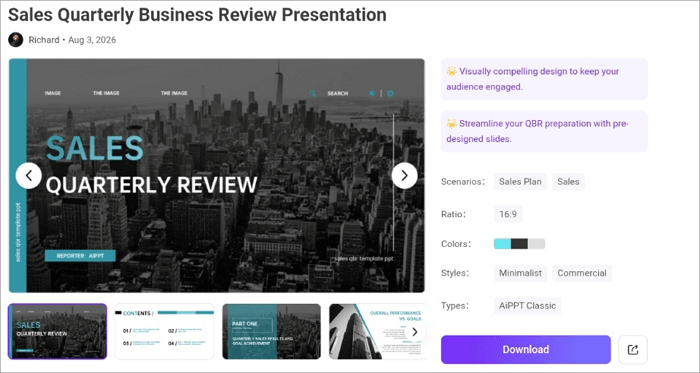
Coba Template Presentasi Tinjauan Bisnis Penjualan Kuartalan: Pilihan yang berguna untuk menampilkan kinerja penjualan, metrik utama, dan strategi ke depan.
3. Presentasi Strategi Pemasaran
Terbaik untuk: Tim yang mempresentasikan kampanye atau rencana pemasaran
Dalam presentasi pemasaran, mulailah dari kondisi pasar dan target audiens, lalu jelaskan tujuan serta saluran yang akan digunakan. Hubungkan setiap taktik dengan sasaran yang dapat diukur agar pemangku kepentingan memahami bagaimana strategi tersebut akan menghasilkan kinerja.
Slide utama
- Riset pasar
- Audiens
- Tujuan
- Saluran
- Anggaran
- Rencana kampanye
- KPI
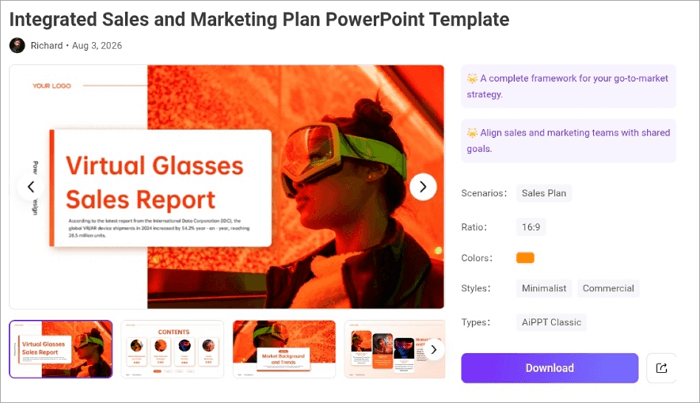
Coba Template PowerPoint Rencana Penjualan dan Pemasaran Terpadu: Menyediakan tata letak untuk audiens, taktik pemasaran, funnel penjualan, anggaran, dan KPI.
4. Presentasi Investor
Terbaik untuk: Startup yang sedang mencari pendanaan
Ingin menunjukkan kepada calon investor mengapa bisnis Anda layak mendapatkan investasi? Format ini cocok digunakan sebagai contoh pemaparan perusahaan kepada investor. Jelaskan masalah, solusi, peluang pasar, lalu dukung cerita tersebut dengan angka yang kredibel.
Slide utama
- Masalah
- Solusi
- Pasar
- Model bisnis
- Traction
- Persaingan
- Keuangan
- Tim
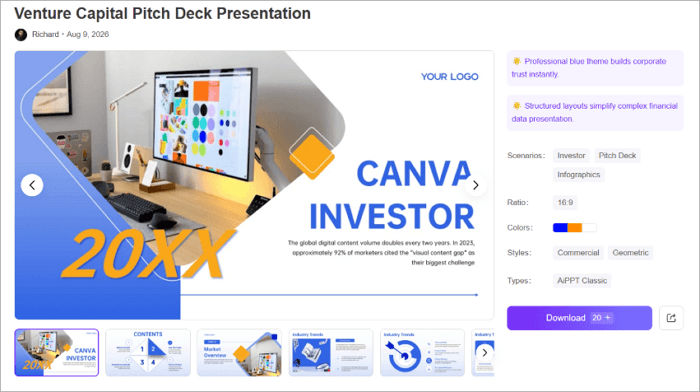
Coba Template Presentasi Pitch Deck Modal Ventura: Menyediakan tata letak terstruktur untuk deck yang berfokus pada investor dan dapat diedit di PowerPoint maupun Google Slides.
5. Presentasi Peluncuran Produk
Terbaik untuk: Tim yang memperkenalkan produk baru kepada pelanggan atau pemangku kepentingan internal
Dalam presentasi peluncuran produk, alur cerita sebaiknya bergerak secara alami dari masalah menuju solusi, kemudian berlanjut ke rencana peluncuran. Presentasi dapat dibuat lebih meyakinkan dengan tangkapan layar produk, mockup, dan demonstrasi singkat.
Slide utama
- Masalah
- Solusi
- Produk
- Manfaat
- Fitur
- Harga
- Rencana peluncuran
- CTA
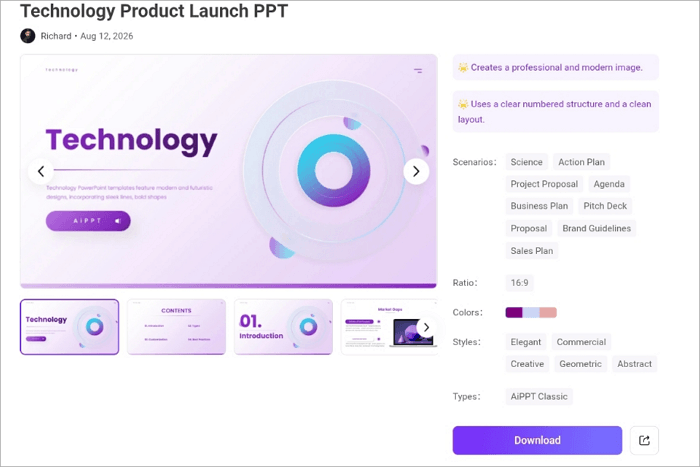
Coba Template Presentasi Peluncuran Produk: Kerangka yang berfokus pada peluncuran dan mencakup nilai produk, potensi pasar, keunggulan kompetitif, serta kelayakan komersial.
6. Presentasi Laporan Bisnis Tahunan
Terbaik untuk: Tim kepemimpinan yang memberikan laporan kepada dewan atau seluruh perusahaan
Jenis presentasi ini mengubah data kinerja selama satu tahun menjadi cerita yang dapat dipahami oleh pemangku kepentingan. Saat membuatnya, jelaskan perubahan di balik angka serta arti perubahan tersebut bagi perusahaan.
Slide utama
- Ringkasan eksekutif
- Kinerja
- Hasil keuangan
- Pencapaian penting
- Tantangan
- Rencana tahun berikutnya
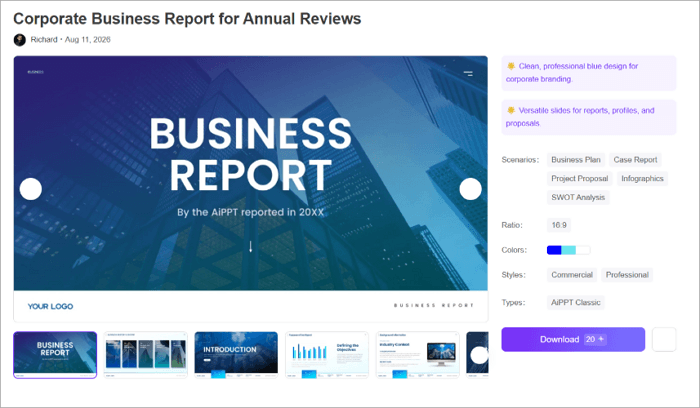
Coba Template Laporan Bisnis Perusahaan untuk Tinjauan Tahunan: Dirancang untuk laporan tahunan dan menyediakan tata letak untuk data, grafik, serta metrik utama.
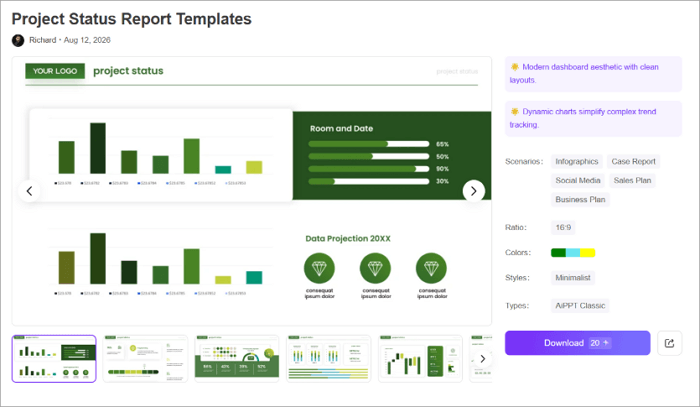
7. Presentasi Status Proyek
Terbaik untuk: Pemimpin proyek yang memberikan pembaruan rutin kepada pemangku kepentingan
Anda dapat menggunakan deck status proyek untuk menjelaskan apa yang telah selesai, apa yang akan dilakukan berikutnya, serta area yang membutuhkan dukungan. Namun, pertahankan struktur yang sederhana agar pemangku kepentingan dapat mengenali masalah dan keputusan yang masih tertunda dengan cepat.
Slide utama
- Ringkasan proyek
- Progres
- Pencapaian penting
- Risiko
- Hambatan
- Langkah berikutnya
Coba Template Laporan Status Proyek: Menyediakan tata letak yang bersih dan elemen visual untuk menampilkan progres proyek, linimasa, dan metrik utama.
8. Presentasi Rapat Tim
Terbaik untuk: Sinkronisasi internal mingguan atau bulanan
Slide rapat tim juga termasuk contoh presentasi powerpoint bisnis dan tidak perlu dibuat terlalu rumit. Fungsinya adalah menjaga semua orang tetap selaras pada hal yang penting serta membantu pengambilan keputusan lebih cepat. Presentasi yang paling produktif menggunakan slide singkat, menampilkan keputusan dengan jelas, dan menetapkan tanggung jawab sebelum rapat selesai.
Slide utama
- Agenda
- Pembaruan
- Prioritas
- Tenggat waktu
- Keputusan
- Tugas tindakan
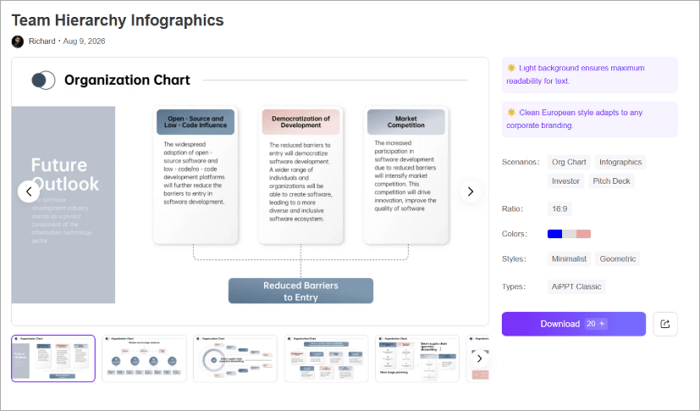
Coba Template Infografik Hierarki Tim: Membantu memvisualisasikan tanggung jawab tim dan struktur pelaporan ketika peran anggota tim menjadi bagian dari pembahasan.
9. Presentasi SDM dan Rekrutmen
Terbaik untuk: Tim rekrutmen yang melakukan presentasi kepada kandidat atau karyawan baru
Presentasi SDM dapat memperkenalkan budaya perusahaan, manfaat bagi karyawan, proses perekrutan, peluang karier, atau inisiatif employer branding. Untuk deck seperti ini, gunakan foto lingkungan kerja yang nyata, informasi yang jelas mengenai jalur karier, serta contoh spesifik yang menggambarkan budaya perusahaan.
Slide utama
- Budaya perusahaan
- Manfaat karyawan
- Peran
- Proses perekrutan
- Pertumbuhan karier
- Detail kontak
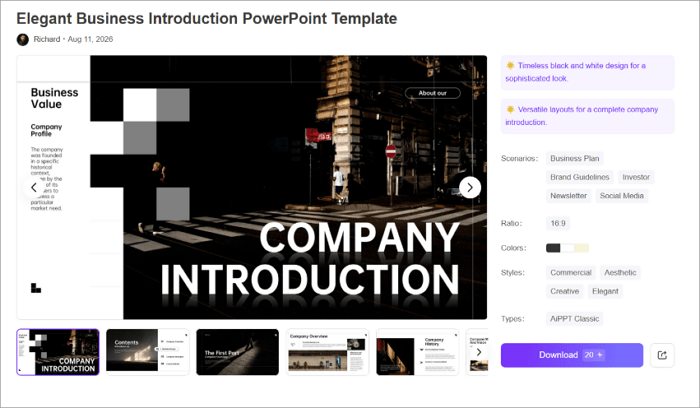
Coba Template PowerPoint Pengenalan Bisnis Elegan: Cocok untuk presentasi rekrutmen dengan tata letak untuk gambaran umum perusahaan, layanan, perkenalan tim, dan visualisasi data.
10. Presentasi Keuangan
Terbaik untuk: Tim keuangan yang melaporkan hasil secara internal atau kepada investor
Dalam presentasi keuangan, slide harus membuat informasi lebih mudah dipahami. Gunakan grafik untuk menunjukkan tren dan perbandingan, lalu tambahkan komentar singkat yang menjelaskan apa yang berubah dan mengapa. Arahkan perhatian pada metrik yang memengaruhi keputusan yang sedang dibahas.
Slide utama
- Gambaran umum keuangan
- Pendapatan
- Pengeluaran
- Perkiraan
- Anggaran
- Tren
- Rekomendasi
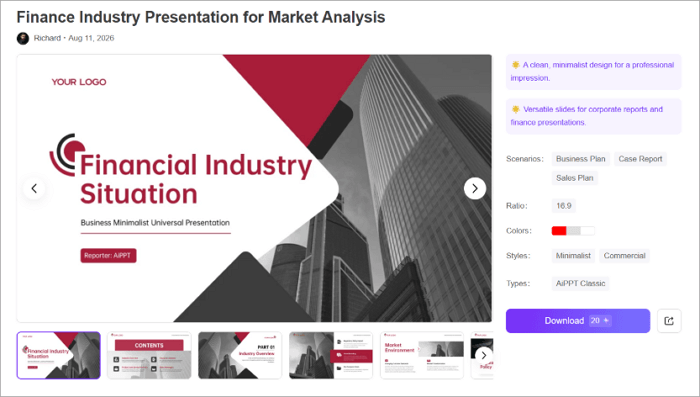
Coba Template Presentasi Industri Keuangan untuk Analisis Pasar: Memiliki desain bersih dan minimalis yang sesuai untuk laporan perusahaan serta presentasi keuangan.
Kesimpulan
Memahami berbagai contoh presentasi bisnis dapat meningkatkan komunikasi karena membantu Anda memilih struktur yang paling sesuai untuk tujuan presentasi.
Namun, sebelum membuat presentasi bisnis apa pun, tuliskan keputusan yang ingin audiens Anda ambil di akhir presentasi. Langkah tersebut dapat memengaruhi urutan slide, visual, dan CTA.
Setelah tujuan Anda jelas, presentasi dapat dibuat dari awal atau menggunakan template siap pakai di AiPPT.com yang sesuai dengan kebutuhan tersebut.
Pelajari Lebih Lanjut Tentang Contoh Presentasi
Masih ada banyak hal tentang presentasi bisnis yang mungkin belum Anda ketahui. Tips berikut dapat membantu ketika Anda membuat deck untuk berkomunikasi dengan pemangku kepentingan perusahaan.
1. Apa contoh slideshow bisnis yang bagus untuk mahasiswa?
Contoh presentasi singkat yang baik untuk mahasiswa meliputi:
- Pitch startup
- Profil perusahaan
- Rencana pemasaran
- Proposal bisnis
- Presentasi keuangan
Format tersebut mengajarkan struktur yang mencakup masalah, solusi, data, dan kesimpulan tanpa mengharuskan mahasiswa menggunakan data keuangan perusahaan nyata atau informasi rahasia.
2. Bagaimana cara membuat slide PowerPoint presentasi perusahaan yang bagus?
Untuk membuat presentasi PowerPoint perusahaan yang kuat, mulailah dengan menentukan audiens dan tujuan. Setelah itu:
- Perkenalkan perusahaan dan pesan utamanya
- Jelaskan produk atau layanan
- Tambahkan pencapaian atau bukti dari pelanggan
- Perkenalkan tim jika relevan
- Gunakan grafik dan visual untuk mendukung informasi utama
- Akhiri dengan CTA yang jelas
3. Bisakah Anda memberikan beberapa contoh presentasi bisnis?
Ya. Beberapa contoh slide presentasi bisnis yang berguna meliputi:
- Profil perusahaan
- Presentasi penjualan
- Strategi pemasaran
- Deck investor
- Peluncuran produk
- Laporan tahunan
- Pembaruan proyek
- Rapat tim
- Presentasi SDM
- Laporan keuangan