For a long time, there hasn’t been a platform as reliable as SlidesCarnival when it comes to getting free Google Slides and PowerPoint templates. Teams have always used it to create professional slides without spending hours designing from scratch.
However, presentation creation has evolved from downloading templates, and many people are now exploring SlidesCarnival alternatives for generating complete decks with AI.
Chances are, you also want to create presentations faster for your business, education, marketing, and startup projects. The good news is that there are a variety of AI presentation tools that can easily help you with that.
Here’s a quick side-by-side of the tools we’ll cover, based on what actually matters when you’re choosing between them.
| Tool | AI Deck Generation | AI Content Writing | Templates | PPT Export | Best For |
|---|---|---|---|---|---|
| 1. Gamma | Yes | Yes | Moderate | Yes | Fast AI drafts |
| 2. Beautiful.ai | Limited | Limited | Smart layouts | Yes | Design automation |
| 3. AiPPT.com | Yes | Yes | Extensive | Yes | Full presentation workflow |
| 4. Tome | Yes | Yes | Narrative-style | Limited | Story-driven pitches and narratives |
| 5. Canva | Limited | Limited | Extensive | Yes | Flexible visual design |
| 6. Pitch | Limited | Limited | Moderate | Yes | Team collaboration on decks |
| 7. Copilot for PowerPoint | Yes | Yes | PowerPoint native | Yes | Enterprise teams already on Microsoft 365 |
| 8. Prezi AI | Limited | Limited | Visual/zooming | Limited | Dynamic storytelling |
| 9. Visme | Limited | Limited | Data-focused | Yes | Data visualization |
| 10. Simplified | Limited | Yes | Marketing-style | Yes | Marketing teams |
What Makes a Good SlidesCarnival Alternative Today?
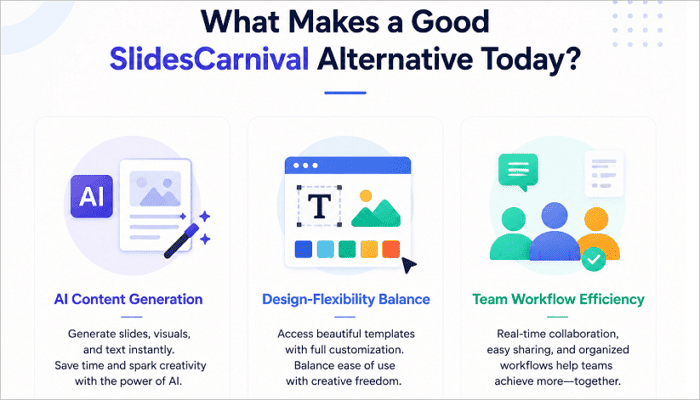
Creating presentations has gone beyond downloading templates and customizing them to your preferences. This is why almost everyone is searching for a better alternative to SlidesCarnival. And honestly, the best option is the one that significantly improves your overall workflow.
Consider AI-powered content generation first. This can easily help you transform ideas, reports, webpages, and documents into presentation-ready slides quickly. It enables most teams to move from concept to draft within minutes.
Beyond that, the tool you choose should balance visual quality with flexibility. It should offer strong customization options, extensive collaboration features, export compatibility, and support for existing workflows. Focus on how well the tool actually helps your team get things done.
The 10 Best SlidesCarnival Alternatives for AI Deck Creation
There is no single platform that is perfect for everyone. Some tools focus on fast AI content generation, others on design automation, storytelling, or team collaboration. So you should think about how you want to create presentations before choosing among these SlidesCarnival competitors.
1. Gamma
If you’ve ever explored AI-driven design, Gamma is likely already on your radar. This AI presentation platform is well-known for generating full decks from simple prompts in minutes.
However, Gamma may feel restrictive when you need to make extensive customizations to your presentations. In most cases, users end up exporting the file to PowerPoint for additional editing or better collaboration.
Nevertheless, Gamma remains the ideal choice when speed is the priority in creating presentations. It lets you generate complete presentations without spending time on structure or design.
2. Beautiful.ai
Beautiful.ai is the best presentation tool when it comes to design automation. The platform uses intelligent layouts that adapt as you add content, meaning you don’t have to arrange elements manually anymore. This comes in handy when you need professional slides, even if you don’t have design experience.
But there’s a trade-off too. Its automated layouts might not be as flexible as you’d expect. If your content doesn’t fit neatly into the available types, you may end up working around the tool rather than with it. Still, it is a solid pick for people who want to create straightforward business or marketing decks.
3. AiPPT.com
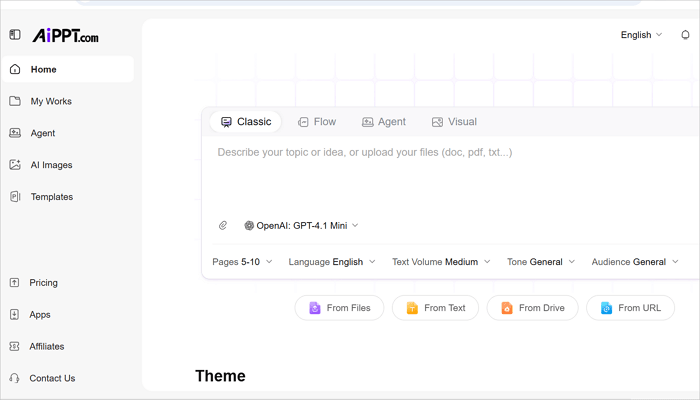
This AI presentation maker takes a broader approach to presentation creation than other websites like SlidesCarnival on this list. AiPPT.com lets you create complete decks from documents, webpages, Google Drive files, prompts, templates, and existing presentations. All you need to do is choose a preferred method, and the tool will structure it into organized, presentation-ready slides.
AiPPT.com is perfect for anyone who wants to turn documents or URLs into a full PPT in one click and export it.
In addition to its AI-generated content and layouts, AiPPT.com also features a library of more than 200,000 templates across business, education, and marketing, built-in diagram and chart generation, and AI image generation for custom visuals.
4. Tome
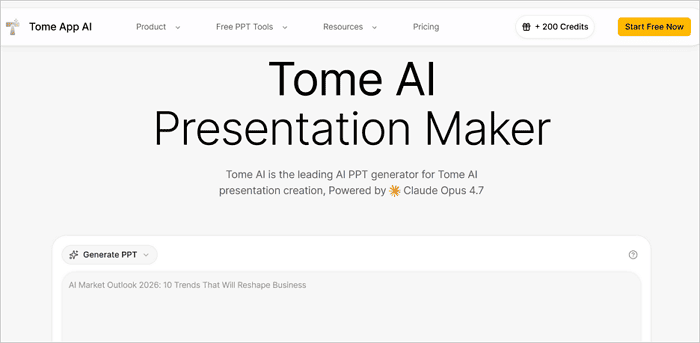
Tome is another worthy mention on this list, particularly because of its storytelling-first approach. Unlike other tools that are usually slide-driven, Tome is more narrative-driven, working really well for presentations that need to flow from problem to resolution. Common use cases include creative proposals, thought leadership presentations, or fundraising decks.
If a conventional slide format is your priority, Tome might not be the ideal tool for you. However, its storytelling approach still makes it a popular choice among presenters.
5. Canva
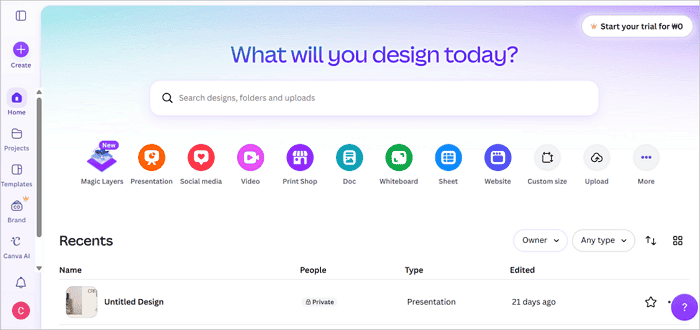
You may initially know Canva as a graphic design platform, but it offers more than that now. Canva’s presentation capabilities, including its extensive template ecosystem, branding tools, visual flexibility, and recent AI features, have made it a worthy competitor among the top presentation tools.
Canva is perfect for marketers and content creators who need presentations, social media graphics, and other visual content in a single platform. But can it entirely replace a dedicated presentation tool like SlidesCarnival or Gamma?
This depends on what your priority is. If visual design and brand consistency matter more than AI-generated structure, Canva holds up well, whereas if you need AI to do more of the writing and organizing, it’s still catching up.
6. Pitch
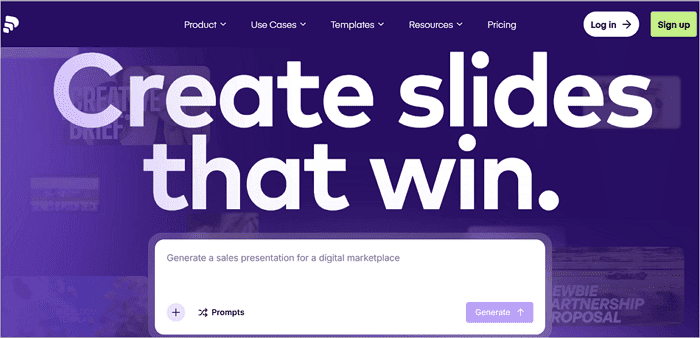
Aside from generating professional slides, Pitch was primarily built to aid collaboration. On Pitch, multiple people can work on the same deck simultaneously, leave comments, and track changes as they happen. It is an ideal option for startups and marketing teams where slides are usually built by more than one person.
While Pitch’s collaborative layer offers a real advantage, it might not be enough, especially if you have a small team and need more advanced AI slide-generation features.
7. Microsoft Copilot for PowerPoint
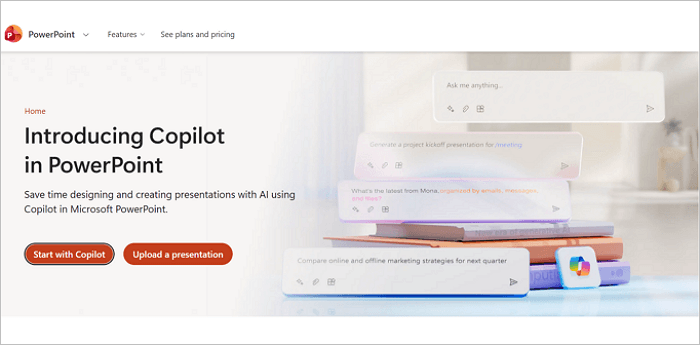
A lot of businesses use PowerPoint or other tools within the Microsoft 365 ecosystem, and it’s quite likely you already do too. This familiarity is what makes Microsoft Copilot an attractive option, especially for enterprise users. It introduces AI-assisted drafting and design suggestions directly into PowerPoint, meaning you don’t have to learn a new platform to use it.
That said, Copilot’s AI tends to work best as an assistant on top of your own outline, rather than building a complete deck from a single prompt the way some standalone AI platforms such as AiPPT.com do.
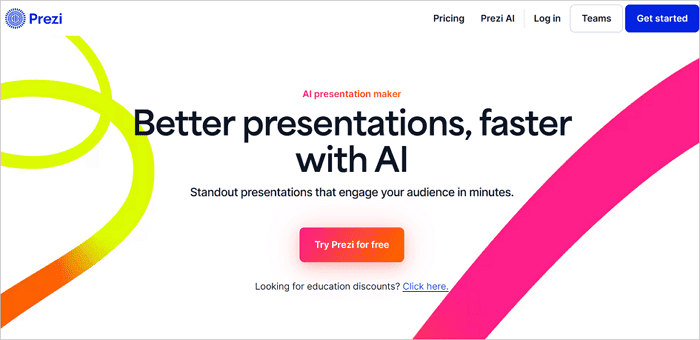
8. Prezi AI
Prezi has always stood apart for its dynamic, non-linear presentations. And now, its AI features lean into that—structuring ideas more efficiently while preserving the platform’s distinctive style. This works well for presentations meant to feel exploratory, like product tours, where audiences benefit from seeing how ideas connect.
For straightforward business reporting, Prezi AI’s non-linear format can make things more complex than they should be. Nevertheless, it offers the clearest advantage when content benefits from a visual, connected structure rather than a top-to-bottom narrative in traditional slide-based tools.
9. Visme
Visme is yet another SlidesCarnival replacement, focusing on visual communication, particularly when the content depends on charts, infographics, and data storytelling. If your presentations regularly need to communicate statistics in a way that’s easily scannable, Visme’s native visual tools offer a genuine advantage.
However, Visme’s features go beyond pure visuals. Its templates, branding, and export options are also strong, but the platform’s AI presentation capabilities may not be as extensive as others.

10. Simplified
This isn’t a dedicated presentation tool first; it’s a broader content platform that happens to include presentation creation alongside social graphics, video editing, and copywriting tools. For marketing teams that already produce a lot of other content, keeping presentations in the same ecosystem like Simplified can help reduce the need to switch between tools.
The trade-off with Simplified is that presentation features may not go as deep as platforms built specifically around decks. Still, it’s reasonable if you want one subscription covering different types of content.

Conclusion
The platform you choose from these SlidesCarnival alternatives shouldn’t be based on the aesthetics it brings to your slides alone.
AI is moving the real work away from slide design and toward idea communication. The tools that matter now help you think clearly and structure an argument, so you spend less time formatting and more on refining your messages.
Take one real presentation you need to build—whether it’s an investor pitch, business report, or client proposal, and run it through two or three of these tools to see which one actually saves you time.
FAQs on Alternatives to SlidesCarnival
Got questions about choosing the perfect SlidesCarnival alternative for your workflow? Here are some answers to guide you in your search.
1. Are there free alternatives to SlidesCarnival?
Absolutely. Most platforms mentioned here, including AiPPT.com and Canva, offer free tiers that include basic AI deck generation and access to templates. While these free tiers may limit exports and advanced templates, they are usually enough to test whether a tool fits your workflow before upgrading.
2. What is the best SlidesCarnival alternative for AI presentation creation?
It depends on what you’re starting with. If you’re generating decks from documents, webpages, or research, AiPPT.com’s broader input support may be the better fit. However, if you just need a quick draft from a short prompt, Gamma is a solid SlidesCarnival alternative with AI built for that use case.
3. Can AI create an entire presentation from a document?
Yes, and this is actually the standard among the tools on this list. Platforms like AiPPT.com can take a PDF, Word file, or webpage URL, restructure the content into organized slides, and suggest professional layouts to use. This saves you from manually formatting each section of the document yourself.