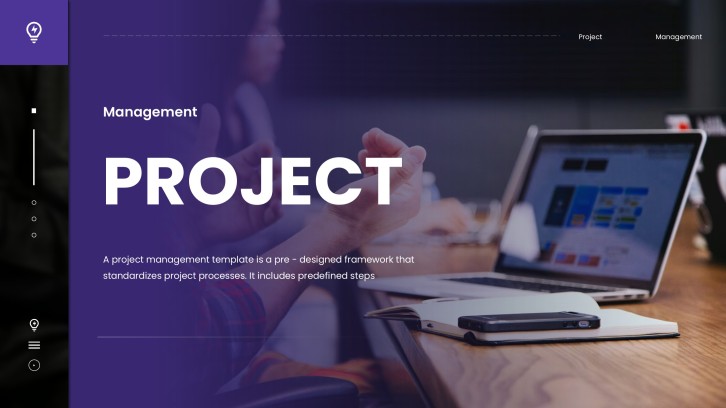
For project leads, teams & stakeholders

Project Kickoff Presentation Template + AI Generator

Create a team-ready project kickoff presentation in minutes. Start from a proven structure for project leads and cross-functional teams, then customize goals, scope, roles, milestones, communication, and risks.Create a kickoff deck in minutes. Customize goals, scope, roles, milestones, and risks with AI.

Browse Templates
Team alignmentScope clarityLaunch planning
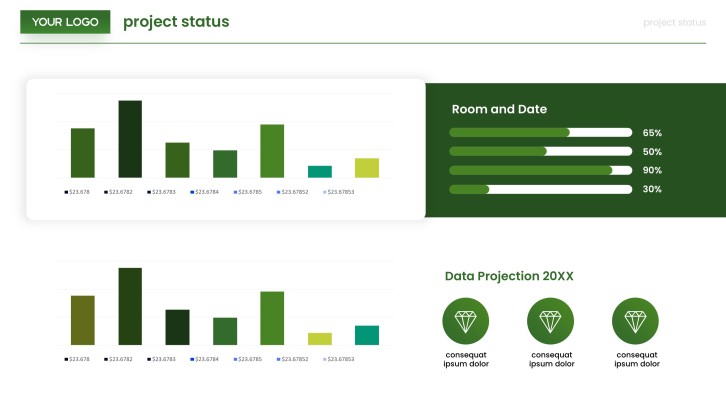
Company Digitization Project Plan PPT
Kickoff-ready slide flow
AI-assisted project copy
Editable planning templates
Export to PowerPoint

Related project kickoff resources

How to create a project kickoff presentation

  1. Define the project's purpose, kickoff audience, desired decisions, and meeting outcome.
  2. Gather the approved charter, scope, timeline, stakeholder list, risks, and working assumptions.
  3. Prompt AiPPT with the project context and choose a project kickoff presentation template.
  4. Customize the project kickoff slides with owners, milestone dates, communication channels, and team-specific examples.
  5. Confirm every commitment with accountable owners, then review and export the final deck.

Example sections in your project kickoff presentation

  • Project purpose, business context, and measurable success criteria
  • In-scope deliverables, exclusions, constraints, and key assumptions
  • Stakeholder map, team roles, decision rights, and escalation paths
  • Phases, milestones, dependencies, budget, and resource expectations
  • Communication cadence, immediate actions, open questions, and risk responses

Choose your project kickoff presentation format

Client Project Kickoff Presentation

Applicable to:

Agency engagementsConsulting projectsService delivery

Align client and delivery teams on outcomes, scope boundaries, governance, responsibilities, and approval points.

Software Implementation Kickoff PPT

Applicable to:

SaaS rolloutsSystem migrationsPlatform integrations

Frame technical work around requirements, environments, workstreams, dependencies, testing, adoption, and launch readiness.

Marketing Campaign Kickoff Slides

Applicable to:

Product launchesBrand campaignsContent programs

Connect the campaign objective to audiences, messages, channels, creative deliverables, metrics, owners, and dates.

Internal Operations Project Kickoff

Applicable to:

Process redesignCompliance initiativesWorkplace change

Clarify the operating problem, affected teams, change impacts, work packages, controls, and decision cadence.

Example project kickoff presentation

What makes a project kickoff presentation effective

  • It connects the business need to measurable outcomes the whole team can repeat.
  • It states scope boundaries, assumptions, dependencies, and change rules without ambiguity.
  • It assigns decisions, deliverables, risks, and immediate actions to named owners.
  • It ends with confirmed commitments, deadlines, communication channels, and the next meeting.

Common mistakes

  • Filling the deck with project history while leaving decisions and actions unclear.
  • Showing a timeline without owners, dependencies, acceptance criteria, or realistic constraints.
  • Treating all stakeholders alike instead of defining decision rights and engagement needs.
  • Ending the kickoff before resolving open questions or recording who follows up.

Frequently Asked Questions

A project kickoff presentation aligns sponsors, stakeholders, and delivery teams before work begins. It explains why the project exists, what success means, how the work will run, and who owns each decision and action.
Include the business context, goals, success metrics, scope, deliverables, timeline, team roles, governance, communication plan, risks, and next steps. Add only the detail people need to make decisions and start work confidently.
Most kickoff decks work well in 10 to 15 slides, but complexity matters more than a fixed number. A small internal project may need fewer, while a cross-functional client project may need more detail on governance, dependencies, and risk.
Lead with the outcome, visualize scope and milestones, name real owners, and pause for decisions. Keep dense reference material outside the main presentation and finish with a short, visible action list.
Yes. Give AiPPT the project goal, audience, scope, milestones, team roles, and known risks to generate a structured first draft, then verify every commitment with the project team.
A useful example follows one realistic project from purpose through scope, ownership, timeline, budget, risks, tracking, and immediate actions. The Northstar Portal case above shows how those sections can form one coherent story.
AI Presentation Maker

Generate your project kickoff presentation now

Turn your project brief into a structured kickoff deck with AI, then tailor the goals, scope, roles, milestones, and risks for your team.