For HR, managers & new hires

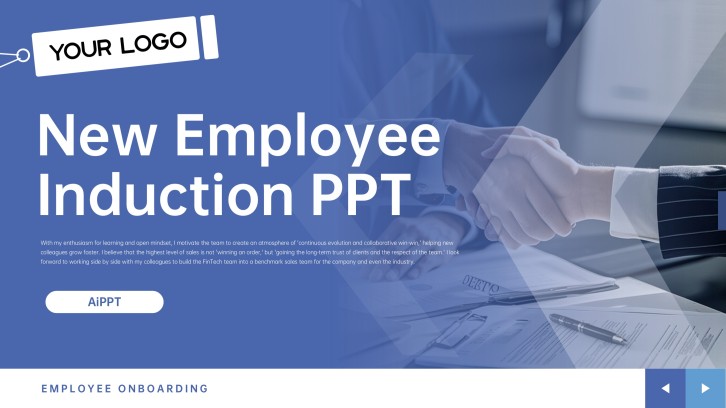
Employee Onboarding Presentation Template + AI Generator

Create an employee onboarding presentation in minutes. Start from a proven new-hire structure, then customize company culture, team introductions, role expectations, policies, tools, and first-90-day goals.Create a new hire onboarding deck with company culture, roles, policies, tools, and 90-day goals.
Browse Templates
New hire orientationRole clarityFirst 90 days
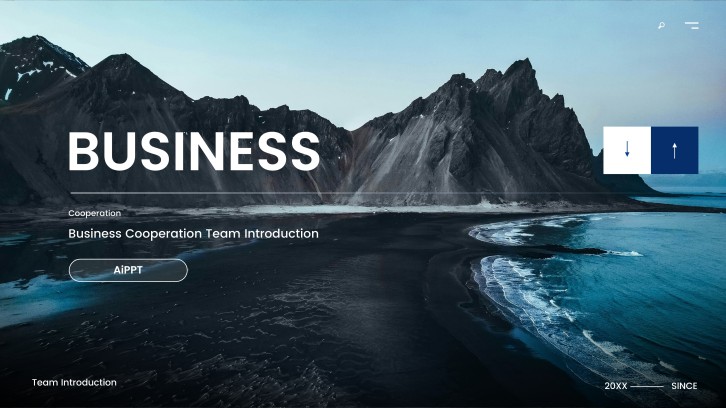
Corporation Meet the Team PPT
Onboarding-ready slide flow
AI-assisted welcome copy
Editable employee templates
Export to PowerPoint

Related employee onboarding, workplace, and communication resources

How to create an employee onboarding presentation

  1. Define the new-hire audience, role, location, employment stage, onboarding owners, learning outcomes, and first-90-day success measures.
  2. Organize essential content around company context, culture, team, role expectations, policies, tools, workflows, support, and milestones.
  3. Generate the employee onboarding presentation with AI, then choose a suitable template and replace generic content with approved company information.
  4. Customize names, organization charts, screenshots, contacts, role-specific examples, schedules, policies, and accessibility details.
  5. Review accuracy with HR and managers, test every link, prepare facilitator notes, and export the final onboarding deck.

Example sections in your employee onboarding presentation

  • Welcome message, agenda, company story, mission, and values
  • Organization chart, team introductions, key contacts, and collaboration norms
  • Role purpose, responsibilities, systems, workflows, and performance expectations
  • Policies, benefits, security, workplace conduct, and support channels
  • First-week schedule, 30-60-90-day goals, check-ins, and next steps

Choose your employee onboarding presentation format

Company-Wide New Hire Orientation

Applicable to:

Monthly hire cohortsMulti-role groupsHybrid orientation

Introduce company context, culture, policies, benefits, tools, support channels, and shared expectations.

Role-Specific Onboarding Plan

Applicable to:

Sales hiresTechnical hiresOperations hires

Connect role responsibilities, workflows, systems, stakeholders, skills, and performance measures to a clear learning path.

Manager-Led First Week Deck

Applicable to:

Small teamsIndividual hiresInternal transfers

Plan introductions, meetings, access, early tasks, team norms, questions, and end-of-week check-ins.

30-60-90 Day Onboarding Plan

Applicable to:

Professional rolesLeadership hiresRemote employees

Set phased learning, relationship, contribution, and performance milestones with owners, evidence, and review dates.

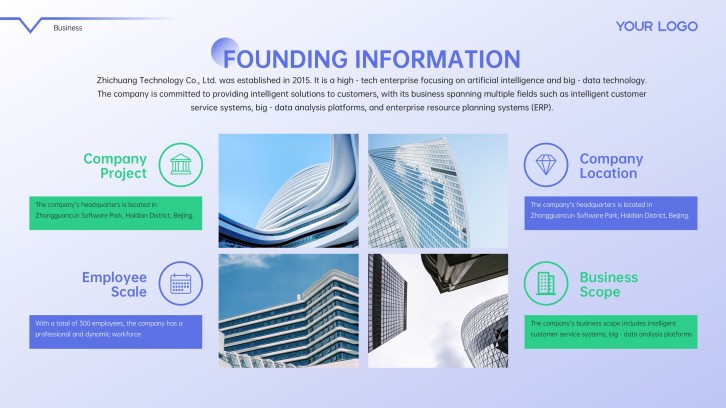
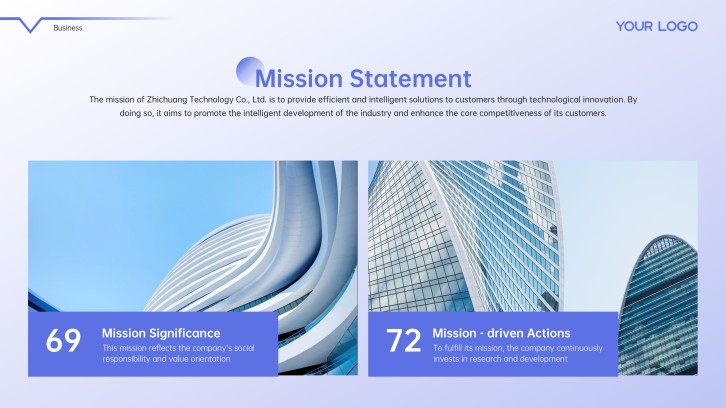
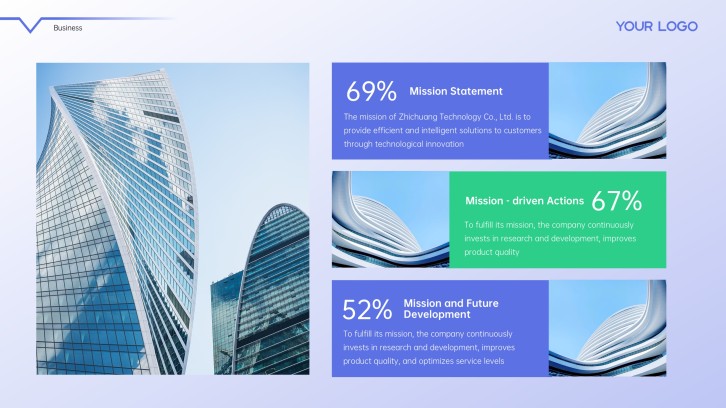
New hire onboarding presentation example: Lumina Systems company orientation

What makes an employee onboarding presentation effective

  • It gives every new hire accurate, role-relevant information in a clear sequence without overwhelming the first day.
  • It connects company culture and policies to observable behaviors, realistic decisions, named contacts, and practical examples.
  • It distinguishes universal orientation content from role-, location-, and employment-specific requirements.
  • It ends with phased goals, owners, support channels, manager check-ins, and evidence of successful onboarding.

Common mistakes

  • Turning orientation into a long policy lecture without prioritizing what the employee needs now, later, or only as reference.
  • Reusing outdated organization charts, links, benefits, policies, contacts, or system screenshots.
  • Presenting culture as slogans without showing the everyday behaviors, decisions, boundaries, and examples behind each value.
  • Ending after information delivery without access checks, practice, questions, milestones, ownership, or manager follow-up.

Frequently Asked Questions

An employee onboarding presentation should include a welcome, company context, culture, team, role expectations, key policies, benefits, tools, workflows, support contacts, first-week tasks, and 30-60-90-day goals.
Structure employee onboarding slides from welcome and company context through team, role, policies, tools, workflows, support, phased goals, questions, and next steps.
An employee onboarding presentation example should show a real sequence for company orientation, role clarity, team introductions, policies, systems, first-week tasks, and 90-day milestones. Useful new hire onboarding presentation examples also distinguish company-wide and role-specific content.
Yes. An AI employee onboarding presentation generator can draft the structure and slide copy. HR and managers should verify every policy, contact, benefit, access instruction, and role expectation before use.
A focused employee onboarding PPT often uses 10 to 20 slides. Split longer programs into universal orientation, role-specific learning, reference materials, and later check-ins instead of presenting everything at once.
Use a first-week schedule, system access checklist, real workflows, named contacts, short practice tasks, role-specific examples, phased goals, and scheduled manager check-ins.
AI Presentation Maker

Generate your employee onboarding presentation now

Create an employee onboarding deck with AI, then customize company culture, team contacts, role expectations, policies, tools, schedules, and 90-day goals.