For creatives, students & professionals

Portfolio Presentation Template + AI Generator

Create a polished portfolio presentation in minutes. Start from a proven structure for creatives, students, and professionals, then customize your profile, selected projects, process, outcomes, and contact details.Create a portfolio deck in minutes. Customize your profile, projects, process, and results with AI.
Browse Templates
Creative portfoliosProject case studiesCareer showcases
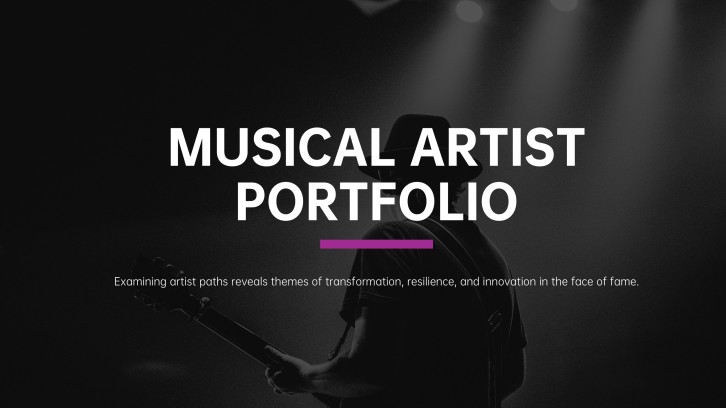
Musical Artist Portfolio Presentation
Portfolio-ready slide flow
AI-assisted project copy
Editable portfolio templates
Export to PowerPoint

Related portfolio presentation resources

How to create a portfolio presentation

  1. Define the audience, opportunity, and single impression your portfolio should leave.
  2. Select three to five projects that best demonstrate relevant skills and measurable outcomes.
  3. Use an AI portfolio presentation generator or portfolio presentation template to create a logical first draft.
  4. Customize each case study with your role, process, visuals, decisions, and results.
  5. Edit for consistency, verify every claim, rehearse the story, and export the final portfolio PowerPoint.

Example sections in your portfolio presentation

  • Personal introduction and positioning statement
  • Skills, services, or areas of expertise
  • Selected project case studies
  • Process, decisions, and measurable results
  • Testimonials, contact details, and next steps

Choose your portfolio presentation format

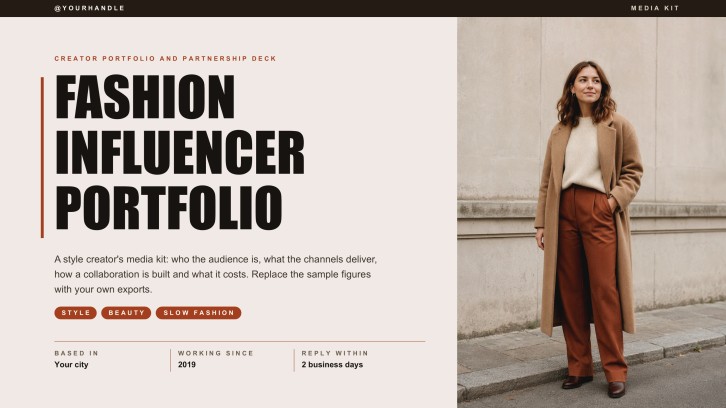
Creative Designer Portfolio Presentation

Applicable to:

Graphic design rolesAgency interviewsFreelance client pitches

Showcase visual projects, design reasoning, iterations, and finished outcomes in a concise creative narrative.

Student Project Portfolio PPT

Applicable to:

Course reviewsInternship applicationsCapstone assessments

Connect learning goals, project evidence, reflections, and emerging skills for academic or early-career audiences.

Professional Career Portfolio PowerPoint

Applicable to:

Job interviewsPromotion reviewsCareer transitions

Present your experience, signature achievements, leadership examples, and role-specific value with credible evidence.

Freelance Services Portfolio Slides

Applicable to:

Discovery callsProposal meetingsPartnership outreach

Combine positioning, selected work, service options, client proof, and contact information for prospective buyers.

Example portfolio presentation

What makes a portfolio presentation effective

  • Open with a specific role, audience, and value proposition rather than a generic biography.
  • Show a small set of relevant projects with clear context, personal contribution, process, and outcomes.
  • Use visuals as evidence and keep captions, metrics, dates, and responsibilities easy to verify.
  • Finish with services, availability, contact information, and a next step suited to the audience.

Common mistakes

  • Including every project instead of curating the work most relevant to the opportunity.
  • Showing polished outputs without explaining the problem, decisions, constraints, or your individual role.
  • Using dense portfolio slides, inconsistent image treatments, or tiny text that distracts from the work.
  • Publishing confidential client details, unsupported metrics, broken links, or outdated contact information.

Frequently Asked Questions

A portfolio presentation is a slide deck that introduces your expertise and demonstrates it through selected work. Strong portfolio slides connect each example to a problem, your role, your process, and a result.
Include a brief introduction, relevant skills, three to five strong projects, process evidence, outcomes, and contact details. Add testimonials or service options only when they support the presentation's purpose.
Most live portfolio presentations work well at 10 to 15 slides. Use fewer slides for a short interview and add deeper case-study slides when the audience expects detailed discussion.
Choose a template that gives your work visual priority and supports the formats you need, such as case studies, image galleries, metrics, and contact information. Keep typography and image treatments consistent after customization.
Yes. An AI portfolio presentation generator can turn your notes into a structured draft, while templates establish a visual starting point. You should still verify claims, replace generic text, and add authentic work samples.
A strong example is selective, audience-specific, and easy to follow. It shows not only finished work but also the decisions, collaboration, constraints, and measurable difference behind it.
AI Presentation Maker

Generate your portfolio presentation now

Turn your profile, project notes, work samples, and results into a structured portfolio presentation with AI.