Sign In Sign Up
For students, advisors & reviews

Final Year Project Presentation Template + AI Generator

Create a polished final year project presentation in minutes. Start from an academic report structure, then customize your problem statement, methodology, prototype, results, skills, recommendations, and future work.Create final year project slides fast. Customize your problem, method, results, skills, and recommendations with AI.

Browse Templates
Final project reviews Academic reports Project showcases
Bachelor Thesis Presentation
Final project slide flow
AI-assisted project copy
Editable academic templates
Export to PowerPoint

Related final year project resources

How to create a final year project presentation

  1. Define your project problem, review audience, and presentation goal.
  2. Organize the deck into context, method, solution, results, and recommendations.
  3. Use AI to turn notes, research, and milestones into slide copy.
  4. Add charts, screenshots, diagrams, prototype images, or evaluation evidence.
  5. Review the logic, tighten your claims, and export the final deck.

Example sections in your final year project presentation

  • Project title and student or team details
  • Problem statement and project objectives
  • Research methodology or development process
  • Prototype, results, findings, or evaluation
  • Recommendations, limitations, and future work

Choose your final year project presentation format

Final Year Software Project Presentation

Applicable to:

Computer science students App prototypes Technical review panels

Best for presenting a software project with problem context, system design, prototype screens, testing, and future work.

Final Year Research Project Presentation

Applicable to:

Undergraduate research Advisor reviews Academic panels

Use this format for research questions, literature context, methodology, findings, limitations, and recommendations.

Final Year Engineering Project Presentation

Applicable to:

Engineering students Design projects Prototype demonstrations

Ideal for explaining scope, design decisions, implementation steps, test results, and technical constraints.

Final Year Business Project Presentation

Applicable to:

Business students Market analysis projects Entrepreneurship showcases

Best for presenting market context, strategy, data analysis, financial assumptions, outcomes, and next-step recommendations.

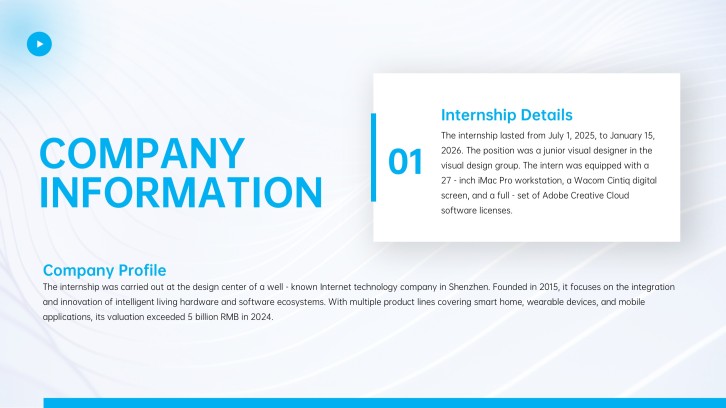
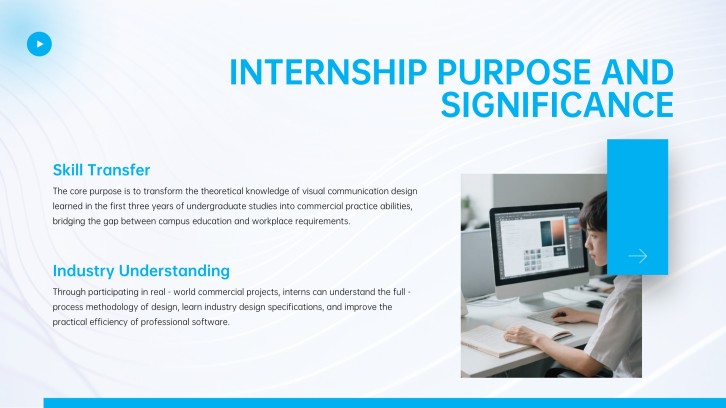
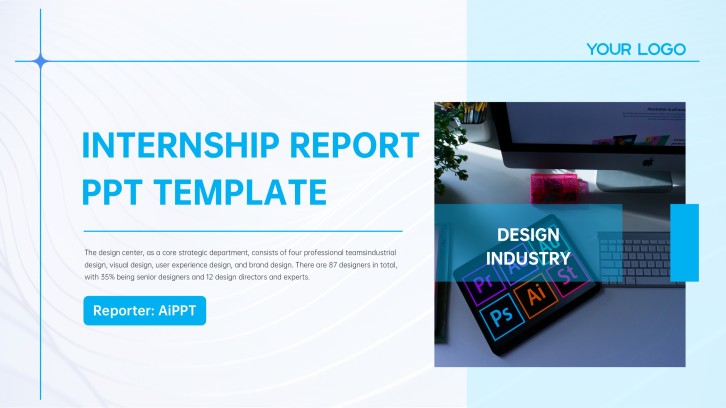
Example final year project presentation

What makes a final year project presentation effective

  • States the problem, project value, and evaluation audience early.
  • Connects methodology, development work, results, and recommendations clearly.
  • Uses visuals, data, screenshots, diagrams, and evidence to support claims.
  • Ends with honest limitations, future work, and confident Q&A readiness.

Common mistakes

  • Listing every project detail without a clear final review storyline.
  • Showing results without explaining the method or evaluation criteria.
  • Using too much technical text and not enough visual evidence.
  • Ending without recommendations, limitations, future work, or discussion prompts.

FAQs

A final year project presentation should include your project title, problem statement, objectives, methodology, solution or prototype, results, limitations, recommendations, and future work. Add visuals such as charts, screenshots, diagrams, or test evidence so reviewers can understand the project quickly.
Most final year project presentations work well with 10 to 15 slides. If your review requires a viva or detailed defense, you may need extra slides for methodology, evaluation, references, and Q&A.
Start with your project abstract, report outline, milestones, data, and results. AiPPT can help turn that material into a structured deck, then you can customize slide copy, visuals, examples, and final recommendations.
A good example follows one clear story: problem, research or build process, solution, evaluation, results, and next steps. For example, a student app project can show the user problem, prototype screens, testing feedback, improvements, and future pilot plan.
Yes. A template helps you keep academic project slides organized and visually consistent while you add your own research, prototype screenshots, charts, and conclusions. Choose a layout that matches your project type, such as research, engineering, software, or business.
A written report contains full detail, while slides need to guide the audience through the strongest argument quickly. Final year project slides should focus on the problem, key decisions, evidence, results, and what you learned.
AI Presentation Maker

Generate your final year project presentation now

Create a final year project presentation with AI, then customize your problem statement, methodology, visuals, results, recommendations, and future work for your review or showcase.