For managers, employees & HR

Performance Review Presentation Template + AI Generator

Create a manager-ready performance review presentation in minutes. Start from a proven review structure, then customize goals, measurable results, feedback, strengths, and development priorities for a focused conversation.Create a performance review deck in minutes. Customize goals, results, feedback, strengths, and development priorities with AI.
Browse Templates
Employee evaluationsManager reviewsDevelopment planning
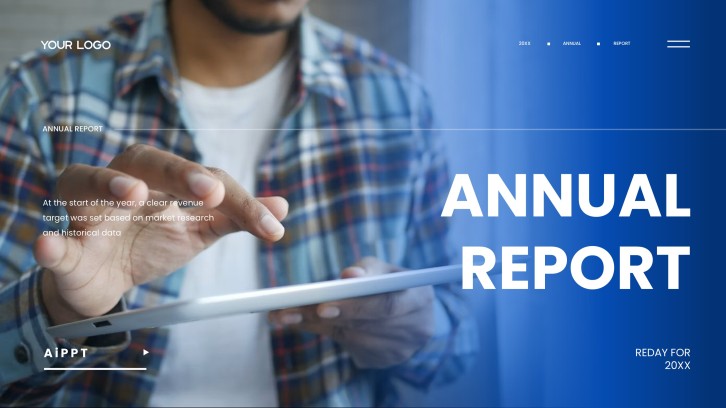
Corporate Business Report for Annual Reviews
Review-ready slide flow
AI-assisted review copy
Editable business templates
Export to PowerPoint

Related performance review presentation resources

How to create a performance review presentation

  1. Define the review period, employee role, audience, and decision the conversation should support.
  2. Gather goals, measurable results, feedback themes, notable contributions, and development evidence.
  3. Generate a first draft with AI or choose a review-ready business template.
  4. Customize ratings, charts, examples, coaching notes, and next-cycle objectives for the employee.
  5. Verify facts, balance recognition with development, rehearse delivery, and export the final deck.

Example sections in your performance review presentation

  • Role and review-period context
  • Goals and measurable outcomes
  • Strengths and demonstrated impact
  • Feedback and development priorities
  • Next-cycle goals and support plan

Choose your performance review presentation format

Annual Employee Performance Review Presentation

Applicable to:

Annual appraisalsManager meetingsCompensation cycles

Best for a balanced year-end review of goals, results, competencies, feedback, and future development.

Quarterly Performance Check-In Presentation

Applicable to:

Quarterly reviewsGoal resetsCoaching sessions

Use this concise format to review recent progress, remove blockers, and adjust priorities before year-end.

Sales Representative Performance Review PPT

Applicable to:

Sales teamsAccount managersRevenue leaders

Connect quota results, pipeline contribution, customer outcomes, sales behaviors, and coaching actions in one focused deck.

Self-Evaluation Performance Review Slides

Applicable to:

Employee self-reviewsPromotion casesCareer conversations

Help employees document accomplishments, evidence, lessons learned, growth goals, and requested support before the review meeting.

Example performance review presentation

What makes a performance review presentation effective

  • Compares agreed goals with verified outcomes and explains the employee's contribution.
  • Balances specific recognition, constructive feedback, and a fair view of operating context.
  • Uses concise charts and examples that make the review easy to discuss.
  • Ends with measurable goals, named support, owners, and scheduled follow-up dates.

Common mistakes

  • Surprising the employee with criticism that was never discussed during the review period.
  • Using vague ratings without evidence, examples, or clear role expectations.
  • Overloading slides with every activity instead of highlighting outcomes and impact.
  • Ending the conversation without documented development actions or manager commitments.

Frequently Asked Questions

Include the review context, agreed goals, measurable outcomes, strengths, feedback themes, development priorities, and next-cycle objectives. Support ratings with concise evidence and finish with owners and follow-up dates.
Most individual reviews work well in 6–10 focused slides. Use more only when the role has several measurable portfolios or the review supports a promotion or leadership-calibration decision.
Describe the observable behavior, its impact, and the expected change without labeling the person. Add a recent example, invite the employee's perspective, and agree on support and a measurable follow-up point.
Choose metrics the employee can materially influence, such as delivery quality, revenue contribution, customer outcomes, productivity, reliability, or team impact. Always show the target, actual result, time period, and useful context.
Yes. AiPPT can turn a structured prompt or source content into a presentation draft, which you can refine with verified results, manager feedback, and employee-specific examples.
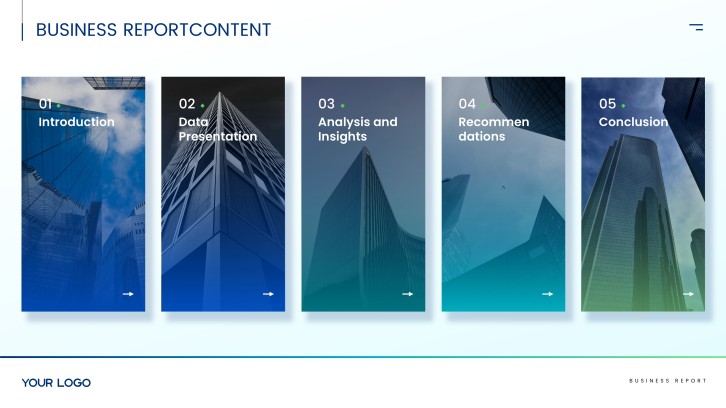
Start with role context and goals, then cover results, strengths, feedback, development priorities, and next steps. Keep the sequence evidence-first so the final assessment and action plan feel transparent.
AI Presentation Maker

Generate your performance review presentation now

Turn your goals, results, feedback, and development notes into a structured performance review presentation with AI.