For marketing, product & CX teams

Customer Journey Presentation Templates for Clearer Experiences

Create a stakeholder-ready customer journey presentation in minutes. Start from a proven mapping structure, then customize personas, journey stages, touchpoints, emotions, pain points, and improvement opportunities.Create a customer journey deck in minutes. Customize personas, touchpoints, pain points, and opportunities with AI.

Browse Templates
Customer experience mapsUX journey reviewsBuyer journey planning
B2C Customer Journey Map
Journey-ready slide flow
AI-assisted mapping copy
Editable journey templates
Export to PowerPoint

Related customer journey presentation resources

How to create a customer journey presentation

  1. Define the audience, decision, and customer journey you need to explain.
  2. Choose a persona and collect evidence for stages, actions, and emotions.
  3. Generate a draft with AI or select a matching journey map template.
  4. Customize touchpoints, pain points, channels, metrics, and improvement opportunities.
  5. Check the narrative, simplify labels, and export the final presentation.

Example sections in your customer journey presentation

  • Persona, context, and journey goal
  • End-to-end stages and customer actions
  • Touchpoints, channels, and responsible teams
  • Emotions, pain points, and moments of truth
  • Prioritized opportunities, owners, and success metrics

Choose your customer journey presentation format

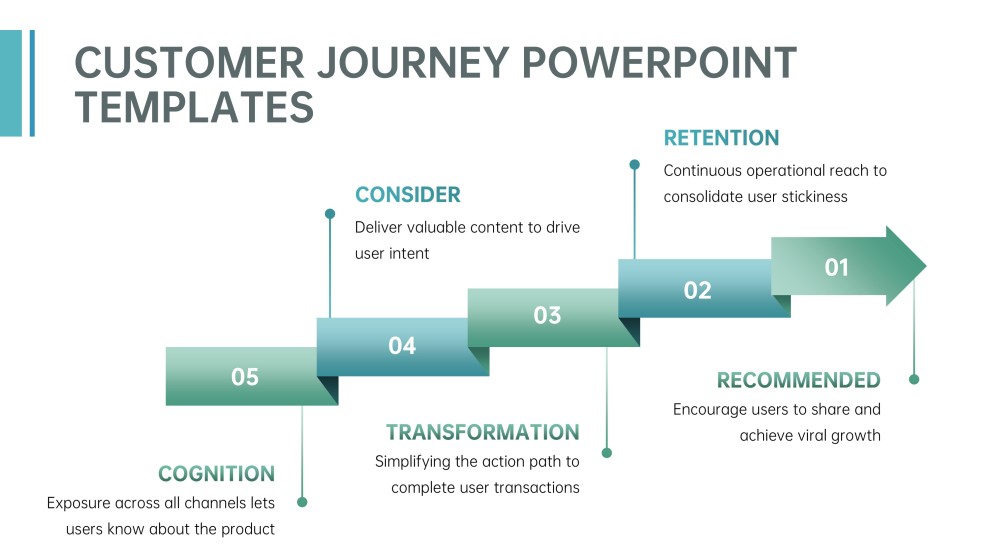
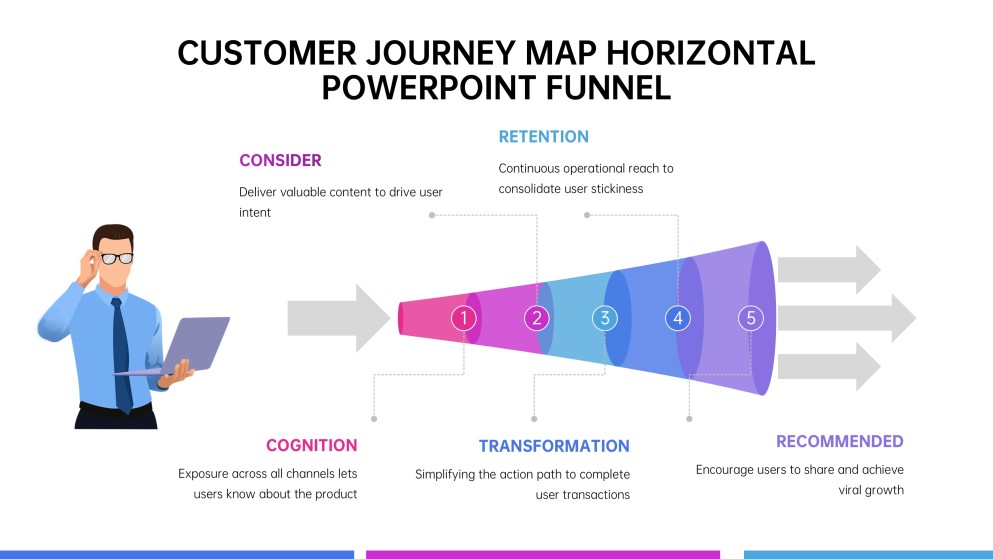
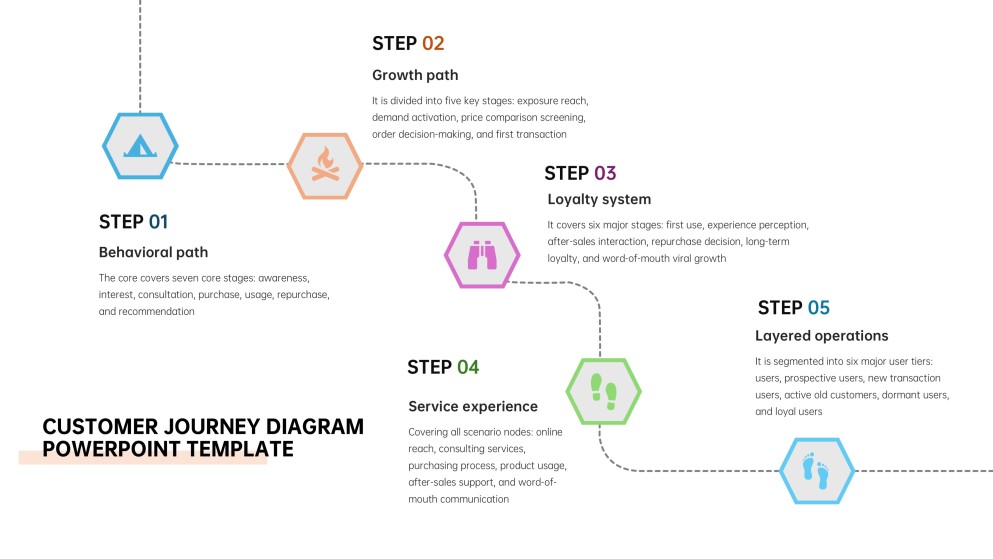
B2C Ecommerce Customer Journey Map Presentation

Applicable to:

Online retailersGrowth teamsCX reviews

Map discovery, comparison, checkout, delivery, and loyalty for a consumer ecommerce experience.

SaaS Onboarding User Journey Presentation

Applicable to:

Product teamsUX researchersCustomer success

Explain signup, setup, activation, adoption, and renewal with user needs and friction points.

Omnichannel Customer Experience Journey Presentation

Applicable to:

Retail brandsService designersMarketing leaders

Connect web, mobile, store, support, and social touchpoints across one continuous experience.

B2B Buyer Journey Mapping Presentation

Applicable to:

Sales teamsDemand generationRevenue operations

Visualize awareness, evaluation, stakeholder alignment, purchase, and expansion across a complex buying committee.

Example customer journey presentation

What makes a customer journey presentation effective

  • One specific persona and journey goal anchor the entire story.
  • Evidence supports stages, actions, emotions, and pain points.
  • Touchpoints connect clearly to owners, metrics, and business outcomes.
  • Prioritized opportunities show what should change next and why.

Common mistakes

  • Mapping an average customer so broadly that no real behavior feels recognizable.
  • Listing company processes instead of showing the customer’s actions and perspective.
  • Decorating a timeline without evidence, emotional context, or meaningful friction.
  • Ending with observations but no priorities, owners, measures, or next steps.

Frequently Asked Questions

A customer journey presentation explains how a customer moves through stages of an experience and interacts with a brand. It usually combines a journey map with supporting evidence, pain points, opportunities, and recommended actions for stakeholders.
Include the persona, scenario, goal, journey stages, customer actions, touchpoints, channels, emotions, pain points, and moments of truth. Finish with prioritized improvements, responsible owners, and measures that show whether the experience improves.
A buyer journey usually focuses on the path toward a purchase, such as awareness, consideration, and decision. A customer journey can cover the broader experience before, during, and after purchase, including onboarding, service, retention, and advocacy.
Use enough slides to explain the decision clearly, often about six to twelve for a focused stakeholder discussion. A concise deck might cover context, persona, the map, evidence, key pain points, opportunities, priorities, and next steps.
Useful examples include ecommerce purchase journeys, SaaS onboarding journeys, omnichannel retail experiences, support recovery flows, and B2B buying journeys. Choose an example that matches the audience, channels, journey scope, and decision your stakeholders need to make.
Yes. AiPPT can turn a prompt or existing content into a presentation draft and provide templates for structuring the story. Review the generated deck carefully and replace assumptions with actual research, customer feedback, and business data.
AI Presentation Maker

Generate your customer journey presentation now

Turn your persona, journey stages, touchpoints, and experience findings into a structured customer journey presentation with AI.