Sign In Sign Up
For teams, students & consultants

Case Study Presentation Template + AI Generator

Create a polished case study presentation in minutes. Start from a proven structure for business, academic, product, or project case studies, then customize background, challenge, analysis, solution, results, and recommendations.Create case study slides fast. Turn background, analysis, solution, results, and recommendations into a clear deck.
Browse Templates
Business cases Project analysis Results storytelling
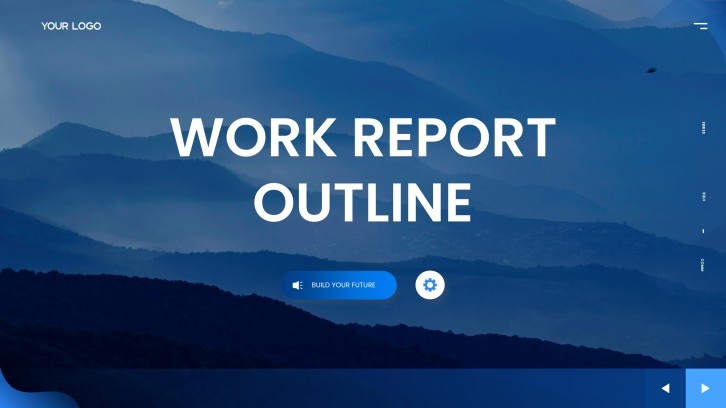
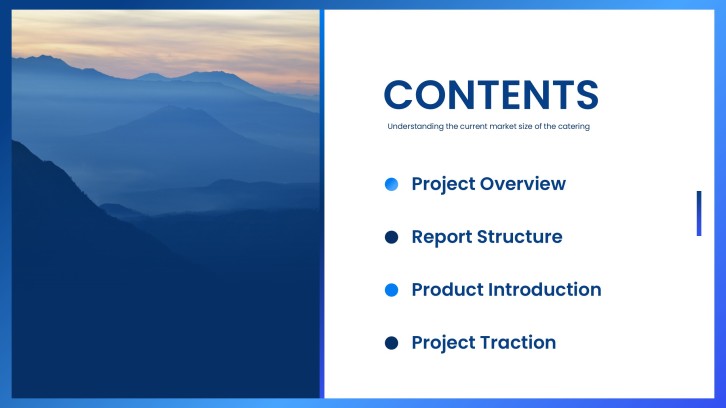
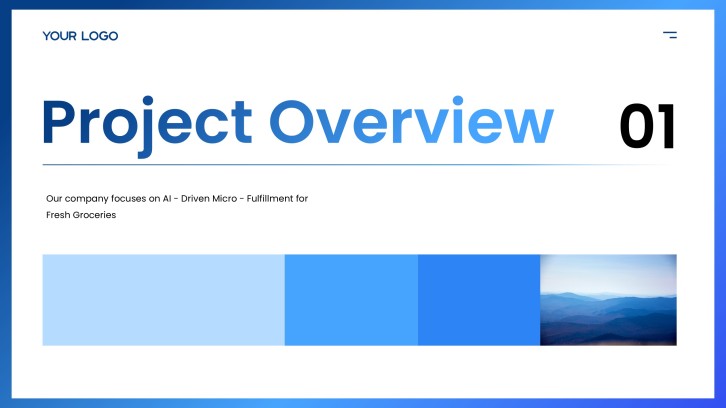
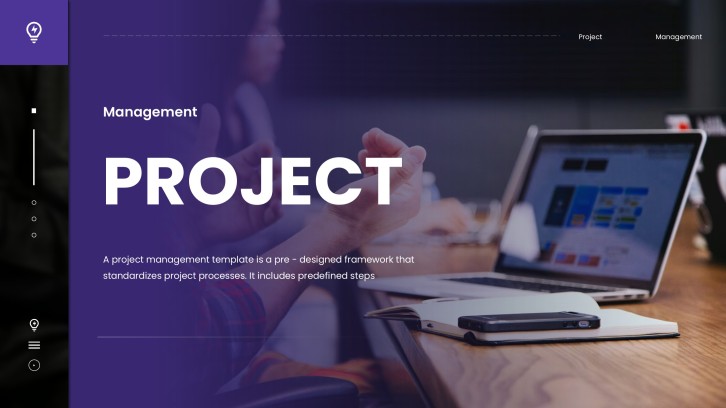
Versatile Project Management PPT Template
Case study slide flow
AI-assisted analysis copy
Editable report templates
Export to PowerPoint

Related case study resources

How to create a case study presentation

  1. Define the case subject, audience, and decision the presentation should support.
  2. Summarize the background, main challenge, stakeholders, and why the case matters.
  3. Organize your evidence into analysis, solution, results, recommendations, and next steps.
  4. Use AI to turn notes, data, or a rough outline into clear case study slide copy.
  5. Review the narrative flow, simplify the visuals, and export the final case study PPT.

Example sections in your case study presentation

  • Case background and stakeholders
  • Main challenge or research question
  • Evidence, data, and analysis
  • Solution, action plan, or intervention
  • Results, recommendations, and lessons learned

Choose your case study presentation format

Business Case Study Presentation

Applicable to:

Consulting projects Client success stories Operations reviews

Best for explaining a business challenge, the solution approach, measurable results, and recommendations for stakeholders.

Marketing Case Study Presentation

Applicable to:

Campaign reviews Brand teams Agency reporting

Use this format to show audience insights, campaign strategy, channel performance, creative decisions, and conversion outcomes.

Product Case Study Presentation

Applicable to:

SaaS teams UX reviews Product launches

Ideal for presenting user pain points, product changes, test results, adoption metrics, and next product priorities.

Academic Case Study Presentation

Applicable to:

College classes Research seminars Capstone projects

Use this format to connect background, theory, evidence, analysis, interpretation, and discussion questions.

Example case study presentation

What makes a case study presentation effective

  • Start with a clear case question, not just a company or project name.
  • Show the challenge, evidence, solution, and result as one connected story.
  • Use charts, metrics, quotes, and examples only when they support the case insight.
  • End with a recommendation, decision, or lesson the audience can act on.

Common mistakes

  • Listing background facts without explaining the actual case problem.
  • Showing too many metrics without a simple takeaway for each slide.
  • Jumping to recommendations before proving the analysis.
  • Using a generic template that does not match the audience or decision context.

FAQs

A case study presentation is a slide deck that explains a real or realistic situation, the problem, the evidence, the solution, the results, and the lessons or recommendations. It is commonly used in business, consulting, marketing, product, academic, and student projects.
Include the case background, audience or stakeholders, main challenge, data or evidence, analysis, solution, results, recommendations, and a short conclusion. If the deck is for a client or class, add a slide that explains what decision or discussion the audience should make.
Most case study presentations work well with 8 to 15 slides. A short class or interview case may need fewer slides, while a client-ready business case study can use more slides for data, analysis, recommendations, and implementation details.
Make the case question clear, use evidence that directly supports your analysis, explain why the solution fits the problem, and show results with specific metrics or examples. Avoid adding data that does not change the audience's understanding.
Yes. AiPPT can turn your prompt, notes, outline, or source content into a case study presentation draft. You can then customize the structure, edit the slide copy, add visuals, and export the deck.
A case study PPT focuses on a specific situation and tells a problem-solution-results story. A business report may cover broader performance, operations, or financial updates. Many case study decks use business report slides for evidence and recommendations.
AI Presentation Maker

Generate your case study presentation now

Create a case study presentation with AI, then customize the background, evidence, analysis, solution, results, and recommendations for your audience.