![[Free] Blue Education Slides Template for Schools](https://aippt-international.aippt.com/aippt-server/personal/image/23579/4715843/20251203180009imkuweq.jpeg?x-oss-process=image/resize,w_726,limit_0/quality,q_100/interlace,1)
[Free] Blue Education Slides Template for Schools
A clean education slide template for explaining lesson goals, tool criteria, classroom workflows, and student-facing examples.
Use this template
Create classroom-ready slides with the best ai presentation software for education in minutes. Start from education templates, then customize lesson goals, interactive activities, training content, and student-friendly examples.Create education slides fast. Customize lessons, interactive activities, training content, and examples with AI.

Choose editable education templates for AI-generated lessons, interactive classroom slides, training decks, student projects, and digital teaching workflows.
A clean education slide template for explaining lesson goals, tool criteria, classroom workflows, and student-facing examples.
Use this template
An inclusive education layout for comparing accessibility, engagement, collaboration, and classroom technology needs.
Use this template
A remote learning template for online lessons, digital instruction flows, virtual classroom norms, and interactive slide activities.
Use this templateApplicable to:
Best for comparing AI presentation tools by template quality, classroom workflow, editing control, and education fit.
Applicable to:
Use this format to train educators on interactive slides, classroom prompts, activity design, and review routines.
Applicable to:
Create a deck that shows how AI supports lesson objectives, slide drafts, practice tasks, and teacher edits.
Applicable to:
Build a practical overview of presentation software options for classes, workshops, professional learning, and digital training.
Use this slide-by-slide guide to turn an education template into a practical AI presentation software comparison for teachers, students, and trainers.
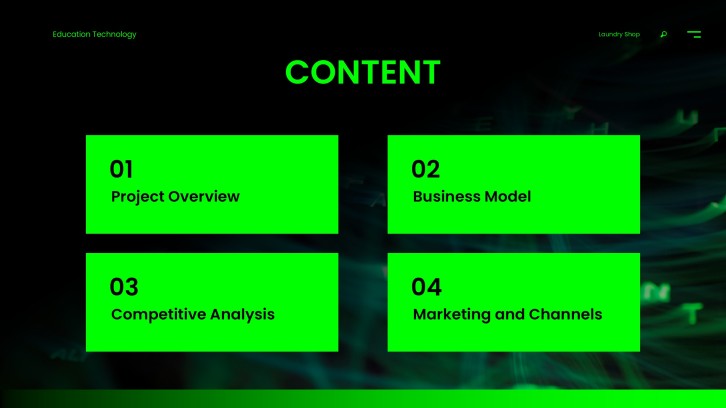
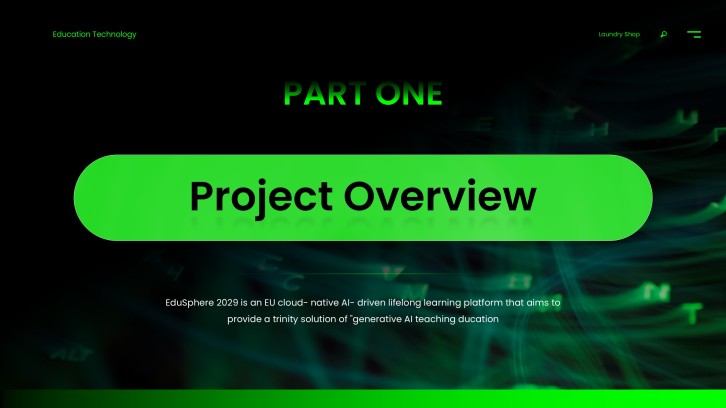
Create education presentation software slides with AI, then customize tool criteria, classroom examples, interactive activities, and teacher review notes.