Sign In Sign Up
For teachers, tutors & lesson planners

Best AI for Teacher Lesson Plans Slides

Turn lesson objectives, notes, or existing PPTs into clear teaching slides. Use AI to draft objectives, explanations, activities, checks for understanding, and editable lesson plan decks.Create teacher-ready lesson plan slides fast. Add objectives, activities, examples, assessments, and teaching notes with AI.
Browse Templates
AI lesson plan slides Teacher presentation generator Classroom-ready decks
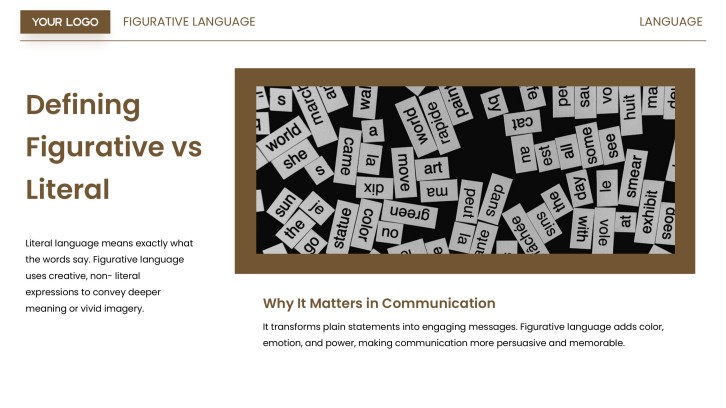
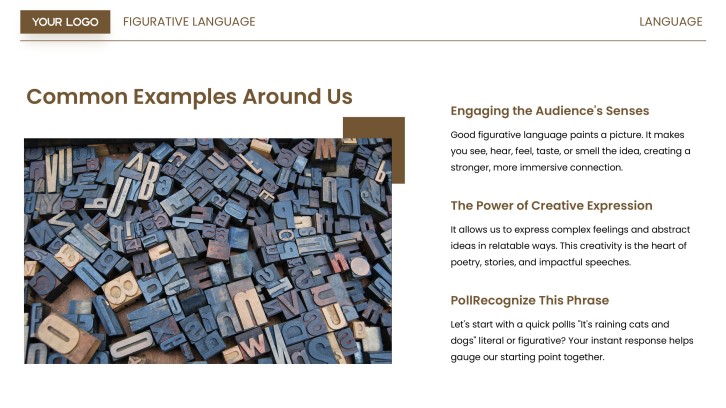
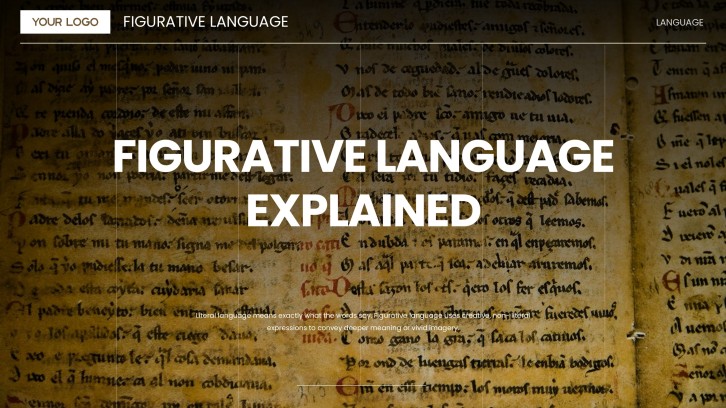
Elementary Figurative Language Lesson PPT
AI lesson slide draft
Lesson plan structure
Editable teaching notes
Export to PowerPoint

Related AI lesson slide resources

How to create teacher lesson plan slides with AI

  1. Start with your lesson topic, grade level, learning objective, and class length.
  2. Add source material such as notes, standards, textbook sections, or an existing PPT.
  3. Ask AI to organize the lesson into opening, instruction, practice, assessment, and wrap-up slides.
  4. Customize the examples, activity instructions, student questions, and timing for your classroom.
  5. Review the slide flow, adjust visuals, and export the deck for teaching or sharing.

Example sections in AI-powered lesson slides

  • Lesson title, date, grade level, and learning objective
  • Warm-up prompt, prior knowledge check, and key vocabulary
  • Main teaching points with visuals, examples, and teacher notes
  • Guided practice, group activity, and discussion questions
  • Exit ticket, recap, homework, or next-lesson preview

Choose your AI lesson plan slide format

Daily Lesson Plan Slides

Applicable to:

Elementary classes Middle school lessons Tutor sessions

Best for turning one class objective into a clear sequence of warm-up, teaching, practice, and review slides.

Interactive Activity Lesson Deck

Applicable to:

Group practice Student discussion Hands-on activities

Use this format when the lesson needs prompts, collaboration tasks, checkpoints, and student response slides.

Assessment Review Lesson Slides

Applicable to:

Exit tickets Quiz review Skills checks

Create a deck that reviews key ideas, checks understanding, and helps students prepare for a quiz or assessment.

Existing PPT to Lesson Plan Slides

Applicable to:

Uploaded PowerPoints Teacher notes Curriculum refresh

Best for improving an older deck by adding clearer objectives, smoother flow, teacher prompts, and activity slides.

Example AI-generated teacher lesson plan slides

What makes AI lesson plan slides effective

  • Start with one measurable learning objective and keep every slide connected to it.
  • Balance teacher explanation, student practice, and quick checks for understanding.
  • Use examples, visuals, and prompts that match the grade level and lesson context.
  • Leave room for teacher judgment, timing changes, and classroom discussion.

Common mistakes

  • Asking AI for a full deck without providing grade level, standards, or lesson goals.
  • Creating too many text-heavy slides instead of clear teaching moments.
  • Skipping practice, discussion, or assessment slides that show student understanding.
  • Using generic examples that do not match your curriculum, students, or classroom routine.

FAQs

The best AI for teacher lesson plans slides should help you turn lesson goals, notes, standards, or existing content into editable slides with objectives, activities, examples, checks for understanding, and review sections. AiPPT is designed for this workflow by generating presentation drafts from prompts or content and letting teachers customize the deck.
Yes. You can paste your topic, lesson objective, notes, activity ideas, and assessment needs into an AI presentation maker, then generate a structured lesson deck that you can edit before class.
You can use an existing PPT as source material for improving a lesson slide deck. The best result comes from adding context such as grade level, learning objective, timing, activity needs, and what students should learn.
Useful AI-powered lesson slides usually include a title, learning objective, warm-up, vocabulary, main explanation, examples, guided practice, activity instructions, check for understanding, and closing assessment.
Teachers typically enter the lesson topic, audience, goals, source notes, and preferred slide structure. The AI generates a draft deck, and the teacher reviews, edits, adds classroom details, and exports the final presentation.
Yes. It can help new teachers organize lesson flow, write clearer slide copy, and remember important sections such as objectives, activities, and exit tickets. Teachers should still review the content for accuracy and classroom fit.
AI Presentation Maker

Generate your teacher lesson plan slides now

Create lesson plan slides with AI, then customize objectives, examples, activities, assessment prompts, and teacher notes for your classroom.