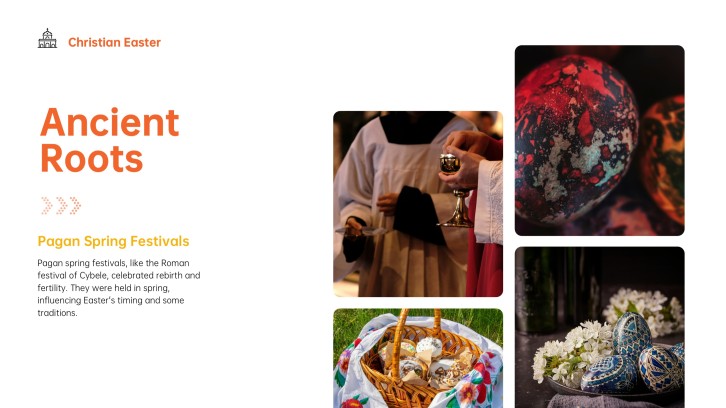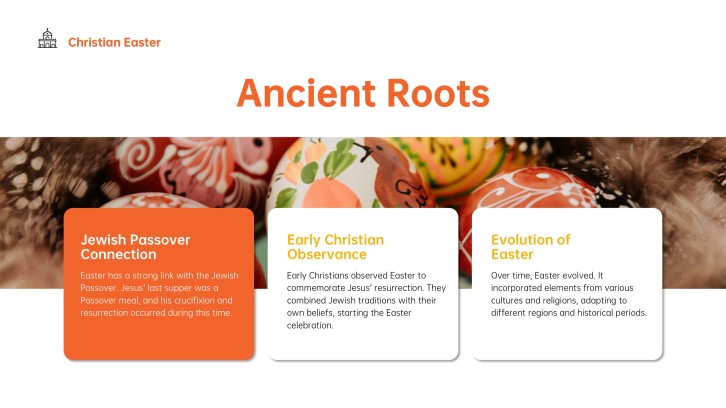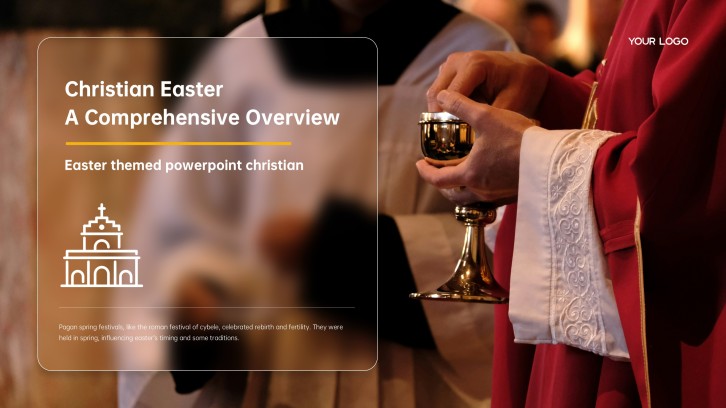
For pastors, volunteers & teens

Youth Ministry PowerPoint Templates for Engaging Lessons

Create an engaging youth ministry PowerPoint in minutes. Start from a flexible church lesson structure, then customize Scripture, stories, discussion questions, group activities, and weekly challenges for your teens.Create youth ministry slides in minutes. Customize Scripture, discussion questions, activities, and weekly challenges with AI.
Browse Templates
Youth group lessonsMinistry leader trainingChurch event slides
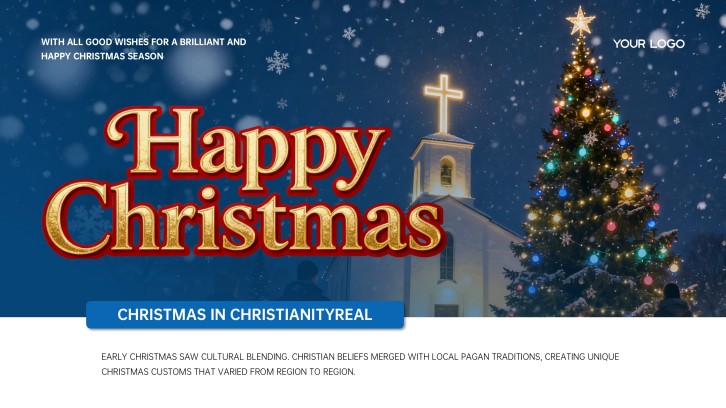
Christian Christmas PowerPoint Template for Church
Ministry-ready lesson flow
AI-assisted teaching copy
Editable church templates
Export to PowerPoint

Related youth ministry presentation resources

How to create a youth ministry PowerPoint

  1. Define the spiritual goal, age group, and gathering context.
  2. Choose one Scripture passage and a clear takeaway for teens.
  3. Generate a lesson outline with AI or select a matching template.
  4. Add stories, questions, activities, and visuals your group will recognize.
  5. Rehearse transitions, verify references, and export the finished PowerPoint.

Example sections in your youth ministry PowerPoint

  • Opening question and lesson theme
  • Scripture passage and context
  • Main teaching points and story
  • Small-group discussion and activity
  • Weekly challenge and closing prayer

Choose your youth ministry PowerPoint format

Youth Group Bible Lesson on Identity and Purpose

Applicable to:

Middle school groupsHigh school groupsWeekly Bible study

Build a Scripture-centered lesson with relatable examples, guided questions, and one practical challenge for the week.

Youth Ministry Volunteer Leadership Workshop

Applicable to:

New volunteersSmall-group leadersMinistry planning teams

Train adult and student leaders on safety, facilitation, communication, mentoring, and consistent follow-up.

Interactive Youth Night on Friendship and Belonging

Applicable to:

Youth group kickoffRetreat sessionsCommunity nights

Combine an icebreaker, short teaching, group activity, discussion prompts, and a welcoming next step.

Youth Ministry Vision and Annual Plan Presentation

Applicable to:

Church leadershipParent meetingsVolunteer teams

Present ministry purpose, discipleship goals, calendar priorities, volunteer roles, communication plans, and measures of participation.

Example youth ministry PowerPoint

What makes a youth ministry PowerPoint effective

  • One clear biblical takeaway anchors every lesson section.
  • Teen-relevant stories connect Scripture to everyday choices.
  • Discussion prompts invite honest participation without forced disclosure.
  • Activities include clear timing, boundaries, materials, and reflection.

Common mistakes

  • Filling slides with sermon-length paragraphs teens cannot scan.
  • Using trendy references that distract from or misrepresent the teaching.
  • Showing Scripture excerpts without checking wording, context, or citation.
  • Ending an activity without connecting it to the lesson's main idea.

Frequently Asked Questions

Include a clear theme, Scripture passage, brief context, main teaching points, relatable example, discussion questions, activity, and practical takeaway. Keep each slide focused on one idea and leave space for conversation.
For a 20- to 30-minute lesson, about 8 to 12 focused slides often works well. Adjust the count for discussion, games, videos, or prayer rather than rushing to cover every slide.
Use readable text, relevant visuals, short stories, direct questions, and moments where teens respond or collaborate. Engagement comes from meaningful participation, not constant animation or decorative effects.
Yes. AiPPT can turn a prompt or lesson notes into a presentation structure, which you can refine with your Scripture, examples, questions, and ministry context. A leader should review the biblical accuracy and pastoral fit before presenting.
Free access and download availability vary by template and account. Start with a relevant church, lesson, leadership, or activity template, then confirm the current access terms before you invest time customizing it.
Choose simple, high-contrast backgrounds that keep Scripture and discussion prompts readable from the back of the room. Use theme imagery sparingly and avoid busy photos behind body text.
AI Presentation Maker

Generate your youth ministry PowerPoint now

Turn your lesson idea into organized youth ministry slides, then customize the Scripture, stories, questions, activities, and next steps.