Sign In Sign Up
For teachers, students & families

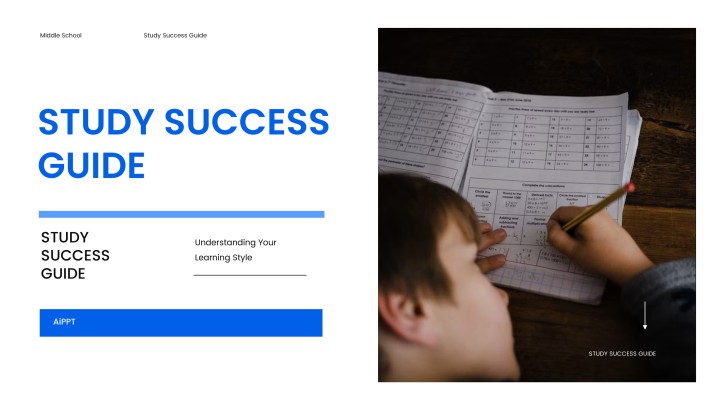
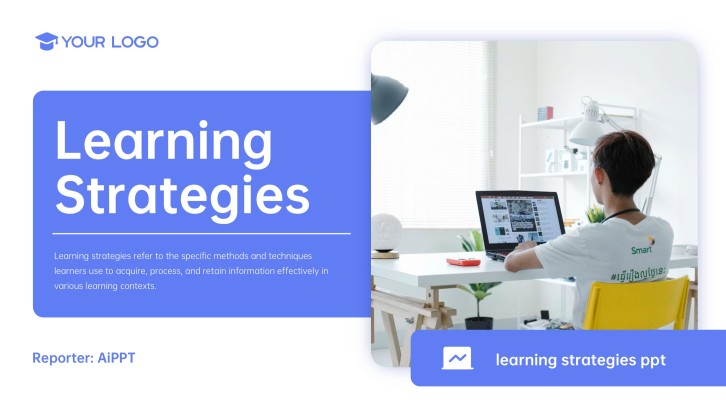
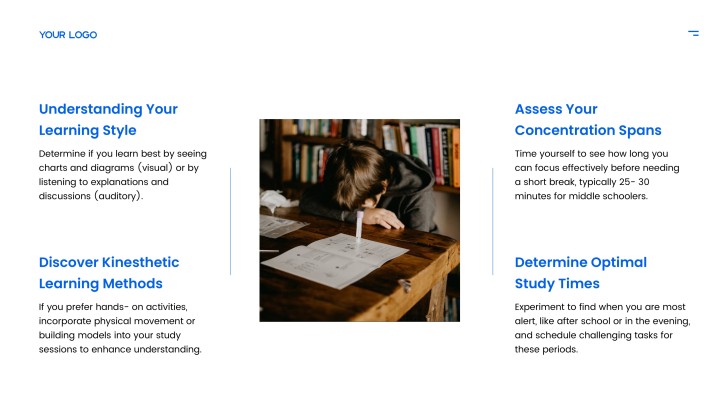
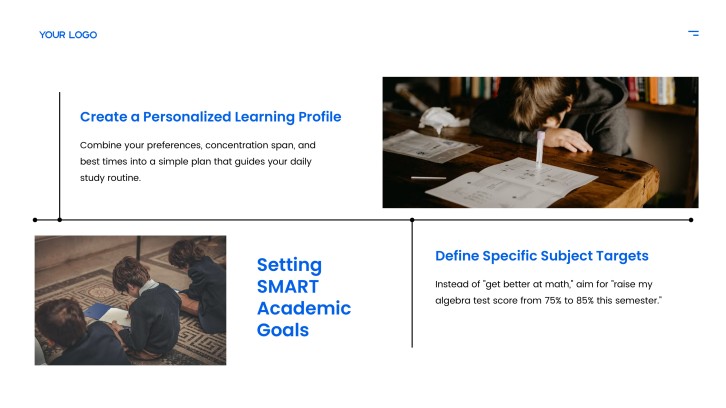
Student Progress Presentation Template + AI Generator

Create a student progress presentation in minutes. Start from a clear learning-growth structure, then customize goals, assessment results, strengths, challenges, feedback, next steps, and family-ready discussion points.Create student progress slides fast. Customize goals, results, strengths, challenges, feedback, and next steps with AI.
Browse Templates
Learning goals Progress updates Parent meetings
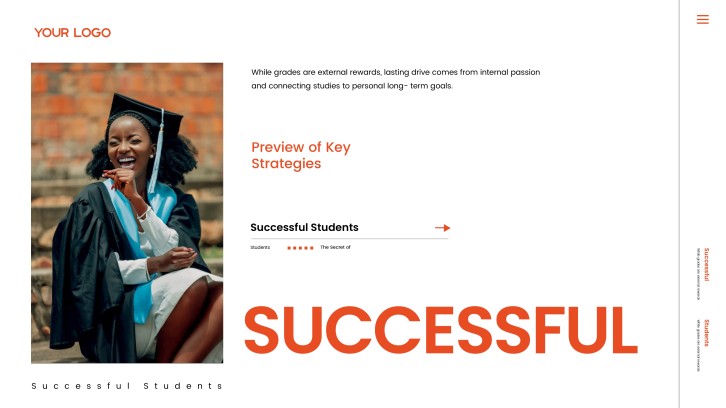
The Secret of Successful Students Presentation
Progress slide flow
AI-assisted feedback copy
Editable education templates
Export to PowerPoint

Related student progress resources

How to create a student progress presentation

  1. Define the student, audience, timeframe, and learning goals.
  2. Gather assessment results, work samples, attendance notes, and feedback.
  3. Use AI to organize progress data into clear slide sections.
  4. Add strengths, challenges, support actions, and next-step goals.
  5. Review the tone, confirm accuracy, and export the deck.

Example sections in your student progress presentation

  • Student profile and learning goals
  • Recent assessment results
  • Strengths and improvement areas
  • Support plan and action steps
  • Next goals and family discussion

Choose your student progress presentation format

Parent-Teacher Student Progress Presentation

Applicable to:

Parent conferences Elementary students Support meetings

Best for explaining learning growth, current challenges, home support actions, and next goals to families.

Student-Led Progress Presentation

Applicable to:

Student conferences Portfolio reviews Reflection days

Use this format when students present their own evidence, goals, strengths, and improvement plan.

Academic Intervention Progress Presentation

Applicable to:

Tutoring plans IEP meetings Support teams

Create a focused deck for tracking intervention data, skill gaps, support strategies, and next checkpoints.

Project-Based Learning Progress Presentation

Applicable to:

Group projects Capstone reviews Classroom showcases

Best for showing project milestones, collaboration evidence, feedback cycles, and final learning outcomes.

Example student progress presentation

What makes a student progress presentation effective

  • Show both evidence and interpretation, not just grades.
  • Balance strengths, challenges, and next steps in a supportive tone.
  • Use clear visuals for goals, assessment results, and progress over time.
  • End with a concrete action plan for the student, teacher, and family.

Common mistakes

  • Turning the deck into a list of scores without learning context.
  • Using vague praise instead of specific evidence from student work.
  • Ignoring barriers, support needs, or realistic next steps.
  • Sharing sensitive information in a way that is not appropriate for the audience.

FAQs

A student progress presentation is a slide deck that explains a student's learning growth over a specific period. It usually includes goals, assessment evidence, strengths, challenges, feedback, and next steps for improvement.
Include a student profile, learning goals, recent assessment data, examples of work, strengths, improvement areas, support actions, and next checkpoints. If the audience includes families, keep the language clear and action-focused.
Most student progress presentations work well with 8 to 15 slides. A short parent-teacher update may need fewer slides, while a student-led conference or intervention review may need a fuller slide-by-slide structure.
Yes. AiPPT can help turn notes, goals, feedback, and progress evidence into a structured student progress slide deck. You should still review the details carefully to make sure student information is accurate and appropriate.
A good example might start with the student's goals, show assessment and work-sample evidence, explain strengths and challenges, and finish with a support plan. The best examples are specific, balanced, and easy for the audience to act on.
Use a strengths-based tone, explain what the evidence means, and avoid labeling the student by a single score. Pair every challenge with a practical next step, support strategy, or follow-up checkpoint.
AI Presentation Maker

Generate your student progress presentation now

Create a student progress presentation with AI, then customize goals, evidence, strengths, feedback, support actions, and next steps for your audience.