For marketers, agencies & teams

Social Media Report Generator for Clear Performance Stories

Create a stakeholder-ready social media report in minutes. Start from a proven analytics structure, then customize KPIs, channel results, top content, campaign insights, and next-step recommendations.Create a social media report in minutes. Customize KPIs, channel results, top content, and recommendations with AI.

Browse Templates
Monthly reportingClient updatesCampaign analytics
Social Media Marketing Action Plan PPT
Report-ready slide flow
AI-assisted insight copy
Editable analytics templates
Export to PowerPoint

Related social media reporting resources

How to create a social media report

  1. Define the reporting period, audience, goals, and priority channels.
  2. Gather consistent reach, engagement, growth, traffic, and conversion metrics.
  3. Generate an initial report structure with AI or choose a template.
  4. Add charts, top-content examples, insights, and recommended next actions.
  5. Verify every figure, simplify the story, and export the presentation.

Example sections in your social media report

  • Executive summary and campaign goals
  • Cross-channel KPI overview
  • Audience growth and engagement trends
  • Top-performing content and creative insights
  • Recommendations and next-period action plan

Choose your social media report format

Monthly Cross-Channel Social Media Performance Report

Applicable to:

In-house teamsAgency clientsLeadership reviews

Summarize monthly KPIs, channel trends, top content, and priorities across major social platforms.

Social Media Campaign Results Report

Applicable to:

Product launchesSeasonal campaignsPaid promotions

Connect campaign objectives, creative performance, audience response, conversions, and lessons in one focused deck.

Social Media Client Report for Agencies

Applicable to:

Marketing agenciesFreelance managersAccount reviews

Present client-facing results, explain performance changes, and recommend practical actions for the next reporting period.

Social Media Content Performance Analysis

Applicable to:

Content teamsCreator brandsEditorial planning

Compare posts, formats, themes, and publishing patterns to identify repeatable content opportunities.

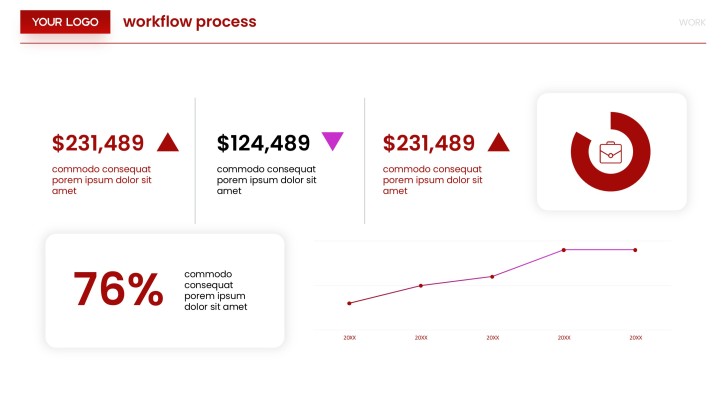
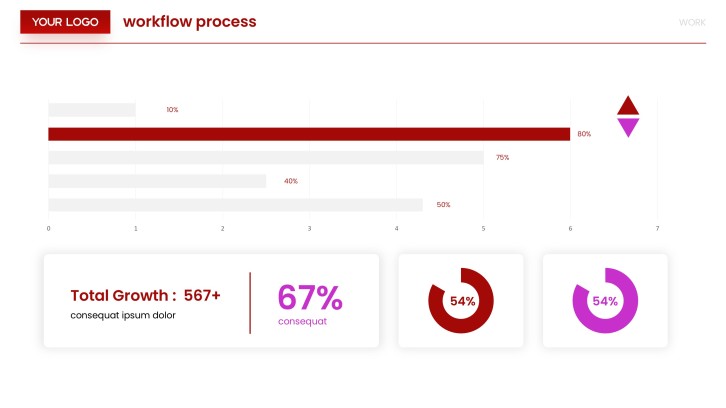
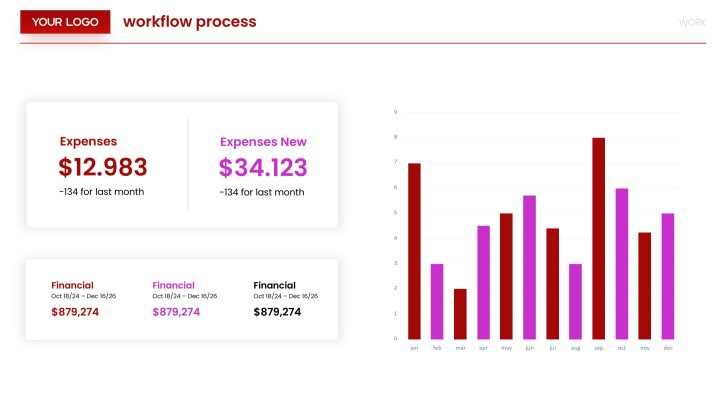
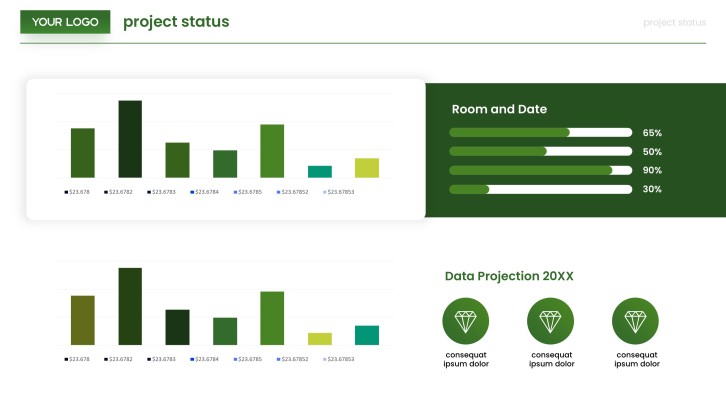
Example social media report generator deck

What makes a social media report effective

  • Connect each KPI to a campaign goal or stakeholder decision.
  • Compare consistent periods, platforms, and metric definitions.
  • Explain why performance changed, not only what changed.
  • End with prioritized actions, owners, and measurable next targets.

Common mistakes

  • Dumping platform metrics without a clear narrative or conclusion.
  • Mixing paid and organic results without labeling the difference.
  • Claiming causation from correlation or incomplete tracking data.
  • Highlighting vanity metrics while omitting conversions and business context.

Frequently Asked Questions

A social media report generator helps turn performance data and observations into a structured report or presentation. It can organize KPIs, channel comparisons, trends, insights, and recommended actions into a clear narrative.
Include the reporting period, goals, key metrics, channel results, audience growth, top content, campaign outcomes, and next steps. Add metric definitions and data sources when stakeholders may interpret figures differently.
Yes. AiPPT can generate a presentation structure and draft slide copy from your prompt or source content, then let you apply a template. Verify imported figures and revise the analysis before presenting it.
Many monthly reports work well in 7 to 12 slides, depending on the number of channels and campaigns. Prioritize an executive summary, KPI overview, channel analysis, top content, insights, and actions.
Add context that automation cannot supply on its own: business goals, campaign changes, creative decisions, anomalies, and recommended actions. Use consistent definitions and clearly separate verified data from interpretation.
Free options can help create an initial structure or reusable presentation template. Check usage and download limits, then confirm that your chosen workflow supports the reporting format your team needs.
AI Presentation Maker

Generate your social media report now

Turn your metrics, campaign notes, and recommendations into a clear social media report presentation with AI.