For pastors, churches & ministries

Sermon Slides That Help Your Message Stay Clear

Create congregation-ready sermon slides in minutes. Start with a church-friendly structure, then customize Scripture passages, message points, illustrations, applications, and closing reflection.Create clear sermon slides in minutes. Customize Scripture, key points, illustrations, and applications with AI.
Browse Templates
Sunday messagesBible teachingChristmas sermons
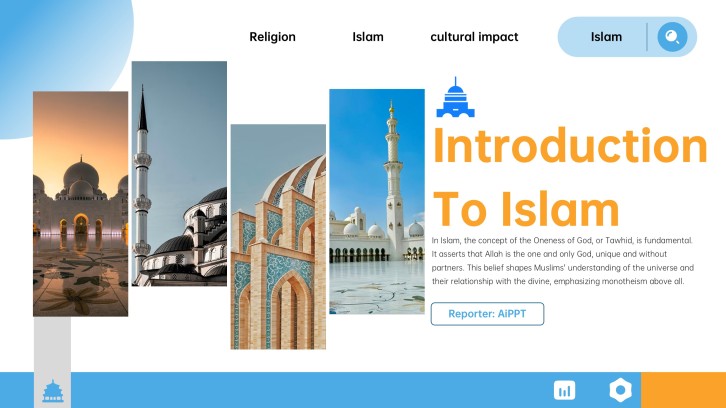
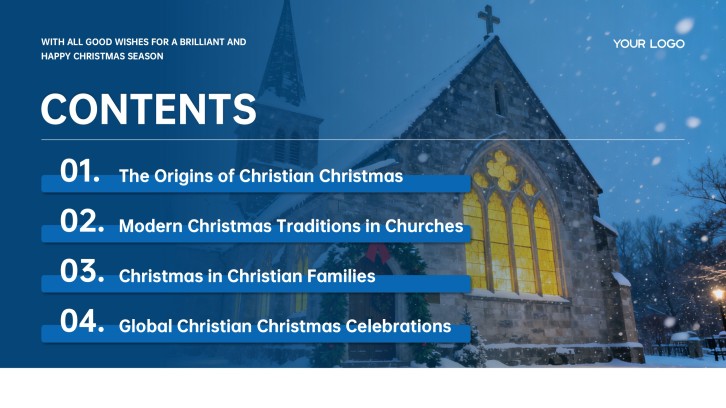
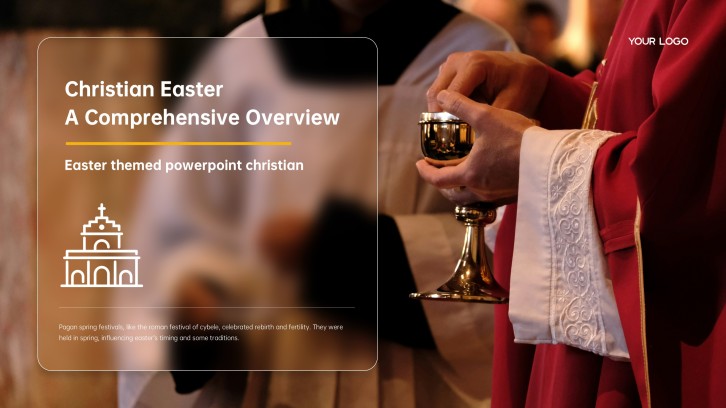
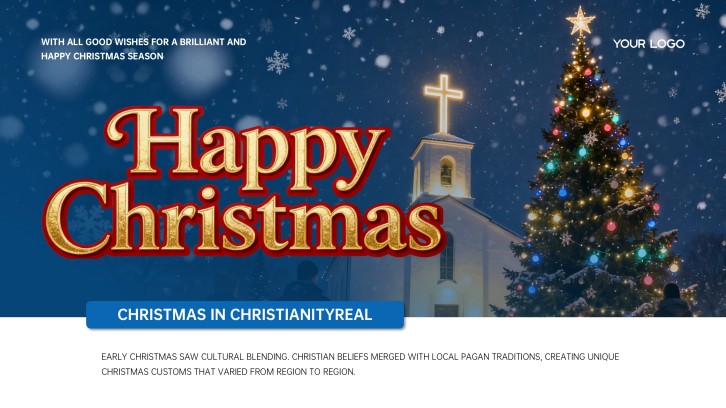
Christian Christmas PowerPoint Template for Church
Sermon-ready slide flow
AI-assisted message copy
Editable church templates
Export to PowerPoint

Related sermon presentation resources

How to make sermon slides for church

  1. Define the message in one sentence: Identify the biblical text, central claim, audience need, and response you want the congregation to remember.
  2. Build a simple sermon flow: Arrange a title, Scripture, context, two or three main points, application, reflection, and closing prayer.
  3. Shorten content for the screen: Put one idea or readable Scripture passage on each slide instead of copying full sermon notes.
  4. Create a consistent visual system: Reuse type, colors, backgrounds, and spacing so visuals reinforce the message without distracting from preaching.
  5. Rehearse with the presentation team: Verify references, spelling, contrast, timing, and slide cues on the actual sanctuary or livestream display.

Sermon presentation examples to adapt

  • Expository sermon: Move from passage context to repeated key phrases, main observations, interpretation, and a practical response.
  • Topical sermon: Frame one congregation question, connect several Scripture passages, clarify the theme, and end with next steps.
  • Christmas sermon: Use a restrained nativity visual, Luke 2 passages, promise-and-fulfillment points, and a hopeful invitation.
  • Youth message: Pair short statements with relevant images, discussion questions, and one achievable challenge for the coming week.
  • Sermon series: Keep a shared title system while changing the weekly passage, big idea, teaching points, and response prompt.

Choose a sermon presentation format

Verse-by-Verse Sermon

Applicable to:

Expository preachingBible studiesMidweek teaching

Generate a sermon PowerPoint that moves through context, selected verses, observations, meaning, and application in a traceable sequence.

Three-Point Message

Applicable to:

Sunday servicesGuest preachingShort messages

Turn one big idea into three memorable teaching points, each supported by Scripture, illustration, and a practical response.

Seasonal Church Sermon

Applicable to:

Christmas servicesEaster servicesAdvent series

Build seasonal church sermon slides around a biblical theme, familiar narrative, worship context, and clear invitation.

Interactive Teaching Deck

Applicable to:

Youth ministrySmall groupsChurch classes

Combine concise teaching slides with questions, reflection prompts, comparisons, and application exercises for active participation.

Running example: Hope Has Come Christmas sermon

What makes sermon slides effective

  • Keep one clear idea on screen so listeners can follow the preacher without choosing between reading and listening.
  • Display Scripture in readable sections with the reference visible and wording verified against the church’s chosen translation.
  • Use strong contrast, large type, consistent spacing, and restrained imagery that remains legible from the back of the room.
  • Coordinate slide cues with the speaker and media team, testing the deck on sanctuary screens and livestream layouts.

Common sermon slide mistakes

  • Pasting full sermon notes onto slides and forcing the congregation to read dense paragraphs during preaching.
  • Changing fonts, backgrounds, or layouts on every slide until the visual style competes with the message.
  • Showing decorative religious images that do not support the Scripture, point, illustration, or application being discussed.
  • Skipping proofreading and rehearsal, which can leave incorrect references, typos, or poorly timed transitions on screen.

Frequently Asked Questions

Include the sermon title, main Scripture passages, concise teaching points, essential quotations or visuals, application prompts, and a closing response. Every slide should support what the preacher is saying rather than reproduce the entire manuscript.
Use only the slides needed to clarify the message. A short sermon may need a title, several Scripture and point slides, and a closing prompt; a longer expository sermon may need more. Let the preaching flow determine the count.
Use large type, high contrast, short lines, generous margins, and one main idea per slide. Test the presentation on the actual sanctuary screen from the farthest seats, not only on a laptop.
Yes. Keep a consistent layout system, then update the series artwork, title, passage, key points, and applications. Reusing predictable Scripture and point layouts also helps volunteer media teams operate confidently.
Show content when it materially helps listeners follow, remember, or respond: Scripture, a short key statement, a useful diagram, or an application prompt. Leave the screen simple when the congregation should focus fully on the speaker.
Choose a restrained Christmas sermon slides template, center the biblical text, use seasonal imagery consistently, and structure the deck around promise, nativity, meaning, response, and invitation. Verify all Scripture before presenting.
AI Presentation Maker

Create Sermon Slides for Your Next Church Message

Turn your Scripture, sermon outline, and application points into a clear sermon presentation, then customize the wording and visual style for your congregation.