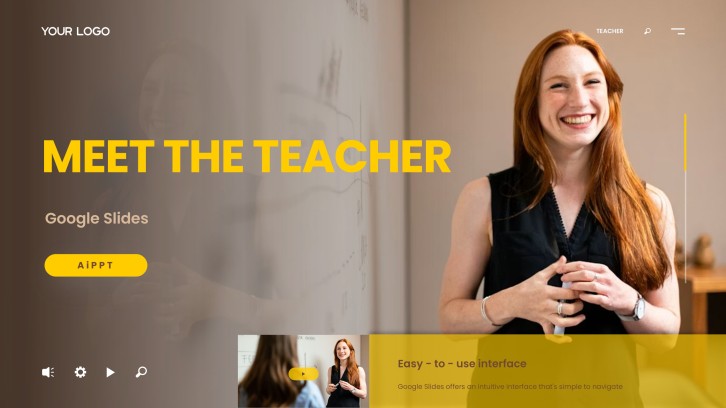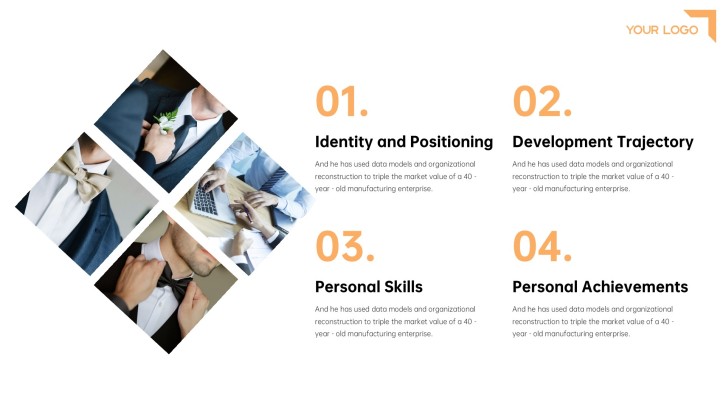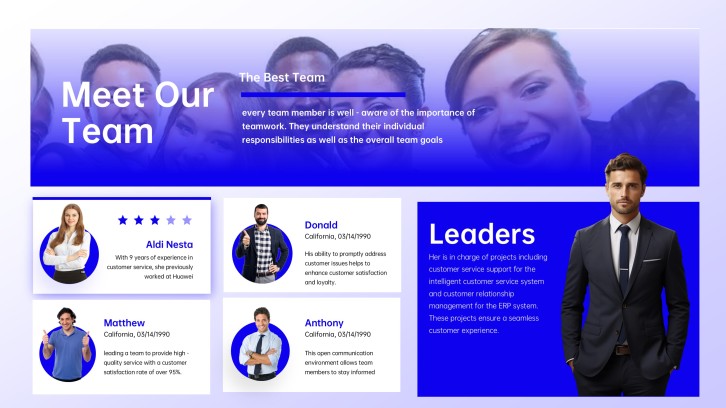
For school, work & interviews

Self Introduction Slide Templates for a Confident First Impression

Create a polished self introduction slide in minutes. Start from an adaptable structure for students, new employees, and job seekers, then customize your background, skills, experience, achievements, and goals.Create self introduction slides in minutes. Customize your background, skills, experience, and goals with AI.
Browse Templates
Student introductionsNew employee decksProfessional profiles
About Me for Job Application PPT
Self-introduction slide flow
AI-assisted personal copy
Ready-to-edit templates
Export to PowerPoint

Related self introduction resources

How to create a self introduction slide

  1. Define your audience and the impression you want to leave.
  2. Choose personal details that support that specific introduction goal.
  3. Generate a focused outline with AI or select a matching template.
  4. Add concise copy, relevant photos, and evidence of your strengths.
  5. Rehearse the flow, verify details, and export your presentation.

Example sections in your self introduction slide deck

  • Name, role, and memorable opening statement
  • Education and relevant experience timeline
  • Core skills supported by brief evidence
  • Interests, values, and personal working style
  • Current goals and invitation to connect

Choose your self introduction slide format

Professional Self Introduction PPT for a Job Interview

Applicable to:

Job interviewsCareer fairsPortfolio reviews

Highlight relevant experience, measurable achievements, professional strengths, and the value you bring to a role.

Creative Self Introduction PPT for Students

Applicable to:

First-day classesStudent clubsSchool projects

Share your background, interests, favorite subjects, activities, and goals in an approachable visual story.

New Employee Self Introduction Presentation

Applicable to:

Team onboardingDepartment meetingsRemote introductions

Introduce your role, prior experience, collaboration style, early priorities, and helpful personal conversation starters.

Fun Personal Introduction Slide Deck

Applicable to:

Social eventsIcebreakersCommunity groups

Use photos, fun facts, hobbies, favorites, and a light audience prompt to make your introduction memorable.

Example self introduction slide deck

What makes a self introduction slide effective

  • Tailor every detail to the audience and reason for the introduction.
  • Use one clear message per slide with concise, readable supporting copy.
  • Support important strengths with a project, result, example, or brief story.
  • Balance professional context with one memorable and appropriate personal detail.

Common mistakes

  • Repeating a full résumé instead of selecting details relevant to the audience.
  • Filling slides with paragraphs that compete with the spoken introduction.
  • Using jokes, photos, or personal facts that do not fit the setting.
  • Ending without stating your current goal, next step, or invitation to connect.

Frequently Asked Questions

Include your name, current role or field, relevant background, two or three strengths, and a goal or connection point. Add one personal detail when it helps the audience remember you.
A brief introduction may need only one to three slides, while an interview or professional profile can use five to ten. Match the length to your speaking time and audience expectations.
Lead with your role and value, then show relevant experience, skills, and evidence. Use consistent layouts, concise copy, high-quality images, and a clear closing statement.
Students can include their name, grade or major, favorite subjects, activities, hobbies, strengths, and learning goals. A fun fact or simple audience question can make the introduction more engaging.
Cover your role, previous experience, areas of expertise, collaboration style, and early priorities. Add an approachable personal interest so teammates have an easy conversation starter.
AiPPT can generate a presentation from your prompt or content and provide templates to shape the design. Review the draft carefully, replace generic details, and add your own photos and evidence.
AI Presentation Maker

Generate your self introduction slide now

Turn your background, strengths, experience, and goals into a focused self introduction presentation with AI.