For sales leaders & revenue teams

Sales Pipeline Presentation Templates for Clearer Reviews

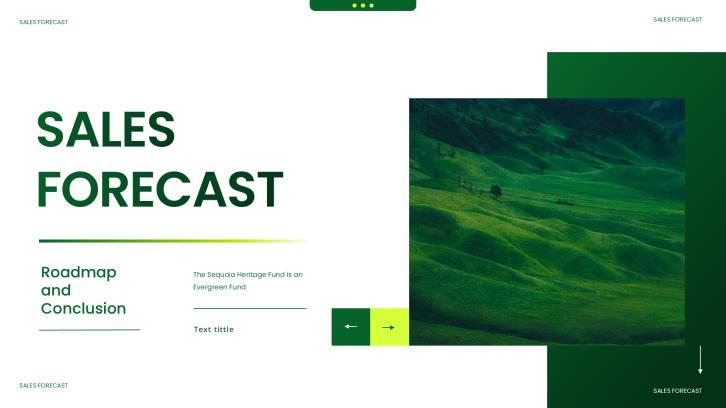
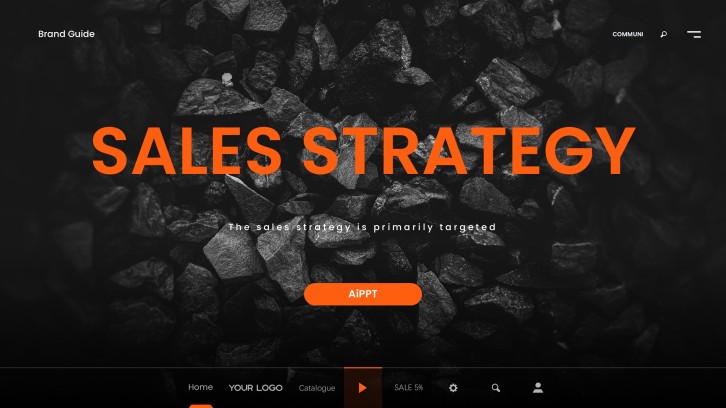
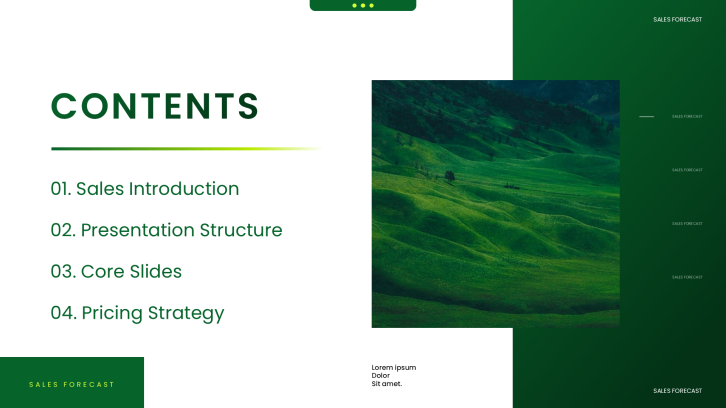
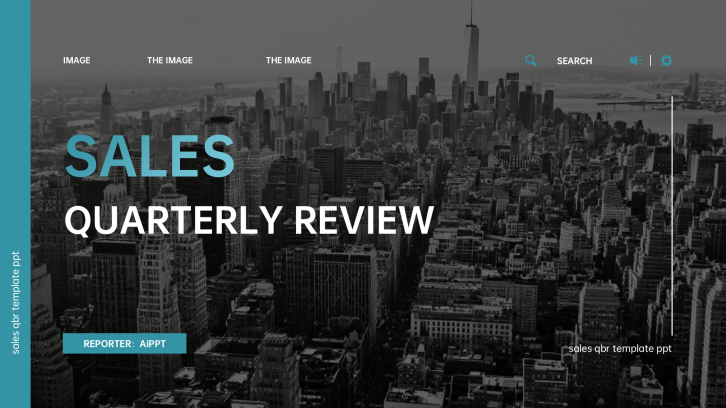
Create a leadership-ready sales pipeline presentation in minutes. Start from a proven review structure, then customize pipeline stages, deal values, conversion rates, forecast coverage, risks, and next actions.Create a sales pipeline deck in minutes. Customize stages, deal values, forecasts, risks, and next actions with AI.
Browse Templates
Pipeline reviewsForecast meetingsRevenue reporting
Sales Funnel Infographic Templates for PowerPoint
Pipeline-ready slide flow
AI-assisted sales copy
Editable sales templates
Export to PowerPoint

Related sales pipeline presentation resources

How to create a sales pipeline presentation

  1. Define the review audience, period, and decisions the meeting must produce.
  2. Gather stage values, conversion rates, deal movement, coverage, and forecast data.
  3. Generate a first draft with AI or choose a sales review template.
  4. Replace sample content with verified metrics, owners, risks, and next actions.
  5. Rehearse the narrative, check calculations, and export the final PowerPoint.

Example sections in your sales pipeline presentation

  • Pipeline summary and forecast
  • Stage-by-stage conversion analysis
  • Priority deals and account risks
  • Coverage gaps and root causes
  • Next actions, owners, and deadlines

Choose your sales pipeline presentation format

Weekly B2B Sales Pipeline Review

Applicable to:

Sales managersAccount executivesRevenue operations

Generate a concise operating review focused on stage movement, blocked deals, commitments, and next-week actions.

Quarterly Sales Pipeline Review Presentation

Applicable to:

Leadership teamsRegional directorsBoard updates

Build an executive review connecting quarterly results, pipeline coverage, conversion trends, risks, and resource priorities.

Sales Pipeline Forecast Report

Applicable to:

Forecast callsFinance partnersRevenue planning

Create a forecast deck comparing commit, best case, weighted pipeline, target coverage, and downside risks.

Enterprise Deal Pipeline Dashboard

Applicable to:

Strategic accountsComplex salesDeal desks

Present high-value opportunities by stage, stakeholder, next milestone, probability, risk, owner, and expected close date.

Example sales pipeline presentation

What makes a sales pipeline presentation effective

  • Uses one reporting date and consistent stage definitions across every metric.
  • Connects pipeline values to quota, coverage, conversion, and forecast confidence.
  • Separates evidence, risks, decisions, owners, and deadlines clearly.
  • Focuses leadership attention on material deals and actionable bottlenecks.

Common mistakes

  • Presenting CRM screenshots without a clear decision-oriented narrative.
  • Mixing weighted pipeline, commit, best case, and closed revenue.
  • Hiding aging opportunities or unsupported close-date assumptions.
  • Ending with observations instead of assigned actions and follow-up dates.

Frequently Asked Questions

Include a pipeline summary, stage values, conversion rates, coverage versus quota, forecast categories, priority deals, risks, and next actions. Define the reporting date and stage criteria so leaders can interpret every number consistently.
Start with the objective and executive summary, then show pipeline health, stage movement, forecast, deal risks, and root causes. Close with decisions, named owners, deadlines, and the next review date.
A weekly operational review may need 6 to 10 slides, while a quarterly leadership review often needs 10 to 18. Use only the slides required to explain performance, diagnose gaps, and secure decisions.
A pipeline report describes opportunities across stages, values, owners, and movement. A forecast estimates likely revenue within a period using categories, probabilities, evidence, and seller judgment.
A useful dashboard shows total and weighted pipeline, coverage, stage conversion, aging, forecast categories, and changes since the last review. Highlight exceptions and risks instead of filling the slide with every available metric.
Yes. AiPPT can generate a first-draft presentation from your topic or content and provide templates to shape the deck. Replace sample values with verified CRM data and review every forecast assumption before presenting.
AI Presentation Maker

Generate your sales pipeline presentation now

Turn your pipeline data and review goals into a structured sales presentation with AI, then customize the metrics, risks, and actions.