For workplaces, trainers & teams

Safety Training Presentation Template + AI Generator

Create a safety training presentation in minutes. Start from a practical structure, then customize hazards, control measures, responsibilities, personal protective equipment, emergency actions, and reporting procedures.Build safety training slides for hazards, controls, PPE, responsibilities, emergency response, and incident reporting.
Browse Templates
Hazard awarenessEmergency readinessSafer work practices
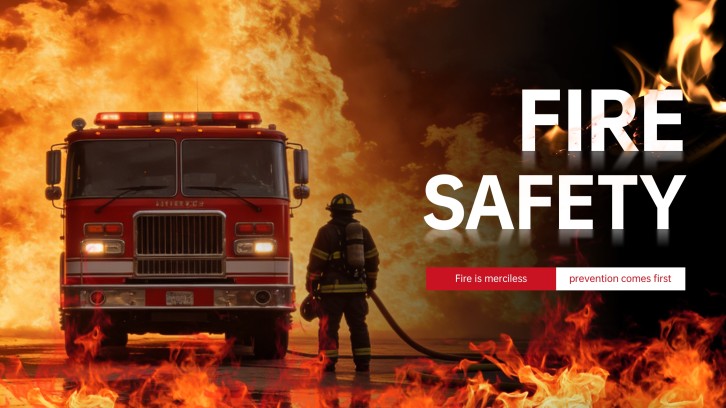
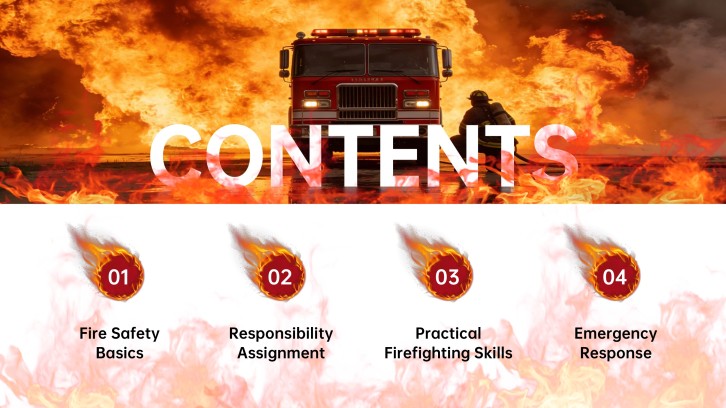
Firefighter Safety PowerPoint for Training Sessions
Safety-ready slide flow
AI-assisted training copy
Editable safety templates
Export to PowerPoint

Related safety, health, and training resources

How to create a safety training presentation

  1. Define the audience, workplace or learning environment, priority hazards, applicable procedures, training objectives, and required evidence of understanding.
  2. Organize essential content around hazards, controls, responsibilities, safe work practices, PPE, reporting, emergency response, and follow-up.
  3. Generate the safety training presentation with AI, then select a suitable template and replace generic examples with approved site-specific information.
  4. Add photographs, maps, equipment instructions, emergency contacts, realistic scenarios, knowledge checks, and demonstrations appropriate to the audience.
  5. Have qualified safety owners review accuracy, test the session, correct inaccessible or outdated details, and export the final presentation.

Example sections in your safety training presentation

  • Training purpose, learning objectives, scope, and participant responsibilities
  • Site hazards, risk assessment, hierarchy of controls, and safe work practices
  • Personal protective equipment, inspections, reporting, and stop-work expectations
  • Emergency alarms, evacuation, first response, communication, and accountability
  • Scenario practice, knowledge checks, corrective actions, contacts, and follow-up

Choose your safety training presentation format

General Workplace Safety Orientation

Applicable to:

New employeesContractorsAnnual refreshers

Introduce site hazards, controls, PPE, reporting, emergency procedures, responsibilities, and safe work expectations.

Fire Prevention and Evacuation Training

Applicable to:

OfficesWarehousesPublic facilities

Explain fire hazards, prevention, alarms, evacuation routes, assigned roles, extinguisher limits, and accountability.

Food and Hygiene Safety Workshop

Applicable to:

RestaurantsFood productionCatering teams

Cover hygiene, contamination, temperatures, storage, cleaning, allergens, monitoring, and corrective action.

Emergency Response Tabletop Exercise

Applicable to:

Safety committeesTeam leadersResponse coordinators

Guide teams through realistic incidents, communication decisions, escalation, evacuation, accountability, recovery, and lessons learned.

Safety training presentation example: Riverton plant fire readiness

What makes a safety training presentation effective

  • It prioritizes the audience’s actual hazards, applicable controls, safe procedures, emergency actions, and reporting responsibilities.
  • It distinguishes awareness from tasks that require qualified instruction, authorization, supervised practice, or formal certification.
  • It uses accurate site-specific maps, contacts, equipment information, policies, and scenarios reviewed by responsible safety owners.
  • It verifies understanding through demonstrations, decisions, questions, and follow-up evidence rather than attendance alone.

Common mistakes

  • Using generic safety slogans without connecting them to real hazards, controls, responsibilities, and decisions.
  • Showing dramatic incident imagery that distracts, frightens, or substitutes for practical prevention and response guidance.
  • Presenting medical, legal, or equipment instructions without qualified review, context, limitations, or local requirements.
  • Overloading one session with every policy while omitting practice, accessibility, questions, corrective action, and refreshers.

Frequently Asked Questions

A safety training presentation should include learning objectives, hazards, risk controls, responsibilities, safe work practices, PPE, inspections, reporting, emergency procedures, realistic scenarios, knowledge checks, and follow-up.
Structure safety training slides from context and objectives through hazard recognition, controls, responsibilities, procedures, PPE, reporting, emergency response, practice, and assessment.
A useful safety training presentation example follows one realistic workplace from hazard identification through prevention, assigned responsibilities, emergency decisions, accountability, recovery, and lessons learned.
Yes. An AI safety training presentation generator can draft the structure, scenarios, and slide copy. Qualified owners must verify hazards, controls, medical or legal content, equipment instructions, and emergency procedures.
A focused safety training PPT often uses 10 to 20 slides. Longer or high-risk subjects should be divided into role-specific modules with supervised practice and assessment where required.
Use current site photographs, hazard spotting, maps, realistic decisions, equipment demonstrations, knowledge checks, named contacts, reporting practice, and documented corrective actions.
AI Presentation Maker

Generate your safety training presentation now

Create a safety training deck with AI, then customize hazards, controls, responsibilities, PPE, emergency procedures, scenarios, and reporting instructions.