For leaders, sponsors & teams

Project Executive Summary Templates for Clearer Decisions

Create a stakeholder-ready project executive summary in minutes. Start from a proven structure for leadership reviews, client updates, or construction projects, then customize objectives, progress, budget, risks, and next steps.Create a clear project executive summary in minutes. Customize objectives, progress, budget, risks, and next steps with AI.
Browse Templates
Leadership updatesProject status reviewsConstruction summaries
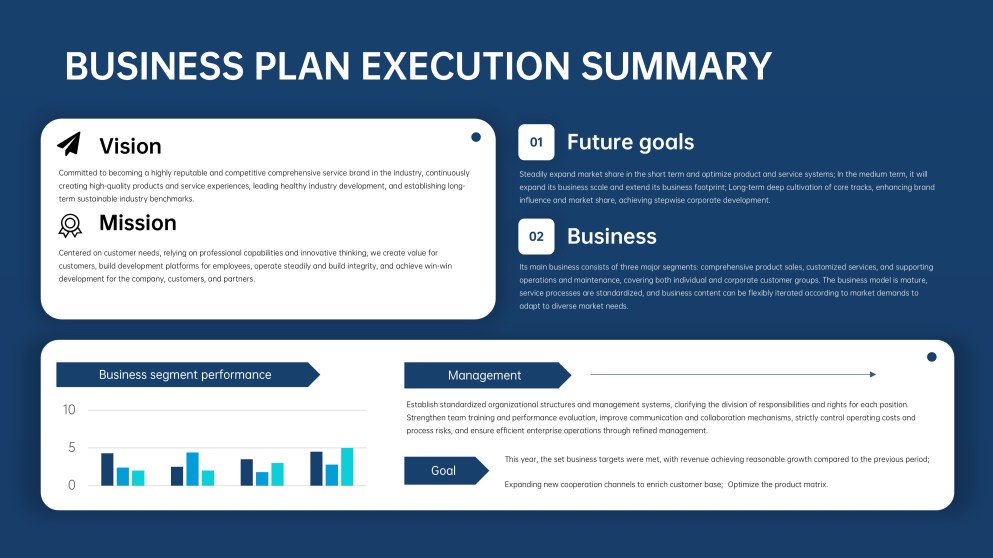
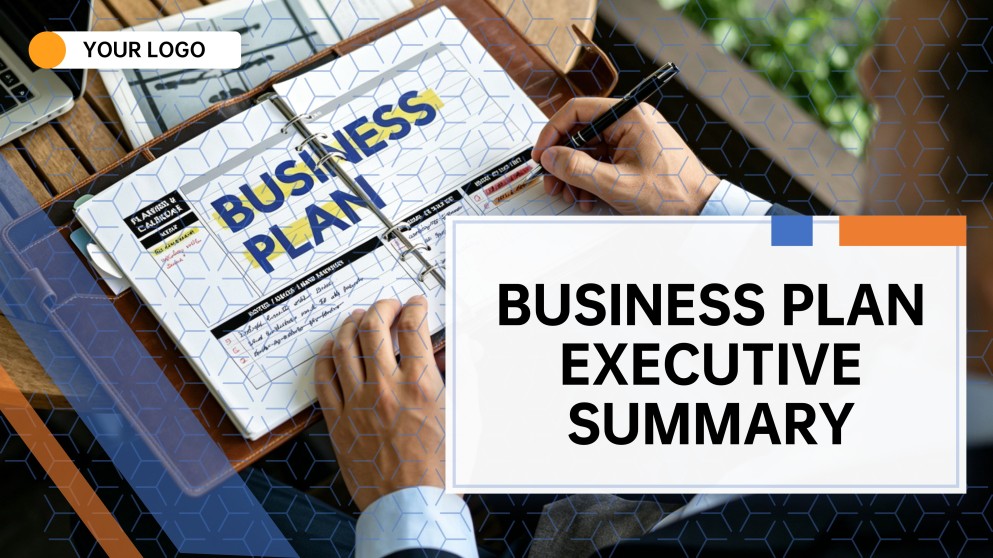
Business Plan Executive Summary PPT
Executive-ready slide flow
AI-assisted summary copy
Editable project templates
Export to PowerPoint

Related project executive summary resources

How to create a project executive summary

  1. Define the decision, audience, reporting period, and project outcome the summary must support.
  2. Gather the latest scope, schedule, budget, milestone, risk, and benefit data from accountable owners.
  3. Generate a concise slide flow with AI or choose a project executive summary template.
  4. Replace placeholders with verified metrics, plain-language insights, visual status signals, and named actions.
  5. Check accuracy, remove operational detail, secure owner approval, and export the presentation for stakeholders.

Example sections in your project executive summary

  • Project purpose, scope, and intended business outcome
  • Overall status with milestone, schedule, and budget indicators
  • Major achievements and measurable progress since the last review
  • Top risks, issues, dependencies, and mitigation owners
  • Decisions required, immediate actions, and next reporting milestone

Choose your project executive summary format

Leadership Project Decision Brief

Applicable to:

Steering committeesExecutive reviewsSponsor updates

Focuses attention on status, business impact, critical risks, and decisions leaders need to make.

Monthly Project Executive Summary

Applicable to:

PMO reportingClient updatesPortfolio reviews

Combines progress since the prior period with schedule, cost, risk, and next-month priorities.

Construction Project Executive Summary

Applicable to:

Site reviewsOwner briefingsContractor meetings

Summarizes work completed, cost and schedule variance, safety, constraints, approvals, and upcoming construction activity.

Project Closure Executive Summary

Applicable to:

Handover meetingsBenefits reviewsLessons learned

Captures delivered scope, final performance, outcomes, unresolved items, ownership transfer, and recommendations.

Example project executive summary

What makes a project executive summary effective

  • Leads with project health, business outcome, and the specific decision or support required.
  • Uses verified metrics with reporting dates, baselines, targets, and concise variance explanations.
  • Prioritizes only material risks, issues, dependencies, and mitigations with named accountable owners.
  • Connects completed work and next actions to scope, schedule, budget, benefits, and stakeholder expectations.

Common mistakes

  • Filling the summary with task-level detail while hiding the overall project message.
  • Reporting green status without evidence or ignoring a material schedule, cost, or scope variance.
  • Showing charts without explaining what changed, why it matters, or who must act.
  • Mixing outdated figures from different reporting periods or leaving decisions and owners undefined.

Frequently Asked Questions

A project executive summary is a concise overview for sponsors and decision-makers. It explains the project's purpose, current health, major progress, critical risks, financial or schedule position, and the next decisions or actions.
Include the objective and scope, overall status, key milestones, schedule and budget performance, major achievements, top risks or dependencies, and next steps. End with a clear decision, approval, or support request when one is needed.
For a routine leadership review, one to five slides is often enough. A complex or construction project may need more slides for safety, cost, schedule, risk, and workstream evidence, but the opening summary should remain scannable.
Choose a template that fits the decision and audience, then replace its placeholders with current, verified project information. Keep only relevant sections, label every metric clearly, and adapt the visual status signals to your governance standards.
Cover work completed, schedule and cost variance, safety performance, change orders, quality, permits or approvals, site constraints, key risks, and upcoming activities. Identify issues requiring action from the owner, contractor, or design team.
Yes. AiPPT can turn your prompt or source content into a presentation structure and draft slides from templates. Review all generated statements and replace sample figures with approved project data before presenting.
AI Presentation Maker

Generate your project executive summary now

Turn your objectives, status, metrics, risks, and next steps into a clear project executive summary presentation with AI.