For sales, support & customers

Product Training Presentation Template + AI Generator

Create a practical product training presentation in minutes. Start from a proven product-learning structure, then customize customer problems, features, workflows, demonstrations, use cases, limitations, troubleshooting, support, and knowledge checks.Build product training slides for features, workflows, demonstrations, use cases, troubleshooting, support, and knowledge checks.
Browse Templates
Feature educationWorkflow demosSales enablement
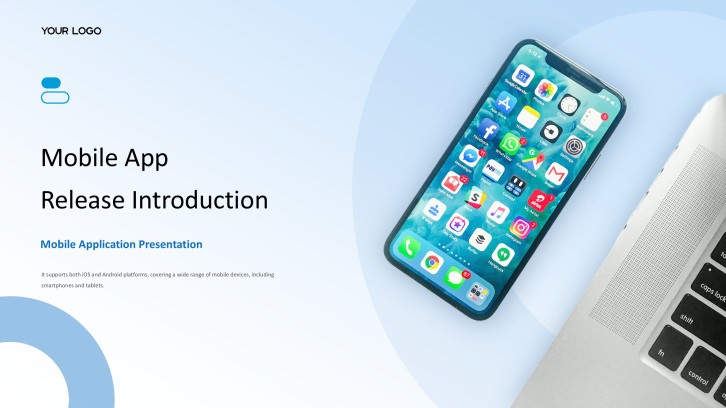
Mobile App Launch Pitch Deck
Product-ready slide flow
AI-assisted training copy
Editable product templates
Export to PowerPoint

Related product, technology, and training resources

How to create a product training presentation

  1. Define the audience, product task, proficiency target, and required post-training behavior.
  2. Organize customer problems, value, features, workflows, demonstrations, limitations, support, and assessment.
  3. Generate the product training presentation with AI or select a suitable product template.
  4. Replace generic copy with verified screenshots, current steps, approved claims, and realistic scenarios.
  5. Test every workflow, review accessibility and accuracy, rehearse demonstrations, then export the deck.

Example sections in your product training presentation

  • Product purpose, audience, problems, and learning objectives
  • Core features, benefits, terminology, and product architecture
  • Setup, primary workflows, demonstrations, and realistic use cases
  • Limitations, common errors, troubleshooting, safety, and escalation
  • Knowledge checks, practice tasks, resources, support, and next steps

Choose your product training presentation format

New Product Launch Training for Sales Teams

Applicable to:

Sales representativesChannel partnersAccount managers

Teach positioning, customer problems, differentiators, demonstrations, objections, proof points, pricing boundaries, and next actions.

Software Product Onboarding Workshop

Applicable to:

New customersCustomer successSupport teams

Guide learners through setup, navigation, essential workflows, permissions, common errors, support, and first success.

Technical Product Certification Course

Applicable to:

Implementation teamsSolution engineersTechnical partners

Cover architecture, configuration, integration, security, troubleshooting, validation, and competency assessment.

Retail Product Knowledge Training

Applicable to:

Store associatesField teamsService agents

Build confidence in specifications, comparisons, demonstrations, customer fit, care, warranties, and compliant recommendations.

Product training presentation example: ProductFlow sales enablement

What makes a product training presentation effective

  • It connects every feature to a real user task, customer problem, observable outcome, and appropriate product boundary.
  • It uses current screenshots, verified workflows, approved terminology, accurate claims, and role-specific practice.
  • It combines explanation with guided demonstration, hands-on application, troubleshooting, knowledge checks, and support resources.
  • It distinguishes available functionality, configuration, roadmap direction, estimates, and contractual commitments clearly.

Common mistakes

  • Listing every feature without explaining when, why, and for whom each capability matters.
  • Using outdated interface images, old package details, unsupported claims, or steps from a different product version.
  • Delivering a flawless demonstration without letting learners perform the workflow, make decisions, or recover from errors.
  • Mixing customer education, seller enablement, administrator setup, and technical certification into one unfocused deck.

Frequently Asked Questions

Include product purpose, audiences, terminology, customer problems, features, benefits, setup, key workflows, demonstrations, use cases, limitations, troubleshooting, support, practice, and knowledge checks.
Structure product training slides from context and objectives through customer need, product overview, core tasks, demonstrations, practice, common errors, support, assessment, and next steps.
A useful product training presentation example follows one realistic product and audience through positioning, workflow explanation, demonstration, practice, customer fit, value, service boundaries, and follow-up.
Yes. An AI product training presentation generator can draft the outline and slide copy. Product owners must verify screenshots, workflows, versions, claims, package details, limitations, and support instructions.
A focused product training PPT often uses 12 to 20 slides. Split broad products into role- or task-specific modules so learners have enough time for demonstrations and practice.
Use current screenshots, one realistic scenario, step-by-step demonstrations, learner practice, common-error recovery, decision questions, a visible support route, and a final performance check.
AI Presentation Maker

Generate your product training presentation now

Create a product training deck with AI, then customize customer problems, features, workflows, demonstrations, use cases, troubleshooting, support, and assessment.