For marketers, agencies & stakeholders

Marketing Campaign Results Presentation for Clearer Decisions

Create a stakeholder-ready marketing campaign results presentation in minutes. Start from a proven reporting structure, then customize objectives, channel metrics, ROI, audience insights, and next-step recommendations.Create a campaign results deck in minutes. Customize KPIs, channel performance, ROI, insights, and next steps with AI.
Browse Templates
Campaign retrospectivesClient performance reportsExecutive KPI reviews
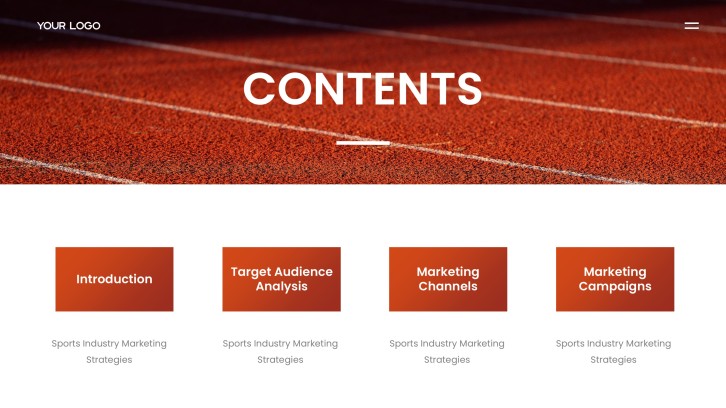
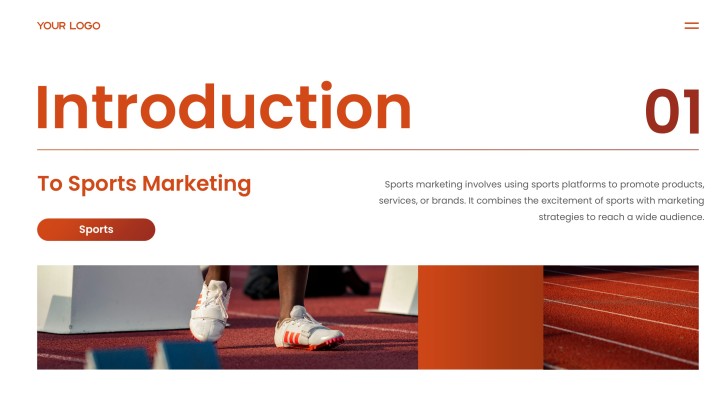
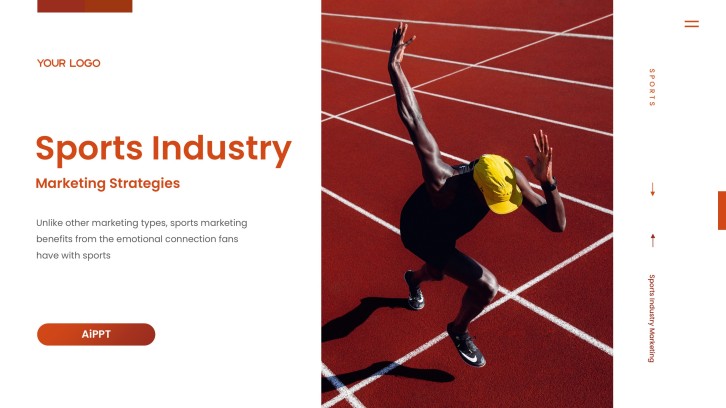
Sports Marketing Plan PPT
Results-focused slide flow
AI-assisted insight copy
Editable report templates
Export to PowerPoint

Related marketing performance resources

How to create a marketing campaign results presentation

  1. Define the audience, reporting period, campaign objective, and decision required.
  2. Gather channel metrics, spend, conversions, revenue, benchmarks, and qualitative feedback.
  3. Generate a results-focused outline with AI or choose a reporting template.
  4. Replace sample data with branded charts, insights, wins, and improvement areas.
  5. Verify calculations, clarify recommendations, rehearse the story, and export the deck.

Example sections in your marketing campaign results presentation

  • Executive campaign summary and objectives
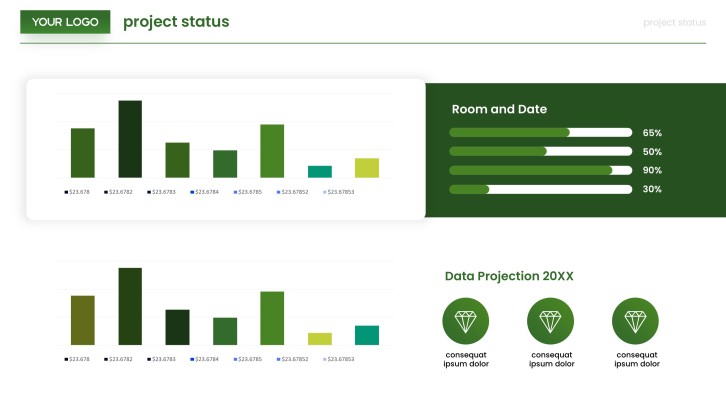
  • KPI scorecard versus targets
  • Channel and audience performance analysis
  • Budget, revenue, and ROI breakdown
  • Key learnings and next-step recommendations

Choose your marketing campaign results presentation format

Post-Campaign Executive Results Review

Applicable to:

Leadership meetingsQuarterly reviewsBudget decisions

Summarize business impact, headline KPIs, lessons, and decisions for a time-constrained executive audience.

Multi-Channel Digital Campaign Performance Report

Applicable to:

Paid mediaEmail campaignsSocial campaigns

Compare reach, engagement, conversion, spend, and ROI across digital channels in one coherent report.

Client Advertising Campaign Results Presentation

Applicable to:

Marketing agenciesClient reviewsAccount renewals

Explain delivery, outcomes, attribution, creative learnings, and recommended optimizations with client-friendly context.

Product Launch Campaign Retrospective

Applicable to:

Product launchesGrowth teamsCross-functional reviews

Connect launch goals, funnel results, audience response, team learnings, and the next growth experiment.

Example marketing campaign results presentation

What makes a marketing campaign results presentation effective

  • Opens with objectives, targets, and headline business outcomes.
  • Uses consistent definitions and comparisons for every campaign performance metric.
  • Explains why results changed instead of displaying disconnected charts.
  • Ends with prioritized, evidence-backed decisions for the next campaign.

Common mistakes

  • Reporting vanity metrics without connecting them to campaign goals.
  • Mixing attribution windows, data sources, or benchmarks without disclosure.
  • Overloading slides with platform exports and unreadable tables.
  • Celebrating wins while omitting underperformance, uncertainty, and lessons.

Frequently Asked Questions

Include the campaign objective, audience, reporting period, KPI results versus targets, channel performance, budget and ROI, insights, and next steps. Lead with the decision stakeholders need to make, then provide supporting evidence.
Start with an executive summary and campaign context. Follow with a KPI scorecard, funnel and channel analysis, financial impact, key learnings, and prioritized recommendations.
Choose metrics tied directly to the objective, such as reach, engagement rate, click-through rate, conversions, cost per acquisition, revenue, and ROI. Include targets or benchmarks so viewers can interpret each number.
An executive review often works well in 8–12 slides, while a detailed client or team retrospective may need 12–20. Use appendices for channel-level tables that are useful but not central to the story.
State the gap plainly, show the evidence, and separate controllable causes from external factors. Then propose a specific change, expected effect, owner, and measurement plan.
AI can help turn your campaign brief and summarized results into a structured presentation draft. With AiPPT, choose a template or generate from your content, then verify every metric and customize the analysis before presenting.
AI Presentation Maker

Generate your marketing campaign results presentation now

Turn campaign goals, performance metrics, insights, and recommendations into a clear presentation with AI.