Sign In Sign Up
For teachers, students & trips

Field Trip Presentation Template + AI Generator

Create a field trip presentation in minutes. Start from a clear trip structure, then customize the destination overview, itinerary, safety reminders, student activities, chaperone notes, and reflection prompts.Create field trip slides fast. Customize destinations, itinerary, safety notes, activities, and reflections with AI.
Browse Templates
Trip itinerary Safety reminders Student reflection
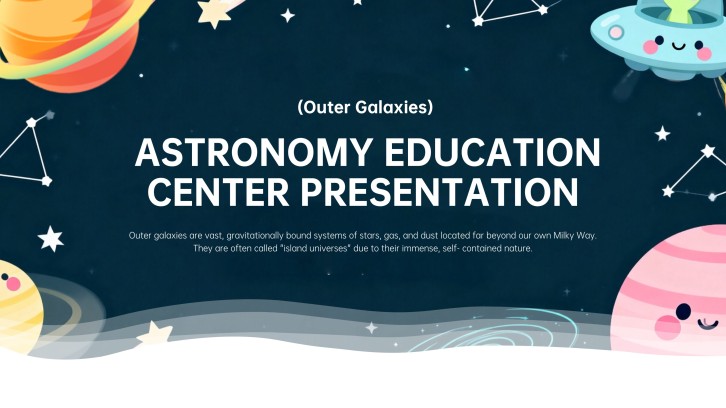
Astronomy Education Center Promotion Presentation
Field trip slide flow
AI-assisted trip copy
Editable education templates
Export to PowerPoint

Related field trip resources

How to create a field trip presentation

  1. Define the trip goal, destination, audience, and student learning task.
  2. Outline the itinerary, stops, timing, safety rules, and chaperone notes.
  3. Use AI to turn trip details into clear slide copy and speaker notes.
  4. Add maps, photos, activity prompts, permission reminders, and reflection questions.
  5. Review the flow, confirm logistics, and export the deck for class.

Example sections in your field trip presentation

  • Destination overview and purpose
  • Trip schedule and meeting points
  • Safety rules and group roles
  • Activity prompts and observation tasks
  • Reflection questions and next steps

Choose your field trip presentation format

Museum Field Trip Presentation

Applicable to:

Art museums History museums Science exhibits

Best for preparing students to observe exhibits, follow tour expectations, and complete reflection tasks.

Science Center Field Trip Presentation

Applicable to:

STEM classes Planetarium visits Lab demonstrations

Use this format to connect science concepts with real exhibits, questions, and student evidence notes.

Outdoor Nature Field Trip Presentation

Applicable to:

Park visits Nature walks Environmental studies

Create a trip deck for outdoor observations, safety routines, group roles, and nature reflection prompts.

Historical Site Field Trip Presentation

Applicable to:

Landmarks Heritage sites Social studies

Best for explaining historical context, site etiquette, key locations, and post-trip discussion questions.

Example field trip presentation

What makes a field trip presentation effective

  • Explain the destination purpose before listing logistics.
  • Make timing, meeting points, and group roles easy to scan.
  • Include safety expectations and chaperone instructions in plain language.
  • End with reflection prompts that connect the trip back to class learning.

Common mistakes

  • Listing every logistical detail without a clear trip goal.
  • Forgetting emergency contacts, meeting points, or supervision rules.
  • Using generic travel photos that do not match the actual destination.
  • Ending the deck without a student task, reflection, or follow-up activity.

FAQs

A field trip presentation is a slide deck that prepares students, families, teachers, or chaperones for an educational trip. It usually explains the destination, schedule, safety rules, learning goals, activities, and reflection tasks.
Include the trip purpose, destination background, itinerary, transportation details, meeting points, safety expectations, student activity prompts, and post-trip reflection questions. If families or chaperones will view the deck, include permission reminders and contact information.
Most field trip presentations work well with 8 to 15 slides. A short classroom preview may need fewer slides, while a family briefing, multi-stop trip, or student reflection deck may need a longer structure.
Yes. AiPPT can help turn your destination, itinerary, rules, activities, and notes into a structured field trip slide deck. You can then customize the wording, visuals, and details for your school or class.
Good examples include museum visit briefings, science center trips, historical site tours, outdoor nature walks, career day visits, and post-trip student reflection decks. The best example matches the destination and gives students a clear task.
Use real destination images, short prompts, map or schedule visuals, and questions students can answer during the trip. Keep logistics clear, but connect each stop to something students will observe, discuss, or reflect on.
AI Presentation Maker

Generate your field trip presentation now

Create a field trip presentation with AI, then customize the destination overview, itinerary, safety notes, activities, and reflection prompts for your class.