For employees, educators & security teams

Cybersecurity Awareness Training Presentation Template + AI Generator

Create a cybersecurity awareness training presentation in minutes. Build practical slides about phishing, passwords, MFA, privacy, safe data handling, social engineering, and fast incident reporting.Build cybersecurity awareness slides for phishing, passwords, MFA, privacy, safe data handling, and incident reporting.
Browse Templates
Phishing awarenessAccount protectionFast reporting
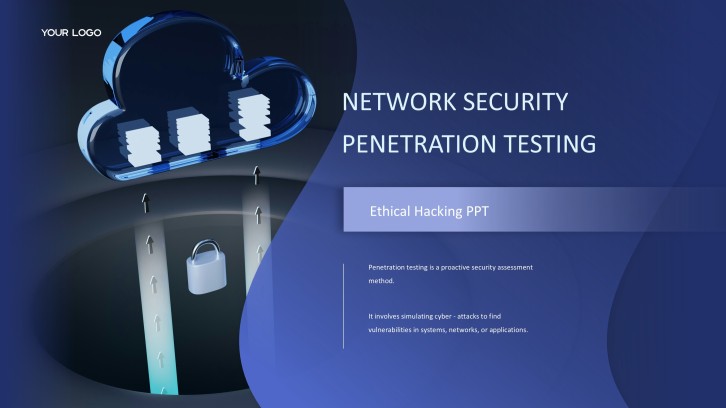
Ethical Hacking Workshop PPT with cybersecurity shield and digital network visuals
Awareness-ready slide flow
AI-assisted security copy
Editable cyber templates
Export to PowerPoint

Related cybersecurity, technology, and training resources

How to create a cybersecurity awareness training presentation

  1. Define the audience, workplace context, current threats, security policies, learning objectives, and observable behaviors employees must demonstrate.
  2. Organize the deck around threat relevance, phishing, credentials, MFA, devices, data handling, privacy, remote work, reporting, and response.
  3. Generate the cybersecurity awareness training presentation with AI, then replace generic examples with approved policies, tools, contacts, and realistic organizational scenarios.
  4. Add short decisions, message checks, password and MFA demonstrations, reporting practice, accessibility support, and role-specific examples without exposing sensitive incidents.
  5. Have security, IT, privacy, legal, HR, and business owners verify the content, test every instruction, rehearse the session, and export the final deck.

Example sections in your cybersecurity awareness training presentation

  • Threat landscape, business impact, learner objectives, and shared responsibility
  • Phishing, social engineering, suspicious links, attachments, QR codes, and payment requests
  • Password managers, MFA, account recovery, devices, updates, and remote-work safeguards
  • Data classification, privacy, approved storage, sharing, apps, vendors, and physical security
  • Incident recognition, immediate containment boundaries, reporting channels, exercises, and follow-up

Choose your cybersecurity awareness training presentation format

Employee Cybersecurity Awareness Briefing

Applicable to:

New employeesAnnual refreshersHybrid teams

Teach phishing recognition, password hygiene, MFA, device safety, approved data handling, and prompt reporting.

Phishing and Social Engineering Workshop

Applicable to:

Office employeesCustomer-facing teamsFinance staff

Practice checking urgency, identity, links, attachments, QR codes, payment changes, and confidential requests.

Data Privacy and Remote Work Training

Applicable to:

Remote teamsData handlersContractors

Cover secure devices, networks, apps, storage, screen privacy, sharing, travel, and incident escalation.

Cyber Incident Tabletop Awareness Session

Applicable to:

ManagersIT partnersBusiness owners

Use realistic decisions to practice recognition, reporting, communication boundaries, continuity, and role coordination.

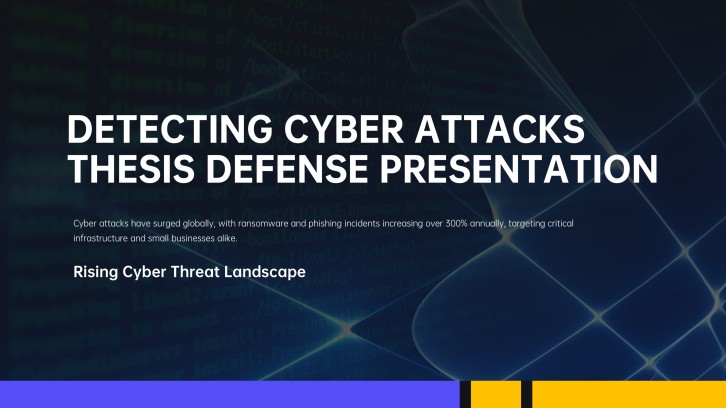
Cybersecurity awareness training presentation example: Northstar detection and reporting program

What makes a cybersecurity awareness training presentation effective

  • It turns current, credible threats into role-specific warning signs, safe decisions, reporting actions, and memorable practice.
  • It distinguishes awareness responsibilities from technical investigation and never encourages employees to handle suspicious artifacts themselves.
  • It uses approved policies, tools, contacts, screenshots, accessible examples, and realistic scenarios reviewed by accountable owners.
  • It measures decision quality and reporting behavior through scenarios, knowledge checks, simulations, manager reinforcement, and follow-up.

Common mistakes

  • Using fear, jargon, or dramatic statistics without teaching the exact behavior employees should perform.
  • Treating every learner as a security analyst or asking employees to investigate, forward, or interact with suspicious content.
  • Reusing outdated screenshots, contacts, policies, threat examples, MFA instructions, or reporting workflows.
  • Measuring attendance alone while ignoring risky decisions, reporting delays, recurring confusion, and control gaps.

Frequently Asked Questions

Include relevant threats, phishing and social engineering, password managers, MFA, devices, updates, data handling, privacy, remote work, physical security, incident reporting, scenarios, and support contacts.
Structure cybersecurity awareness training slides from threat relevance and shared responsibility through common attacks, protective habits, data rules, realistic decisions, reporting, knowledge checks, and next actions.
A useful cybersecurity awareness training presentation example follows one organization through suspicious requests, credential protection, anomaly recognition, reporting decisions, evidence review, and program improvement.
Yes. An AI cybersecurity awareness training presentation generator can draft the structure, scenarios, and slide copy. Security and policy owners must verify threats, tools, screenshots, contacts, and response instructions.
A focused cybersecurity awareness training PPT often uses 10 to 20 slides. Split broad programs into shorter role-specific modules so learners can practice the decisions most relevant to their work.
Use realistic messages, independent verification steps, approved password and MFA demonstrations, role-specific data choices, a visible reporting channel, short decisions, and immediate feedback.
AI Presentation Maker

Generate your cybersecurity awareness training presentation now

Create a cybersecurity awareness training deck with AI, then customize phishing scenarios, passwords, MFA, privacy, data handling, reporting channels, exercises, and follow-up actions.