For marketers, founders & strategists

Competitor Comparison Chart PPT for Clearer Business Decisions

Create a decision-ready competitor comparison chart PPT in minutes. Start from an editable comparison structure, then customize competitors, features, pricing, market position, strengths, and strategic takeaways.Build a competitor comparison deck in minutes. Customize features, pricing, positioning, strengths, and takeaways with AI.
Browse Templates
Feature comparisonsMarket positioningSales enablement
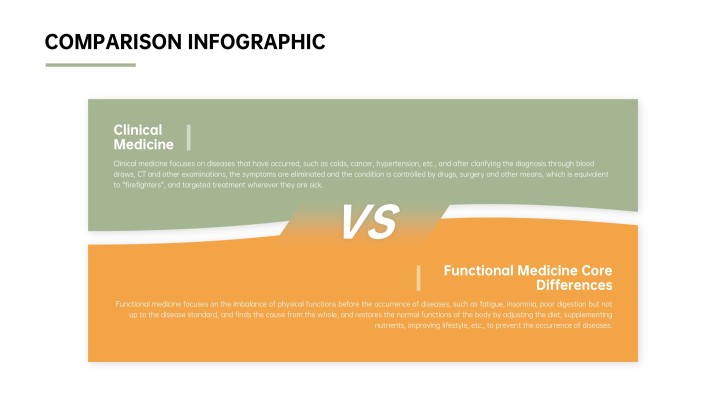
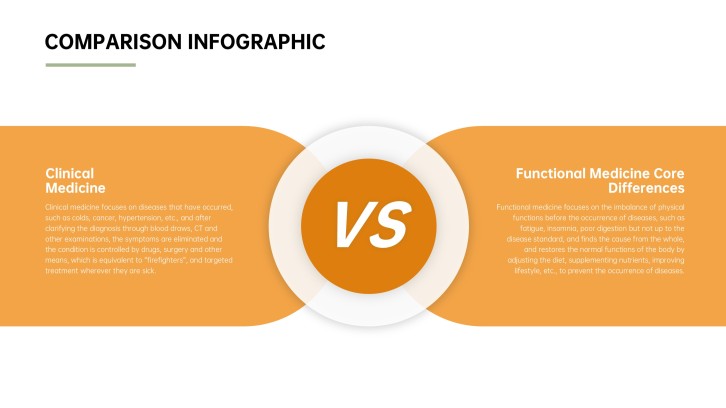
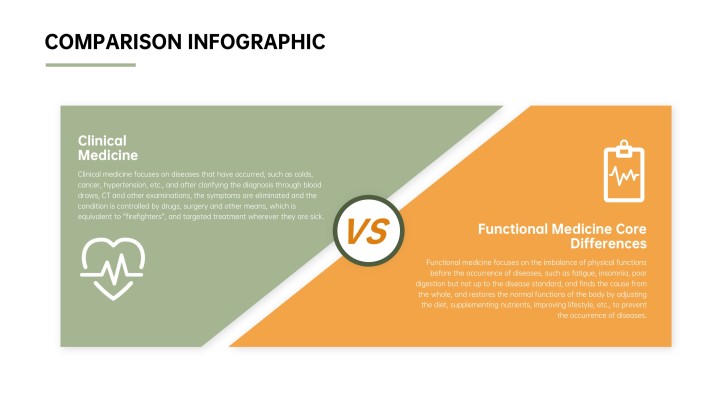
Side by Side Comparison Infographic Templates
Comparison-ready slide flow
AI-assisted analysis copy
Editable chart templates
Export to PowerPoint

Related competitor comparison presentation resources

How to create a competitor comparison chart PPT

  1. Define the decision, audience, competitor set, and comparison scope.
  2. Choose consistent criteria such as features, pricing, market reach, service, and differentiation.
  3. Generate a first draft with AI or select a comparison-focused presentation template.
  4. Replace assumptions with sourced evidence and customize charts, tables, labels, and brand colors.
  5. Review for fairness, highlight the strategic takeaway, and export the deck to PowerPoint.

Example sections in your competitor comparison chart PPT

  • Market landscape and comparison objective
  • Competitor profiles and target customers
  • Feature and pricing comparison table
  • Positioning map and strengths analysis
  • Strategic gaps, opportunities, and recommendations

Choose your competitor comparison chart PPT format

SaaS Feature Comparison Presentation

Applicable to:

Product marketingSales enablementSoftware buying

Compare plans, integrations, workflows, support, and differentiators across competing software products.

Competitive Market Positioning Deck

Applicable to:

Strategy reviewsInvestor updatesMarket research

Map competitors by audience, price, capabilities, brand promise, and market position.

Sales Battlecard Comparison PPT

Applicable to:

Sales trainingDeal preparationObjection handling

Equip sales teams with concise comparisons, proof points, objections, and response guidance.

Vendor Evaluation Comparison Presentation

Applicable to:

ProcurementOperations teamsExecutive approval

Score vendors consistently across requirements, total cost, implementation risk, support, and fit.

Example competitor comparison chart PPT

What makes a competitor comparison chart PPT effective

  • Uses consistent, decision-relevant criteria for every competitor.
  • Distinguishes sourced facts from estimates, opinions, and internal assumptions.
  • Combines a scannable comparison table with clear strategic interpretation.
  • Ends with a recommendation tied to audience priorities and trade-offs.

Common mistakes

  • Comparing different product tiers or time periods without disclosure.
  • Filling charts with features that do not affect the actual decision.
  • Using biased language that makes the preferred option look predetermined.
  • Presenting scores without explaining weights, evidence, or evaluation method.

Frequently Asked Questions

Include the comparison objective, competitor profiles, consistent criteria, feature or pricing tables, positioning insights, and a recommendation. Cite sources and state the date of the research.
Place competitors in columns and decision criteria in rows. Keep labels short, use consistent symbols or scores, and add a takeaway beside the table.
Choose criteria tied to the decision: target customer, core features, pricing, service, integrations, market reach, strengths, and weaknesses. Avoid criteria that cannot be verified consistently.
Three to five competitors usually remain readable on one slide. For a larger market, show an overview first and move detailed profiles or tables to separate slides.
AI can help structure the deck, draft neutral comparison language, and organize supplied evidence. Review every factual claim, score, price, and source before presenting.
A comparison chart summarizes selected criteria side by side. Competitor analysis adds market context, individual profiles, implications, opportunities, and strategic recommendations.
AI Presentation Maker

Generate your competitor comparison chart PPT now

Turn your competitor list, criteria, and evidence into a clear comparison presentation with AI.