For success, service & implementation teams

Client Onboarding Presentation for a Confident Project Start

Create a client-ready client onboarding presentation in minutes. Start with a proven kickoff structure, then customize goals, team roles, milestones, communication channels, training, and support contacts.Build a client onboarding deck in minutes. Customize goals, roles, milestones, communication, and support with AI.
Browse Templates
Customer successProject kickoffsService handoffs
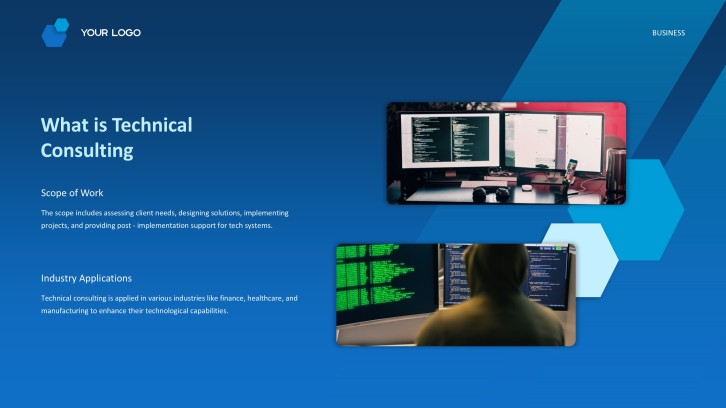
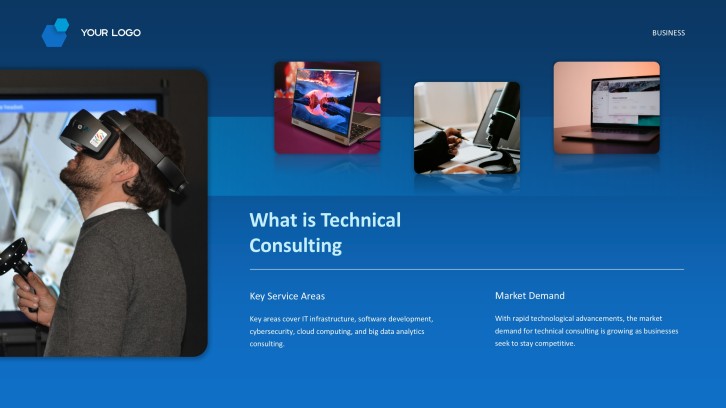
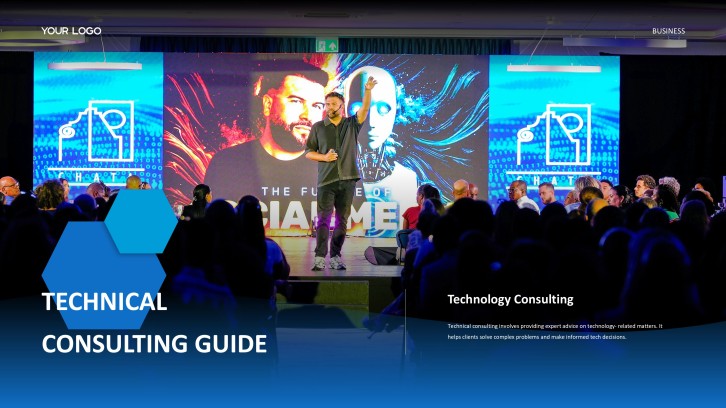
Technology Consulting Services Profile PPT
Onboarding-ready slide flow
AI-assisted client copy
Editable business templates
Export to PowerPoint

Related client onboarding presentation resources

How to create a client onboarding presentation

  1. Define the client's goals, audience, signed scope, and decisions the kickoff must confirm.
  2. Gather project roles, milestones, deliverables, dependencies, communication norms, training needs, and support contacts.
  3. Prompt AiPPT with the engagement context or choose an editable client onboarding presentation template.
  4. Replace generic content with the client's terminology, realistic dates, named owners, and approved success measures.
  5. Review the deck with internal stakeholders, confirm accuracy, and export the presentation for the kickoff meeting.

Example sections in your client onboarding presentation

  • Welcome, partnership purpose, and kickoff agenda
  • Client goals, desired outcomes, and success measures
  • Team introductions, roles, and decision owners
  • Scope, deliverables, milestones, and dependencies
  • Communication cadence, training, support, and next steps

Choose your client onboarding presentation format

SaaS Customer Onboarding Kickoff Deck

Applicable to:

Customer success teamsImplementation managersEnterprise customers

Align product goals, technical setup, training, adoption milestones, and support before implementation begins.

Agency Client Onboarding Presentation

Applicable to:

Marketing agenciesCreative studiosConsulting firms

Clarify the brief, approval workflow, deliverables, communication rhythm, and responsibilities for a new engagement.

Professional Services Kickoff Deck

Applicable to:

Advisory projectsManaged servicesTransformation programs

Translate the signed scope into workstreams, governance, milestones, risks, and immediate client actions.

New Customer Training and Support Deck

Applicable to:

Product trainingAdmin enablementSupport handoffs

Introduce core workflows, learning resources, escalation routes, and first-value actions for new users.

Example client onboarding presentation

What makes a client onboarding presentation effective

  • It translates the signed agreement into concrete outcomes, owners, milestones, and decisions.
  • It distinguishes responsibilities clearly so the client and delivery team know who acts next.
  • It uses client-specific language, dates, workflows, and success measures instead of generic placeholders.
  • It ends with confirmed actions, deadlines, communication channels, and escalation contacts.

Common mistakes

  • Spending most of the kickoff retelling the company story instead of aligning the engagement.
  • Presenting a dense product tour before connecting features to the client's desired outcomes.
  • Showing a timeline without dependencies, client inputs, decision owners, or approval dates.
  • Leaving risks, support routes, and next steps vague enough to invite conflicting assumptions.

Frequently Asked Questions

Include a welcome and agenda, client goals, scope, team roles, milestones, ways of working, training, support, risks, and immediate next steps. Tailor every section to the signed engagement and decisions needed at kickoff.
Most kickoff decks work well at 8 to 15 slides, depending on project complexity. Keep the live discussion focused and move detailed technical procedures or reference material to an appendix.
Client onboarding covers the broader transition from sale to delivery, including setup, training, adoption, and support. The kickoff presentation is usually the deck used in the first alignment meeting within that process.
Replace sample content with the client's goals, terminology, stakeholders, dates, deliverables, risks, and communication preferences. Remove any slide that does not help the group understand, decide, or act.
Yes. Give AiPPT the engagement type, audience, objectives, scope, milestones, team roles, and preferred tone, then review the generated deck against the contract and kickoff agenda.
Name the executive sponsor, project leads, subject-matter experts, approvers, and escalation contacts on both sides. For each critical activity, identify one accountable owner and the expected response time.
AI Presentation Maker

Generate your client onboarding presentation now

Turn your engagement details into a clear client onboarding presentation with AI and customize it for your kickoff.