For meetings, pitches & workshops

Agenda Slide Templates for Clear, Professional Presentations

Create a professional agenda slide in minutes. Start from an editable PowerPoint-ready structure, then customize section names, timing, discussion order, icons, and brand colors for your audience.Create a polished agenda slide in minutes. Customize topics, timing, icons, and colors with AI.
Browse Templates
Business meetingsProject updatesWorkshop outlines
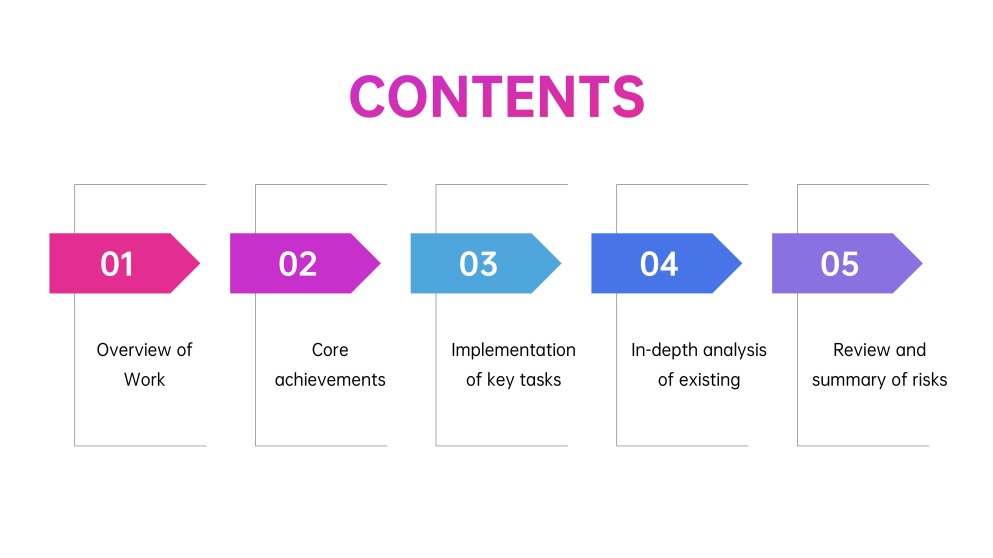
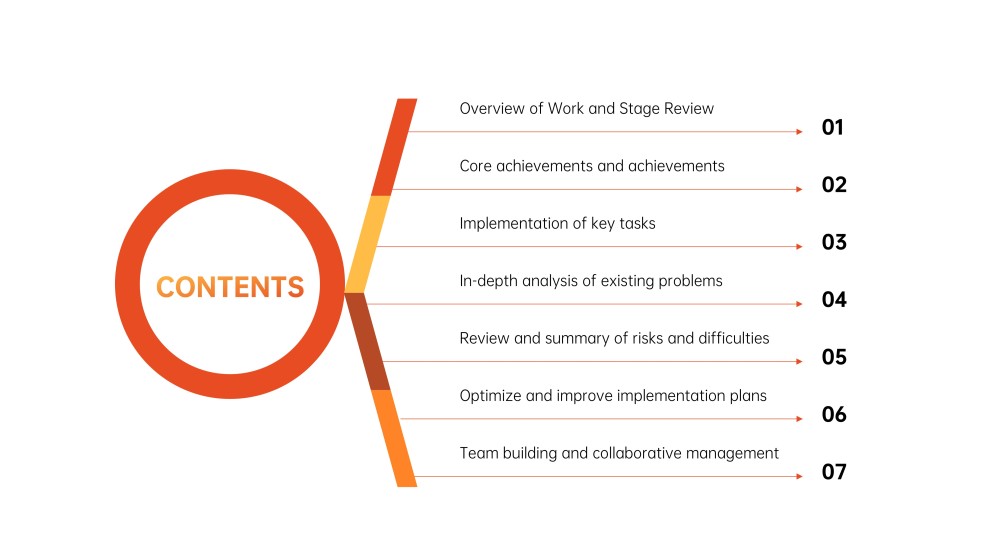
1 to 7 Item Agenda Slide
Clear agenda slide flow
AI-assisted agenda copy
Editable agenda templates
Export to PowerPoint

Related agenda slide resources

How to create an agenda slide

  1. Define the audience, presentation goal, and decisions or outcomes the session should produce.
  2. Group the deck into three to seven short sections arranged in the order they will appear.
  3. Ask AiPPT to generate the presentation or choose an agenda slide template matching your tone.
  4. Replace labels, add timing or owners where useful, and apply consistent icons, colors, and spacing.
  5. Check the agenda against the finished deck, simplify crowded text, and export to PowerPoint.

Example sections in your agenda slide

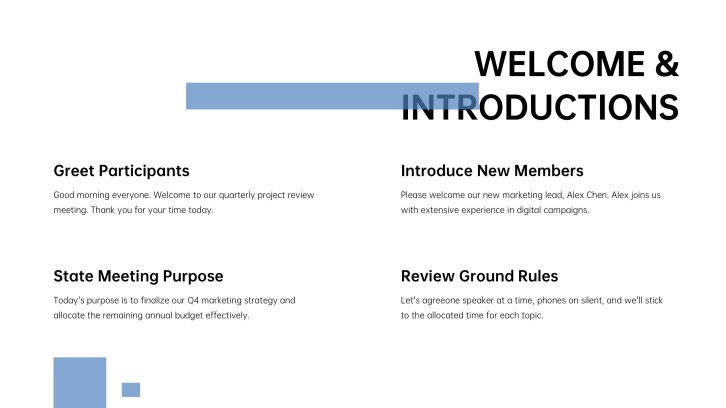
  • Welcome and meeting objective
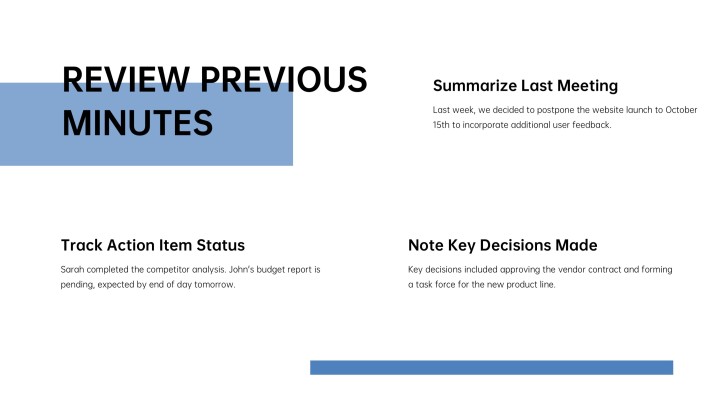
  • Progress and key updates
  • Main discussion topics
  • Decisions and action items
  • Questions and next steps

Choose your agenda slide format

Executive Business Meeting Agenda

Applicable to:

Leadership reviewsStrategy meetingsBoard updates

Organize decisions, performance updates, strategic issues, and next steps for a time-conscious executive audience.

Project Status Meeting Agenda

Applicable to:

Sprint reviewsProject check-insClient updates

Structure progress, milestones, blockers, decisions, owners, and deadlines for a focused project discussion.

Interactive Workshop Agenda

Applicable to:

Team workshopsTraining sessionsPlanning retreats

Balance instruction, group activities, breaks, and reflection with a clear visual session sequence.

Classroom Presentation Agenda

Applicable to:

Daily lessonsStudent presentationsFaculty meetings

Preview learning goals, lesson sections, activities, and closing questions in a student-friendly format.

Example agenda slide presentation

What makes an agenda slide effective

  • It previews the real presentation order with short, parallel section labels.
  • It limits detail so the audience can scan the full agenda in seconds.
  • It uses numbers, spacing, or a clear path to establish reading order.
  • It includes timing, owners, or outcomes only when they help the audience follow the session.

Common mistakes

  • Listing slide titles that no longer match the final presentation sequence.
  • Packing every subtopic into the agenda until the text becomes unreadable.
  • Using decorative arrows or timelines that imply the wrong order or relationship.
  • Switching grammar, capitalization, or label length across otherwise parallel agenda items.

Frequently Asked Questions

An agenda slide previews the main sections of a presentation in the order they will appear. It helps audiences understand the session's scope, flow, and expected outcomes.
Include three to seven concise section labels in presentation order. Add timing, speakers, or outcomes only when those details help participants navigate the session.
Use a simple grid, numbered list, timeline, or process layout with consistent spacing and short labels. Match the deck's fonts and colors, then verify every item corresponds to an actual section.
Three to seven items work well for most presentations. If you have more, group related topics under broader section names or split a long workshop schedule across two slides.
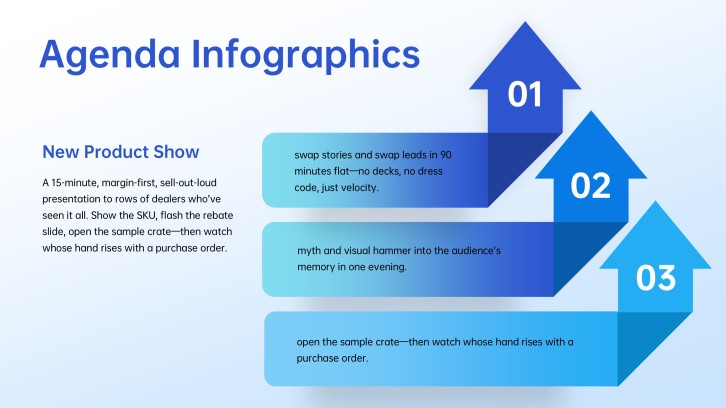
Try numbered cards, a horizontal timeline, connected circles, stacked arrows, or a clean two-column list. Choose the layout based on topic count and whether the sequence is linear, parallel, or priority-based.
Yes. Give AiPPT your presentation goal, audience, and main sections to generate a structured deck, then choose an editable template and refine the agenda labels before exporting.
AI Presentation Maker

Generate your agenda slide now

Turn your topics into a clear agenda slide and complete presentation with AI.