
Sales Interview Presentation Template AI Generator
Create a high-converting interview deck in minutes with AiPPT. Start from a proven structure for account executive, sales manager, SaaS pitch, or tech sales interview presentations.
Create a compelling sales presentation for an interview project and land your next role.
Use the pre-defined scenario to directly generate the Sales Interview Presentation

30-60-90 day plan
Mock sales pitch

Winning deal case study

Mock QBR presentation
How to Create a Winning Sales Interview Presentation
A sales interview presentation isn’t just about showcasing your past — it’s about proving how you will drive revenue from day one.
What is the goal of your sales interview presentation?
A sales interview presentation is designed to persuade the hiring panel that you possess the exact strategic thinking, communication skills, and execution grit required for the role. The clearer you demonstrate your understanding of their product and market, the easier it is for the interviewers to visualize you closing deals for their team.
How do you choose the right framework for the presentation?
Align your deck with the specific scenario requested by the panel. If they ask for a strategy, utilize a 30-60-90 Day Plan framework to show your ramp-up execution; if they request a live simulation, structure your slides around standard sales methodology frameworks like MEDDPICC or SPIN selling to prove your tactical alignment.
What key elements should a sales interview deck include?
A successful sales interview presentation should follow a highly structured business flow: territory/market analysis, ideal customer profile (ICP) identification, strategic pain point discovery, value proposition mapping, and a clear action plan. Keeping this flow ensures the panel understands both your analytical depth and your closing ability.
How do you handle the mock discovery or Q&A session?
Treat the interview panel like real B2B buyers. During the pitch or interactive Q&A, don’t just present features; actively engage the panel by asking diagnostic questions, validating their simulated objections, and anchoring your answers to business value, ROI, and risk mitigation.
How do you make your presentation more professional with AI?
Use AiPPT to streamline your slide creation so you can focus entirely on your sales strategy. Leverage professionally tailored sales templates that feature clean data visualizations, structured frameworks, and modern typography, ensuring your deck looks like it was built by a seasoned design team.
Choose your Sales Interview type

Ideal for showing your objection handling and ability to close B2B buyers.
Mock sales pitches
Discovery call simulations
Competitor displacement strategies

Perfect for demonstrating strategic vision and revenue forecasting to executives.
30-60-90 day go-to-market plans
Territory and quota allocation strategies
Sales team coaching frameworks
Ideal for proving your relationship-building expertise and renewal strategies.
Mock quarterly business reviews (QBR)
Customer adoption metrics layout
Upsell and renewal strategy pitches

Show your energy for cold calling and building a pipeline from scratch.
Outbound cold outreach strategies
High-volume prospecting workflows
Lead qualification roleplays
Sales Interview Presentation Template
Adventure Pitch Theme
Storytelling Slides
Memorable Business Deck
Use Case:Ideal for sales pitches, brand campaign presentations, outdoor product promotions, and business proposal meetings that require a bold and energetic visual style.
Description:Featuring an adventure-inspired business design, this template helps present sales strategies, product highlights, and campaign ideas with dynamic visuals and strong storytelling impact.
Minimalist Pitch Design
Versatile Slide Layouts
Clean Business Style
Use Case:Ideal for sales presentations, client proposals, business pitches, and product showcases that require a clean and modern professional visual style.
Description:Featuring a modern minimalist business design, this template helps present sales strategies, product value, and business insights with clarity and polished visual structure.
Progressive Flow Design
Numbered Navigation
Focused Content
Use Case:Ideal for marketing funnel presentations, sales pipeline analysis, customer journey mapping, and business strategy reports that require clear visual storytelling and structured data flow.
Description:Featuring a clean funnel infographic design, this template helps visualize conversion stages, customer acquisition processes, and business workflows in a simple and engaging format.
Sales Forecast Slides
Editable Minimal Design
Clear Data Presentation
Use Case:Ideal for sales forecast presentations, revenue planning meetings, business performance reviews, and strategic growth discussions that require data-driven and professional visual communication.
Description:Featuring a modern business design, this template helps present sales projections, revenue trends, and performance insights with clear charts and structured visual storytelling.
Colorful Sales Design
Winning Sales Strategy
Team-Focused Slides
Use Case:Ideal for sales strategy presentations, business growth proposals, client pitches, and performance review meetings that require energetic and visually engaging communication.
Description:Featuring a vibrant business design, this template helps present sales goals, growth strategies, and market insights with bold visuals and dynamic storytelling.
Polished Professional
Structured Training
Credibility Focused Layout
Use Case:Ideal for sales training sessions, onboarding workshops programs, and team performance improvement meetings that require clear instructional structure and high engagement.
Description:Featuring a high-impact business design, this template helps deliver sales techniques, training content, and performance strategies with clarity, structure, and strong visual engagement.
Go-To-Market Strategy
Sales Marketing Alignment
Strategic Framework
Use Case:Ideal for integrated marketing , cross-team alignment meetings and business growth planning sessions, and corporate strategy discussions that require a unified and structured approach.
Description:Featuring a professional business design, this template helps present sales and marketing alignment, strategic goals, and performance insights in a clear and cohesive visual format.
Unified GTM Strategy
Sales Marketing Alignment
End-to-End Framework
Use Case:Ideal for sales and marketing alignment meetings, business growth planning sessions, and cross-functional team discussions that require cohesive strategic storytelling.
Description:Featuring a modern cohesive business design, this template helps present integrated sales and marketing strategies, campaign plans, and performance insights with clarity and strong visual consistency.
What to include in a Sales Interview Presentation
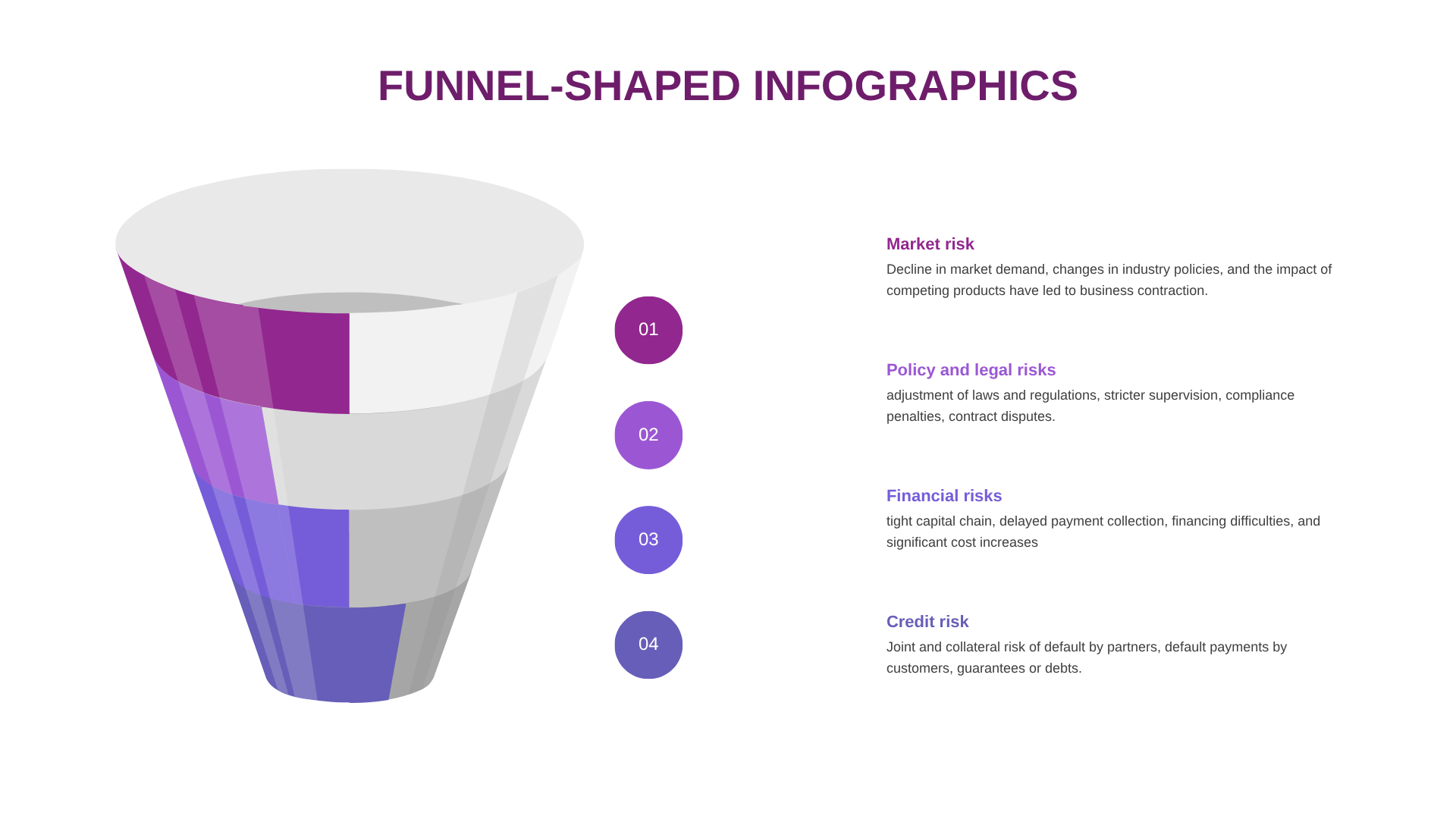
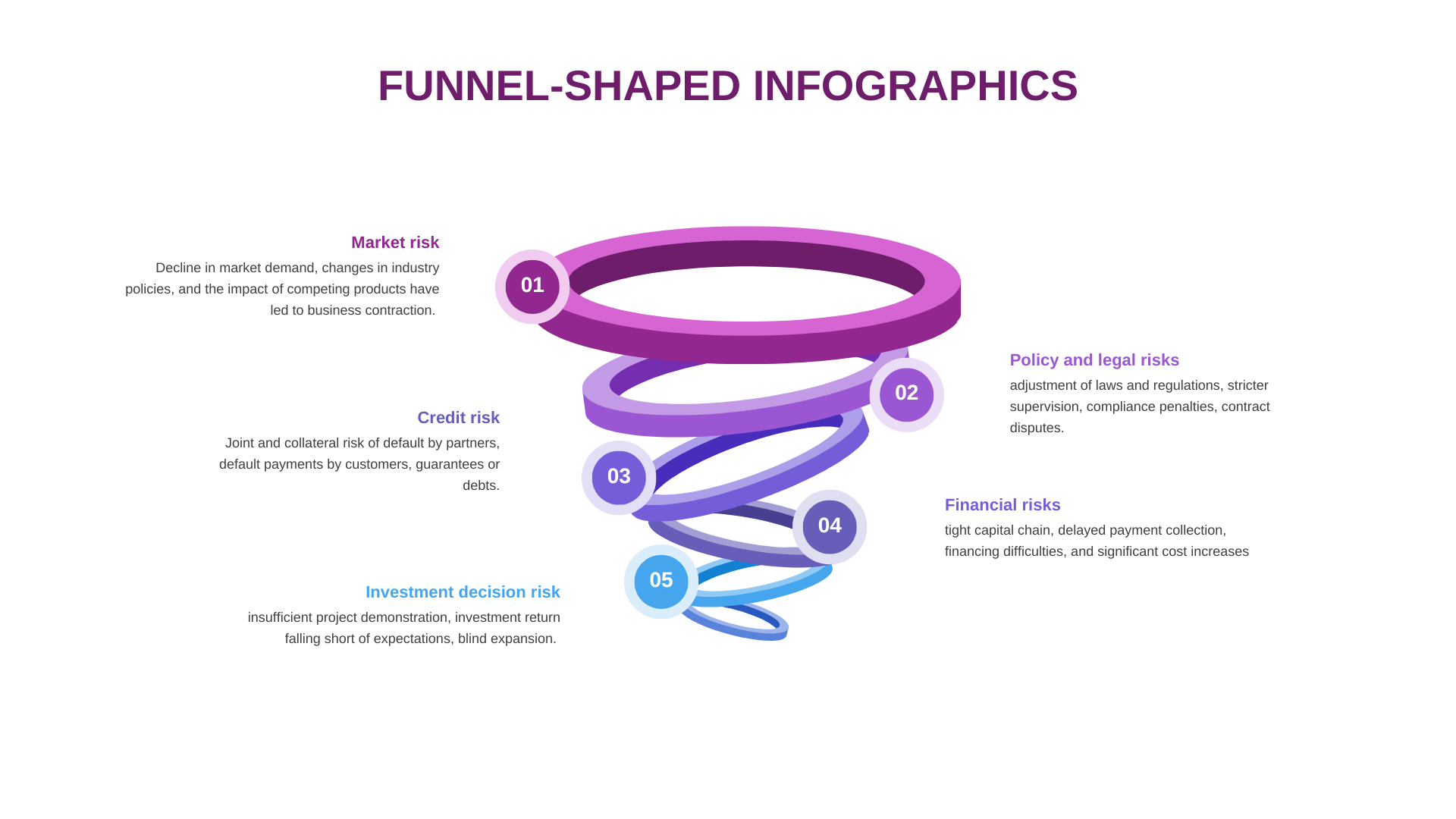
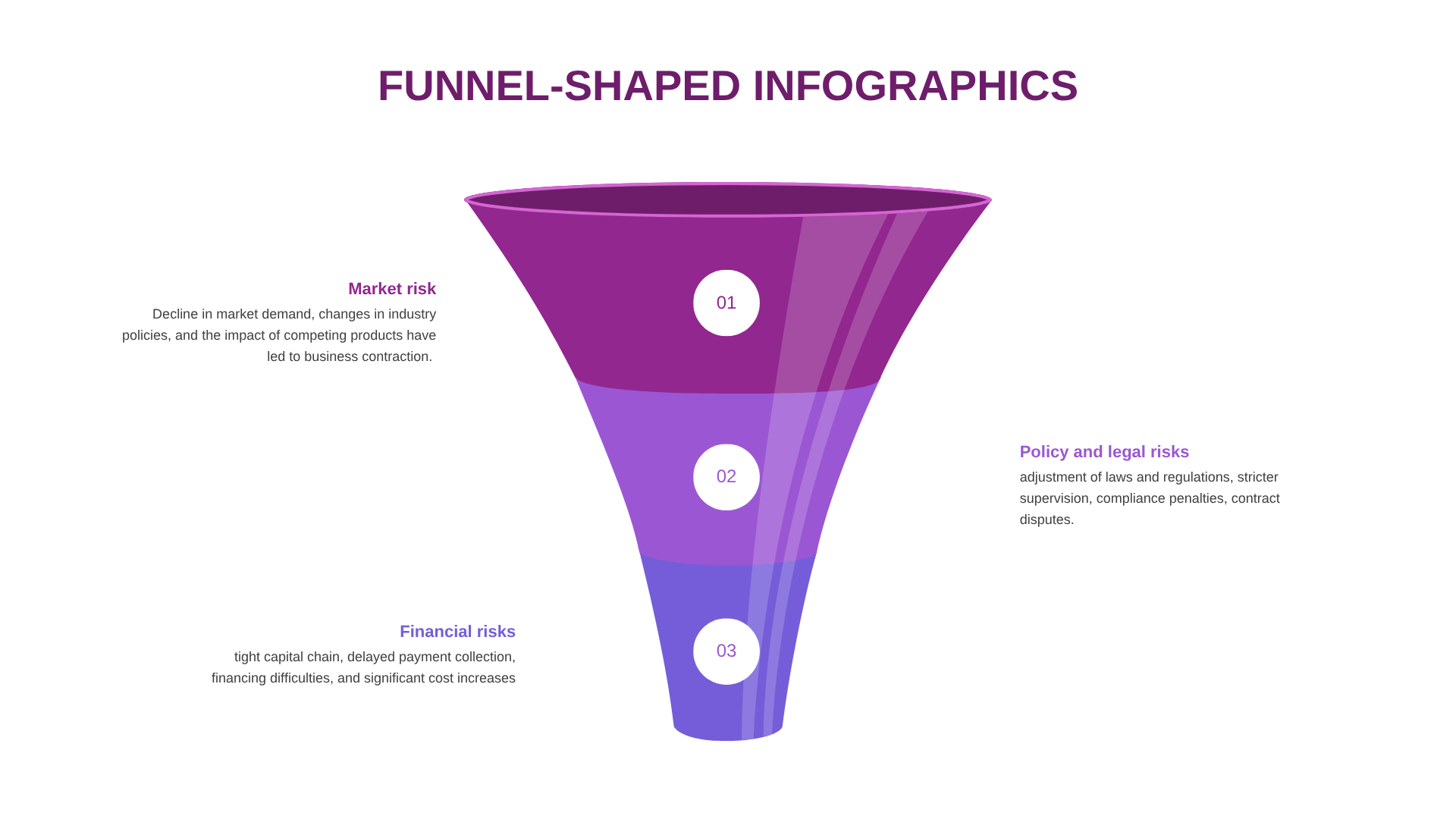
Slide 1: Four Core Risks
Headline: Funnel-Shaped Infographics: Identifying Four Core Business Risks
Market & Financial Risks: Focuses on the decline in market demand and tight capital chains, causing business contraction and financing difficulties.
Credit & Legal Risks: Evaluates the risk of default by partners or customers alongside operational threats from compliance penalties.
Slide 2: Four-Step Sequential Process
Headline: Process Flow: A Linear Four-Step Sequential Layout
Sequential Progression: Utilizes a clean vertical funnel split into Step 1, Step 2, Step 3, and Step 4 to map out execution stages.
Operational Alignment: Designed as a visual framework to showcase how a business advances through chronological actions.
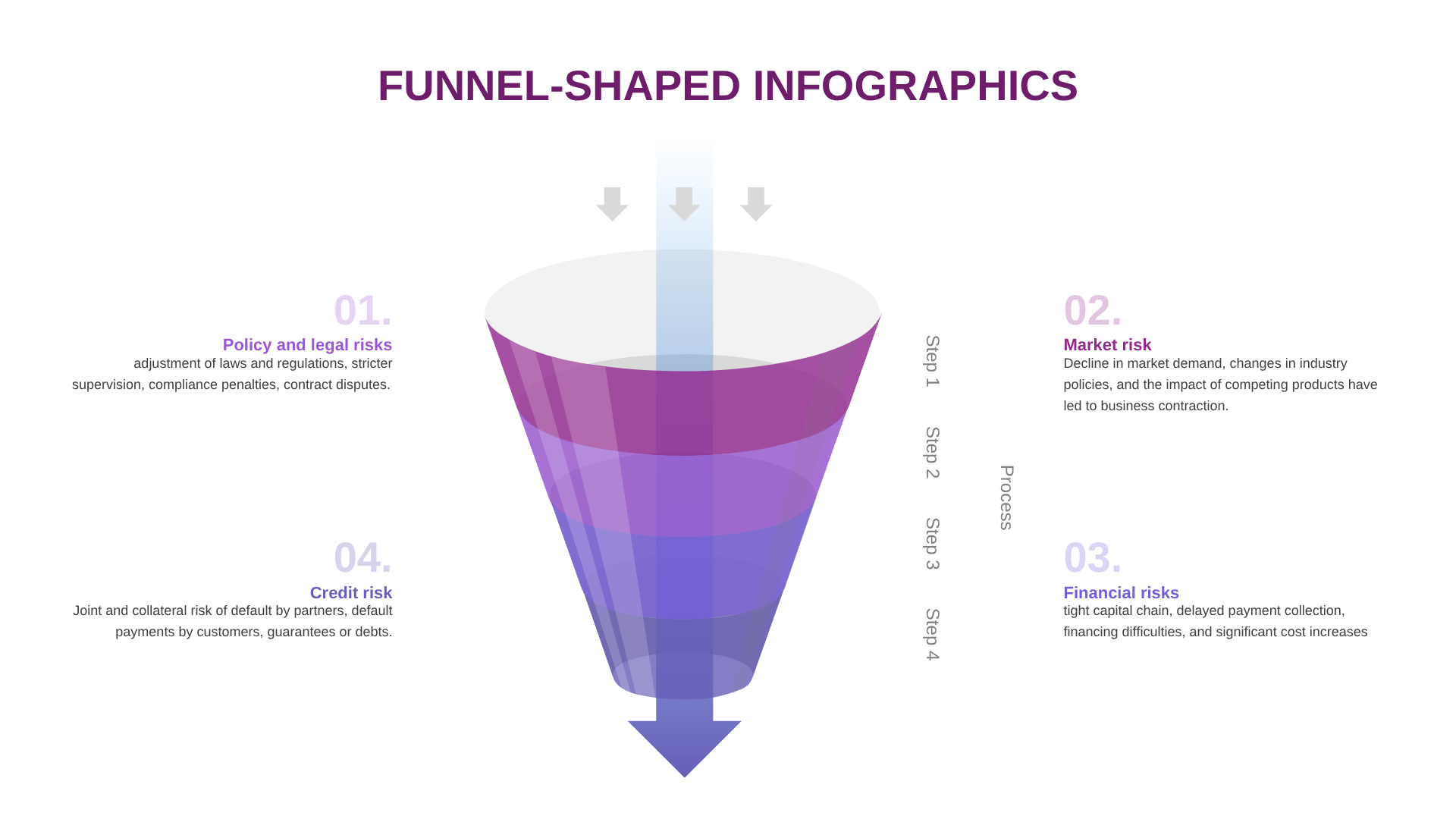
Slide 3: Cross-Functional Risk Mapping
Headline: Metric Mapping: Aligning Core Risks to Sequential Steps
01 & 02 Dimensions: Maps out Market Risk (demand and policy shifts) alongside Financial Risks onto the early stages of the funnel.
03 & 04 Dimensions: Connects Credit Risk and Policy/Legal Risks to the underlying operational and execution layers.
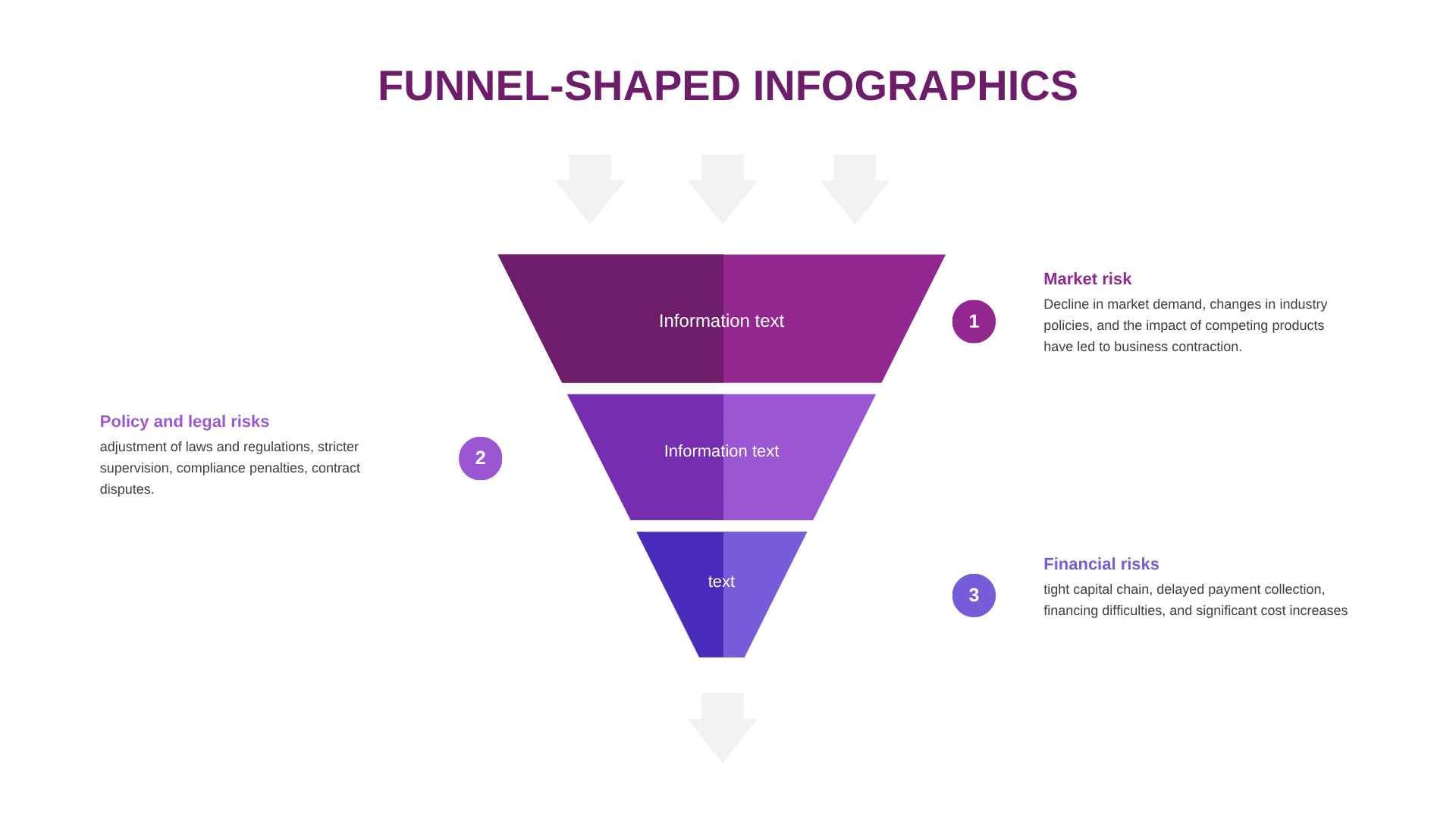
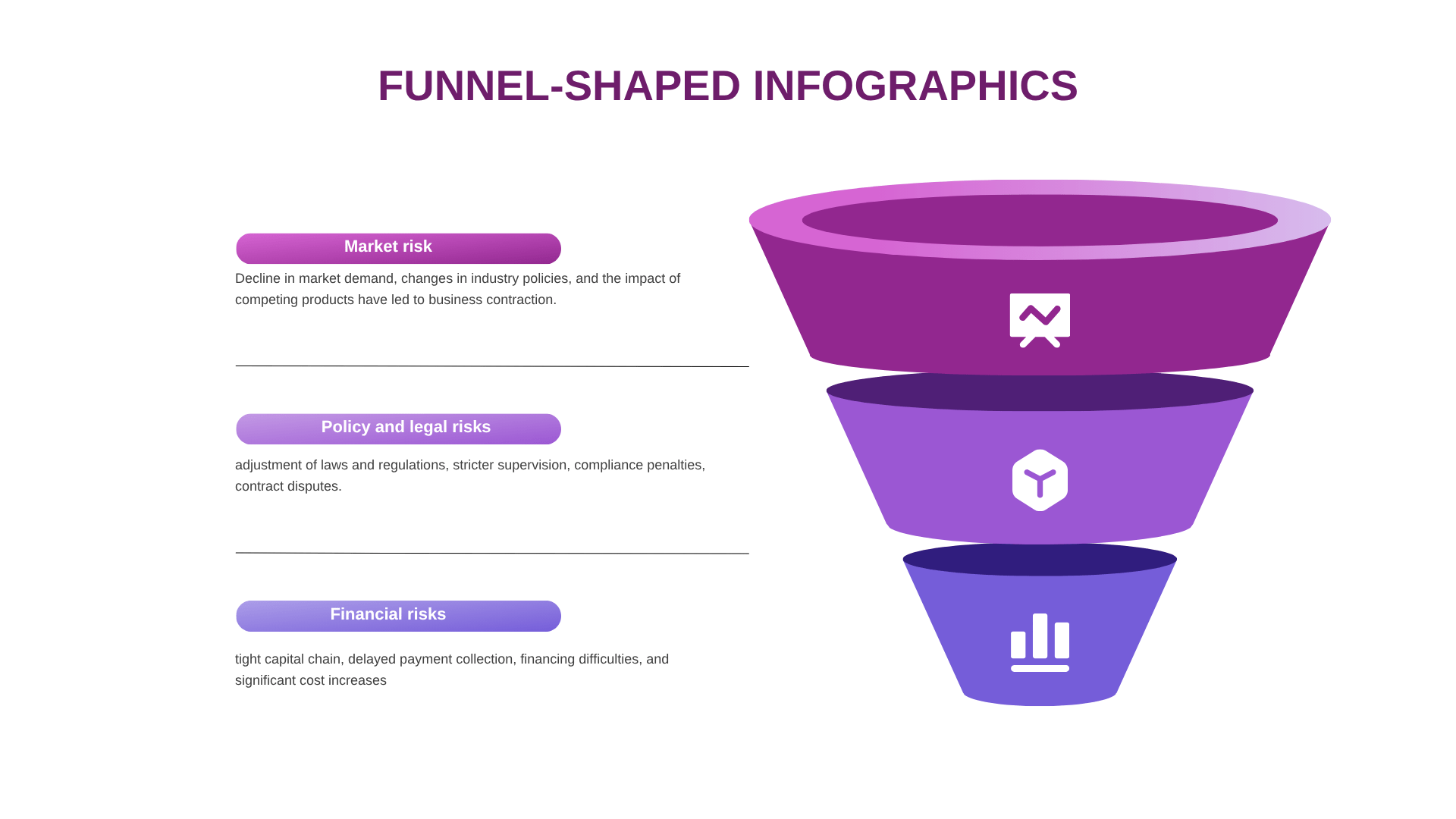
Slide 4: Three-Tier Information Structure
Headline: Layered Hierarchy: Three-Tier Text Information Framework
Hierarchical Layout: Divides the funnel into three distinct stacked sections labeled as Information Text 1, 2, and 3.
Categorized Analysis: Optimizes the layout block arrangement to break down compound metrics into clear hierarchical levels.
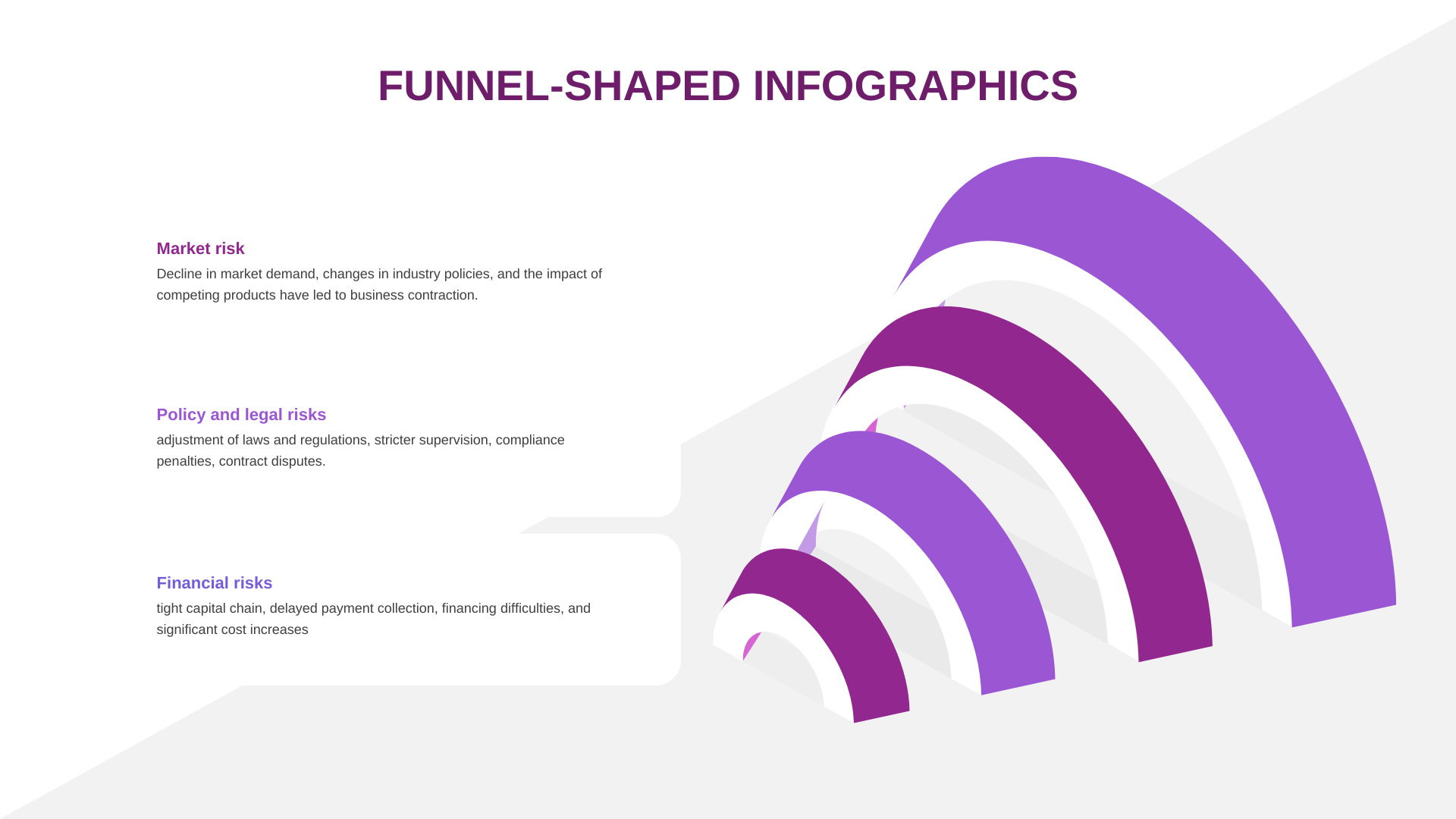
Slide 5: Advanced Risk Management Component
Headline: Component Layout: Modular Funnel for Tailored Risk Management
Modular Segments: Re-arranges Market Risk, Financial Risks, and Policy and Legal Risks into an agile 3-part layout (01, 02, 03).
Tailored Presentation: Provides an adaptable design scheme engineered specifically to customize text inputs based on real-time data.
Slide 6: Horizontal-Vertical Conversion
Headline: Funnel-Shaped Infographics: Advanced Market and Financial Layout
Market Risk Focus: Re-emphasizes the decline in market demand and the impact of competing products on the top layer of conversion.
Financial Strain: Tracks tight capital chains and delayed payment collections within a customized multi-layer infographic placeholder.
Slide 7: Compliance and Policy Optimization
Headline: Policy and Legal Risks: Framework for Compliance Supervision
Stricter Supervision: Dedicated template layout for highlighting adjustments of laws, regulations, and potential contract disputes.
Risk Control Flow: Formatted to present legal and policy risks in a prominent, singular infographic focus area.
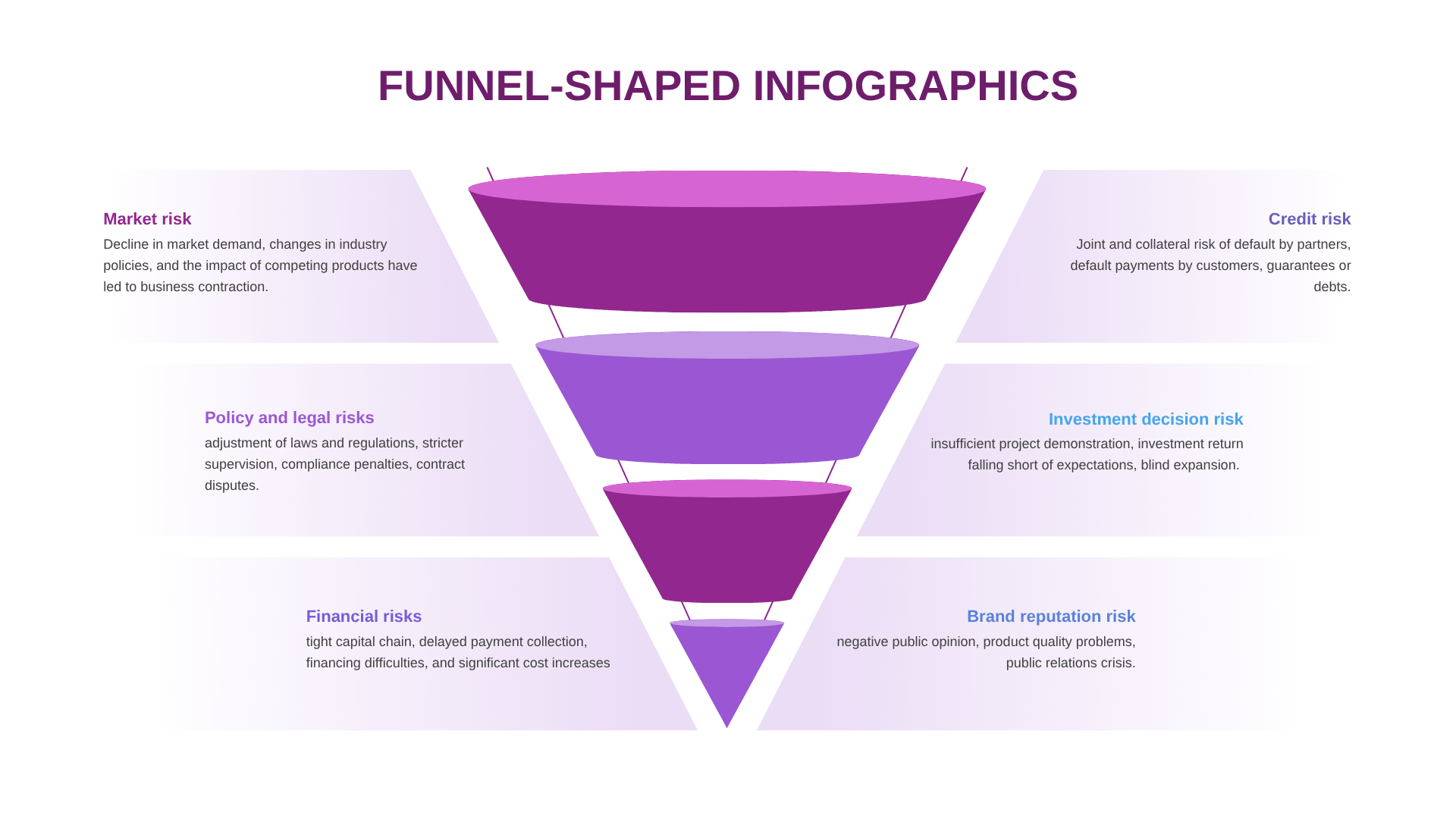
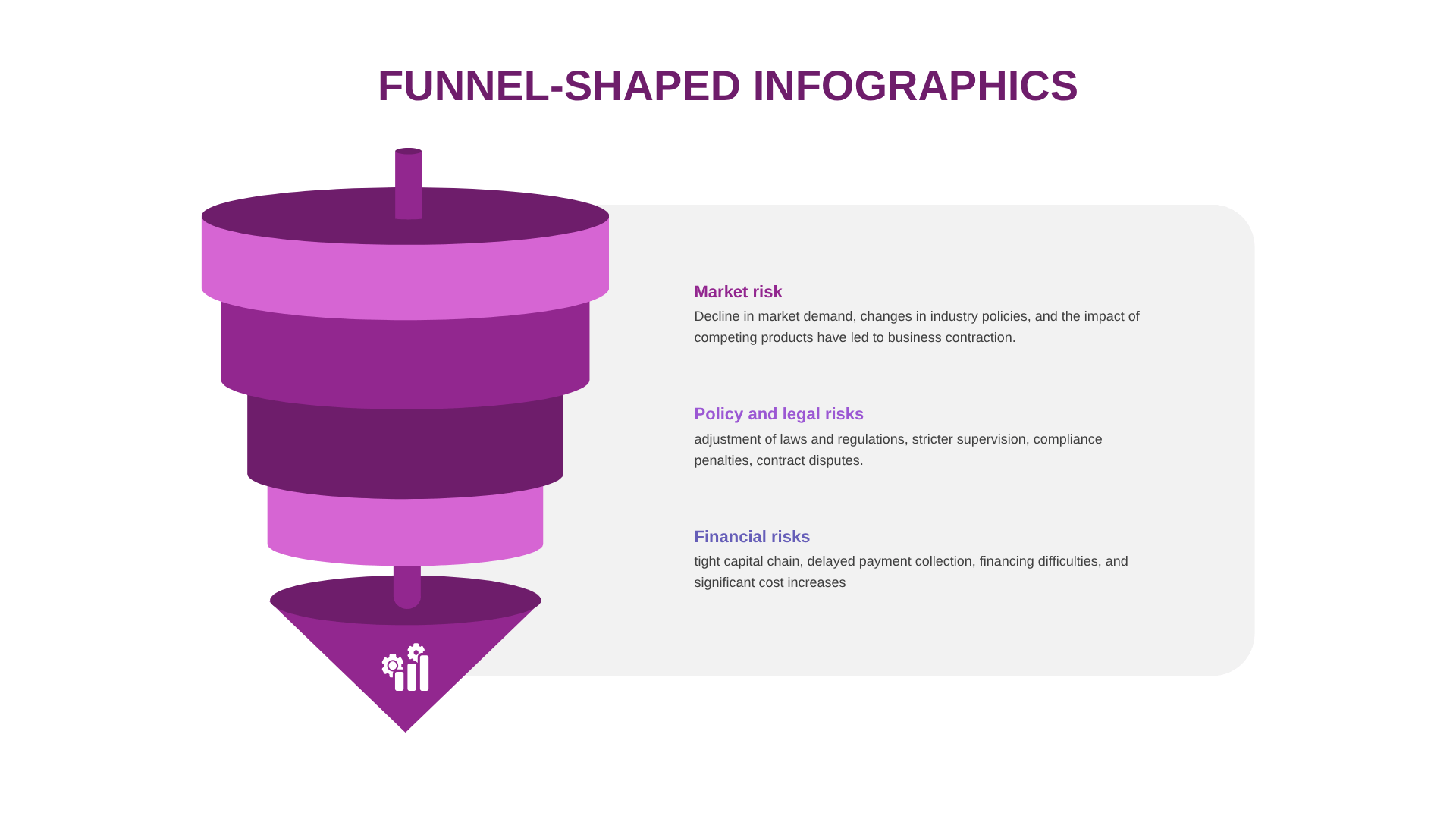
Slide 8: Multi-Stage Credit Assessment
Headline: Credit Risk Analysis: Evaluating Customer and Partner Defaults
Default Metrics: Visualizes partner default actions, customer default payments, and joint collateral risk.
Information Blocks: Distributes text blocks evenly around the funnel icon to ensure clean and presentation-ready readability.
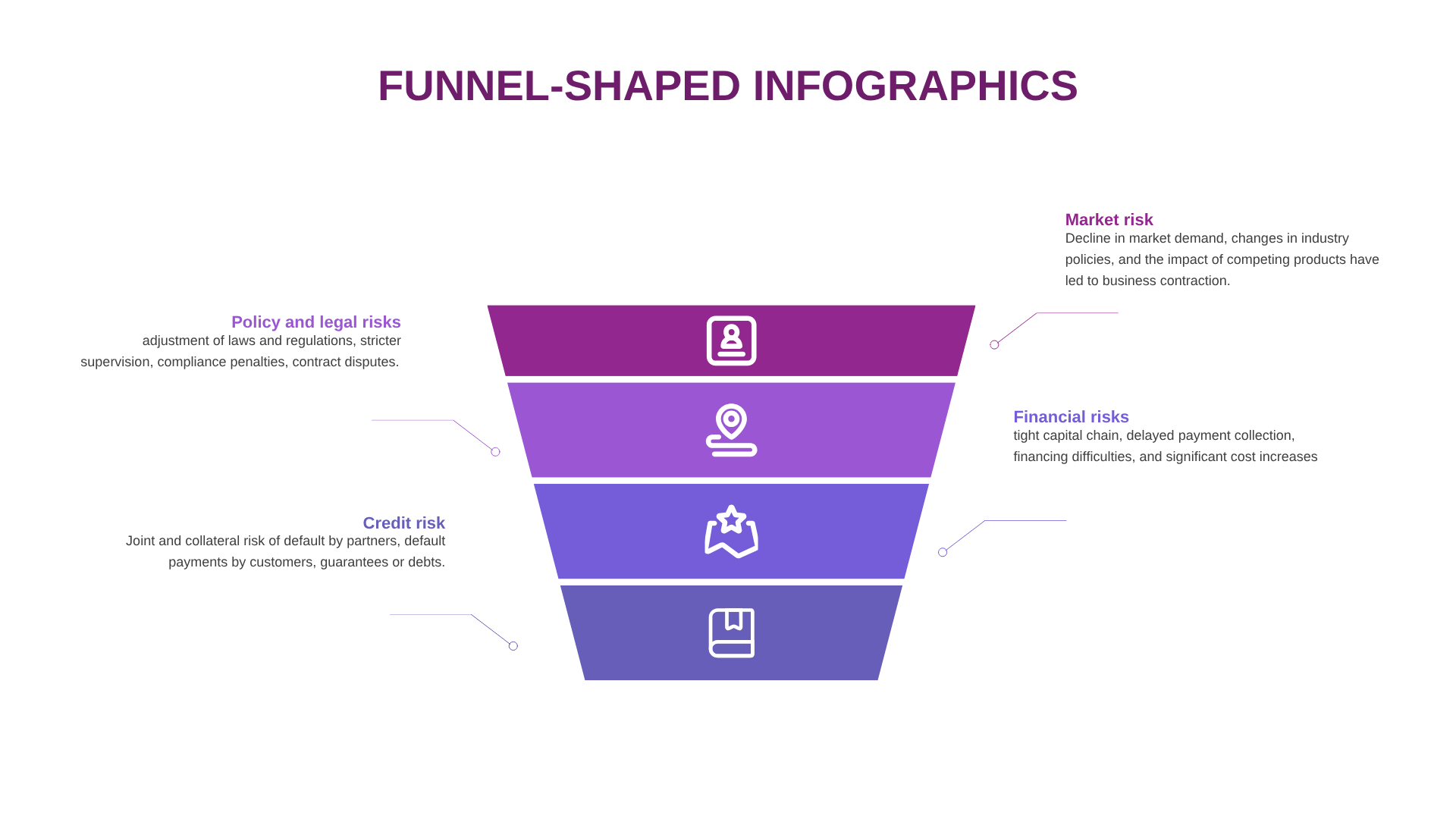
Slide 9: Step-by-Step Risk Elimination
Headline: Funnel-Shaped Layout: Step-by-Step Business Risk Elimination
Comprehensive Review: Integrates Market, Financial, and Policy risks together into a high-density, multi-tier funnel.
Execution Track: Helps presenters showcase a complete business flow from initial risk discovery down to final settlement.
Slide 10: Final Dashboard Presentation
Headline: FUNNEL-SHAPED INFOGRAPHICS: Complete Summary Dashboard
Unified Risk Profile: Brings together all remaining core risk metrics (Market, Financial, Policy/Legal) into a consolidated final page.
Presentation-Ready Format: Fully styled with clean infographic shapes designed to capture the audience’s attention during template sharing.
Example slides for marketing presentation
Explore this professional template example, designed and fully formatted by AiPPT Classic.
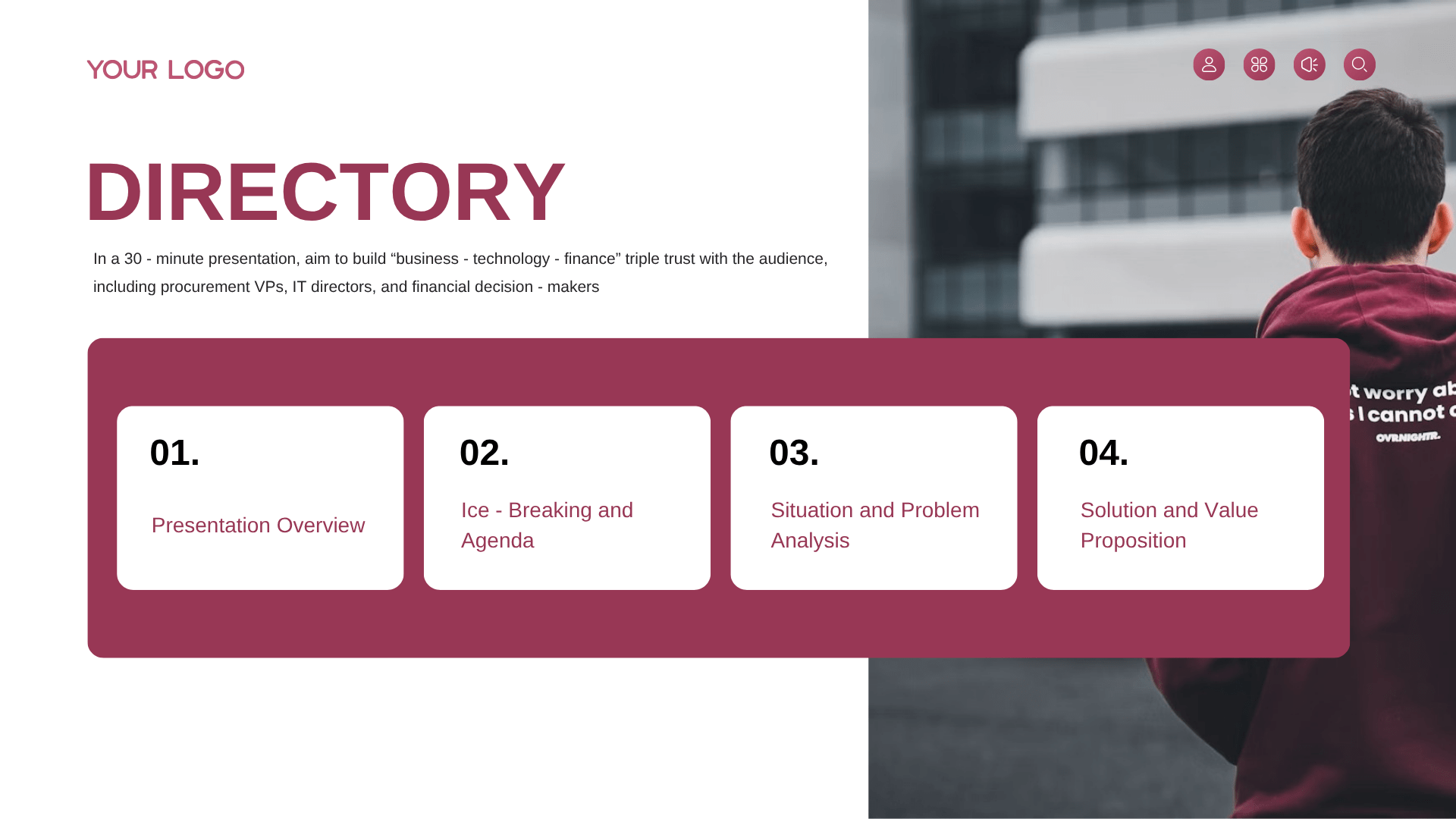
Slide 1: DIRECTORY – Presentation Overview
Headline: Strategic Framework: Building Triple Trust Across Core Modules
Triple Trust Objective: In a 30-minute presentation, the framework aims to build “business-technology-finance” triple trust with key audience stakeholders.
Modular Time Management: Each module has a specific time limit to ensure the presentation stays strictly within the 30-minute time frame.
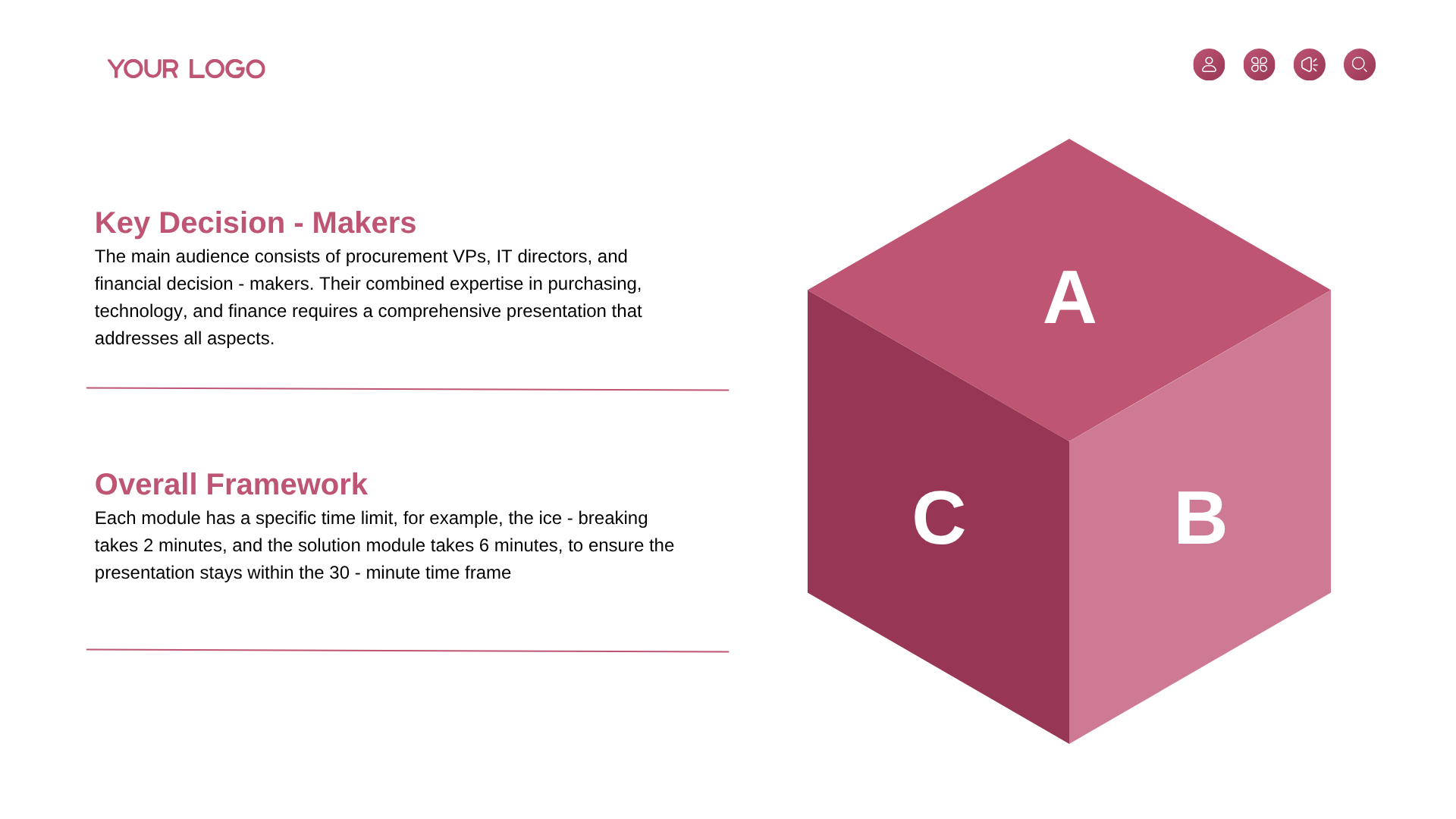
Slide 2: DIRECTORY – Key Decision-Makers
Headline: Audience Profiling: Influencing Combined Corporate Expertise
Key Decision-Makers: The main audience consists of procurement VPs, IT directors, and financial decision-makers.
Comprehensive Addressing: Their combined expertise requires a comprehensive presentation that addresses purchasing, technology, and finance simultaneously.
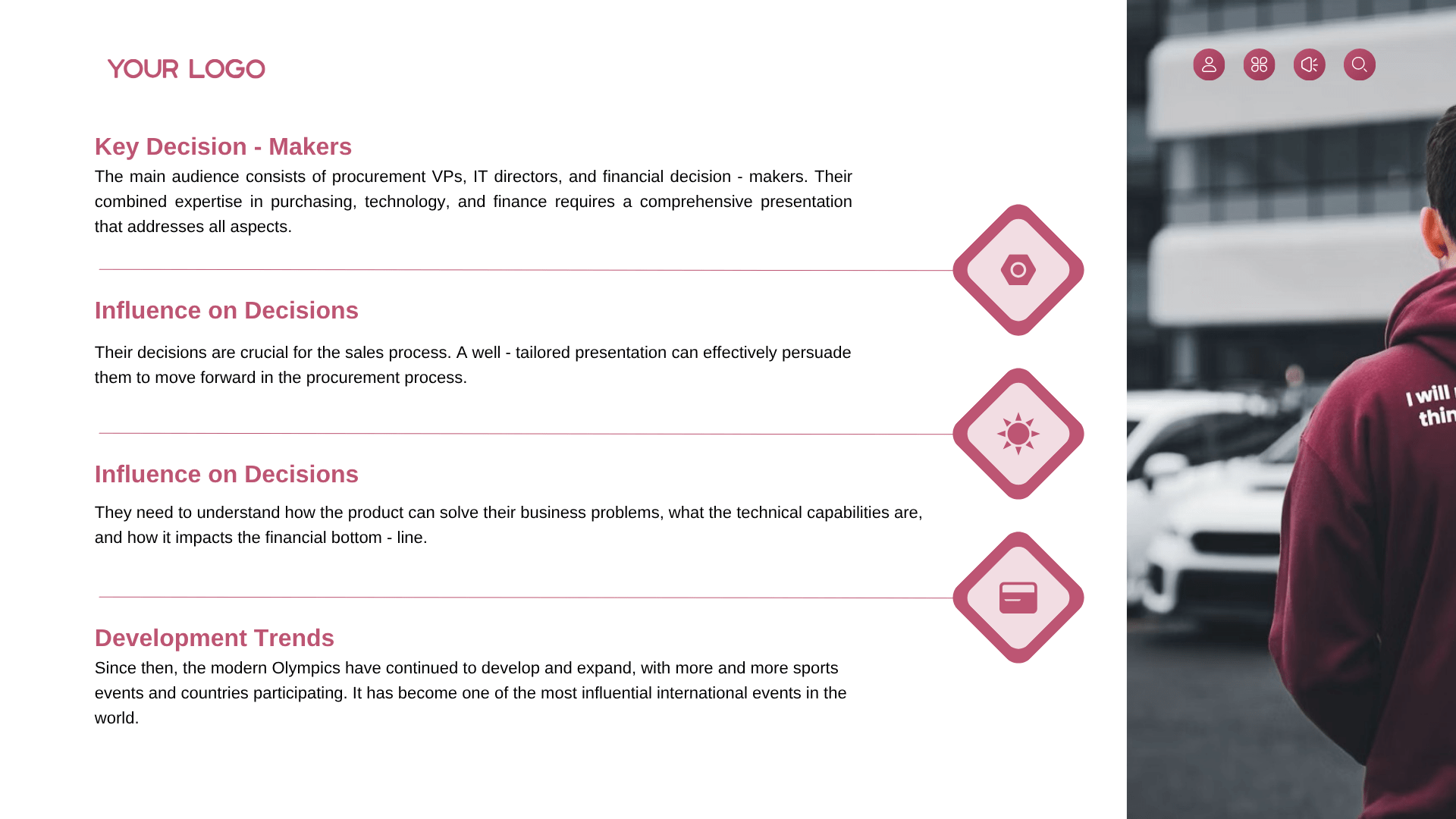
Slide 3: DIRECTORY – Influence on Decisions
Headline: Strategic Persuasion: Aligning Product Solutions to the Bottom Line
Crucial Sales Process: Decision-maker alignment is crucial for the sales process, and a well-tailored presentation effectively persuades them to move forward.
Bottom-Line Impact: The presentation must show how the product solves business problems, clarifies technical capabilities, and impacts the financial bottom-line.
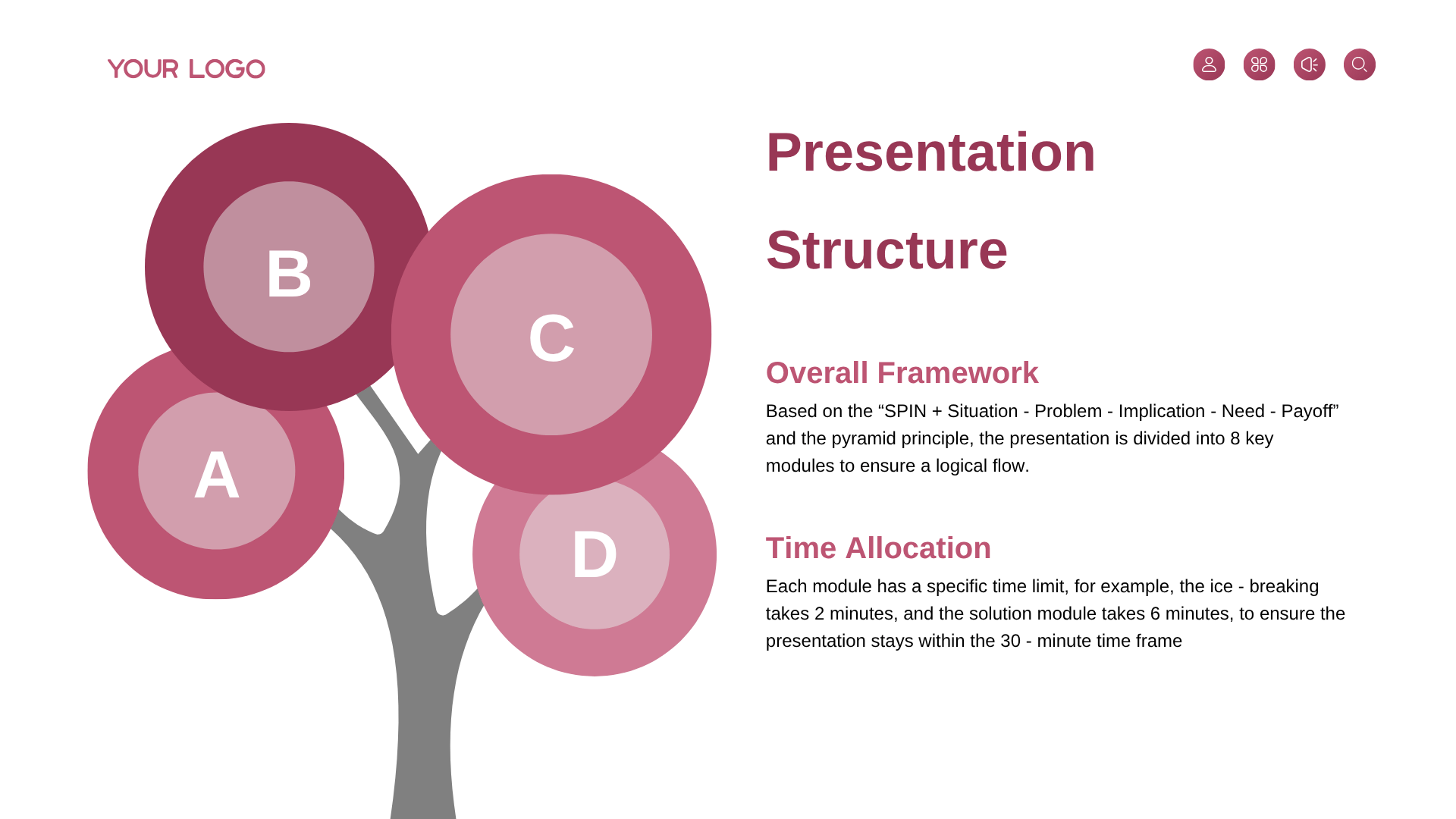
Slide 4: DIRECTORY – Development Trends
Headline: Evolution Context: Tracking Growth and Expansion Metrics
Historical Development: Modern business frameworks and Olympics-style scaling continue to develop and expand over time.
Expanding Scope: Provides historical context and development trends to set a global and professional stage for the upcoming pitch.
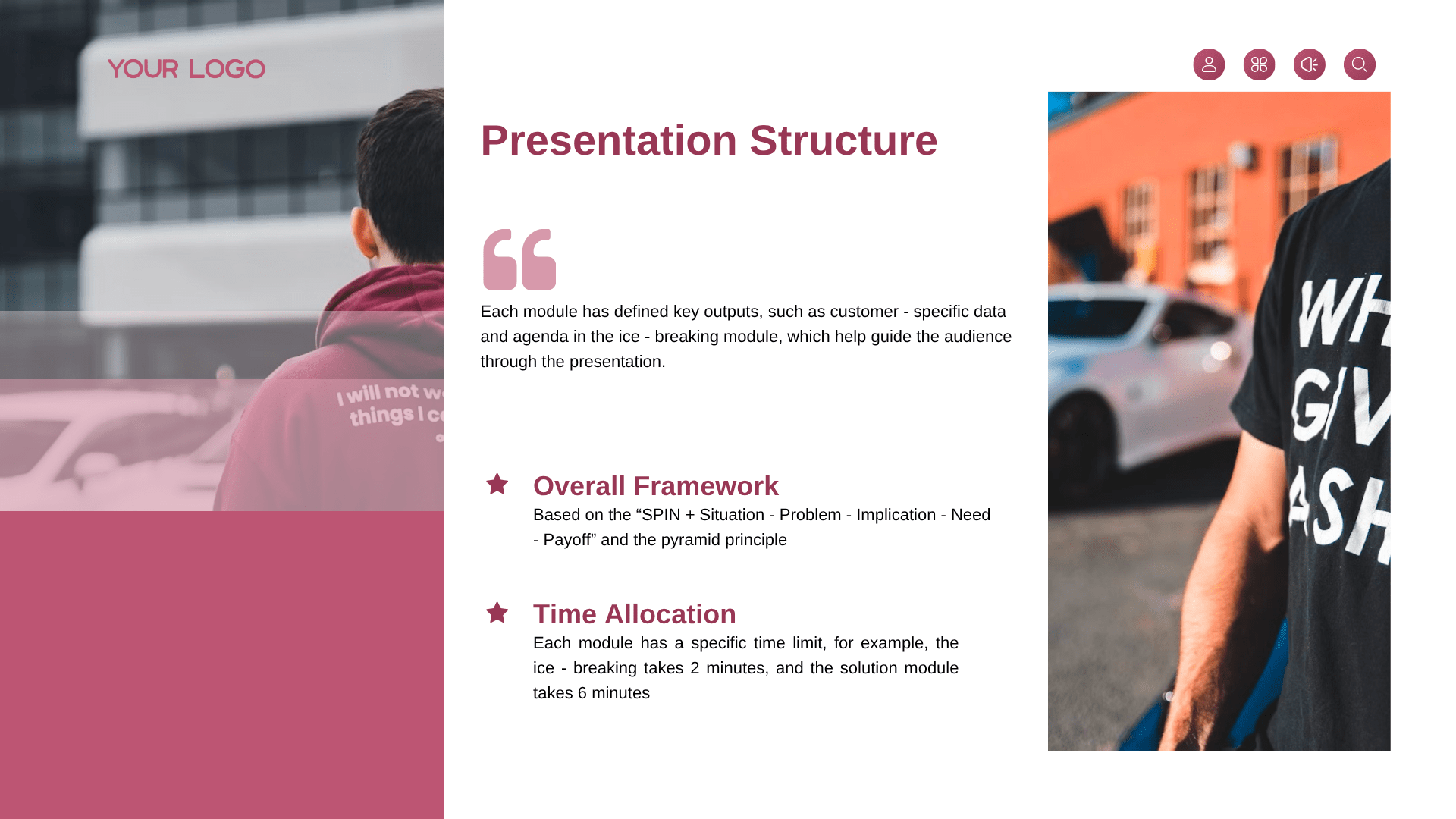
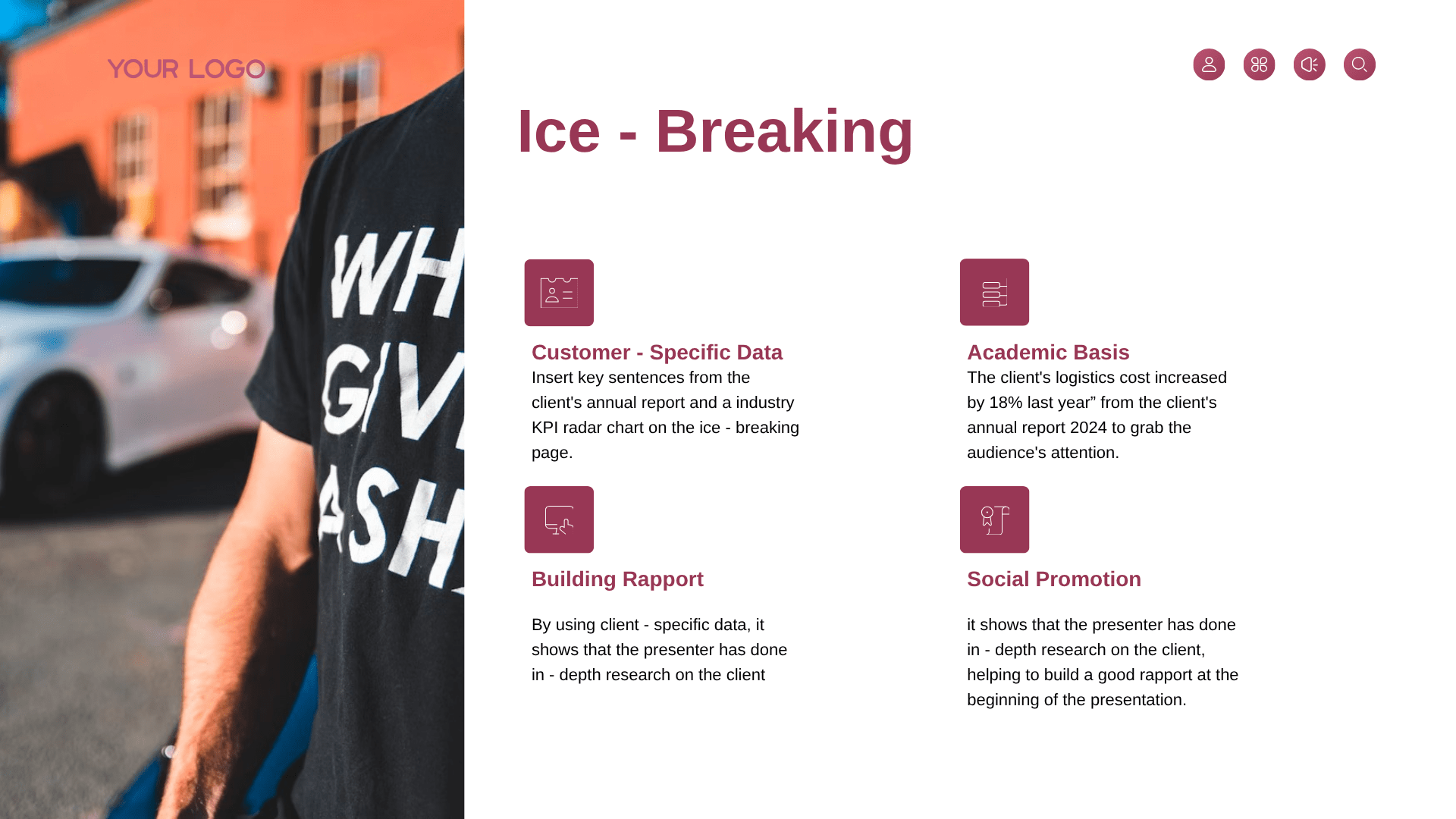
Slide 5: Ice-Breaking – Customer-Specific Data
Headline: Ice-Breaking: Grabbing Attention Through Client-Specific Insights
Data-Driven Opening: Recommends inserting key sentences from the client’s annual report and an industry KPI radar chart on the ice-breaking page.
Grabbing Attention: Utilizing specific localized insights immediately captures the audience’s attention right at the start.
Slide 6: Ice-Breaking – Academic Basis
Headline: Targeted Research: Leveraging Annual Reports for Immediate Impact
Annual Report Evidence: Uses real data examples, such as “the client’s logistics cost increased by 18% last year” from the client’s annual report 2024.
In-Depth Validation: Demonstrates thorough analytical research to anchor the opening pitch in undisputed financial facts.
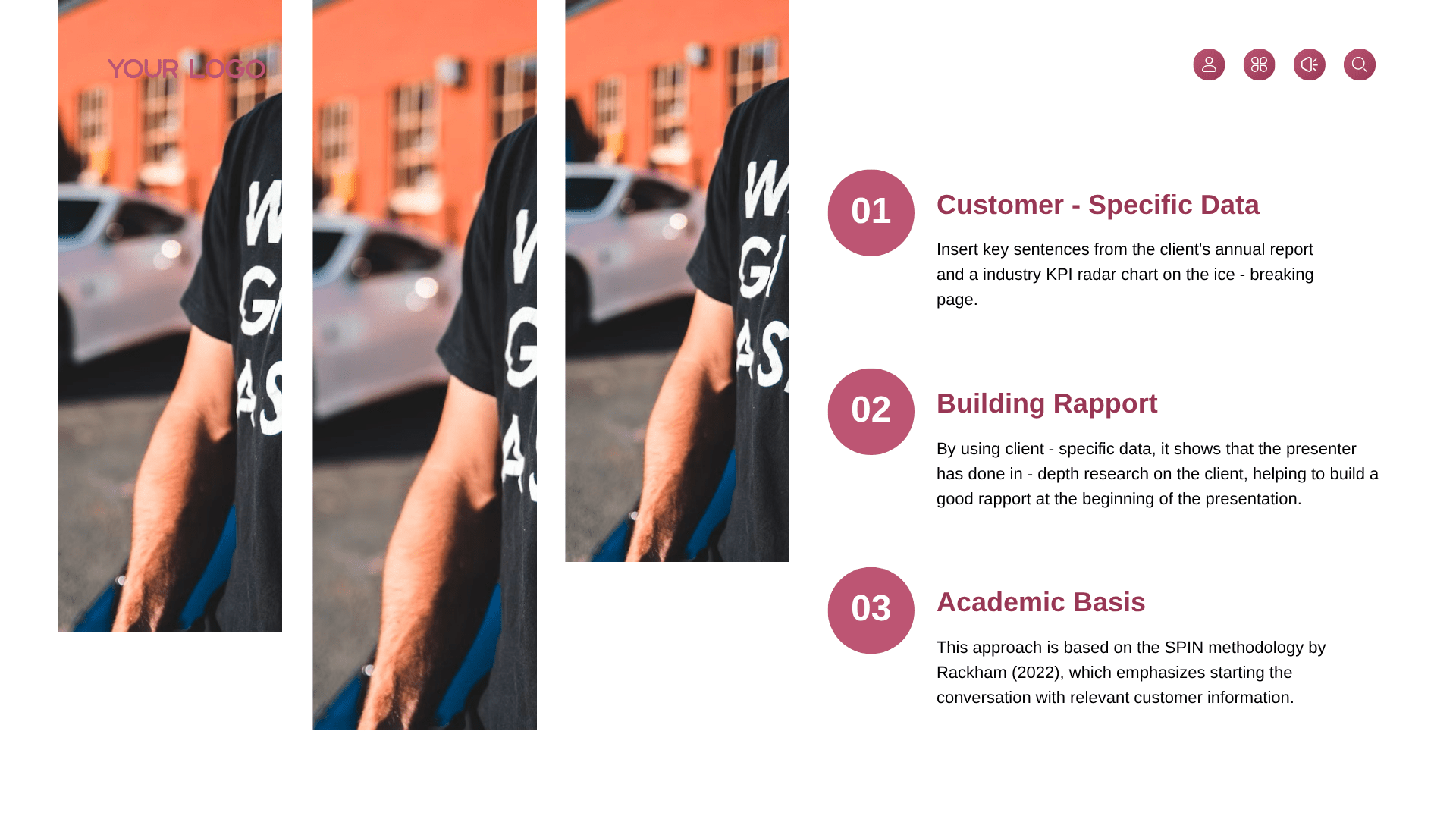
Slide 7: Ice-Breaking – Building Rapport
Headline: Relationship Engineering: Building Strong Rapport via Personalization
Building Rapport: Demonstrating that the presenter has done in-depth research on the client helps build an excellent rapport at the very beginning.
Social Promotion: Acts as a professional tool for social promotion, establishing authority and mutual trust instantly.
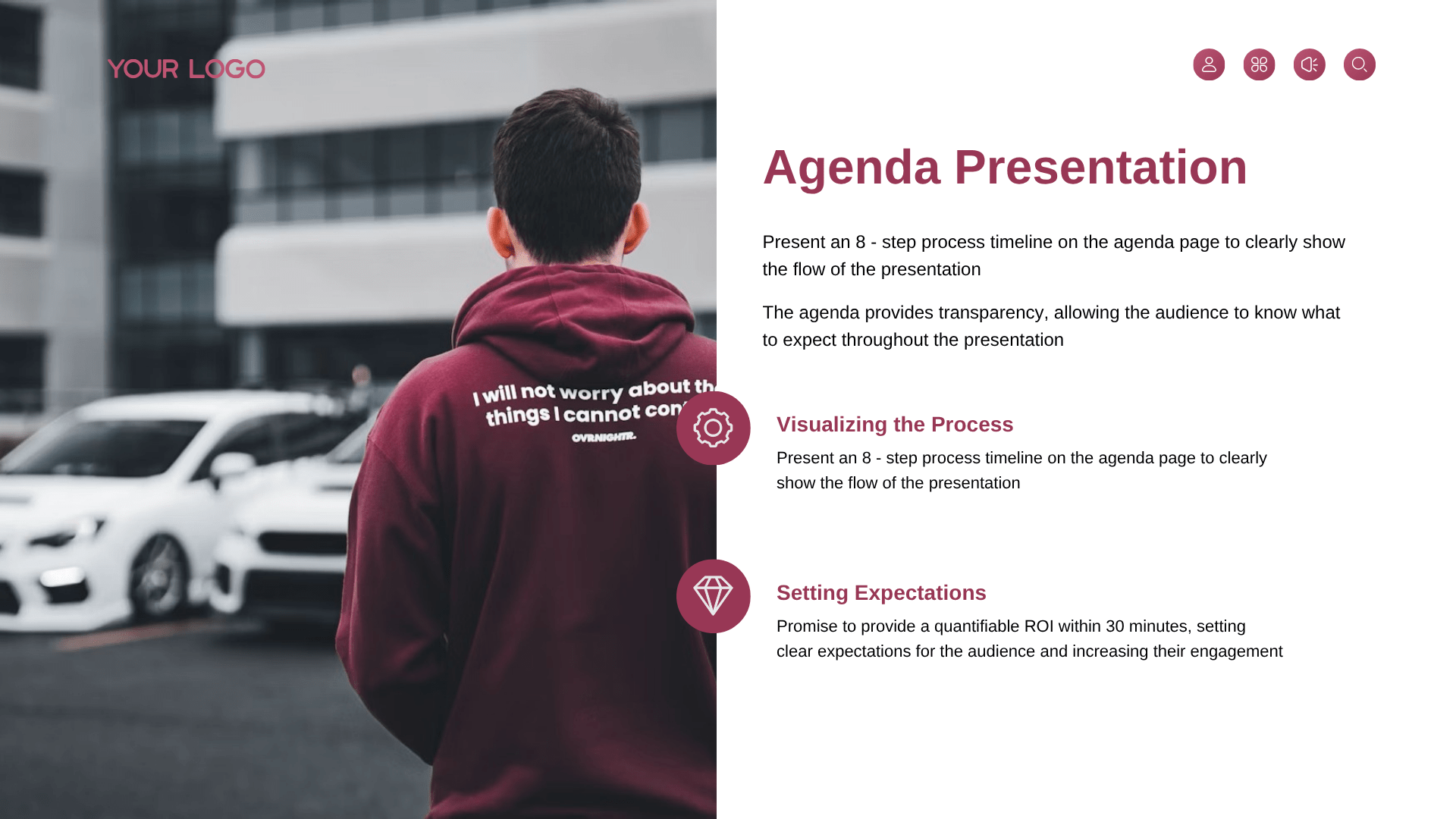
Slide 8: Agenda Presentation – Process Visualization
Headline: Agenda Transparency: Setting Clear Operational Expectations
Visualizing the Process: Presents a structured 8-step process timeline on the agenda page to clearly show the entire flow of the presentation.
Setting Expectations: Setting clear expectations for the audience increases their engagement and keeps them focused on the sequential timeline.
Slide 9: Agenda Presentation – Initial Engagement
Headline: Value Commitment: Promising Quantifiable ROI Within Minutes
Quantifiable ROI: Explicitly promises to provide a quantifiable ROI within 30 minutes to capture initial interest.
Obtaining Commitment: Increases the overall likelihood of obtaining the desired business commitments from the audience.
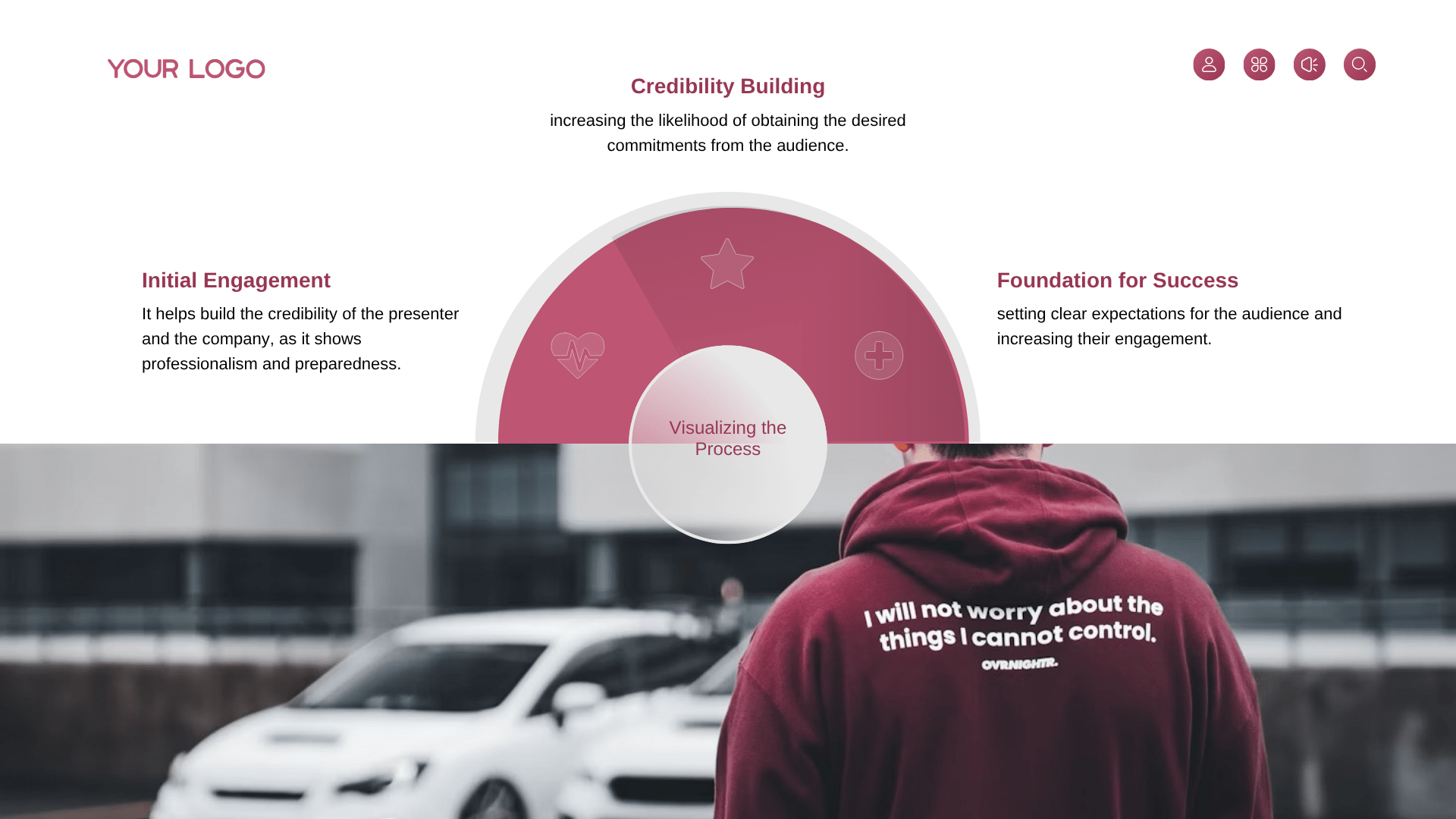
Slide 10: Agenda Presentation – Foundation for Success
Headline: Professional Preparedness: The Foundation for Presentation Success
Transparency Matrix: The agenda provides total transparency, allowing the audience to know exactly what to expect throughout the presentation.
Credibility Building: Showcases top-tier professionalism and preparedness, serving as the ultimate foundation for success for both the presenter and the company.
Frequently Asked Questions
What is the difference between a sales interview presentation and a regular sales pitch?
The primary difference lies in the target audience and the evaluation criteria. A regular sales pitch is aimed at a real prospect with the objective of solving their business pain points and closing a commercial deal. In contrast, a sales interview presentation is aimed at a hiring panel (such as VPs of Sales or HR Directors). While you are technically “pitching” a product or strategy, the actual goal is to showcase your sales methodology, strategic thinking, coachability, and how you handle pressure under critical evaluation.
How many slides should a sales interview presentation have?
For most 15-to-30-minute interview slots, a concise deck of 8 to 10 slides is the industry standard. This length is sufficient to cover the essential narrative: the territory analysis, your specific sales strategy (or 30-60-90 day plan), and a live simulation setup. Keeping the deck under 12 slides ensures you leave ample time for the most critical part of the interview—the interactive Q&A and objection-handling session with the panel.
Should I ask questions during a mock sales interview presentation?
Yes, absolutely. The biggest mistake candidates make is treating the mock presentation as a one-way lecture. Since the panel is evaluating your real-world sales skills, you should actively engage them as if they were actual buyers. Start with brief discovery questions, check for alignment mid-presentation, and directly ask for feedback. This transforms a rigid interview into a dynamic, two-way business conversation, which is exactly what top-tier sales leaders want to see.
What should I include in a sales interview presentation?
A high-converting interview deck must follow a clear, strategic framework:
The Situation & ICP: Define the market territory or the target customer profile you are addressing.
The Discovery Logic: Outline the specific pain points you plan to uncover or address.
The Strategic Solution: Map the product’s core value proposition directly to those pain points.
The Execution Plan: Present a clear, actionable timeline (like a 30-60-90 day roadmap) showing how you will ramp up.
Past Proof & Metrics: Briefly share your past quota achievement data to build instant professional credibility.
Can AI generate a sales interview presentation?
AI is an exceptionally powerful co-pilot for setting up the structure and accelerating the design phase of your interview deck. It can instantly generate tailored industry content frameworks, refine your professional pitch copy, and create high-fidelity, clean visual slides in a fraction of the time it takes manually. However, the most successful candidates use AI to handle the heavy lifting of design and layout, allowing them to spend 100% of their energy customizing the slides to match the hiring company’s exact product nuances and sales culture.
Should I customize the presentation for the hiring company?
Deep customization is the ultimate key to landing the job offer. While you can use a standardized structural template for efficiency, the specific industry data, competitor analysis, and product use cases must be heavily tailored to the company you are interviewing with. Interviewers can instantly spot a generic, recycled slide deck. Showing that you took the time to study their actual market positioning and buyer personas instantly demonstrates your high intent and professional work ethic.