Working with the marketing team at any organization comes with several responsibilities. From time to time, you’ll be tasked with communicating strategy with your team or engaging stakeholders with KPI reports from campaigns.
For most of these tasks, you’ll have to build slide decks to make your ideas and findings clear, backed by data, and easy for your audience to act on. These visual stories are known as marketing presentations.
In this article, we’ll explore 10 real-world marketing presentation examples, with templates you can adapt in just one click on AiPPT.com.
What Makes a Good Marketing PowerPoint?
It’s not just about designing pretty slides. There are elements every good marketing PowerPoint must have so that they achieve whatever goal you set. They include:
- Clear messaging: Give your presentation a purpose and act on that. Whether you’re proposing a strategy or presenting a report, remember to define it in your opening slide.
- Structured flow: Let your presentation follow a natural structure so your audience stays engaged throughout.
- Visual storytelling: Use charts, icons, images, and infographics to communicate ideas faster.
- Next steps: Include clear recommendations after each section so stakeholders or team members know exactly what to do next.
Marketing Presentation Examples with Templates
Here are 10 marketing presentation examples with the best AiPPT.com templates you can adapt for them:
1. Marketing Plan Presentation – Strategy Overview Template
It’s a great option when you’re presenting annual strategies to leadership or aligning cross-functional teams around shared objectives.
A marketing plan presentation helps showcase your entire strategy in a structured format by summarizing goals, defining the audience, channels, and presenting marketing tactics with team members and stakeholders.
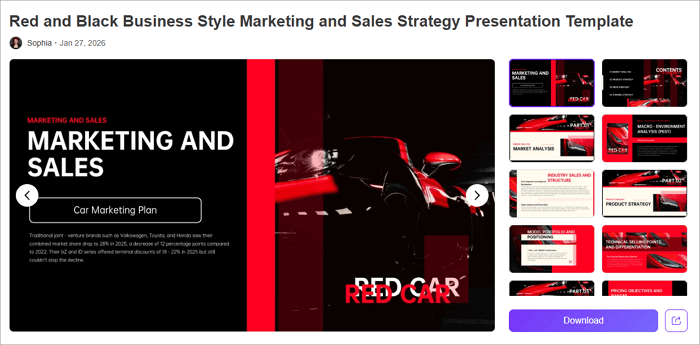
When creating a presentation like this, use clear, numbered sections on the contents page to make it easy for your audience to follow. It also helps to include visuals like charts or timelines to make your plans easier to grasp.
Remember to customize the slides to match your brand style by incorporating your color palette, logo, and typography.
Recommended AiPPT.com Template: Red and Black Business Style Marketing and Sales Strategy Presentation Template
2. Marketing Presentation Template – Full Campaign Layout
Do you want to guide your stakeholders through the entire campaign journey–from objectives to execution? Then, this marketing presentation, with its full campaign layout, might just be for you. It lets you communicate business strategy to your audience with clarity and confidence.
The format works really well for presenting everything your campaign needs, such as market analysis, competitor research, budget allocation, KPIs, and campaign timelines.
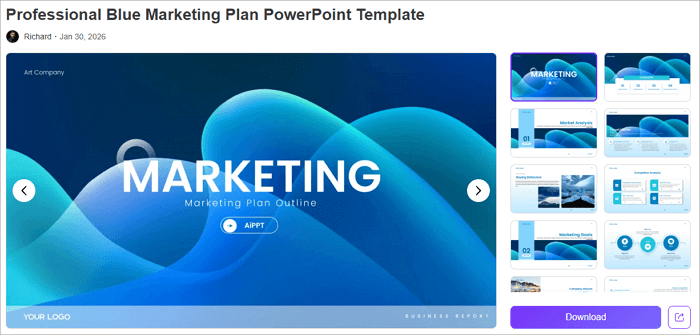
Another advantage of this kind of marketing presentation is flexibility, as it can be adapted for different industries and campaign types, whether you’re a marketer, startup team member, or student.
Recommended AiPPT.com Template: Professional Blue Marketing Plan PowerPoint Template
3. Digital Marketing Presentation – Online Marketing Slides
A digital marketing presentation is best for digital marketers and content creators who want to present a robust inbound marketing strategy to their teams and stakeholders. You can use a presentation like this to showcase strategies across various channels such as search engines, social media, email, and content marketing.
It has a clear framework for defining a project’s goal, developing user personas, mapping the customer’s journey, creating a content calendar, and tracking performance metrics across these digital channels.
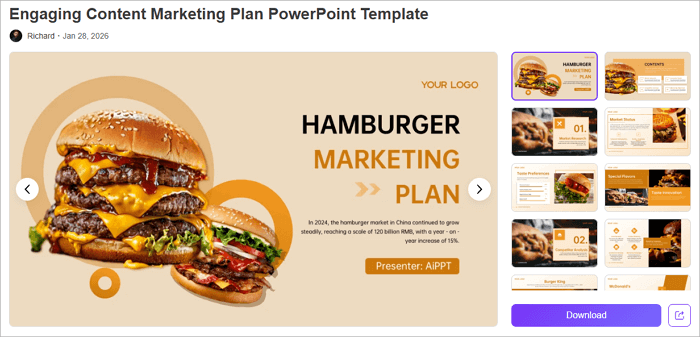
This type of presentation works best when supported by strong data visuals. Include charts, screenshots, and performance dashboards to help your audience quickly understand what’s working and where improvements are needed.
Also, when creating a digital marketing presentation, ensure that the performance metrics tables highlight key indicators such as click-through rates, cost per acquisition, return on ad spend, and engagement benchmarks.
Recommended AiPPT.com Template: Engaging Content Marketing Plan PowerPoint Template
4. Marketing Slides for Social Media Strategy
What about a marketing presentation that’s specific to each platform, like organized posting schedules and engagement tracking? That’s where the marketing slides for social media strategy come in. You’ll be able to structure slides around platforms, content timelines, and performance goals, to help your audience see how everything fits.
Visual elements like icons and charts are great additions to a social media strategy presentation. Use them for audience analysis, content calendars, platform strategy, KPI tracking, budget allocation, etc.
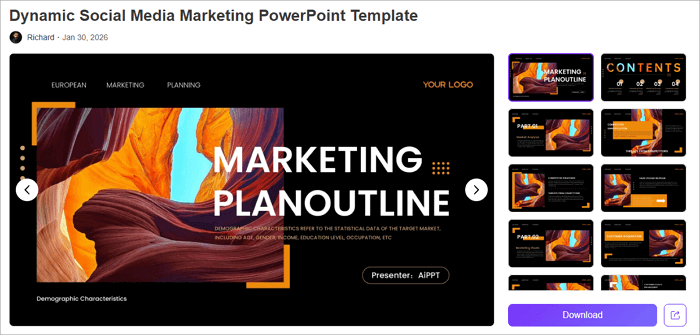
While using this theme, consider including mock-up posts to show your creative direction and make the slides actionable.
Recommended AiPPT.com Template: Dynamic Social Media Marketing PowerPoint Template
5. Marketing Insights Presentation – Results & Next Steps
If you’re determined to present a winning post-campaign report to your team or stakeholders, a marketing PPT detailing results and next steps may be your best bet. Rather than simply reporting what happened, these slides explain why it matters and the next steps for the organization to take.
Its theme makes it easier to include visualization like comparison charts, trend lines, conversion funnels, etc., to show campaign impact. When creating this kind of slide, structure your insights around key findings, evidence, and recommended next steps.
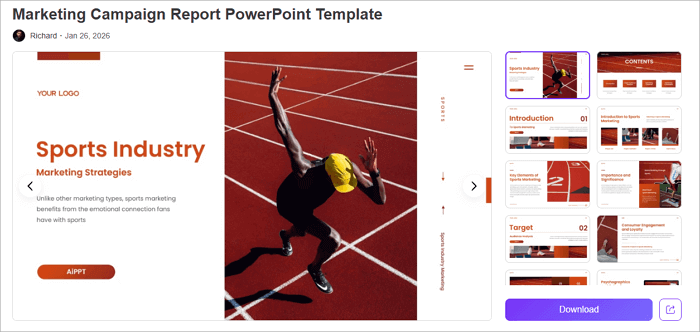
For example, if email campaigns outperformed social advertising, show the comparative ROI data, explain possible reasons for the difference, and propose reallocating marketing budget accordingly.
Recommended AiPPT.com Template: Marketing Campaign Report PowerPoint Template
6. Campaign Performance Presentation – Metrics & Insights
Slides on campaign performance look into results from specific initiatives. And with this kind of presentation, you can easily summarize a campaign’s results clearly and confidently to your audience.
If awareness was the goal, emphasize reach, impressions, and brand lift. If conversions mattered most, highlight cost per acquisition, conversion rates, and revenue generated.
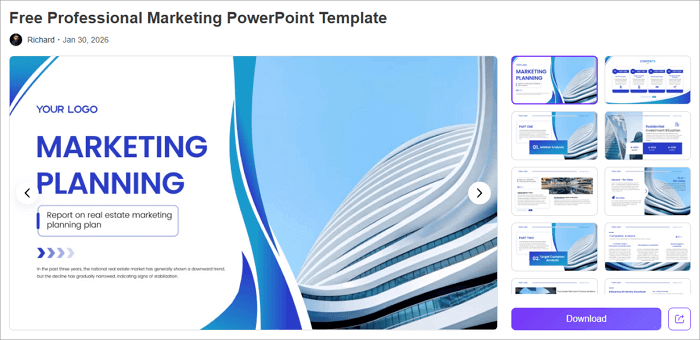
When presenting these slides, remember to incorporate visuals like bar charts, line graphs, or comparison tables to make performance insights more comprehensive for your audience.
Recommended AiPPT.com Template: Free Professional Marketing PowerPoint Template
7. Marketing Presentation – Brand Positioning Template
This kind of presentation can help you clearly communicate what sets your product or brand apart, making it ideal for product launches and brand positioning/repositioning.
With a brand positioning slide, you can highlight your product vision, market analysis, target audience, channel strategy, budget allocation, and much more to your team.
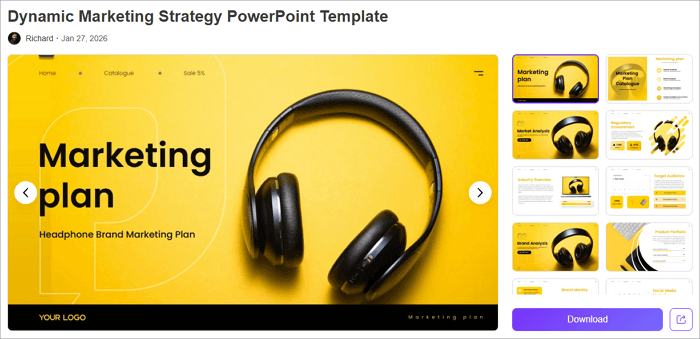
To strengthen your marketing presentation, remember to include competitor comparison maps showing where you fit in the market landscape, SWOT analyses identifying strengths to leverage and weaknesses to address, and detailed audience personas bringing your ideal customers to life.
Recommended AiPPT.com Template: Dynamic Marketing Strategy PowerPoint Template
8. Product Marketing Presentation – Pitch & Benefits
Product marketing presentations come in handy when you need to showcase what you’re selling and why customers should care to buy. This kind of presentation is perfect for startups and established corporations, featuring slides for market strategies, executive summaries, and financial data.
With a product marketing presentation, you’ll be able to structure your pitch around the classic problem → solution → results framework.
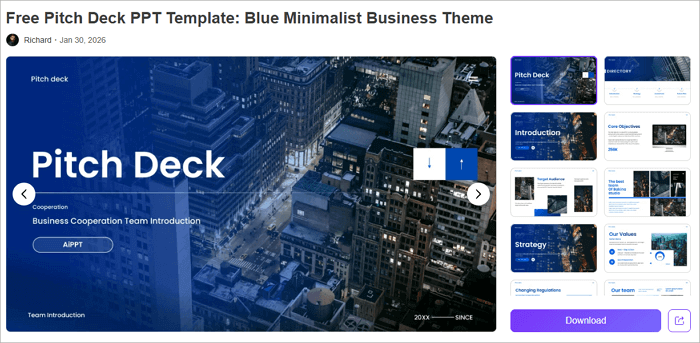
After introducing the customer pain point in question, introduce your product as the solution, using mockups, screenshots, or product photography to help audiences visualize what you’re offering.
Recommended AiPPT.com Template: Free Pitch Deck PPT Template
9. Marketing Plan Template PPT – Competitive Analysis
Don’t launch your next campaign if you’re not delivering a marketing PowerPoint presentation that also analyzes your competition and helps you uncover more opportunities in the market.
For this marketing plan PPT, use tables, SWOT analyses, and comparison charts to highlight differences in positioning, pricing, offerings, and performance. They’ll help stakeholders easily understand the landscape you’re operating within and identify opportunities for differentiation.
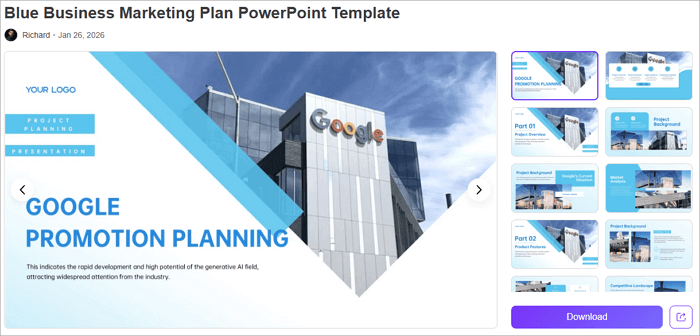
In addition, the presentation should offer slides for target audience personas, campaign timelines, budget allocation, and KPI tracking.
Recommended AiPPT.com Template: Blue Business Marketing Plan PowerPoint Template
10. Marketing Strategy PPT – Customer Journey & Funnel
No marketing plan is complete without a detailed funnel of customer awareness to conversion. With this kind of PPT, you are 100% ready to get started with your funnel mapping.
This type of presentation should provide visualizations that show where potential customers enter your marketing ecosystem and how many of them progress to each subsequent stage, revealing opportunities for you to optimize.
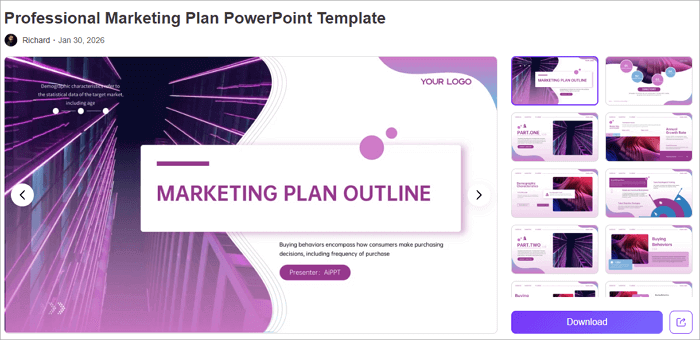
Use visuals such as flowcharts to reflect the touch points customers encounter at each stage, from social media discovery to website visits, email nurturing, sales conversations, and post-purchase follow-up.
Recommended AiPPT.com Template: Professional Marketing Plan PowerPoint Template
Conclusion
With all the marketing presentation examples and templates covered in this article, you already have what it takes to deliver a winning presentation to your team or stakeholders.
These are some of the best templates you’d find anywhere, but there’s a lot more where they came from. On AiPPT.com, you can access hundreds of free templates across various themes, including marketing, sales pitch, business, proposals, technology, and education, to mention a few.
Just go ahead to AiPPT.com’s template library, find your preferred template, and download it for use immediately.