
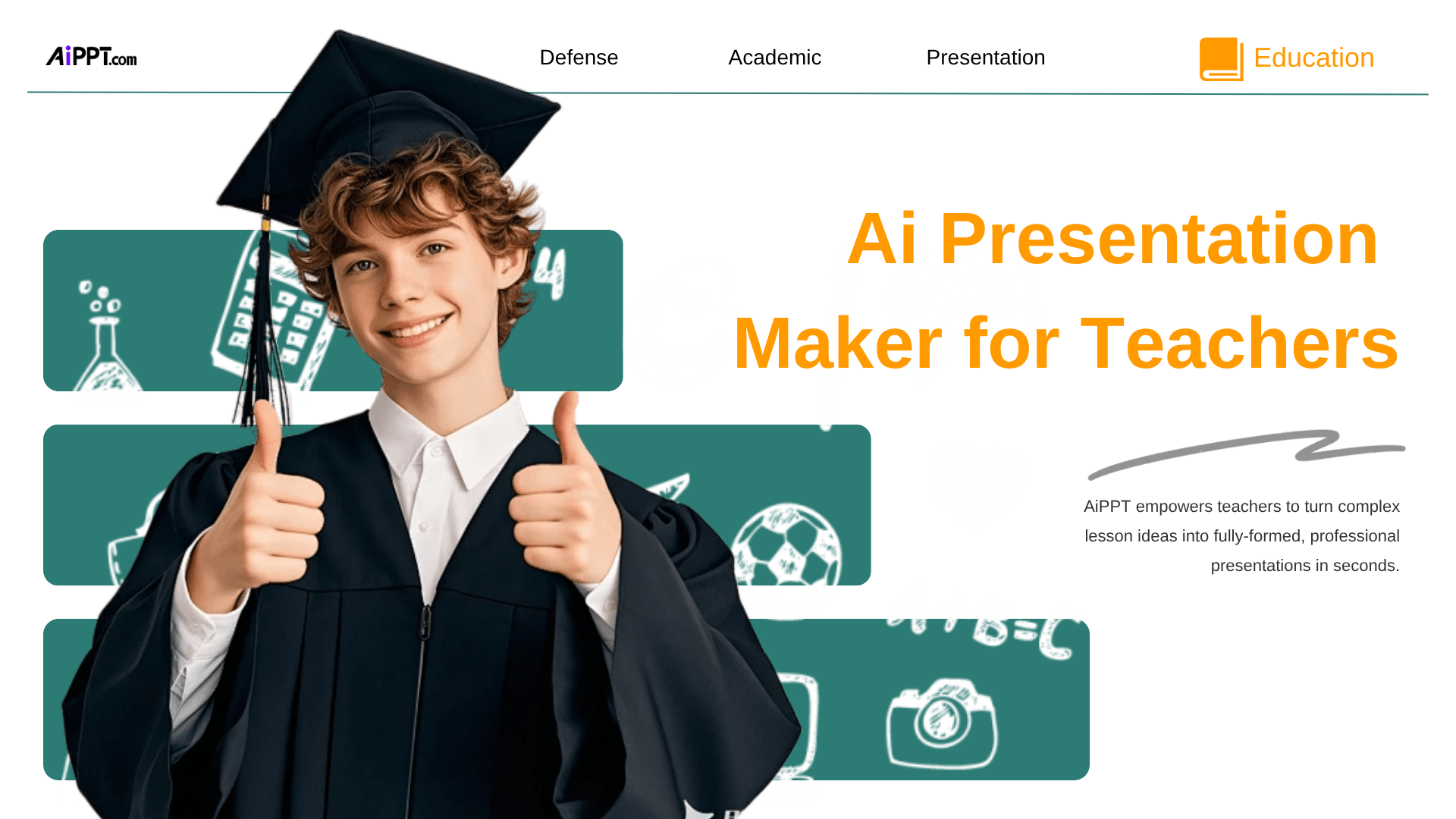
Ai Presentation Maker for Teachers
AiPPT empowers teachers to turn complex lesson ideas into fully-formed, professional presentations in seconds.
Instead of manual designing, our generative AI creates structured classroom slides, educational visuals, and smart diagrams directly from your topics. With AiPPT Classic, lesson planning becomes an instant creative process.
Use pre-defined scenarios to generate marketing presentations

Business Lessons

Health Lessons

Engineering Lessons

Social Sciences Lessons
How to Create a Winning Teachers Lessons Presentation
A teaching presentation isn’t about displaying content — it’s about ensuring effortless reading and understanding from five key perspectives.
What are your primary learning objectives?
Objectives should focus on core competencies, not just knowledge transfer. By using modular maps, teachers guide students to master logical reasoning and modeling. The goal is empowering students to apply theory to complex, real-world problems.
How do you effectively communicate your lesson’s theme?
Create a compelling narrative by using “Flipped Classroom” logic. Pre-class videos build basics, while in-class slides use strong visual hierarchy and high-contrast design to turn abstract concepts into vivid, precise case studies.
Which essential stages should your lesson include?
A complete lesson features three phases: an engaging “Hook,” modular core instruction, and Project-Based Learning (PBL). Finally, integrate formative assessment loops to ensure teaching stays perfectly aligned with actual learning outcomes.
How can you maximize audience engagement?
Transform observers into participants by embedding interactive “Pulse Checks” every 10 minutes. Using instant feedback during quizzes addresses confusion immediately, creating a high-frequency interaction cycle that boosts both participation and long-term memory.
What needs to be prepared once the script is ready?
Focus on resource optimization and feedback loops. Prepare high-definition multimedia, design “Exit Tickets” to measure effectiveness, and identify common misconceptions. Ensure accessibility and readability to successfully translate your script into an impactful classroom reality.
Choose Your Marketing Goal
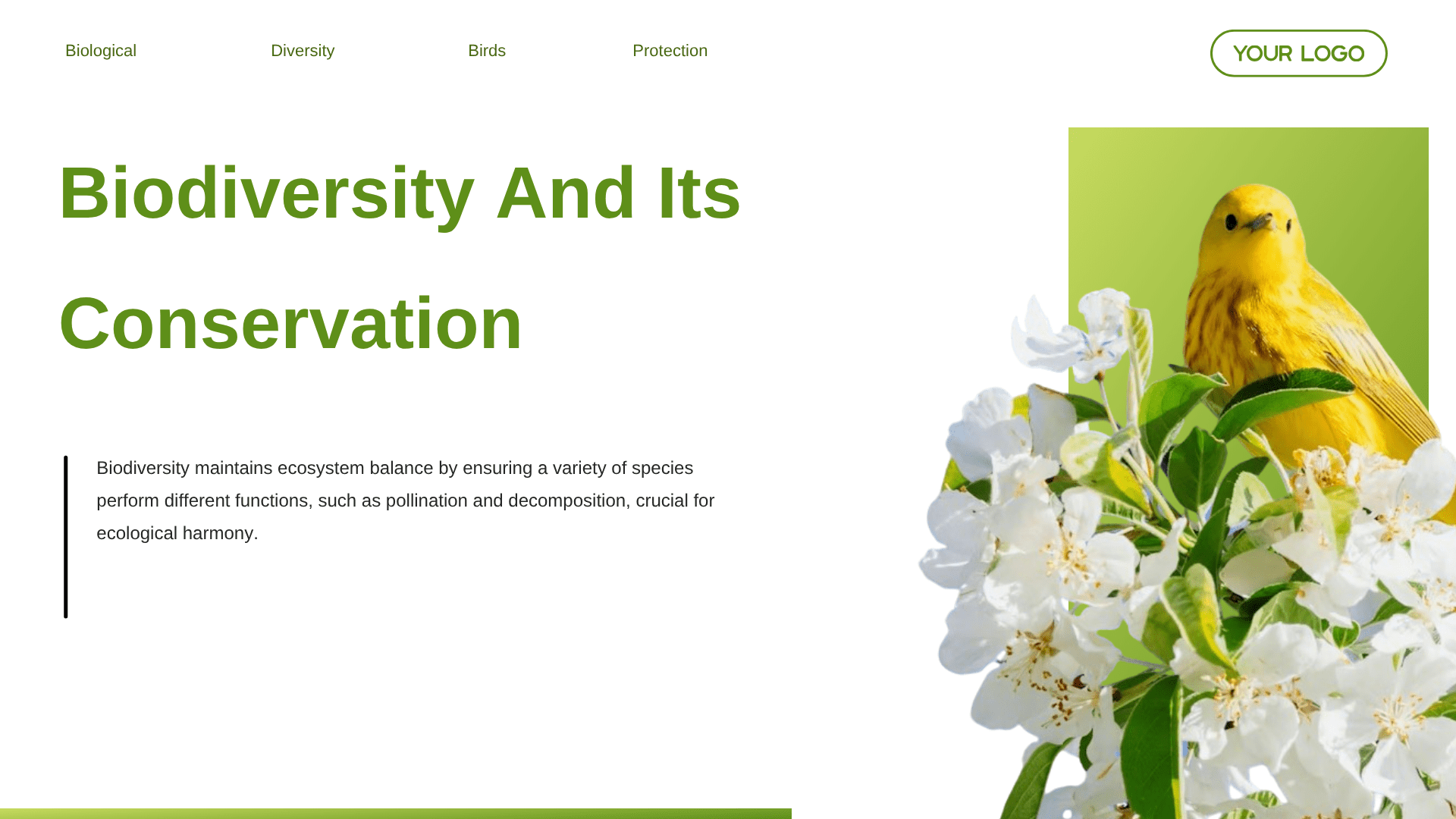
Ideal for breaking down complex theories, historical facts, and structural knowledge maps.
K-12 education
University lectures
Academic research
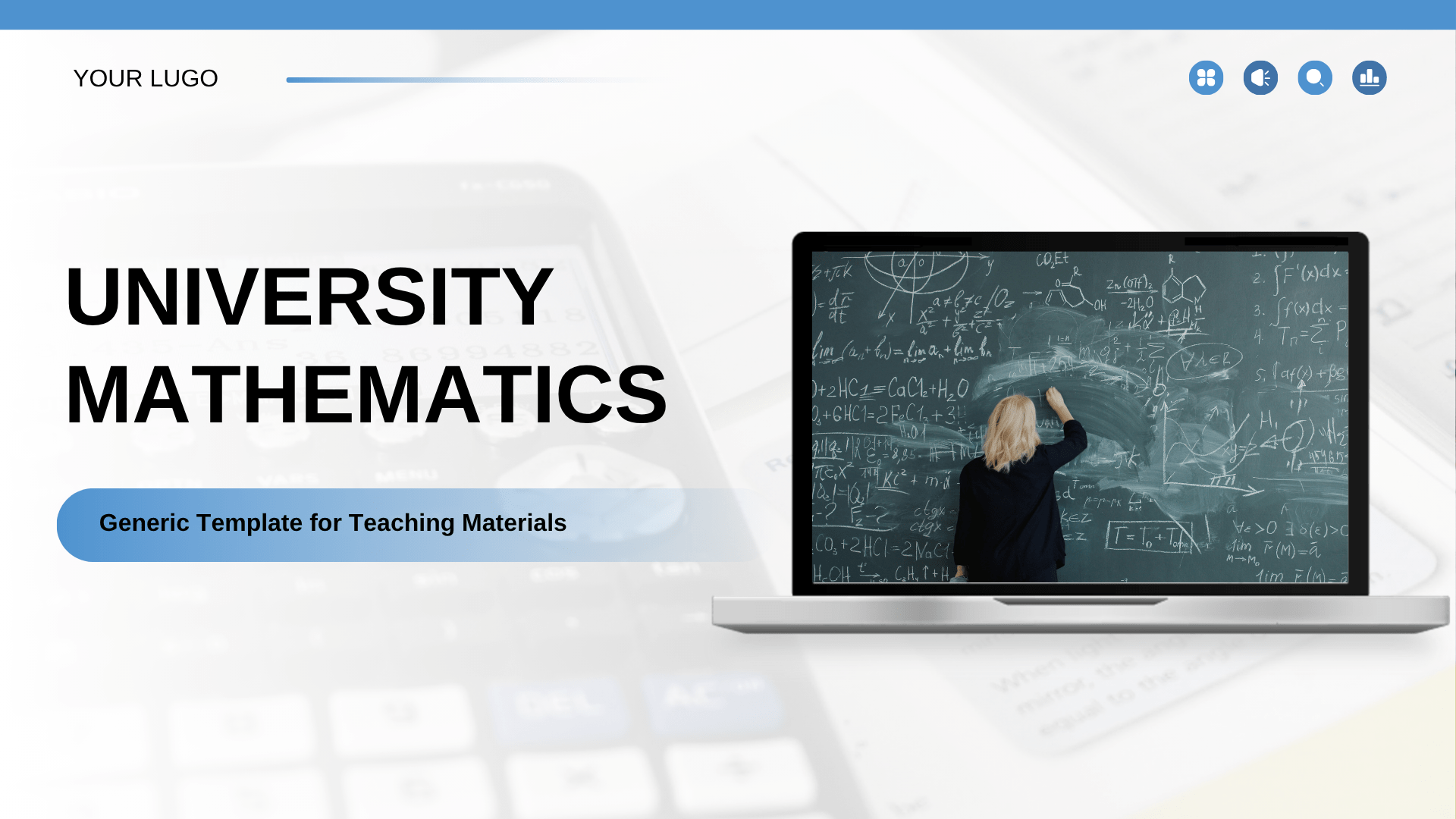
Ideal for visualizing complex formulas, 3D structural models, and experimental data analysis.
Mathematics & Physics
Engineering mechanics
Laboratory reports
Designed for showcasing high-quality visuals, aesthetic layouts, and step-by-step demonstrations.
Art & Design courses
Music appreciation
DIY craft tutorials
Perfect for presenting actionable steps, professional workflows, and corporate standards.
Employee onboarding
Soft skills workshop
Product training
Maker for Teachers Presentation Templates
Professional Academic
Math Learning Theme
Visual Formula Design
Use Case:Ideal for math lessons, academic lectures, classroom presentations, and educational workshops that require a clean and easy-to-follow visual style.
Description:Featuring a simple blue academic design, this template helps present mathematical concepts, formulas, and problem-solving processes with clarity and professionalism.
Playful 3D Characters
Engaging Visual Style
Icon-Based Storytelling
Use Case:Ideal for curriculum presentations, classroom teaching materials, educational workshops, and student learning plans that require a fun and engaging visual style.
Description:Featuring a cute blue animated design, this template helps present lesson plans, course content, and educational activities in a playful and easy-to-follow format.
Yellow-Green Palette
Data-Driven Layouts
Minimal Academic Style
Use Case:Ideal for thesis defense presentations, academic research reports, university seminars, and educational project showcases that require a creative yet professional visual style.
Description:Featuring a yellow and green creative academic design, this template helps present research findings, methodologies, and thesis insights with clarity and vibrant visual appeal.
Immersive Classroom
Fast Lesson Creation
Educational Slide Deck
Use Case:Ideal for remote learning classes, virtual teaching sessions, online workshops, and digital education presentations that require an engaging and classroom-friendly visual style.
Description:Designed for virtual learning environments, this template helps present lesson content, classroom activities, and educational materials with a clean, interactive, and student-friendly layout.
Structured Bullet Layout
Clean Icon Design
Clear Visual Communication
Use Case:Ideal for geology lessons, earth science presentations, classroom lectures, and educational workshops that require an engaging and visually informative learning style.
Description:Featuring a vibrant educational design, this template helps present volcano types, eruption processes, and geological concepts in a clear and visually engaging format.
Minimalist Green Style
Clean Slide Layout
Low Visual Fatigue
Use Case:Ideal for chemistry lessons, scientific research presentations, laboratory reports, and academic seminars that require a clean and professional educational style.
Description:Featuring a green minimalist scientific design, this template helps present chemistry concepts, experimental data, and research findings with clarity and visual simplicity.
Premium Golden Style
Professional Elegance
Luxury Presentation Tone
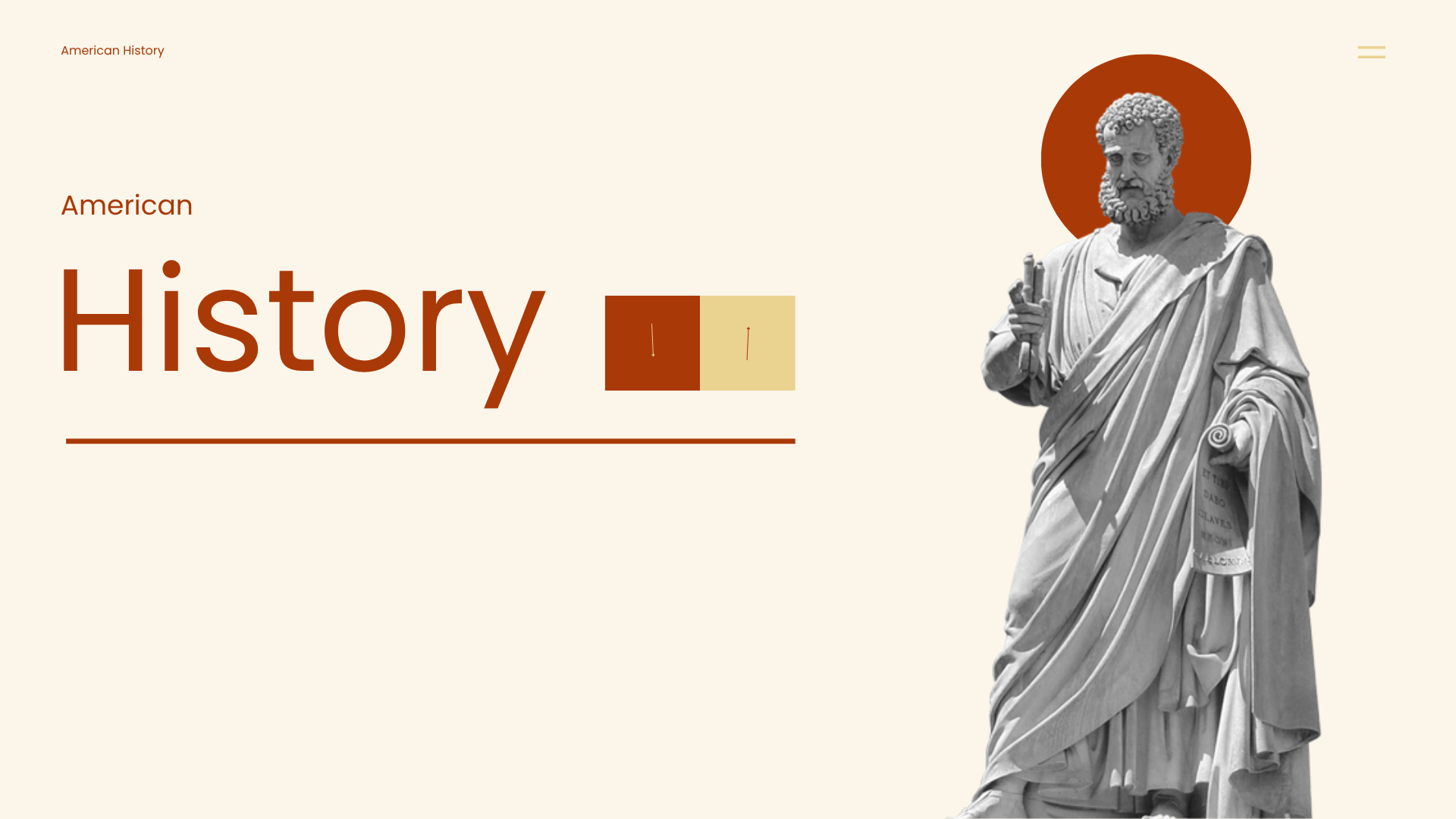
Use Case:Ideal for history lessons, cultural presentations, classroom lectures, and educational storytelling sessions that require a warm and visually nostalgic visual style.
Description:Featuring an orange retro-inspired history design, this template helps present historical events, timelines, and cultural topics with a classic and engaging visual atmosphere.
Bold Red-Yellow Theme
High-Impact Slides
Clear Section Headers
Use Case:Ideal for fire safety training, emergency response presentations,workplace,and public awareness campaigns that require bold and attention-grabbing visual communication.
Description:Featuring a bold red and yellow safety-themed design, this template helps present fire prevention guidelines and safety protocols with strong visual impact and clarity.
What to include in a Teachers Lessons Presentation
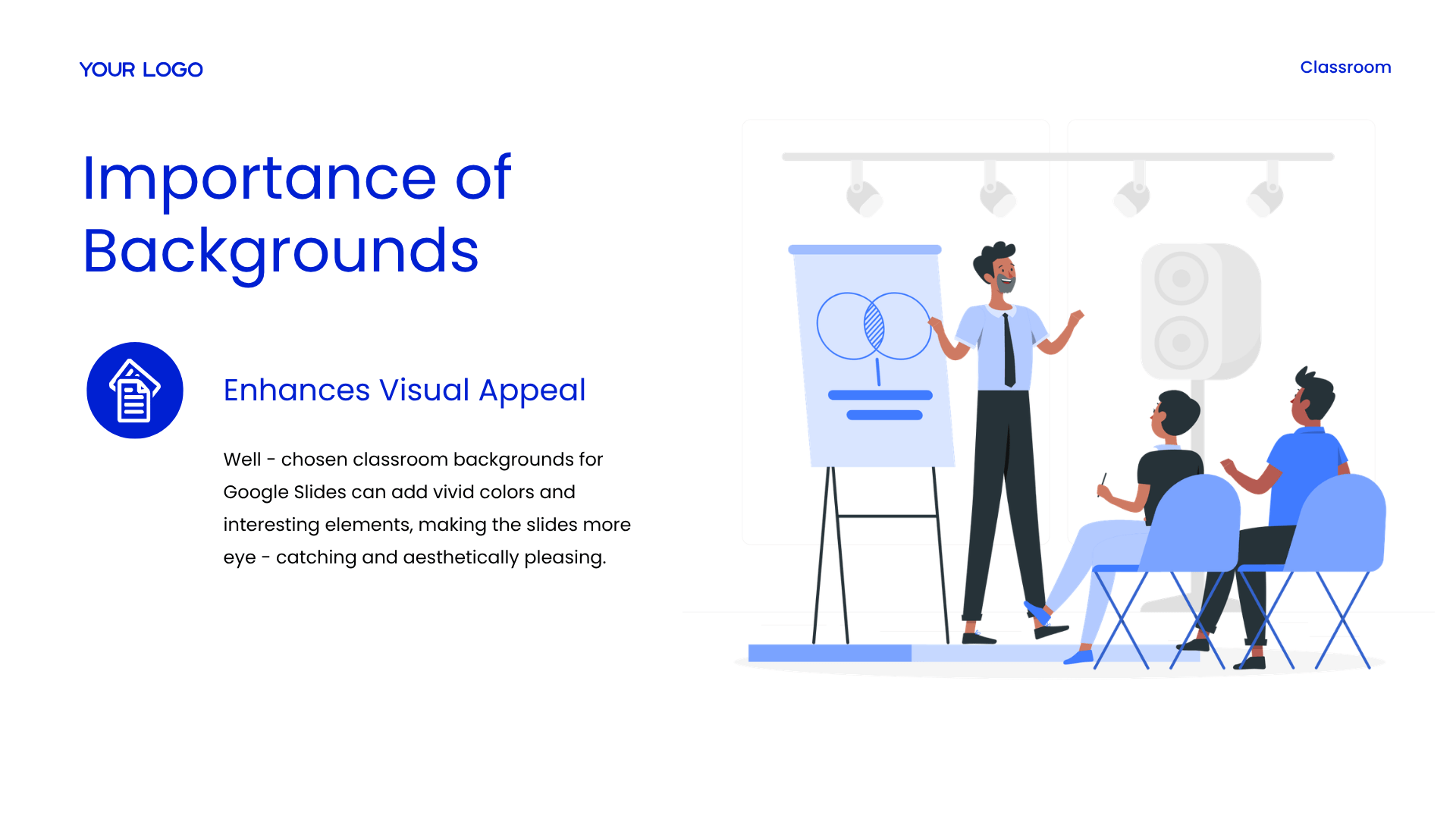
Slide 1: Importance of Backgrounds – Visual Appeal
Headline: University Mathematics: Generic Template for Teaching Materials
Core Focus: A comprehensive, modern pedagogical framework engineered specifically for university-level mathematics education.
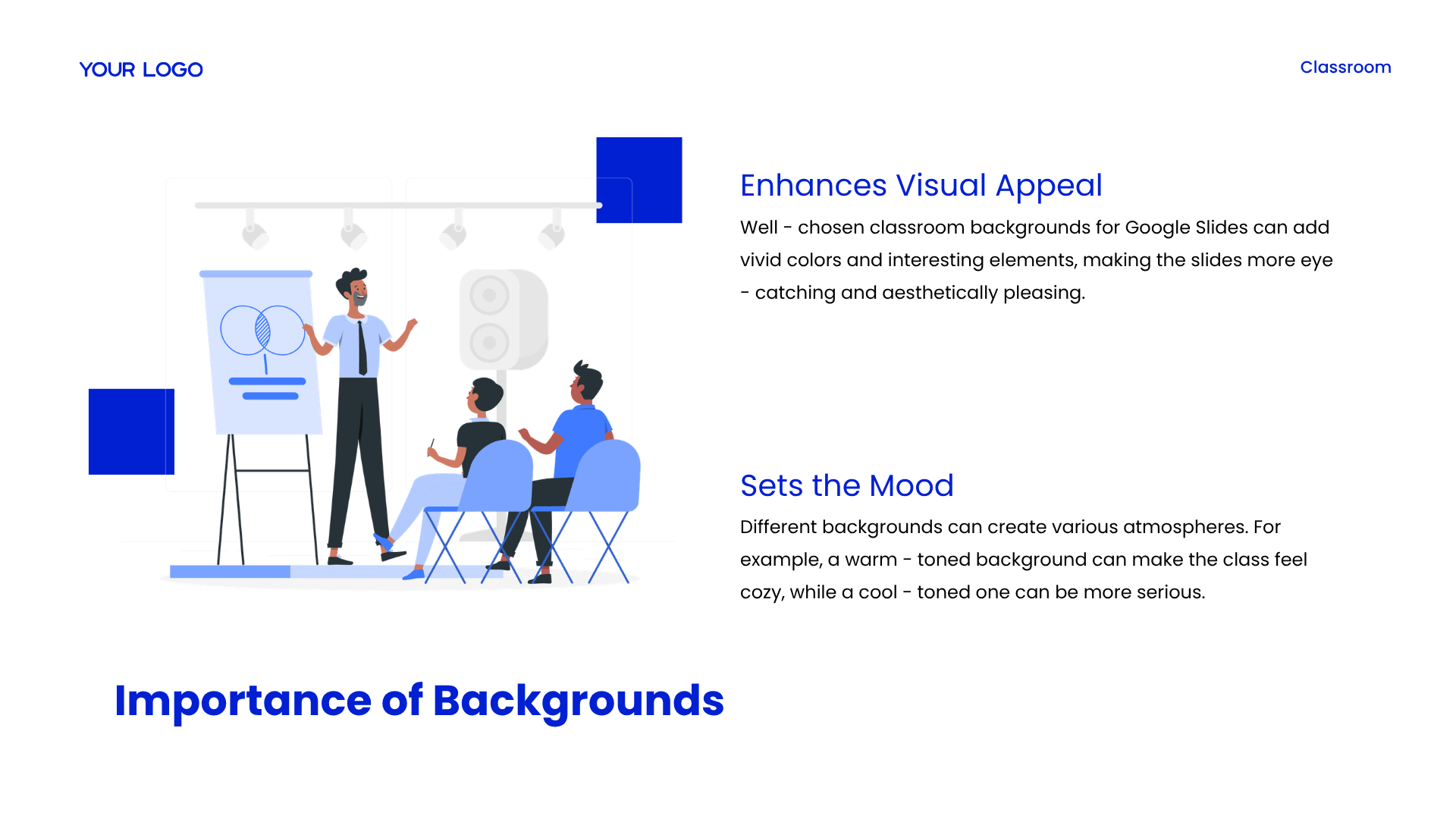
Visual Result: These targeted adjustments make presentation slides more eye-catching and aesthetically pleasing to students.
Slide 2: Importance of Backgrounds – Engagement & Flow
Headline: Improving Student Engagement and Facilitating Information Flow
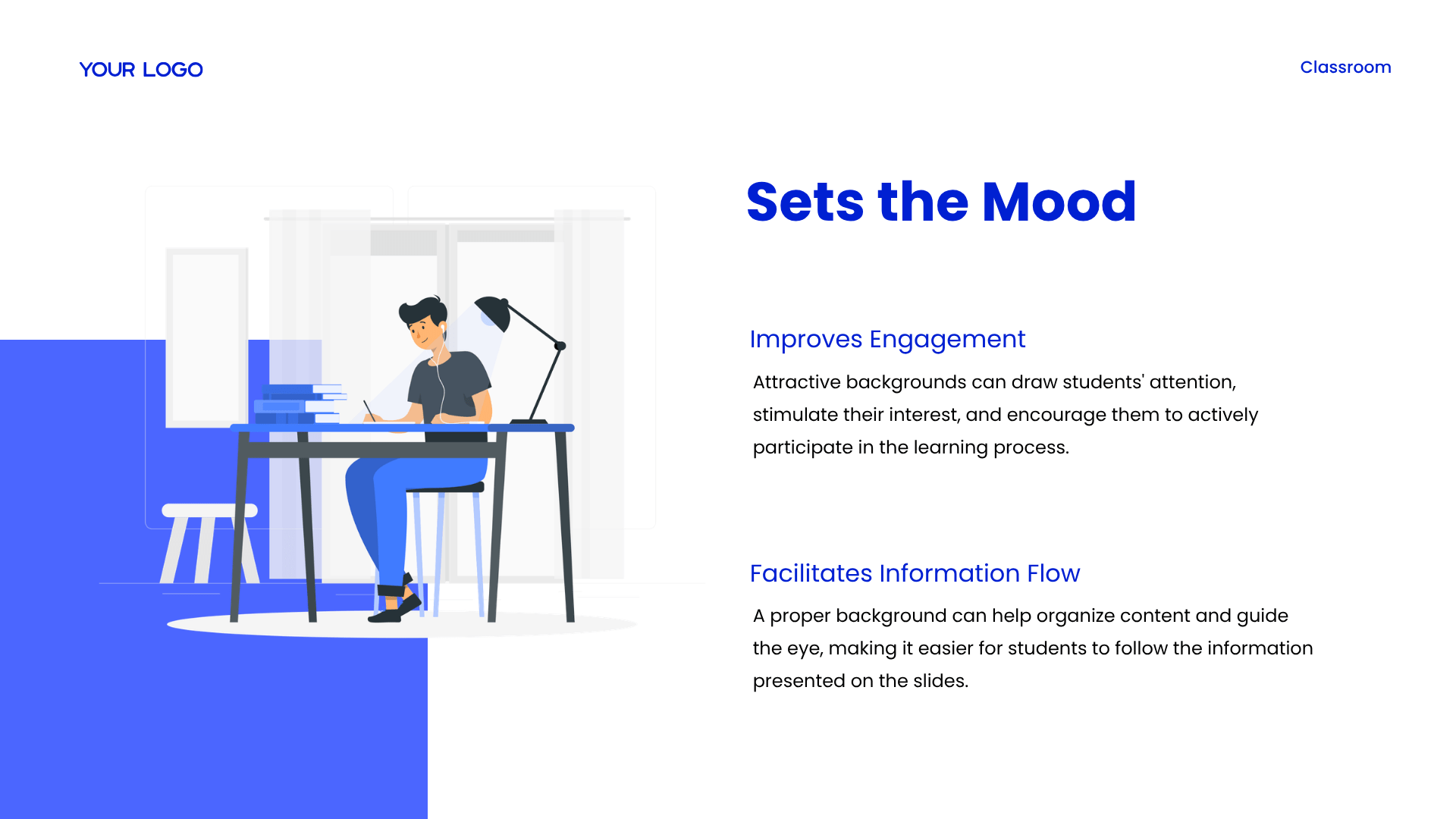
Improves Engagement: Attractive presentation backgrounds can successfully draw students’ attention, stimulate their learning interest, and encourage them to actively participate in the virtual learning process.
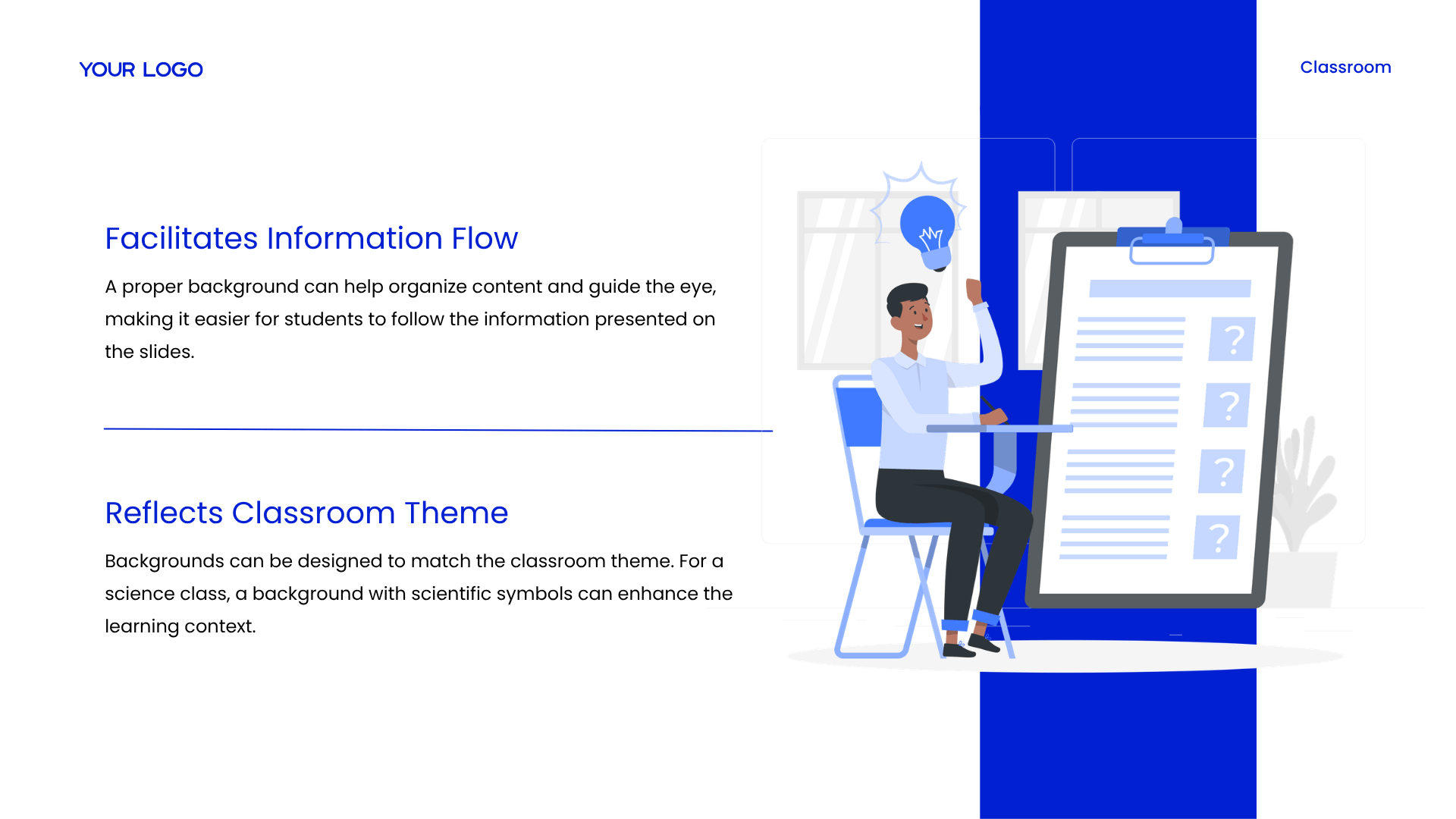
Facilitates Information Flow: A proper background structure can efficiently help organize layout content and guide the student’s eye, making it easier for them to follow the information presented on the slides.
Slide 3: Importance of Backgrounds – Mood & Theme
Headline: Setting Classroom Moods and Reflecting Instructional Themes
Sets the Mood: Different background graphics can create various learning atmospheres; a warm-toned backdrop makes the class feel cozy, while a cool-toned background establishes a serious environment.
Reflects Theme: Background layouts can be explicitly designed to match the specific subject matter, such as integrating subtle scientific symbols into a science class to enhance the learning context.
Slide 4: Design Principles – Contrast & Readability
Headline: Core Principles: Ensuring Contrast and Readability
Sufficient Contrast Requirement: Instructors must ensure there is sufficient visual contrast between the background image and the presentation text.
Readability Enhancement: Utilizing dark text on a light background or vice versa significantly enhances text readability, making content easy for students to understand.
Slide 5: Design Principles – Color Harmony & Balance
Headline: Achieving Color Harmony and Structural Proportional Balance
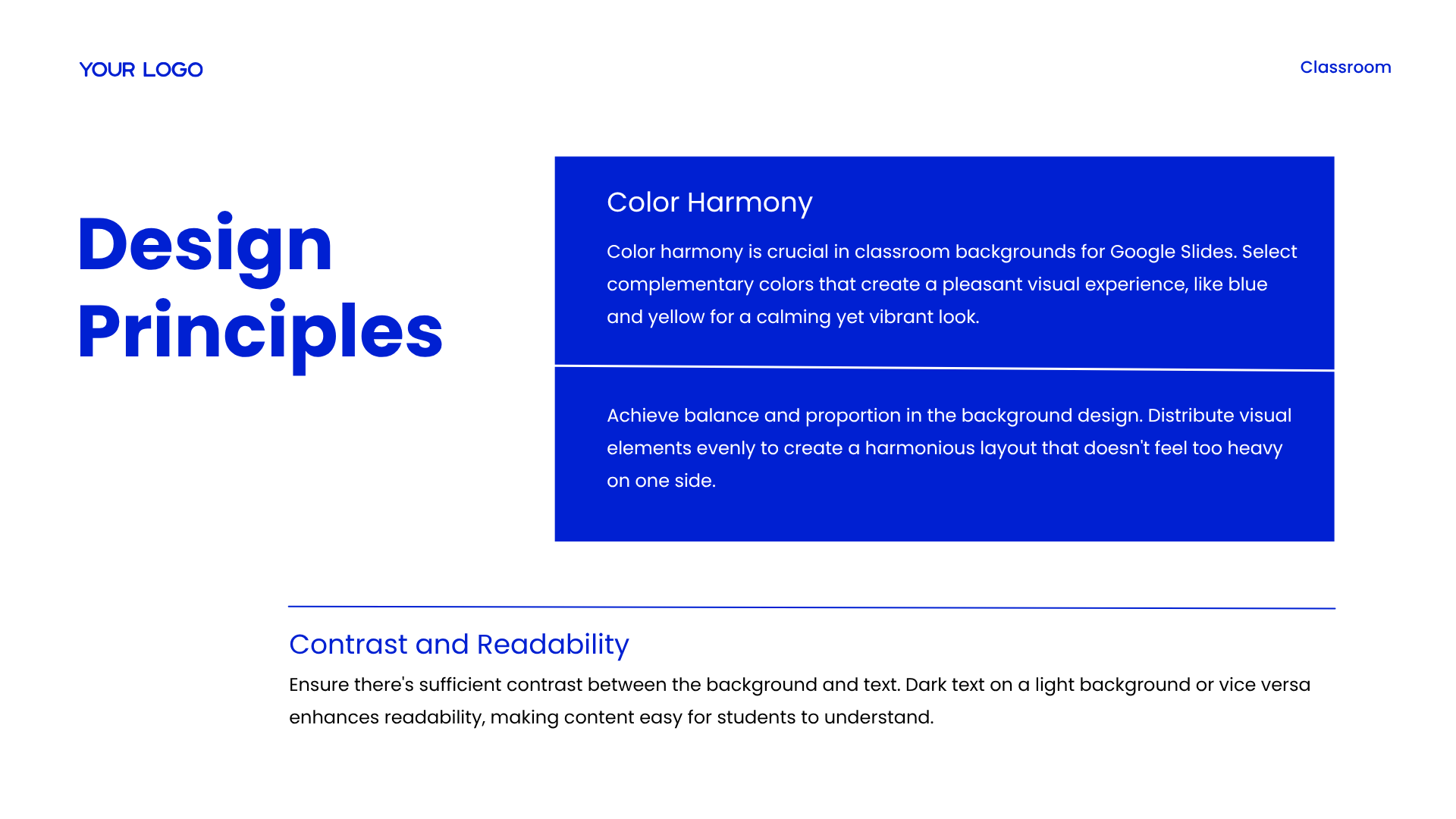
Color Harmony: Selecting complementary colors creates a pleasant visual experience, such as combining blue and yellow for a calming yet vibrant look.
Balance and Proportion: Achieve total balance in the background design by distributing visual elements evenly to create a harmonious layout that doesn’t feel too heavy on one side.
Slide 6: Customization Tools – Platform Features & Filters
Headline: Background Customization: Utilizing Google Slides Tools and Filters
Google Slides Tools: Google Slides offers various native tools for background customization, allowing teachers to utilize shapes, lines, and fill options to create unique and engaging backdrops.
Applying Filters: Applying creative filters to background images can change the mood and style of the slide, making it more visually appealing and in line with the lesson theme.
Slide 7: Customization Tools – Gradients & Media Assets
Headline: Layout Enhancements: Adding Text, Images, and Gradients
Adding Text and Images: Enhance the background layout by adding relevant text quotes, educational icons, or topic pictures to make the presentation slide more informative.
Creating Gradients: Create smooth color transitions using gradients to add a highly modern and dynamic touch to the Google Slides classroom presentation.
Slide 8: Considerations for Background Choice
Headline: Evaluation Factors: Audience Preferences and Presentation Styles
Audience and Presentation Style: Understanding student preferences is crucial; bright colors and fun images work for young cohorts , while formal presentation styles require a simple, elegant background.
Content and Slide Layout: Backdrops should complement specific lesson content (such as a nature scene for science) , utilizing subtle designs on text-heavy slide layouts to avoid student distraction.
Slide 9: Sources for Backgrounds
Headline: Curating Materials: Top Sources and Educational Platforms
Public Libraries & Design Communities: Google Images offers a vast resource for classroom backdrops , while design networks like Behance and Dribbble showcase unique design inspiration.
Software & Resource Platforms: Custom software like Photoshop or Canva allows you to build custom assets , and educational resource platforms like Teachers Pay Teachers provide curated presentation backgrounds designed for lessons to support results and achievements.
Slide 10: Best Practices & Pitfalls
Headline: Best Practices: Guidelines for Clean and Uncluttered Presentations
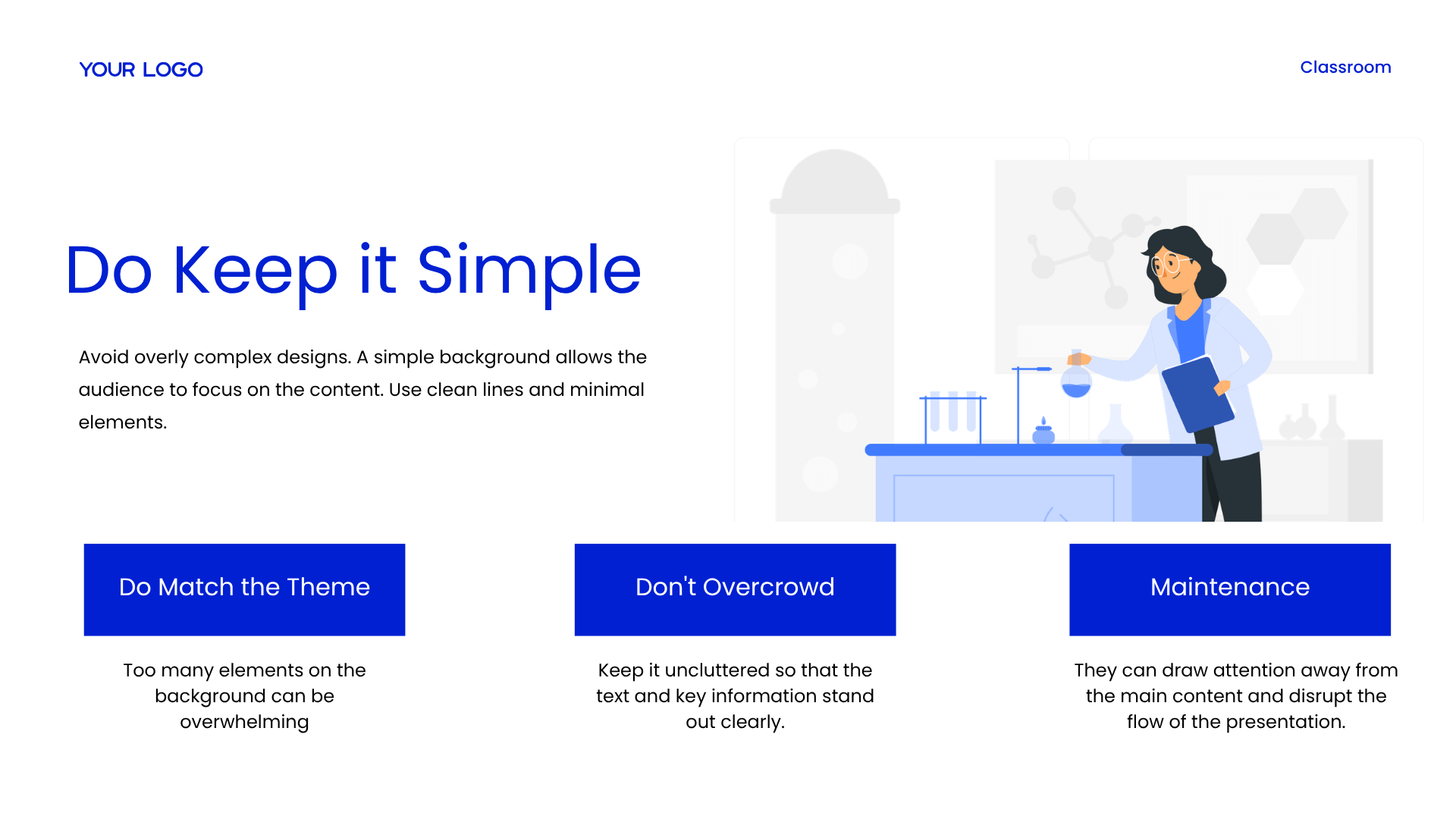
Essential Actions (Do’s): Select colors that match the overall presentation mood (e.g., blue for calmness, yellow for energy) , use clean lines with minimal elements to keep it simple , and match the theme.
Critical Mistakes (Don’ts) & Maintenance: Do not overcrowd slide spaces. Avoid too many background elements that can be overwhelming , drawing student attention away from the core content and disrupting presentation flow. Keep layouts uncluttered to maintain template assets properly.
Example Presentation Maker for Teachers
Explore this professional template example, designed and fully formatted by AiPPT Classic.
Slide 1: Historical Evolution of Art – Medieval & Renaissance Art
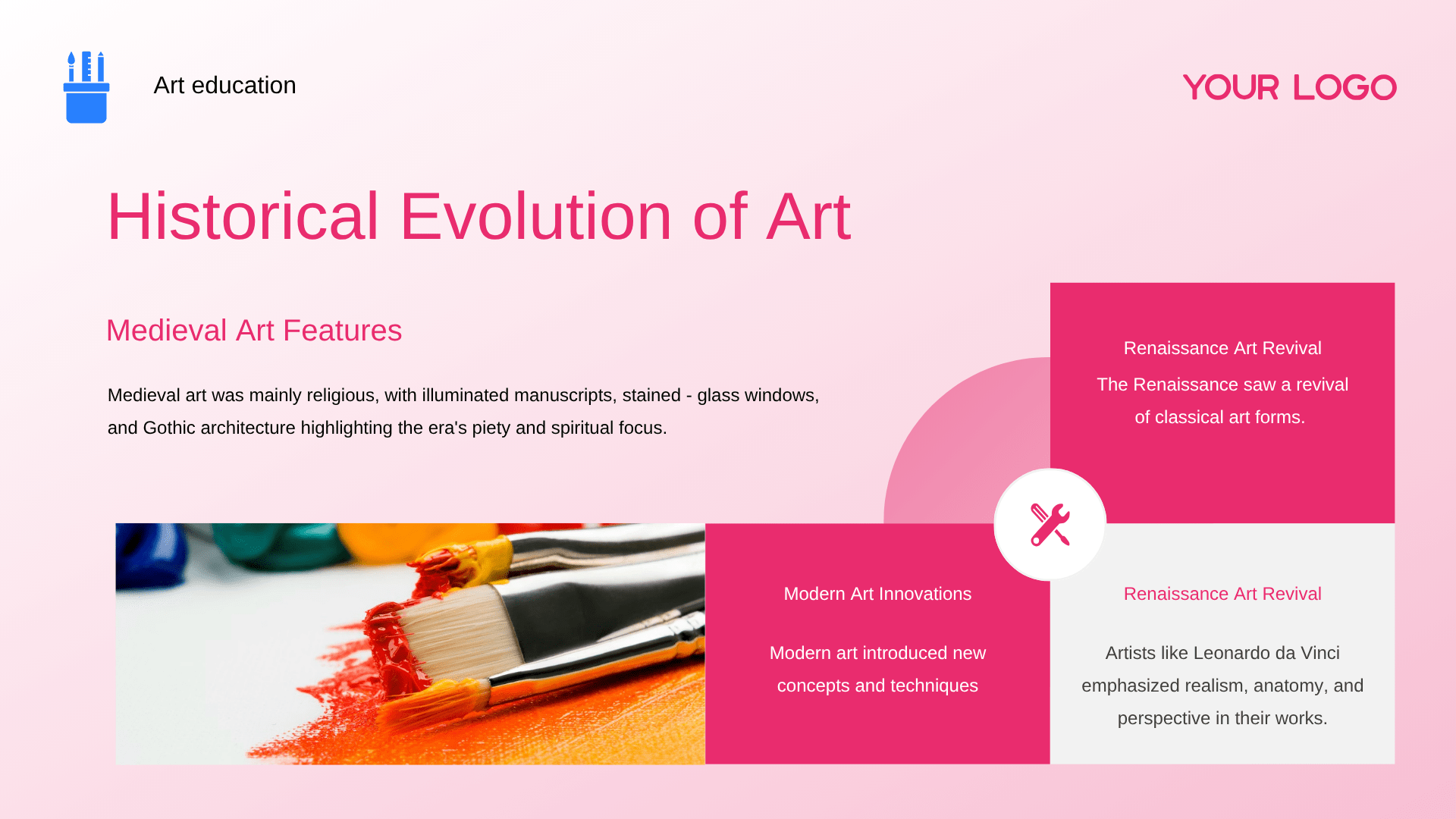
Headline: Historical Evolution: From Medieval Devotion to Renaissance Realism
Medieval Art Features: Medieval art was mainly religious, with illuminated manuscripts, stained-glass windows, and Gothic architecture highlighting the era’s piety and spiritual focus.
Renaissance Art Revival: The Renaissance saw a revival of classical art forms, where artists like Leonardo da Vinci emphasized realism, anatomy, and perspective in their works.
Modern Art Innovations: Modern art introduced new concepts and techniques to the evolution of creative expression.
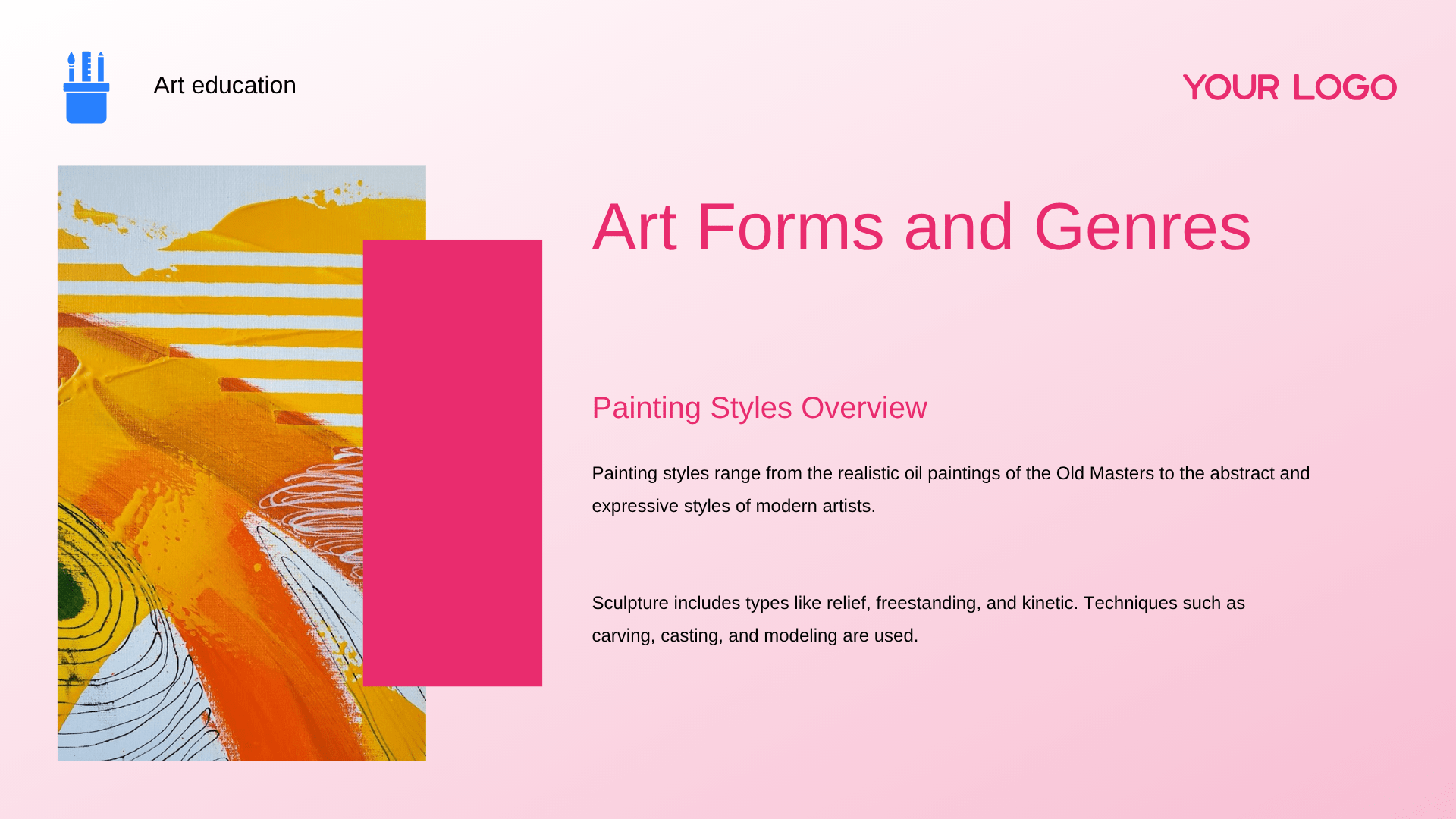
Slide 2: Art Forms and Genres – Painting & Sculpture
Headline: Art Forms and Genres: Exploring Painting Styles and Sculptural Techniques
Painting Styles Overview: Painting styles range from the realistic oil paintings of the Old Masters to the abstract and expressive styles of modern artists.
Sculptural Techniques: Sculpture includes types like relief, freestanding, and kinetic, utilizing techniques such as carving, casting, and modeling.
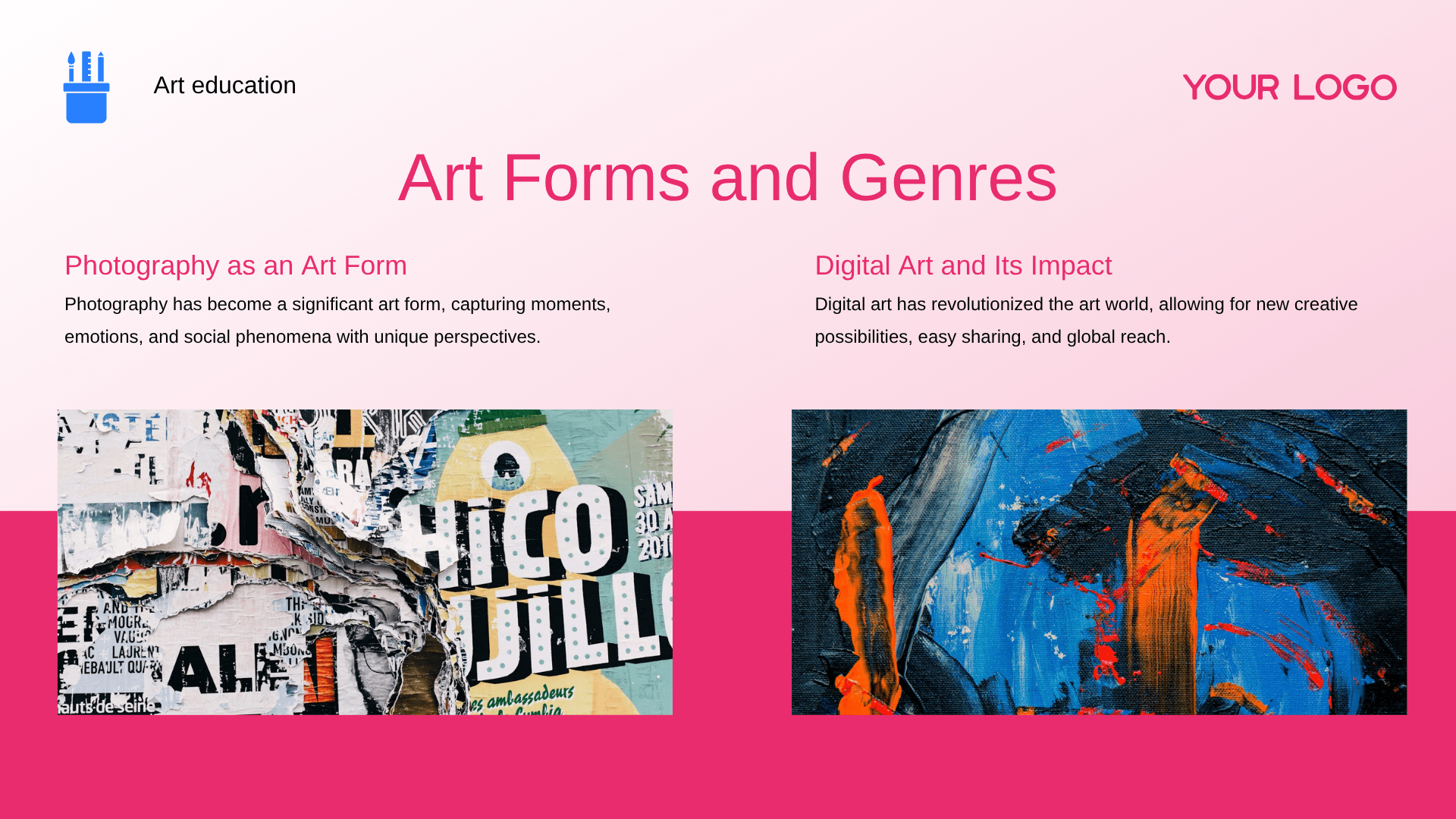
Slide 3: Art Forms and Genres – Photography & Digital Art
Headline: Modern Mediums: Photography captures and Digital Art Impacts
Photography as an Art Form: Photography has become a significant art form, capturing moments, emotions, and social phenomena with unique perspectives.
Digital Art and Its Impact: Digital art has revolutionized the art world, allowing for new creative possibilities, easy sharing, and global reach.
Slide 4: Influential Artists in History
Headline: Influential Artists: Masterpieces and Pioneers of Expression
Leonardo da Vinci: A true polymath whose paintings like the Mona Lisa and scientific studies left a profound mark on art and science.
Vincent van Gogh: His bold use of color and expressive brushstrokes in works like “Starry Night” have inspired countless artists.
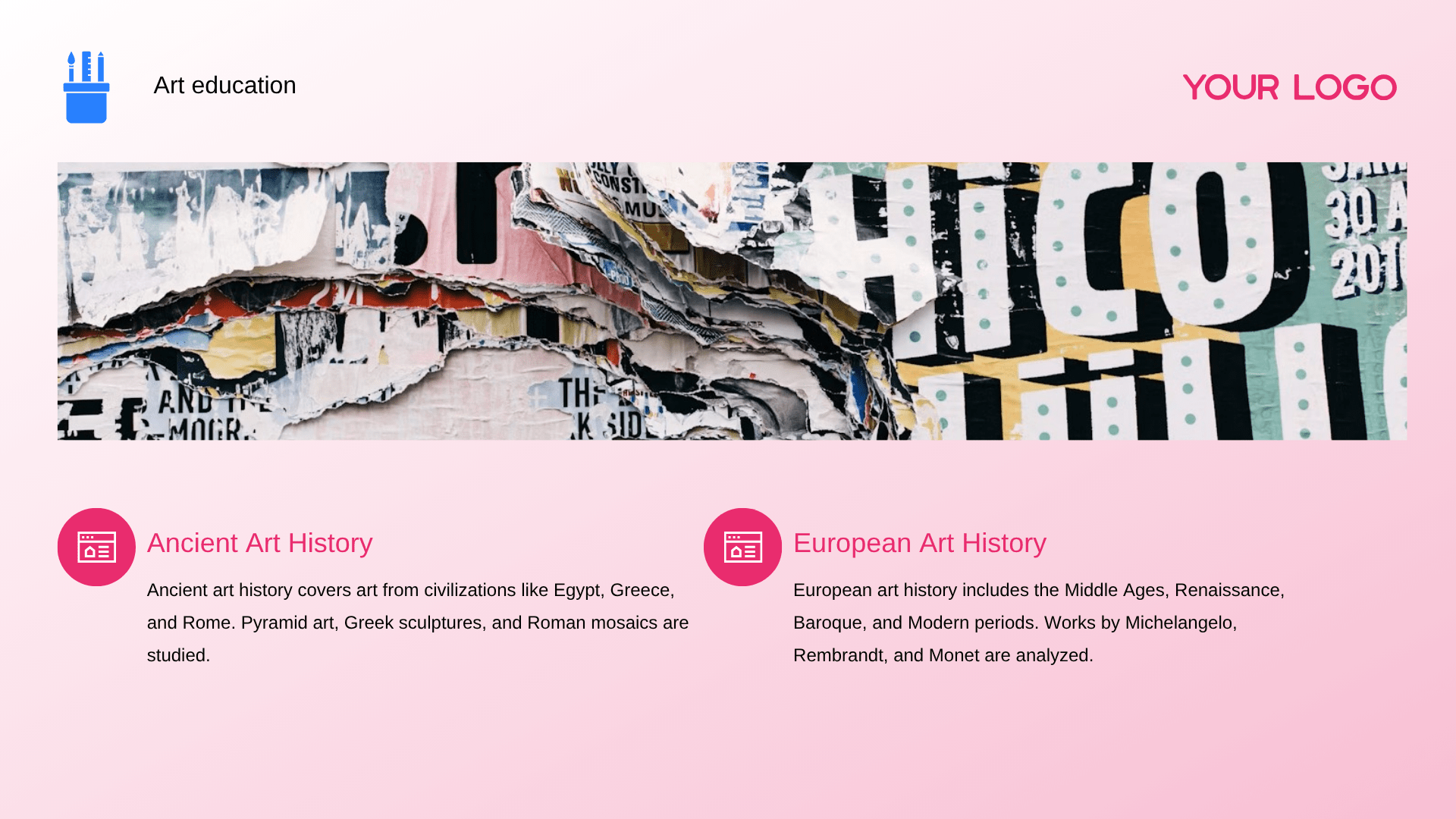
Slide 5: Ancient & European Art History
Headline: Historical Horizons: Academic Studies of Ancient and European Art
Ancient Art History: Ancient art history covers art from civilizations like Egypt, Greece, and Rome, studying pyramid art, Greek sculptures, and Roman mosaics.
European Art History: European art history includes the Middle Ages, Renaissance, Baroque, and Modern periods, analyzing masterpieces by Michelangelo, Rembrandt, and Monet.
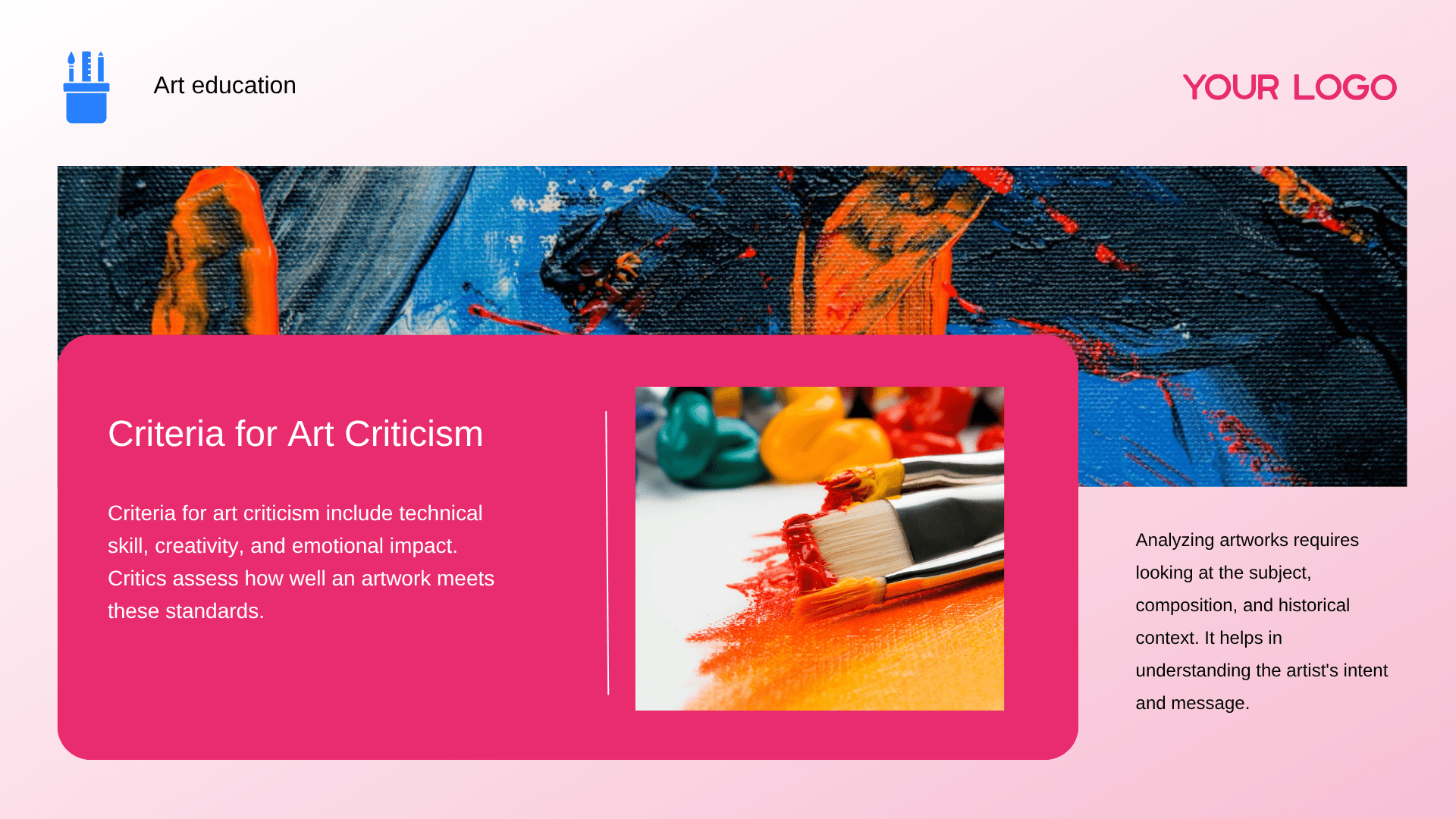
Slide 6: Criteria for Art Criticism
Headline: Criteria for Art Criticism: Evaluating Skills and Analyzing Context
Criteria for Art Criticism: Criteria for art criticism include technical skill, creativity, and emotional impact, allowing critics to assess how well an artwork meets these standards.
Framework for Analysis: Analyzing artworks requires looking at the subject, composition, and historical context to help in understanding the artist’s intent and message.
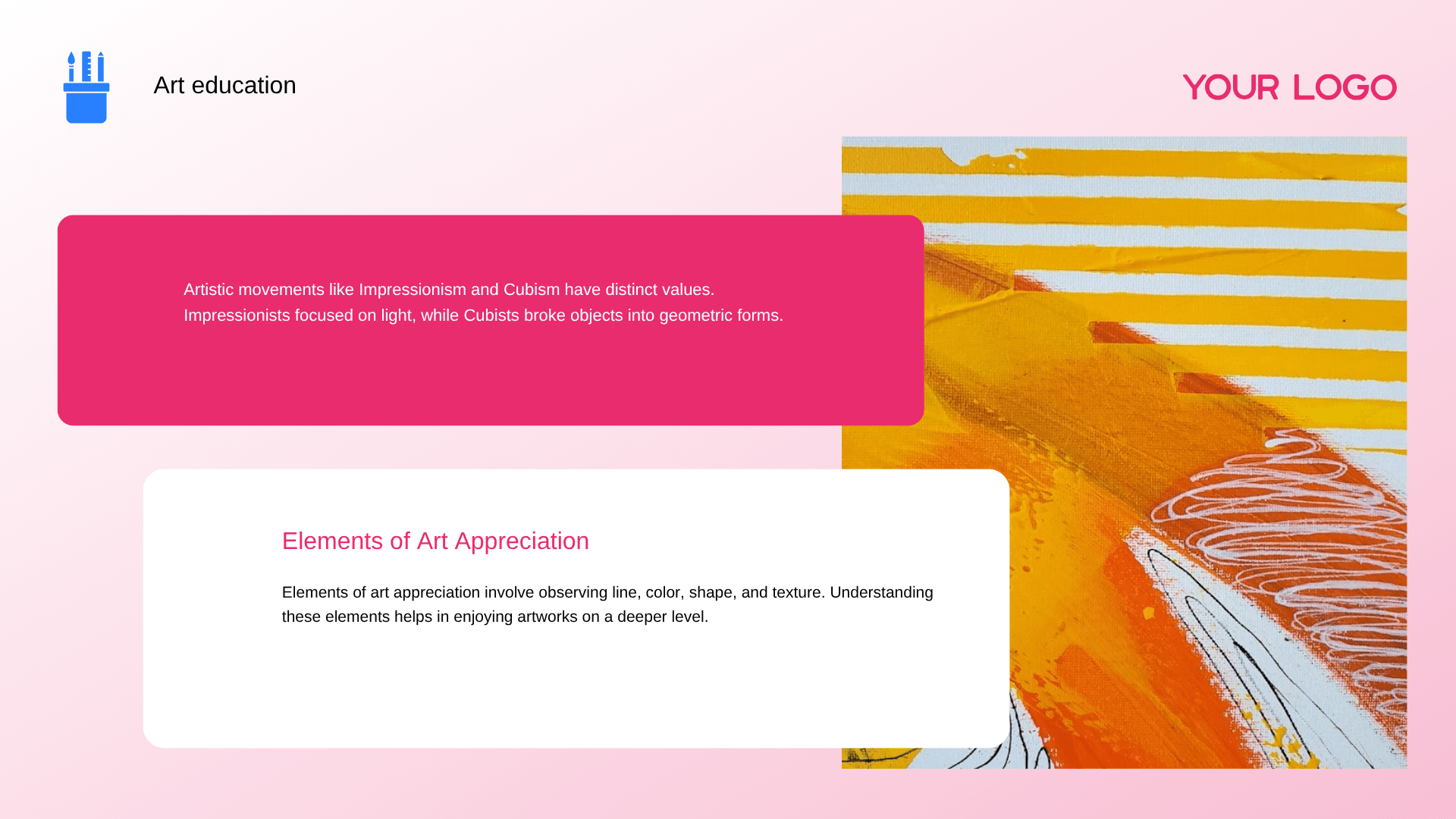
Slide 7: Elements of Art Appreciation
Headline: Deciphering Elements of Art Appreciation and Movements Artistic
Movements: Artistic movements like Impressionism and Cubism have distinct values; Impressionists focused on light, while Cubists broke objects into geometric forms.
Elements of Art Appreciation: Elements of art appreciation involve observing line, color, shape, and texture to help in enjoying artworks on a deeper level.
Slide 8: Traditional Teaching Approaches
Headline: Traditional Teaching Approaches: Pedagogical Methods in Art Education
Demonstration-Based Learning: Demonstration-based learning involves teachers showing students how to create art by performing tasks like painting or sculpting.
Lecture-Style Teaching: In lecture-style teaching, art educators present theoretical knowledge, such as art history and techniques, using slides and examples.
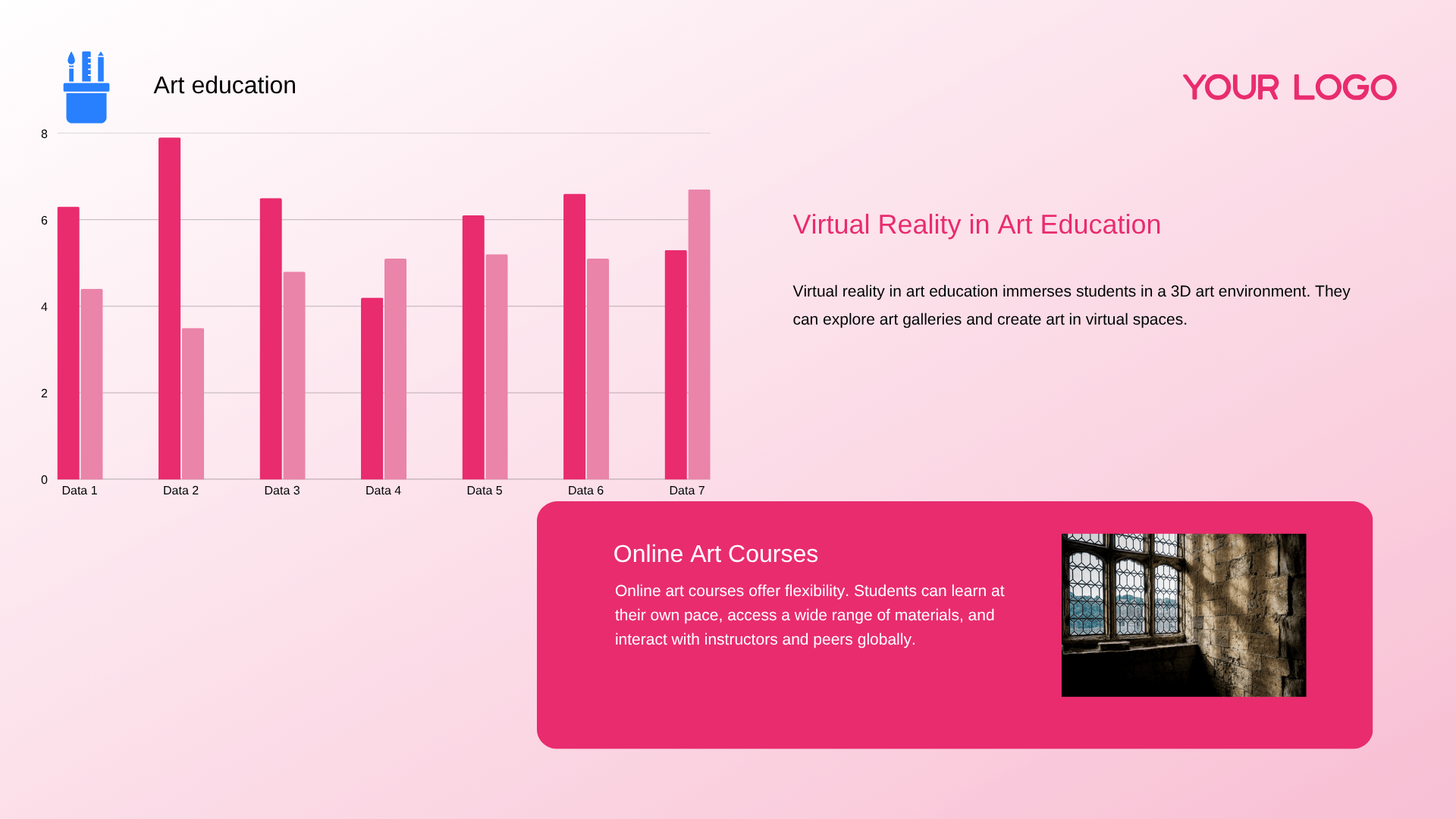
Slide 9: Virtual Reality & Online Art Courses
Headline: Digital Expansion: Virtual Reality Environments and Online Courses
Virtual Reality in Art Education: Virtual reality in art education immerses students in a 3D art environment, allowing them to explore art galleries and create art in virtual spaces.
Online Art Courses: Online art courses offer flexibility, allowing students to learn at their own pace, access a wide range of materials, and interact globally.
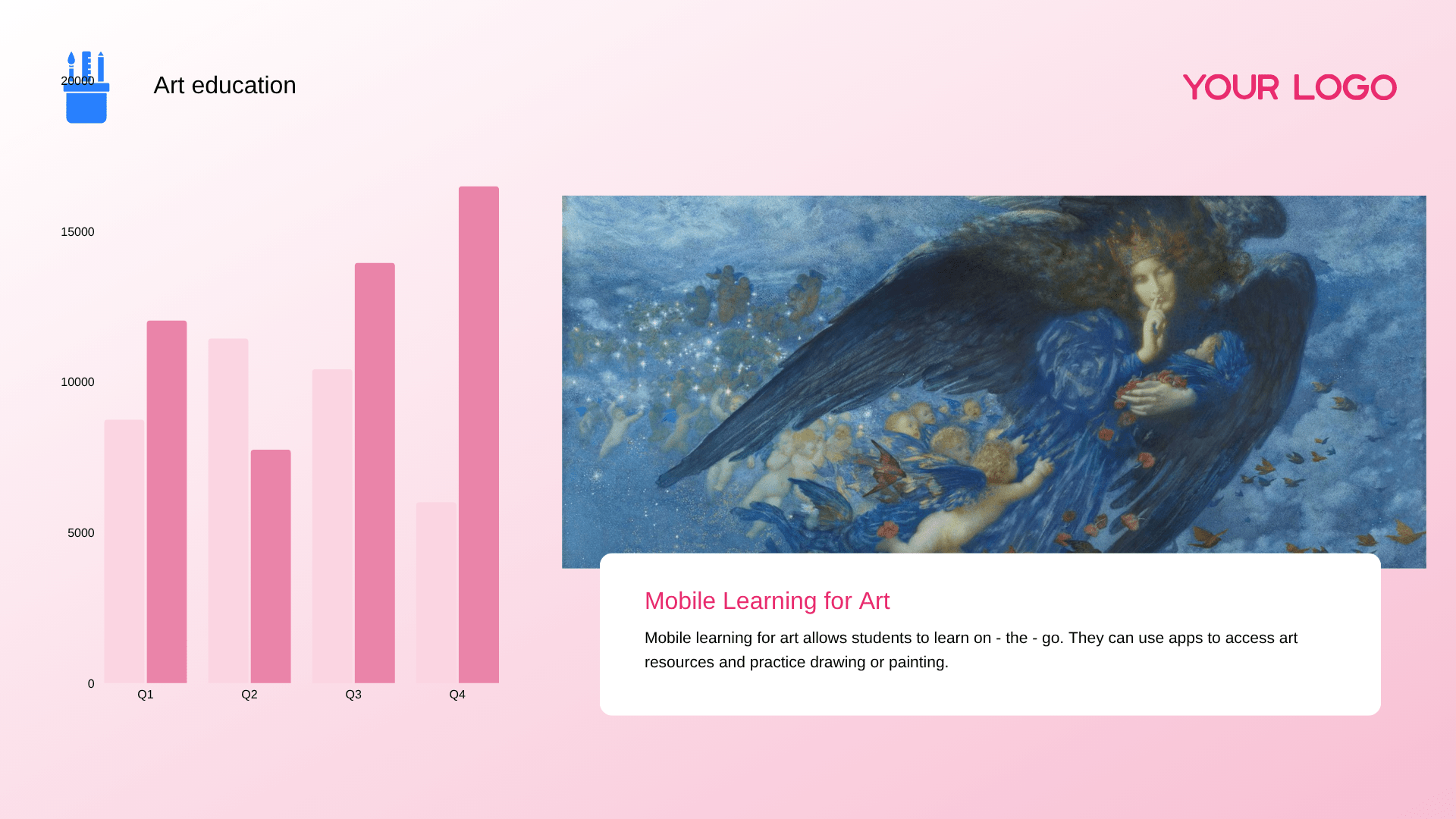
Slide 10: Mobile Learning for Art Education
Headline: On-the-Go Education: Mobile Learning and App-Based Resource Practice
Mobile Learning for Art: Mobile learning for art allows students to learn on-the-go without location constraints.
App-Based Practice: Students can use apps to access art resources and practice drawing or painting anytime.
Frequently Asked Questions
How can teachers address text-heavy presentation slides that make it difficult for students to identify key points?
Transform slides from scripts into visual guides. Focus on one key concept per slide, using keywords and visuals over text blocks. Incorporate interactive elements like polls and discussion prompts. Move detailed content to supplementary handouts. Ensure clean design with high contrast for readability and full accessibility compliance.
How can AI reduce the daily burden of lesson planning?
AiPPT Classic transforms teaching outlines or textbook snippets into complete, visually engaging lecture decks in seconds. This allows teachers to focus on student engagement rather than spending hours on manual slide design.
How does AI ensure educational content is well-structured?
Our AI logic automatically organizes complex subjects into clear, pedagogical hierarchies. It ensures that learning objectives, key concepts, and summaries are presented in a flow that optimizes student retention.
Can AI adapt presentations for different grade levels?
Yes. By specifying the target audience, AiPPT adjusts the tone, vocabulary, and visual complexity of the slides, making the same core topic accessible for either primary students or advanced learners.
How can AI enhance classroom interaction and engagement?
Beyond static text, the AI suggests interactive prompts and discussion slides. It builds professional layouts for quizzes and case studies, keeping the classroom atmosphere dynamic and participatory.
How does AI help in creating specialized academic diagrams?
Instead of searching for low-quality images, AiPPT generates clean, professional charts and diagrams tailored to your specific lesson data or scientific processes, ensuring high-quality visual aids for every class.