

Make a PPT on Any Topic with AI
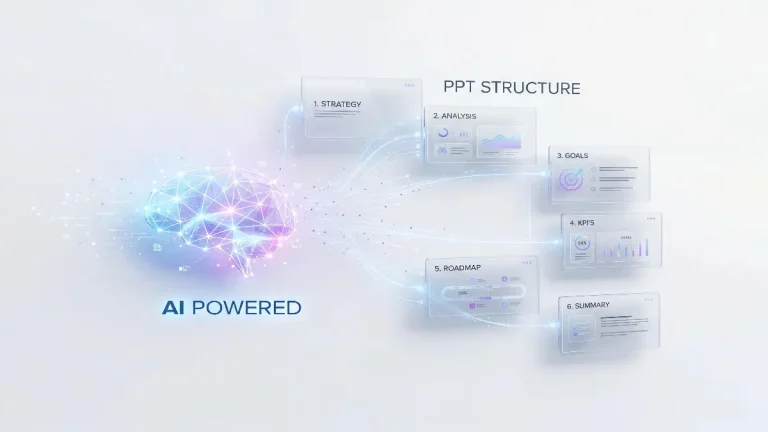
How to Make a PPT on Any Topic Using AI
Step 1: Login AiPPT.com
Step 2: Generate PPT Outline
Select a template, adjust layouts and colors to match your presentation goals, and click the “Generate” button.
Step 3: Choose PPT Template
Step 4: Save or Share PPT
Click on the Generate PPT button and then Download or Share the generated slides.
Key Features of the AiPPT.com Topic to PPT Tool
Automatic Outline Generation from Any Topic
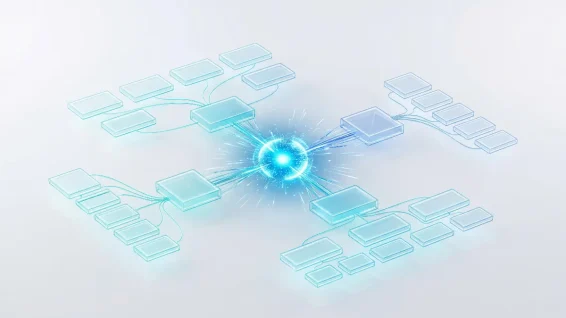
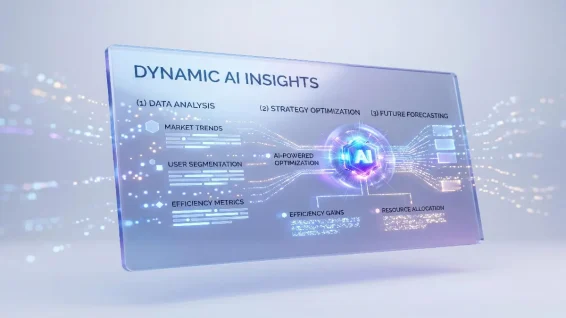
Suggest Key Points and Content for Each Slide
Built-In Presentation Templates for Polished PPT
AI Suggested Images and Visual Elements
Why Choose AiPPT.com for Converting Topics to PPT
Experience next-level image creation with Nano Banana Pro (Nano Banana 2) on AiPPT, where smart AI interprets your vision and produces consistent, realistic, and visually compelling results.
Fast Slide Creation
Generate a complete slide deck in minutes with minimal effort. Every topic transforms into organized slides ready for review and refinement.
Intuitive Interface
Menus and tools are organized for clarity. Even beginners can quickly find features and start creating presentations without confusion.
Easy to Learn
Clear instructions and helpful prompts guide you through every step. Creating presentations using AiPPT.com requires no design knowledge.
Anywhere Access
Work from any device using a web browser. Presentations stay synced, so you can edit at home, at the office, or on the go.
Seamless Editing
Modify text, rearrange slides, or enhance layouts directly in the editor. Tables, charts, and templates integrate smoothly to keep slides consistent.
Multi Format Export
Save presentations in PPT, PDF, JPG, or PNG formats. The platform ensures your slides are ready for sharing, printing, or presenting on any platform.
Frequently Asked Questions
How to make a PPT of any topic?
AiPPT.com simplifies the process by generating a structured outline and slides automatically:
- Step 1. Sign in to AiPPT.com and select the Create from Topic option on the main dashboard.
- Step 2. Enter your topic and let AiPPT.com generate a clear, structured outline for your presentation.
- Step 3. Review the outline and choose a template that matches your topic and style.
- Step 4. Click Generate PPT, then download or share your completed slides instantly.
How to a convert topic to PPT with ChatGPT?
ChatGPT can help brainstorm ideas and write presentation content, but it does not generate full PPT slides directly. You often need another tool, such as AiPPT.com, to turn that content into a presentation format:
- Step 1. Use ChatGPT to brainstorm ideas or draft content for your presentation.
- Step 2. Open AiPPT.com and enter your topic or outline into the generator.
- Step 3. Let AiPPT.com organize the content into a structured slide deck automatically.
- Step 4. Review, edit, and customize the slides as needed, then download or share your presentation.
Can I make a PPT on any topic in business using AI?
Is there any online PPT converter for free?
Create a PPT on Any Topic Today
