
Interactive Presentation Tools for Modern Slides
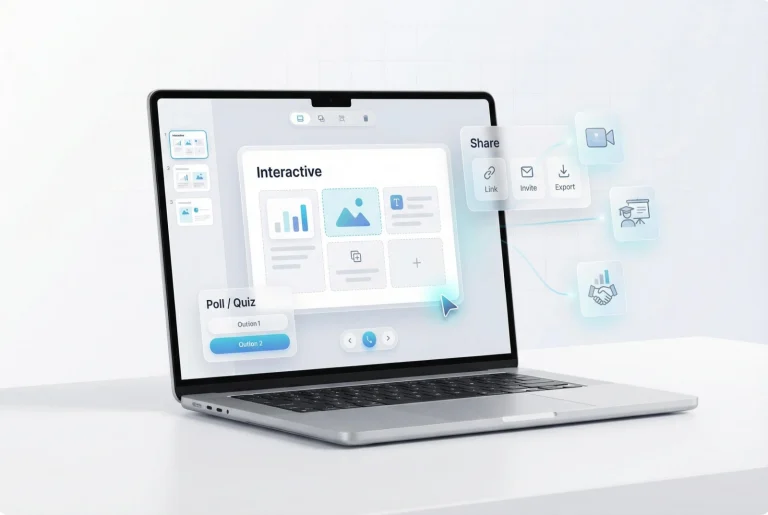
How to Make Interactive Slides Using AiPPT.com
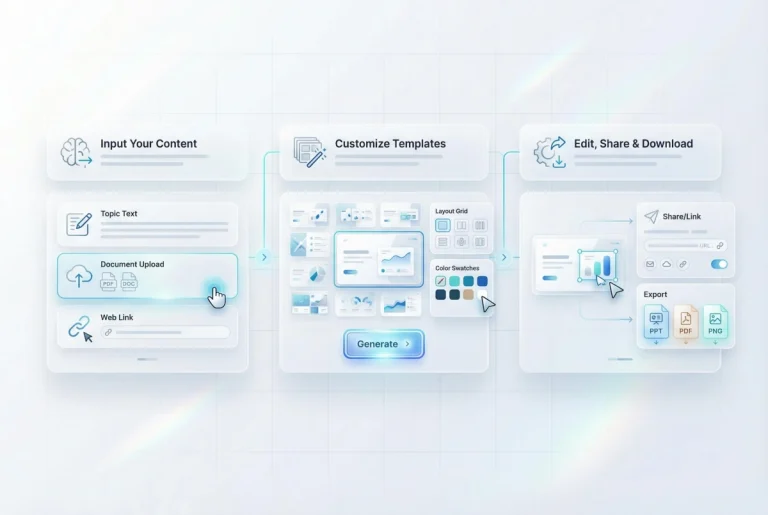
Step 1: Input Your Content
Step 2: Customize Templates
Select a template, adjust layouts and colors to match your presentation goals, and click the “Generate” button.
Step 3: Edit, Share & Download
Features of AiPPT.com Interactive Presentation Tool
Turn Data and Statistics into Clear Slides

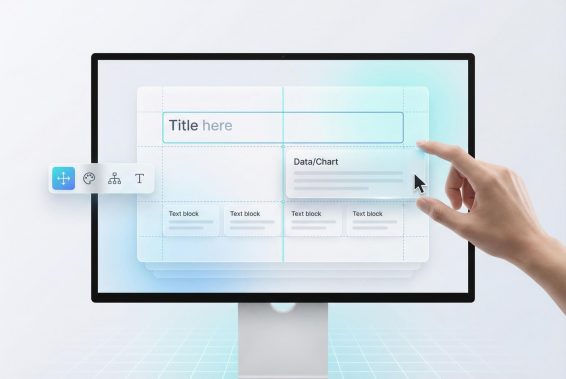
Customizable Layouts Without Design Skills
Simple and Intuitive Slide Editing Experience

Why Choose AiPPT.com to Make Interactive Web Presentations
Scalable Workflows
AiPPT.com handles both quick slide updates and larger interactive presentation projects, adapting smoothly as content volume or team size increases.
Faster Creation
With automated layouts and visuals, AiPPT.com cuts down manual steps and helps you build interactive slides in far less time.
Cross-Device Access
Because AiPPT.com runs fully online, you can create and edit interactive presentations on any device without installing software.
Content Accuracy
Built-in structure keeps text, data, and visuals aligned, helping maintain accuracy throughout edits, updates, and exports.
Link-Based Sharing
Instead of sending large files, AiPPT.com lets you share interactive slides through simple links for faster access.
Watermark Free
All exported slides remain clean and professional, with no watermarks to distract from your interactive presentation content.
Frequently Asked Questions
What are interactive presentation elements in a presentation?
How can I create an interactive presentation to wow audiences?
-
Upload or paste your content into AiPPT.com.
-
Choose a template built for interactive slides.
-
Let AiPPT.com generate layouts, charts, and visuals automatically.
-
Edit text, visuals, and structure as needed.
-
Share the presentation link or download it as PPT, PDF, or PNG.
Which is the best interactive presentation tool for teachers?
Is there a platform for analytics on presentation engagement?
Turn Ideas into Interactive Presentations
Create interactive presentations faster with AiPPT.com using dynamic slides, clear visuals, and flexible sharing for education, business, and online delivery.
